Why This Dreamy Wallpaper Trend Is Everywhere Right Now
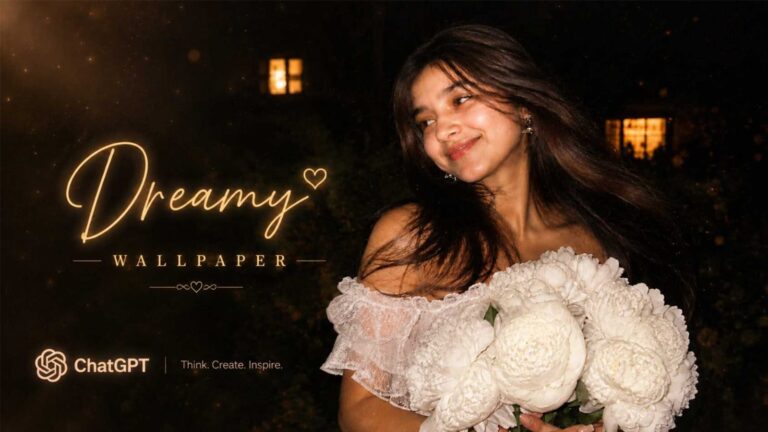
Have you seen those soft, cinematic-looking portraits filling up everyone’s Instagram and phone lockscreens these days? That is the Dreamy Wallpaper Photo Prompt trend, and it is taking over social media fast.
This trend turns a normal selfie into a moody, film-style portrait that looks like it came straight out of a movie. One style gives you a soft black and white cinematic look, and the other gives you a warm, romantic vibe with roses and candlelight. Both are perfect for wallpapers, profile pictures, or just showing off on your story.
At RonyTica, we keep bringing you these kinds of trending AI photo prompt ideas so you never miss out on what is going viral. In this post, we are sharing two full dreamy wallpaper photo prompt styles that you can use with ChatGPT to create stunning, aesthetic portraits in minutes.
Which AI Tool Works Best For This
For this dreamy wallpaper photo prompt trend, ChatGPT gives the most natural and realistic result. It understands lighting, mood, and facial detail really well, which is exactly what this soft cinematic style needs.
If you don’t have access to ChatGPT, you can also try this Gemini photo prompt style, or even the Nano Banana AI prompt tool, since both can handle detailed portrait prompts too. But for the smoothest skin tones and natural shadows in this trend, ChatGPT stays the top pick.
On RonyTica, we always test our prompts across different AI tools before sharing them, so you get the version that actually works.
How To Create These Dreamy Wallpaper Portraits
Using this AI wallpaper prompt for ChatGPT is simple. Just follow these steps for each style below.
Style 1: Soft Black and White Cinematic Portrait
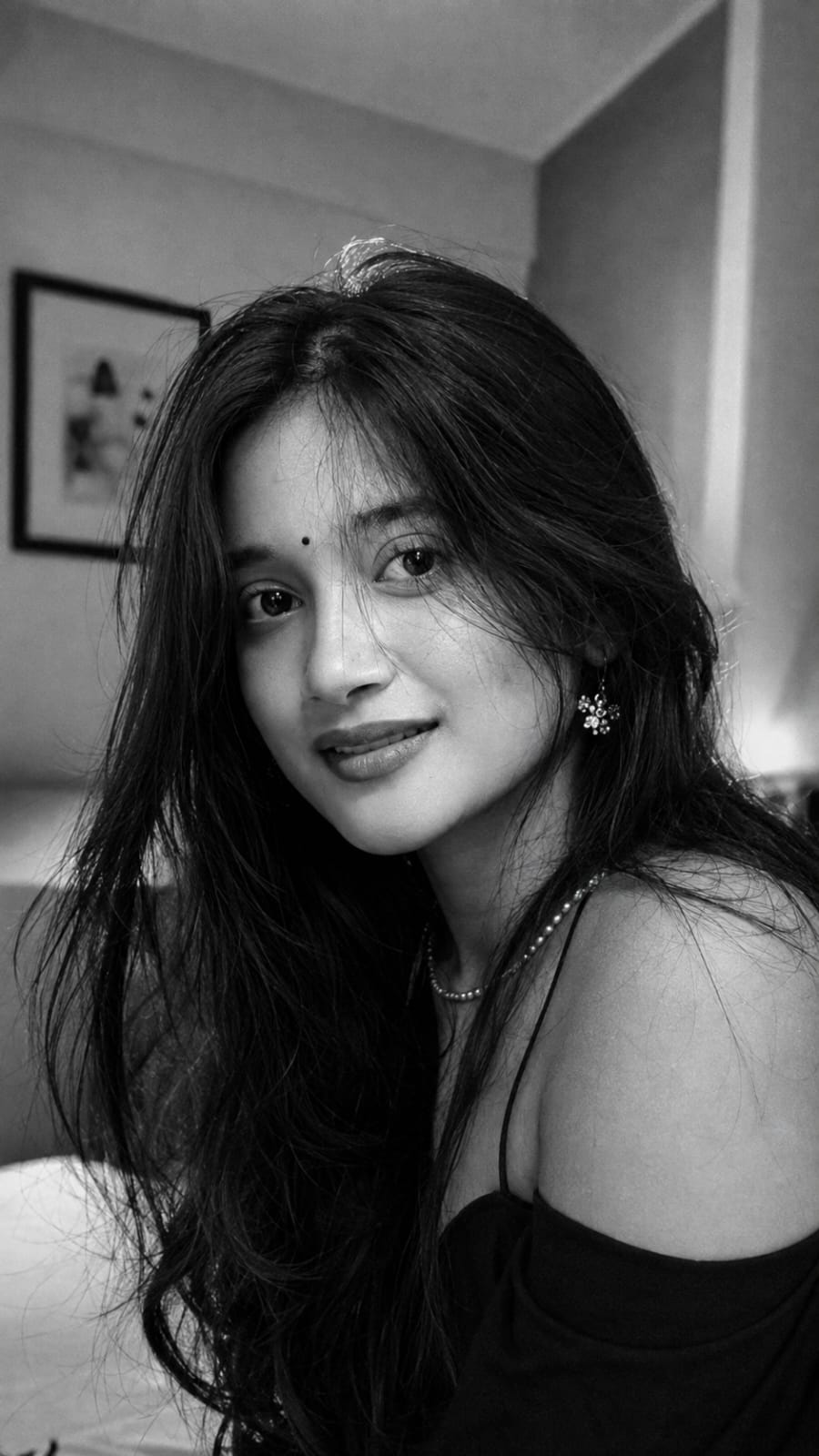
This one gives you a moody, film-style black and white portrait with soft window light and a blurred bedroom background. It has that cozy, candid feel, like a still from an indie movie.
To use it, open ChatGPT’s image tool and paste the prompt (you will find the full prompt in the prompt box below this article on RonyTica). You can either generate it fresh or upload your own photo first for a more personal touch. Wait a few seconds, and your dreamy black and white wallpaper is ready.
Style 2: Warm Romantic Portrait With Roses
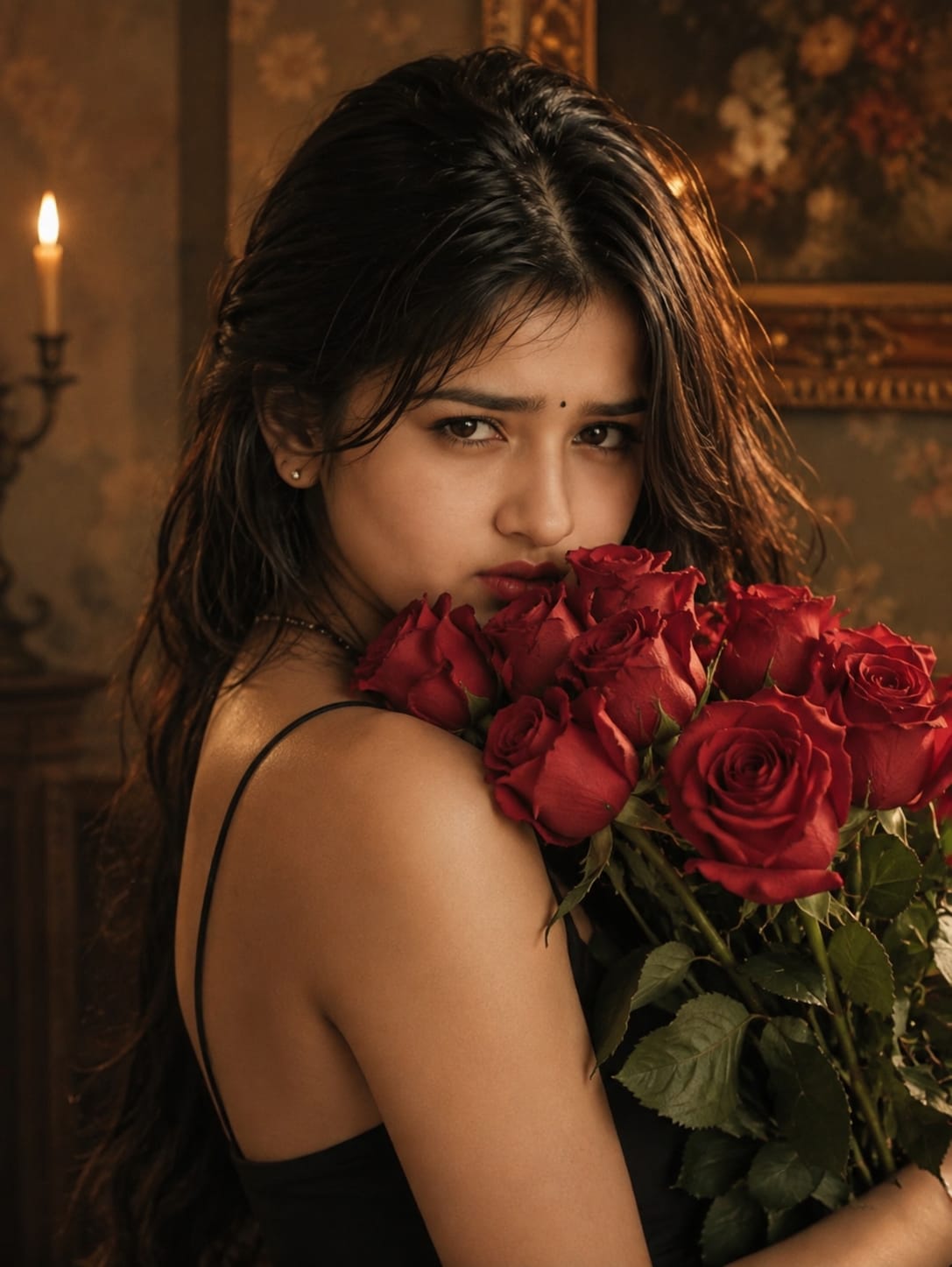
This second style has a totally different mood. Think warm golden light, a vintage wall background, a candle glowing in the corner, and a bunch of red roses held close to the face. It feels rich, cinematic, and a little mysterious.
Same process here. Copy the prompt from the box on this page, paste it into ChatGPT, and let it generate. If you are using your own photo, make sure it is a clear, well-lit picture so the AI can keep your face looking natural.
Tips Before You Try This Prompt
For the Black and White Style
- Use a photo where your face is clearly visible and not too dark
- Avoid busy backgrounds if you are uploading your own picture, since a simple background gives a cleaner result
- If the first result looks too sharp or too smooth, ask ChatGPT to add “natural skin texture” for a more real look
For the Rose Portrait Style
- Pick a photo with soft lighting already, this helps the AI blend the warm tones better
- If you want a more dramatic look, mention “deeper shadows” in your follow-up message
- Try both close-up and slightly wider framing to see which suits your face shape more
RonyTica always recommends testing a prompt two or three times, since small wording changes can shift the final look a lot.
Best Settings For Each Style
Style 1: Black and White Cinematic Portrait
| Setting | Recommended Value |
|---|---|
| Aspect Ratio | 9:16 (vertical, perfect for wallpaper) |
| Style | Cinematic black and white, film grain |
| Lighting | Soft natural window light |
| Background | Blurred indoor bedroom setting |
| Best Use | Phone wallpaper, Instagram story |
Style 2: Warm Romantic Rose Portrait
| Setting | Recommended Value |
|---|---|
| Aspect Ratio | 9:16 or 4:5 |
| Style | Warm cinematic, vintage tone |
| Lighting | Golden-orange side lighting with candle glow |
| Background | Vintage wall with soft framed art |
| Best Use | Wallpaper, profile picture, festive posts |
Common Mistakes People Make With This Prompt
A lot of people copy paste an AI photo prompt without checking the small details, and end up disappointed with the result. Here are a few mistakes to avoid:
- Skipping the aspect ratio: If you don’t mention 9:16, your wallpaper might come out in the wrong shape for your phone screen.
- Uploading a blurry or dark photo: The AI can only work with what you give it, so a clear photo always gives a better output.
- Not asking for adjustments: If the lighting or skin tone looks off, don’t just accept the first result. Ask ChatGPT to fix specific parts.
- Ignoring the mood keywords: Words like “cinematic,” “soft light,” or “warm tone” matter a lot. Removing them can make the image look flat.
- Using the exact same prompt for every face: Every photo is different, so small tweaks are often needed to get a natural, personalized result.
Why You’ll Love This Prompt
This dreamy wallpaper photo prompt trend is loved so much because it turns any ordinary photo into something that feels premium and artistic, without needing a professional camera or studio lighting. Both styles here give a completely different mood, so you can pick whichever fits your vibe on that day.
Whether you want that soft, emotional black and white look or a warm, romantic feel with roses and candlelight, these prompts give you wallpaper-ready results in just a couple of minutes. That’s exactly why RonyTica keeps curating these trending prompt ideas, so you always have something fresh to try and share.
Frequently Asked Questions
1. Can I use my own photo for this dreamy wallpaper photo prompt?
Yes, both styles work great with your own uploaded photo. Just make sure the picture is clear and well-lit for the best result.
2. Which AI tool gives the best result for this trend?
ChatGPT is the most recommended tool for this prompt, though Gemini and Nano Banana can also give decent results.
3. Is this prompt free to use?
Yes, if you already have access to ChatGPT’s image generation feature, you can use this prompt at no extra cost.
4. What size should I choose for my wallpaper?
A 9:16 vertical ratio works best since it fits most phone screens perfectly.
5. Can I mix both styles into one photo?
It’s better to try them separately first, since each style has a very different lighting and mood. Once you like the results, you can experiment with combining elements.
Final Thoughts
That’s a wrap on this dreamy wallpaper photo prompt guide. Both the soft black and white cinematic look and the warm rose-filled portrait are super easy to create and look absolutely stunning as wallpapers or profile pictures.
Head over to the prompt box below this article on RonyTica to copy both full prompts, and don’t forget to explore more trending AI photo prompt ideas on our site. Try it out, and let your next wallpaper turn heads!