


Rose bouquet photos are everywhere on Instagram and Pinterest right now, and this aesthetic rose image prompt is the reason behind it. If you have seen soft, golden portraits where a person is holding a big bunch of red roses close to their chest, with sunlight falling on their face, this is exactly that trend.
The best part about this rose bouquet AI photo prompt is that it is not only for girls or only for boys. The same prompt idea works for both, so anyone can try it and get a romantic, cinematic result. You do not need a real bouquet or a professional camera. Just a normal photo and the right prompt can give you a magazine-style aesthetic look.
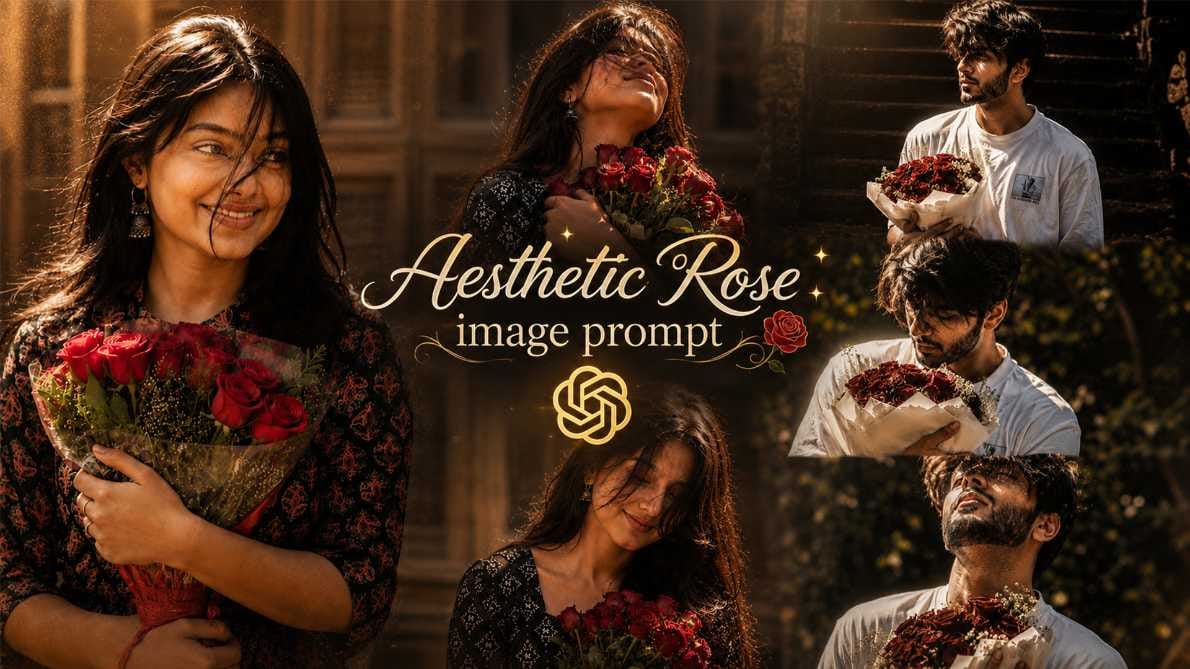
At RonyTica, we keep bringing these kinds of trending ChatGPT photo prompt and Gemini photo prompt ideas so that you never miss a viral trend. In this article, we will show you how this cinematic rose portrait prompt works, which AI tool gives the best result, and what mistakes to avoid so your photo looks natural and not fake.
Which AI Tool Works Best for This Rose Prompt
For this aesthetic rose image prompt, ChatGPT gives the most natural and detailed result. It understands lighting, mood, and human expression very well, which is important for this kind of romantic, cinematic photo.
You can also try this prompt on Gemini if you want a slightly different style output. Some other AI image tools also support photo-to-photo editing, but ChatGPT remains the top choice for creators making this viral rose bouquet photo trend for Instagram Reels and Stories.
The good thing is, this is a single AI photo prompt for boys and AI photo prompt for girls both. One prompt, two different outcomes, depending on who is using it.
How To Use This Rose Bouquet Prompt
Using this ChatGPT rose photo prompt is simple, even if you have never tried AI photo editing before.
- Open ChatGPT (or your preferred AI photo tool) on your phone or laptop.
- Upload a clear photo of yourself as the base reference.
- Paste the prompt given in the box below into the chat.
- Wait for the AI to generate your rose bouquet portrait.
- Check the result, and if needed, regenerate for a better output.
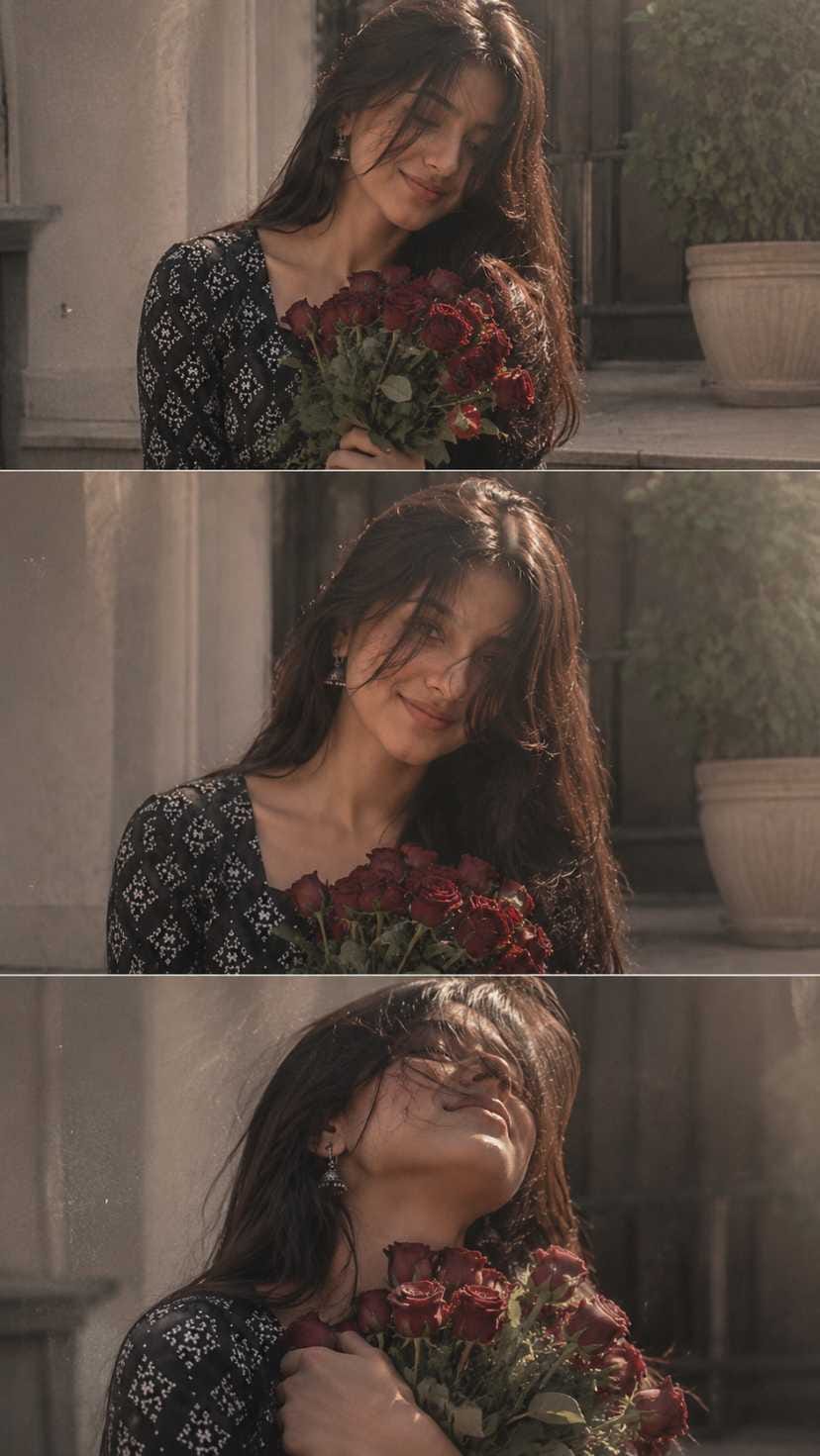
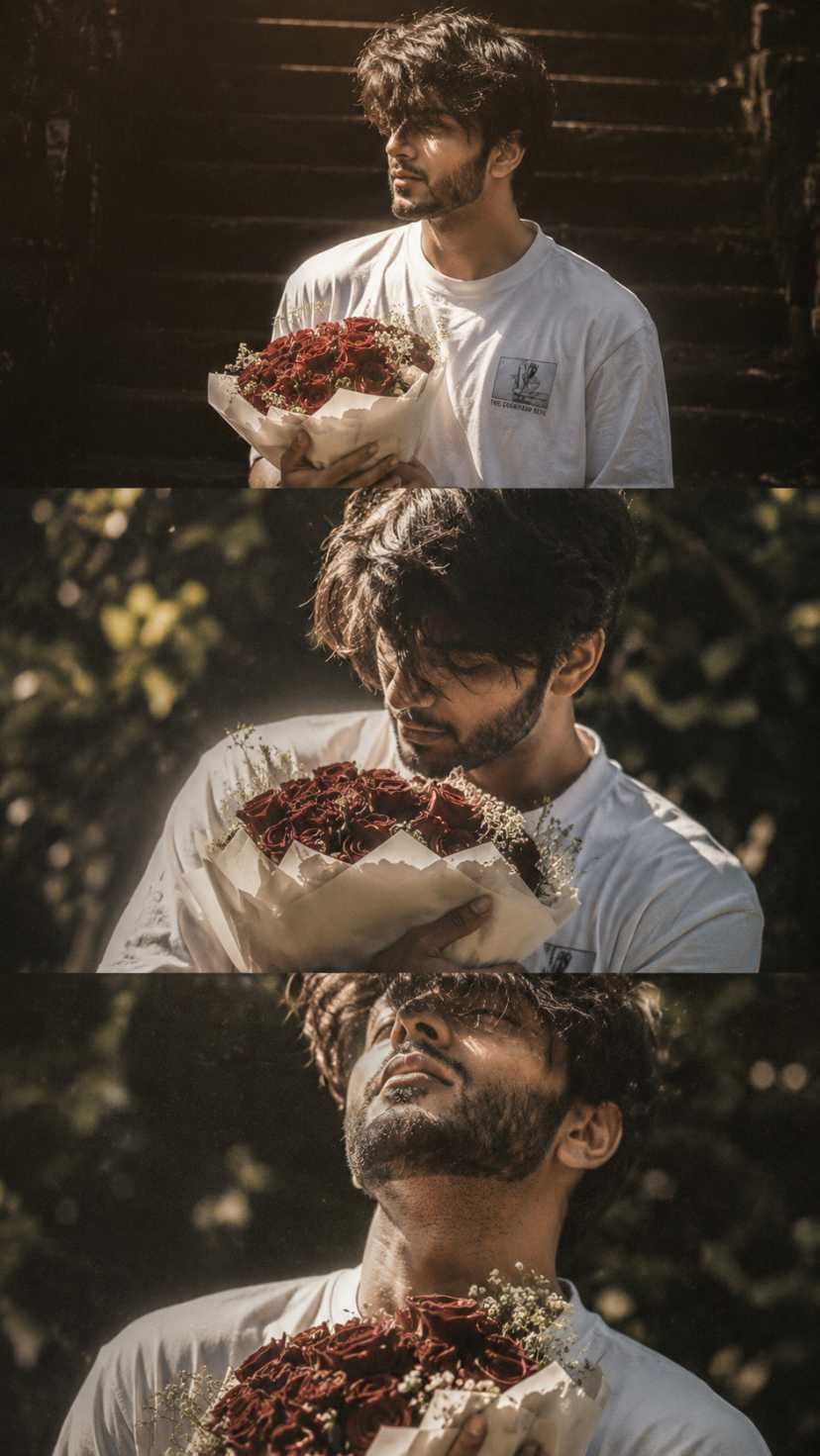
This same process works whether you are a boy or a girl, since the prompt is designed to adjust automatically to the person in your reference photo.
Tips Before Using This Prompt
Before you generate your photo, keep these small things in mind so the final result looks premium and not messy.
- Use a photo where your face is clearly visible, not blurry or dark.
- Natural daylight photos give the best base for this cinematic style.
- Avoid heavily filtered or edited reference photos, as AI reads the original details better.
- If you are trying multiple styles or variations of this trend, keep your original photo saved separately.
- A plain or simple background in your reference photo often gives a cleaner final result.
Best Settings For This Aesthetic Rose Prompt
| Setting | Recommended Value |
|---|---|
| Aspect Ratio | 9:16 (best for Reels & Stories) |
| Visual Style | Cinematic with film grain |
| Lighting | Natural sunlight / golden hour |
| Color Tone | Muted, soft, romantic |
| Best AI Tool | ChatGPT (Gemini also supported) |
Common Mistakes To Avoid
Many people don’t get the expected result because of small errors while using this AI photo prompt with roses.
- Using a very low-quality or pixelated source photo.
- Choosing the wrong aspect ratio, which ruins the Reels/Stories format.
- Editing the AI output too much afterward, which removes the natural cinematic feel.
- Not mentioning enough detail in the prompt, leading to an inaccurate output.
- Expecting the exact same face structure without using a proper reference photo.
Why You Will Love This Rose Bouquet Prompt
This cinematic rose portrait prompt has become popular for a reason. It gives a dreamy, romantic look that fits perfectly with today’s aesthetic content style on Instagram and Pinterest.
Since this is one of the rare prompts that works for both boys and girls, you don’t need to search separately for gender-specific prompts. The soft lighting, muted tones, and film grain effect give your photo a premium, magazine-style quality without any professional photography setup. It’s also flexible, so you can try multiple styles and variations of this same concept to keep your content fresh.
Frequently Asked Questions
Which AI is best for the aesthetic rose image prompt?
ChatGPT gives the most realistic and detailed output for this rose bouquet trend, though Gemini also supports similar prompts.
Can boys and girls both use the same rose bouquet prompt?
Yes, this rose bouquet AI photo prompt is designed to work for both, giving a personalized cinematic result based on your reference photo.
Do I need a real rose bouquet for this photo?
No, you only need your own photo. The AI adds the bouquet, lighting, and cinematic effect for you.
Is this AI photo prompt free to use?
Most AI tools like ChatGPT offer free access with limited generations. For unlimited or faster results, some tools offer paid plans.
What is the best aspect ratio for this rose photo trend?
9:16 works best since this trend is mainly shared on Instagram Reels and Stories.
Conclusion
This aesthetic rose image prompt is one of the easiest ways to create a viral, romantic AI photo without needing any professional setup. Just a good reference photo and the right prompt can give you that soft, cinematic rose bouquet look everyone is loving right now.
Keep visiting RonyTica for more trending AI photo prompts, video prompts, and editing templates, so you never miss out on what’s going viral next.

THE SAME PERSON HOLDING THEM IN THEIR HANDS. THE BOTTOM FRAME IS A CLOSE-UP PORTRAIT OF THE SAME PERSON, THEIR HEAD THROWN BACK, EYES CLOSED, CLUTCHING THE SAME BOUQUET OF ROSES TO THEIR CHEST. IN ALL FRAMES, THEIR HAIR FALLS OVER PART OF THEIR FACE, OBSCURING IT SLIGHTLY. THE COLOR PALETTE IS MUTED WITH DELICATE TONES. THE OVERALL STYLE EVOKES ROMANCE. THERE IS VISIBLE FILM GRAIN. SUNLIGHT HITS EACH FRAME. EVERY FRAME HAS A CINEMATIC EFFECT WITH ADDED GRAIN, 9:16
Ronytica.Com