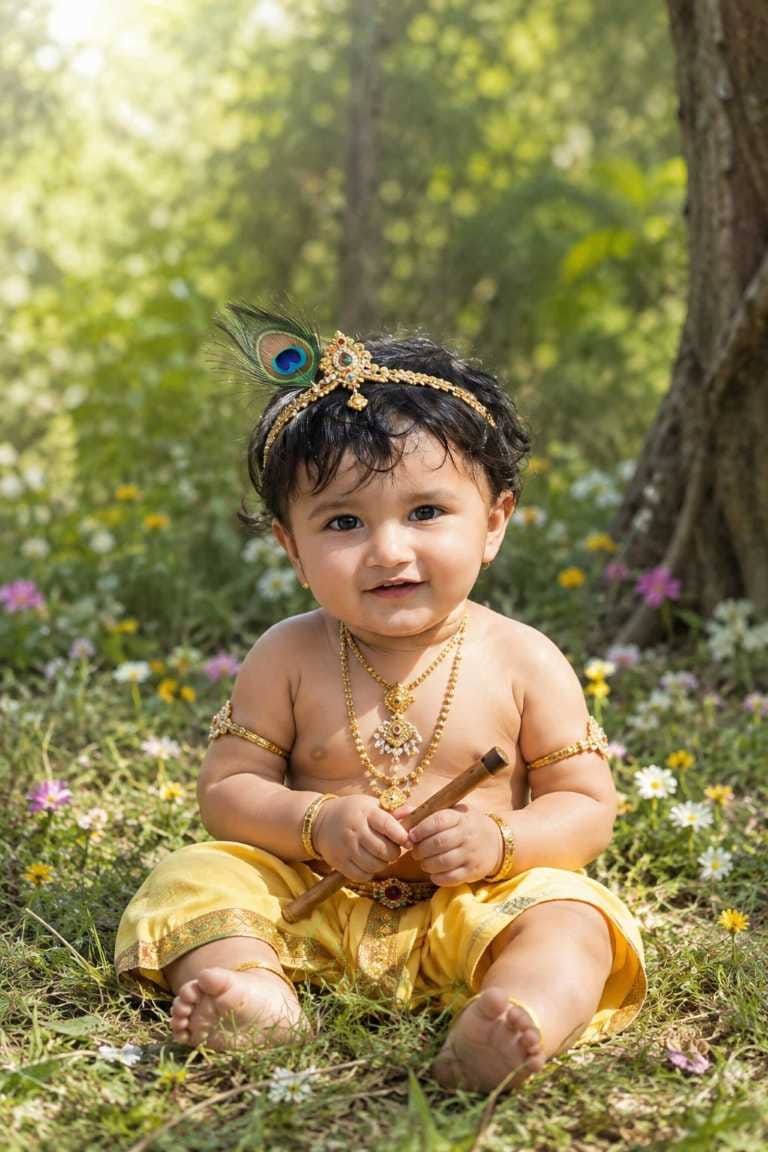
Every year, Krishna Janmashtami brings out the same festive spirit flowers, diyas, butter pots and small kids dressed up as little Bal Gopal. But this year, something new has joined the celebration. Parents all over social media are turning their baby’s photo into a stunning Baby Krishna AI photo, without any costume shopping or studio booking.
This Janmashtami AI photo trend has become a big hit on Instagram and Facebook. All you need is one clear photo of your child and a good AI photo prompt, and tools like ChatGPT can turn it into a divine, festival-ready picture in just a few minutes. No professional camera, no makeup artist, no waiting for a photographer slot.
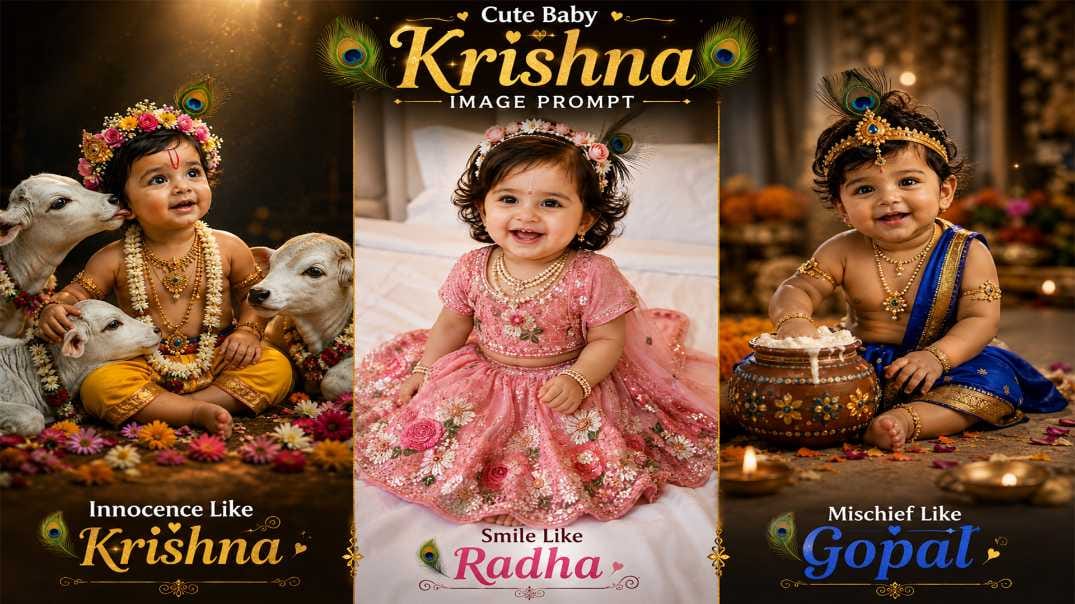
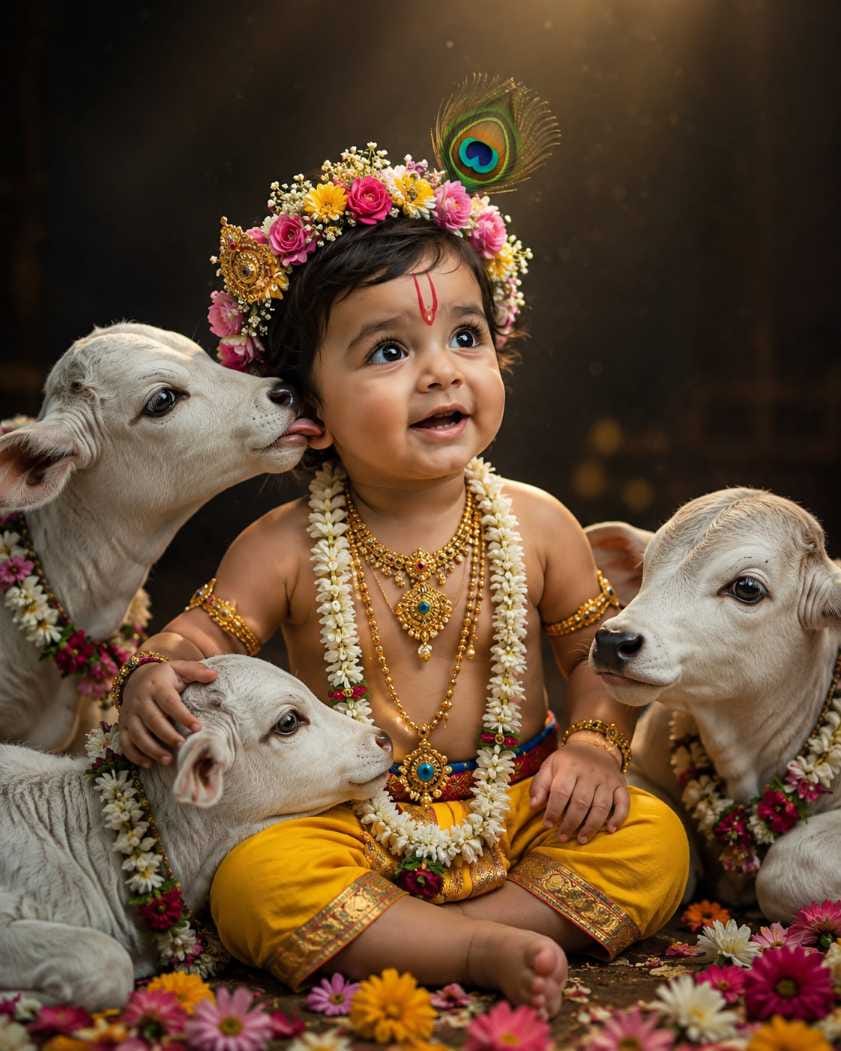
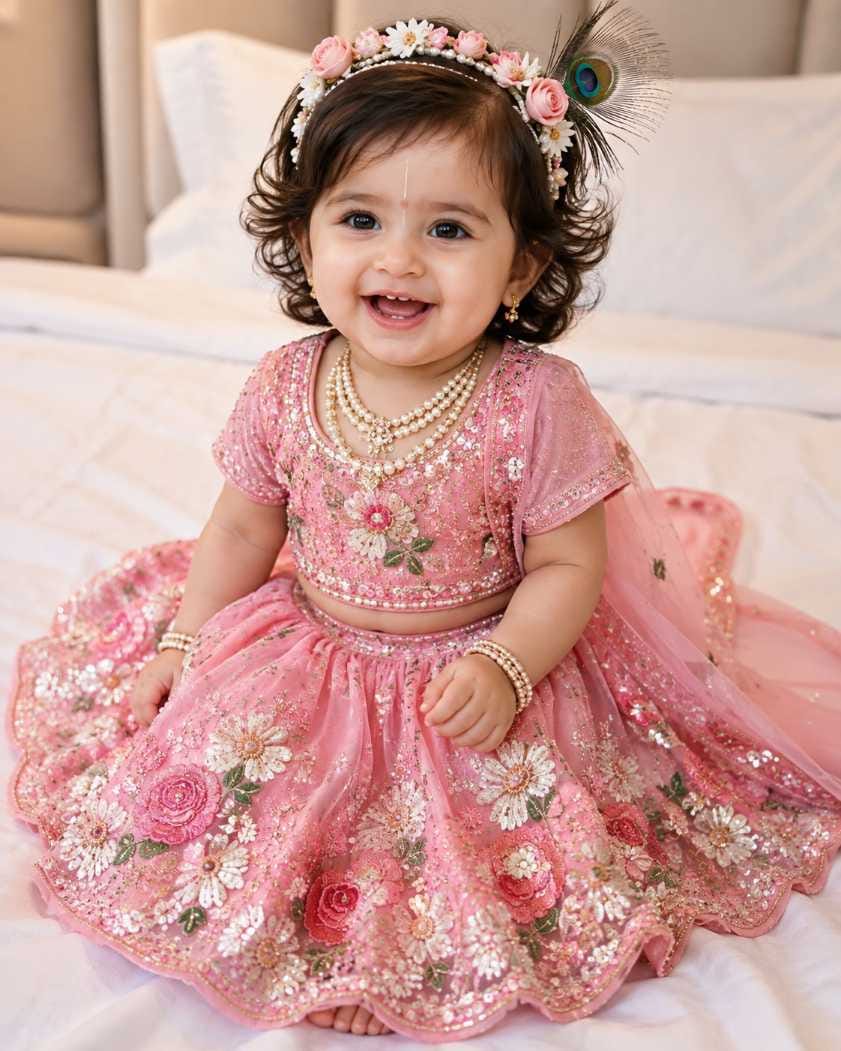
In this article, RonyTica brings you some of the most loved and trending Janmashtami AI photo prompts for babies and kids. From a cute Baby Krishna surrounded by calves to a little Radha in a pink lehenga, these prompt ideas will help you create adorable, shareable photos this festive season. Keep reading to know which AI tool works best, how to use these prompts the right way, and some useful tips before you start.
Which AI Tool Works Best For This
For this kind of Krishna Janmashtami AI photo prompt, ChatGPT gives the most natural and detailed results. It understands small details like jewellery, dhoti colour, flower crown design and background mood very well, and it keeps the baby’s face close to the original photo.
Apart from ChatGPT, Gemini is also a good option if you want to try a different style or compare results. Some people also try other AI photo tools available online, but ChatGPT and Gemini remain the most popular choices for this kind of baby AI photo prompt right now.
Step-by-Step Way to Create These Photos
Creating your own Baby Krishna AI photo is very simple, even if you have never used an AI tool before. Just follow these steps :
- Open ChatGPT (or Gemini) on your phone or laptop.
- Upload a clear, front-facing photo of your baby or child.
- Copy any one prompt from the prompt boxes given below in this article.
- Paste the prompt along with the uploaded photo and send it.
- Wait a few seconds while the AI generates your festive picture.
- Download the final image and share it on WhatsApp, Instagram or Facebook.
That’s it. You don’t need any editing skill or design background to create these AI photo edits for Krishna Janmashtami.
Things to Keep in Mind Before You Start
- Choose a photo where your baby’s face is clearly visible, without shadows or blur.
- A front-facing photo with good natural light always gives a better result.
- Avoid photos where the baby is wearing sunglasses, a cap or anything covering the face.
- If the first result doesn’t look right, try generating again AI tools sometimes need a second try.
- Keep the background of your original photo simple, this helps the AI focus only on the face.
- Don’t upload a group photo. A single, clear photo of the baby works best.
Best Style Settings for Each Prompt
| Prompt Style | Best For | Aspect Ratio | Mood/Lighting |
|---|---|---|---|
| Baby Krishna with Calves | Boys | 4:5 | Soft dramatic, dark background |
| Baby Girl Radha Lehenga | Girls | 4:5 | Soft indoor, bright and warm |
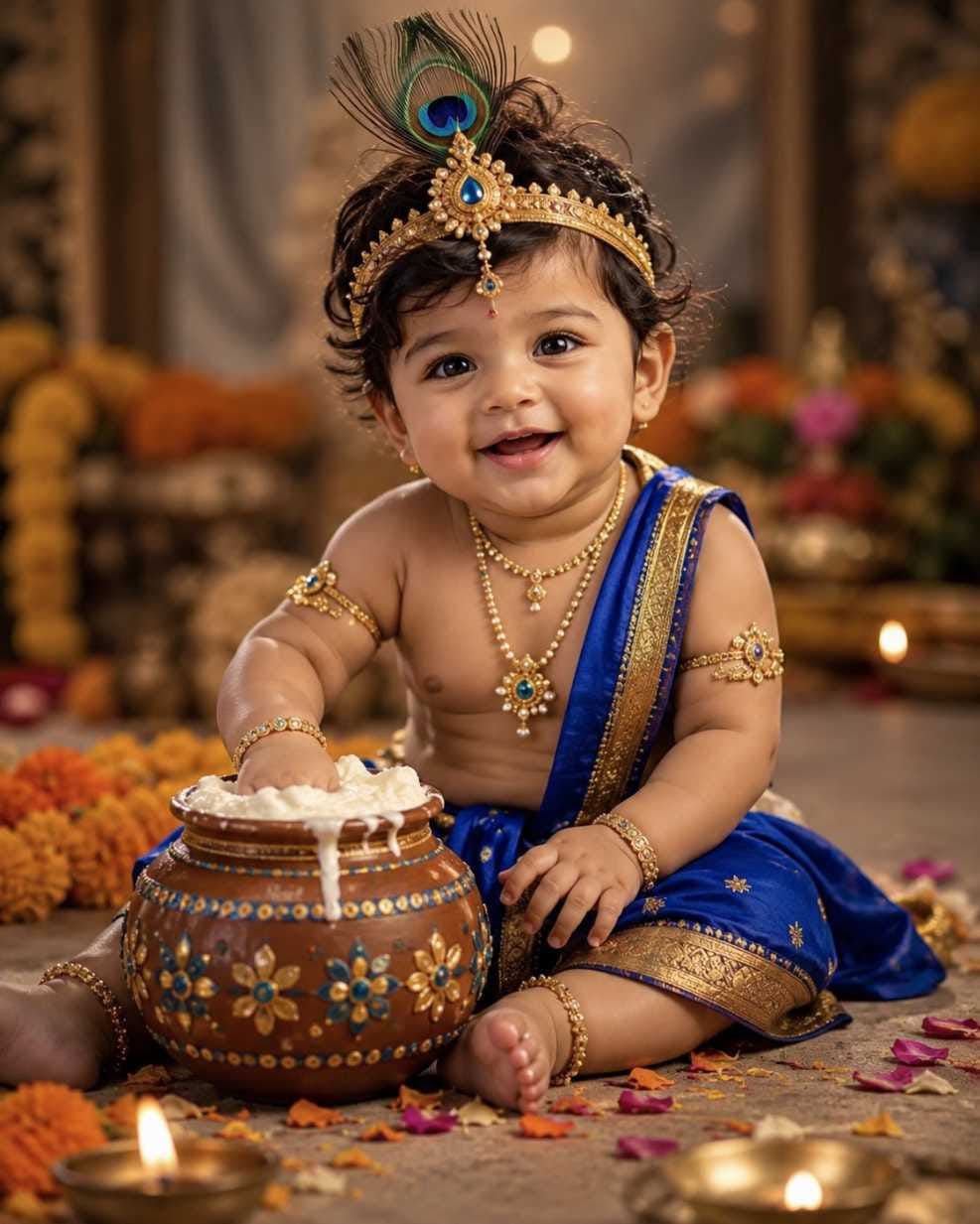
| Bal Gopal with Butter Pot | Boys/Unisex | 4:5 (vertical) | Warm cinematic, diya glow |
| Bal Gopal in Garden | Boys/Unisex | 4:5 | Natural morning sunlight |
Mistakes Most People Make
- Using a blurry or low-light photo and expecting a sharp result.
- Not mentioning “keep the same face” in the prompt, which can change the baby’s features.
- Copying only half the prompt and skipping important details like jewellery or background.
- Uploading a photo where the baby is looking away from the camera.
- Expecting the exact same result every time AI photos can look slightly different in each try.
Why Parents Are Loving This Trend
This trend gives every parent a chance to see their child as a little Bal Gopal without any costume rental or salon visit. It’s quick, low-cost, and the results look genuinely festive and shareable. Whether it’s for a Janmashtami greeting, a WhatsApp DP, or just a cute keepsake, these AI photo prompts turn an ordinary baby photo into something truly special for the festival.
Frequently Asked Questions
Q1. Which AI tool is best for baby Krishna AI photos?
ChatGPT is currently the most reliable option for this kind of prompt, though Gemini also gives good results.
Q2. Can I use my baby’s real photo safely for this?
Yes, but always use a clear photo and avoid sharing sensitive personal details in the prompt.
Q3. Do I need to pay to use these prompts?
No, you can use the free version of ChatGPT or Gemini, though results may vary based on the tool’s current version.
Q4. Will the AI photo look exactly like my baby?
It will closely resemble your baby’s face if the reference photo is clear, but small differences can appear since it’s AI-generated.
Q5. Can I use these prompts for a baby girl too?
Yes, the Baby Girl Radha Lehenga prompt is made specially for that, and you can also tweak other prompts for a girl.
Q6. What size photo should I use for Instagram?
A 4:5 vertical ratio works best for Instagram feed posts, which is why most of these prompts use that format.
Q7. Can I create more than one style from the same photo?
Yes, you can try all four prompt styles using the same baby photo and pick your favourite result.
Q8. Is it fine to use these for Instagram Reels or Stories?
Yes, the final image can be used in Reels, Stories or even as a WhatsApp status for Janmashtami wishes.
Final Thoughts
Krishna Janmashtami AI photo prompts have made it so easy for every parent to create adorable, festival-themed pictures of their little ones. With just one photo and a good prompt from ChatGPT, you can bring home a Baby Krishna or Radha look without any hassle. Try out all four prompt styles shared in this article, and don’t forget to visit RonyTica for more trending AI photo prompt ideas every festive season.