


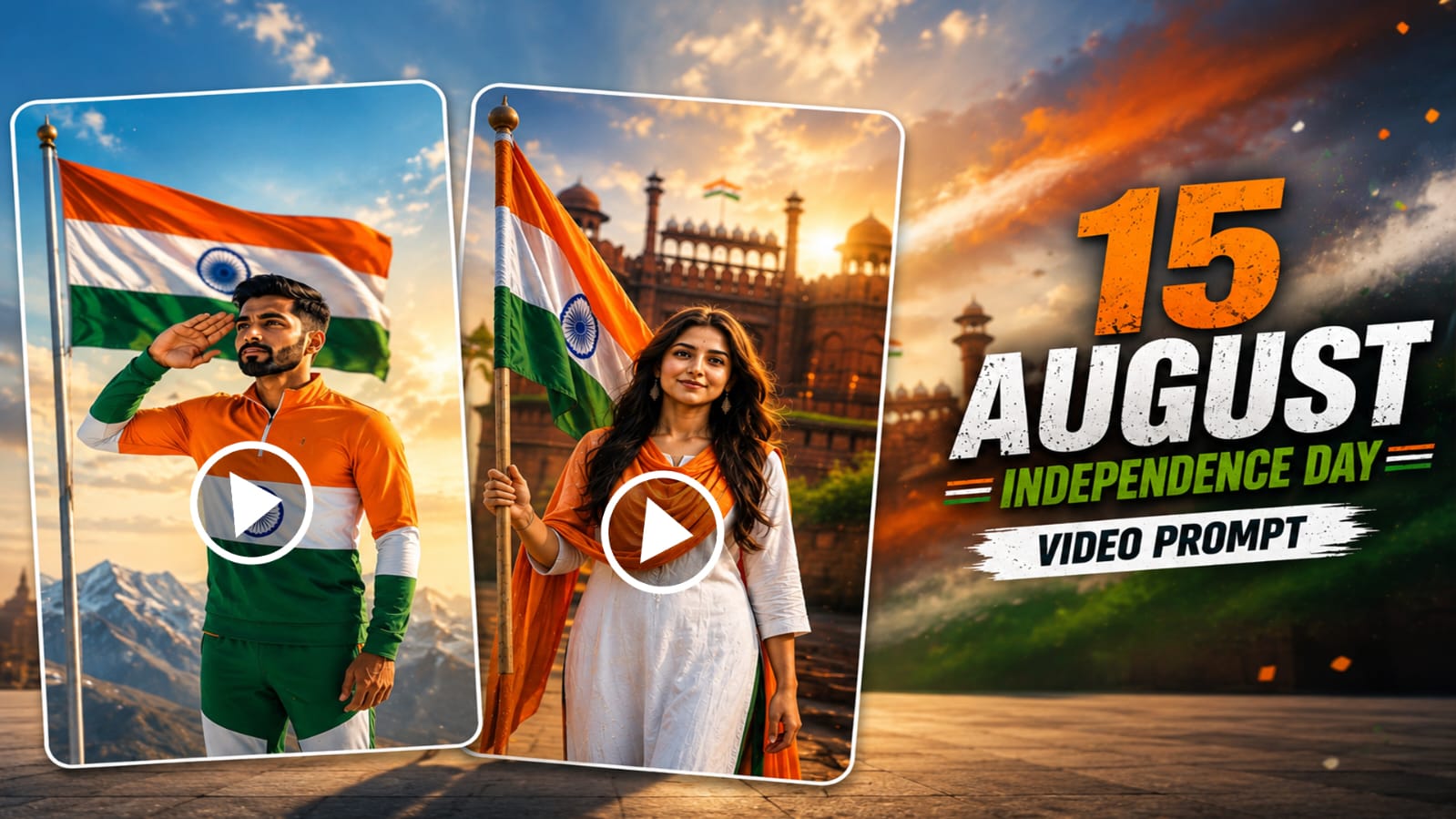
Independence Day is one of the most emotional and proud moments for every Indian, and this year you can celebrate it in a completely new way. With 15th August AI video editing, you can turn a single photo into a full cinematic patriotic video without touching a camera or editing software. This trend is going viral on Instagram and YouTube because it feels personal, emotional, and premium at the same time.
On RonyTica, we always try to bring you the latest and most trending AI prompts before everyone else, and this Independence Day AI video editing trend is no different. Whether you want to see yourself walking at India Gate, holding the tricolor at Red Fort, or standing on a snowy mountain with the flag waving behind you, this guide will show you exactly how to do it using AI.
The best part is that this is a Type B (Direct Video) prompt, which means you only need one photo and one prompt. No image editing skills, no complicated software, and no waiting. Just upload your photo, paste the prompt, and let AI create a cinematic Independence Day video that looks like real camera footage.
Which AI Tool Supports This Independence Day AI Video Editing Trend
This prompt style works best with advanced AI video generation tools that support Direct Video generation from a single photo, such as Google’s Veo 3 and similar Gemini-powered video models. These tools are specially good at keeping your face and identity consistent across the whole video, which is very important for a project like this.
At RonyTica, we always test our prompts on the most reliable AI video tools before sharing them with you, so you don’t waste your credits or time on tools that don’t support Direct Video generation properly.
What You Need
- A clear, front-facing photo of yourself (good lighting, no filters)
- Full-body photo works better if you want walking or standing scenes
- A stable internet connection for video generation
- Access to an AI video tool that supports Direct Video (Type B) generation
- A little patience, since cinematic AI videos can take a few minutes to render
How To Use
- Open your AI video generation tool of choice.
- Upload your clear photo as the identity reference.
- Copy one of the prompt variations below into the prompt box.
- Adjust aspect ratio to vertical (9:16) if you want to post on Instagram Reels or YouTube Shorts.
- Generate the video and wait for AI to process it.
- Download your final Independence Day cinematic video.
Below are three different prompt variations you can try for this 15th August AI video editing trend. Each one gives a different cinematic feel, so pick the one that matches your vision.
Tips Before Using
- Use a photo where your face is clearly visible and not covered by sunglasses or a cap.
- Avoid heavily filtered or edited photos, since AI needs your real facial features for accurate identity lock.
- If your tool supports negative prompts, always add them to avoid a fake or CGI-looking face.
- Keep your outfit simple in the original photo since AI will change clothing based on the scene.
- Generate one prompt variation at a time to save credits and compare results properly.
Best Settings/Style Options
- Resolution: 4K or highest available
- Aspect Ratio: 9:16 for Reels/Shorts, 16:9 for YouTube
- Style: Photorealistic / Cinematic, not anime or illustration
- Lighting: Natural / Golden hour for the most patriotic feel
- Camera Style: Slow cinematic movement, drone shots for the ending
Common Mistakes
- Uploading a blurry or low-quality photo, which leads to identity distortion
- Using a group photo instead of a solo, clear photo
- Skipping the negative prompt, which often results in a plastic or CGI-looking face
- Choosing the wrong aspect ratio for the platform you’re posting on
- Expecting the AI to keep the exact same outfit from your original photo
Why You’ll Love This
This trend lets you become the hero of your own patriotic short film without hiring a videographer or learning editing software. It’s emotional, shareable, and perfect for Independence Day posts that stand out from typical flag-filter photos. With RonyTica’s tested prompts, you get a head start on a trend that’s about to blow up across Instagram and YouTube this 15th August.
FAQ
Q1: Do I need a professional photo for this AI video editing trend?
No, a clear and well-lit photo from your phone is enough.
Q2: Can I use this prompt for both men and women?
Yes, the prompt works for any gender as long as the photo is clear.
Q3: Which AI tool works best for this 15th August AI video editing trend?
Tools that support Direct Video (Type B) generation with strong identity lock, like Veo 3-based platforms, work best.
Q4: Can I combine two prompt options into one video?
It’s better to generate them separately for best quality, then edit them together later if needed.
Q5: Will the AI keep my exact face and body shape?
Yes, these prompts are written with strict identity lock instructions to preserve your real facial features.
Q6: Is this trend only for Independence Day?
While it’s designed for 15th August, you can adapt the concept for Republic Day or other patriotic occasions too.
Q7: What aspect ratio should I use for Instagram Reels?
Use 9:16 vertical format for the best results on Reels and Shorts.
Conclusion
The 15th August AI video editing trend is one of the most exciting ways to celebrate Independence Day this year, and with these three prompt variations from RonyTica, you have everything you need to create a stunning patriotic video. Pick your favorite scene, upload your photo, and let AI turn you into the hero of your own Independence Day film. Don’t forget to check RonyTica regularly for more trending AI prompts before they go viral everywhere else.
15 August
Biplob mondal