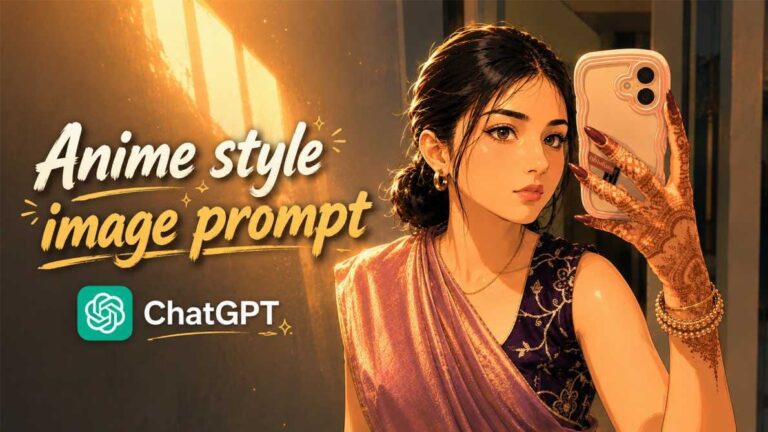
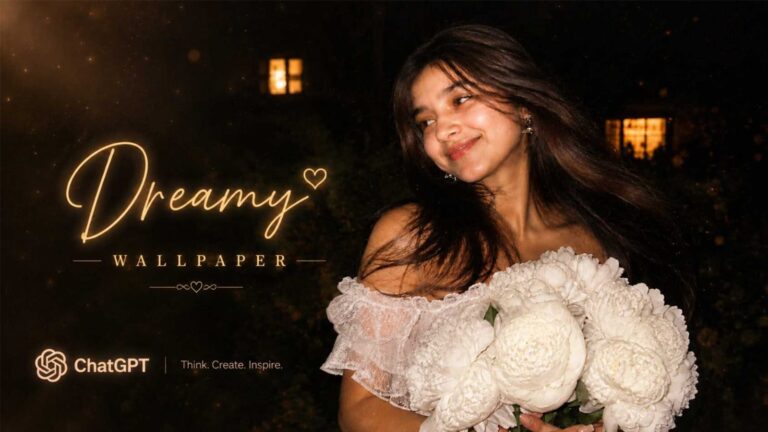
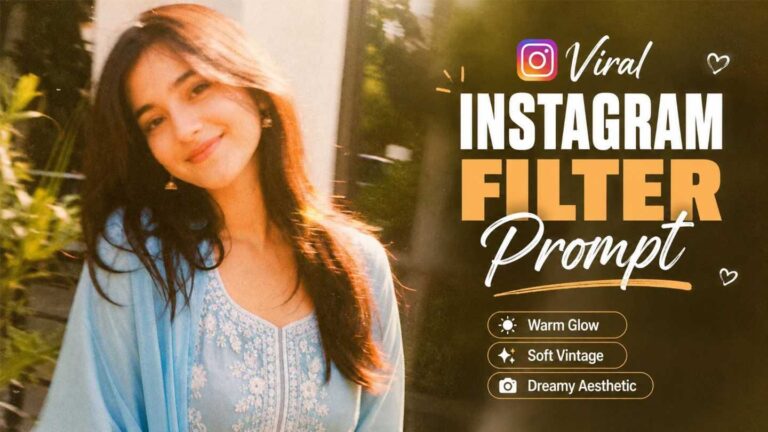
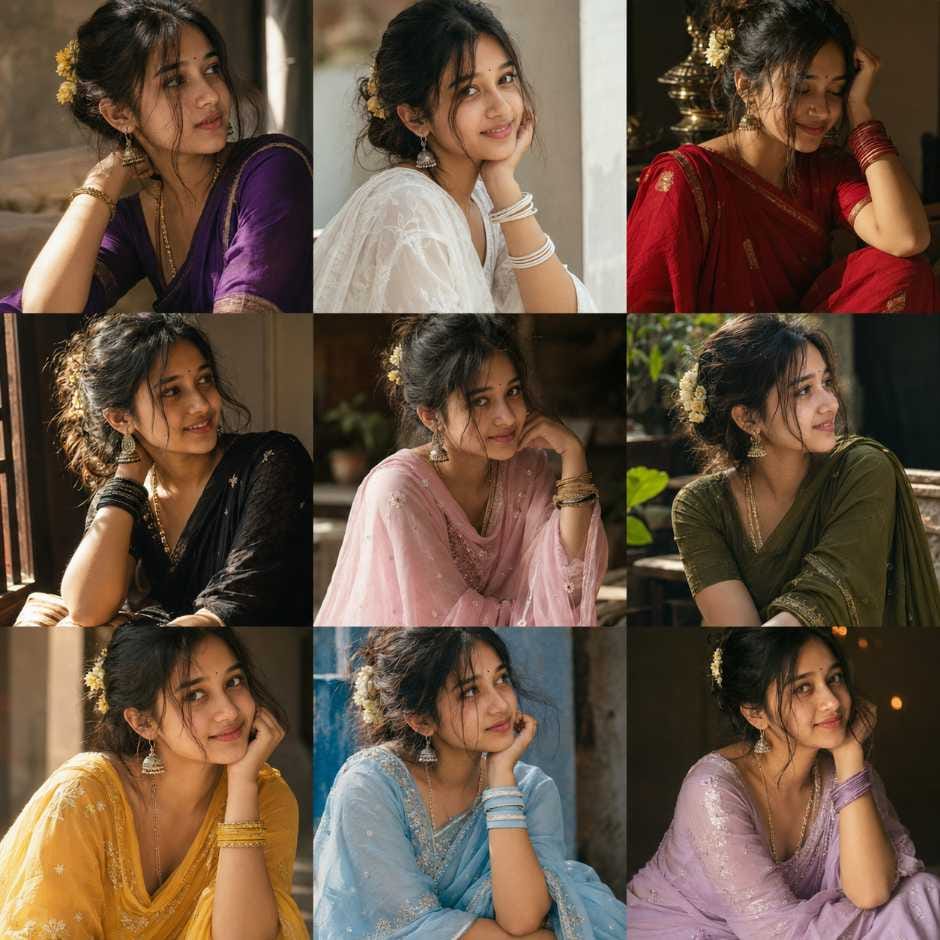
Have you seen those beautiful 3×3 photo grid pictures on Instagram and Facebook, where the same person is shown in 9 different colourful outfits? This is one of the biggest AI photo collage prompt trends going viral right now, and the best part is, you don’t need a photographer or fancy editing skills to create it.
With just one photo collage prompt, ChatGPT can turn a single photo into a full 9-panel grid collage, showing you in 9 different traditional outfits with cinematic lighting and a soft, dreamy background. Boys can try the kurta version, and girls can try the saree version, both giving a premium, magazine-style look.
In this RonyTica guide, we will show you everything about this trending photo collage prompt style, how ChatGPT creates it, tips to get the best results, common mistakes to avoid, and answers to the most common questions. By the end, you will know exactly how to use this prompt and create your own viral 3×3 photo grid collage.
Which AI Tool Works Best for This Photo Collage Prompt
For this photo collage prompt, ChatGPT (with its image generation feature) gives the most realistic and detailed result. It understands complex instructions like keeping the same face, same hairstyle, and same background style across all 9 panels, which is exactly what this collage prompt needs.
You can also try this prompt on Gemini, but ChatGPT is currently the most recommended tool for this kind of AI photo collage prompt because it keeps facial features and outfit details more consistent across every panel of the grid.
At RonyTica, we always test our prompts on multiple AI tools before recommending them, so you can trust that this photo collage prompt works well and gives realistic, shareable results.
How To Use This AI Photo Collage Prompt
We have two versions of this trending prompt, one for boys and one for girls. Both create a 3×3 grid collage, but the outfit style and details are different. Below is how you can use each one.
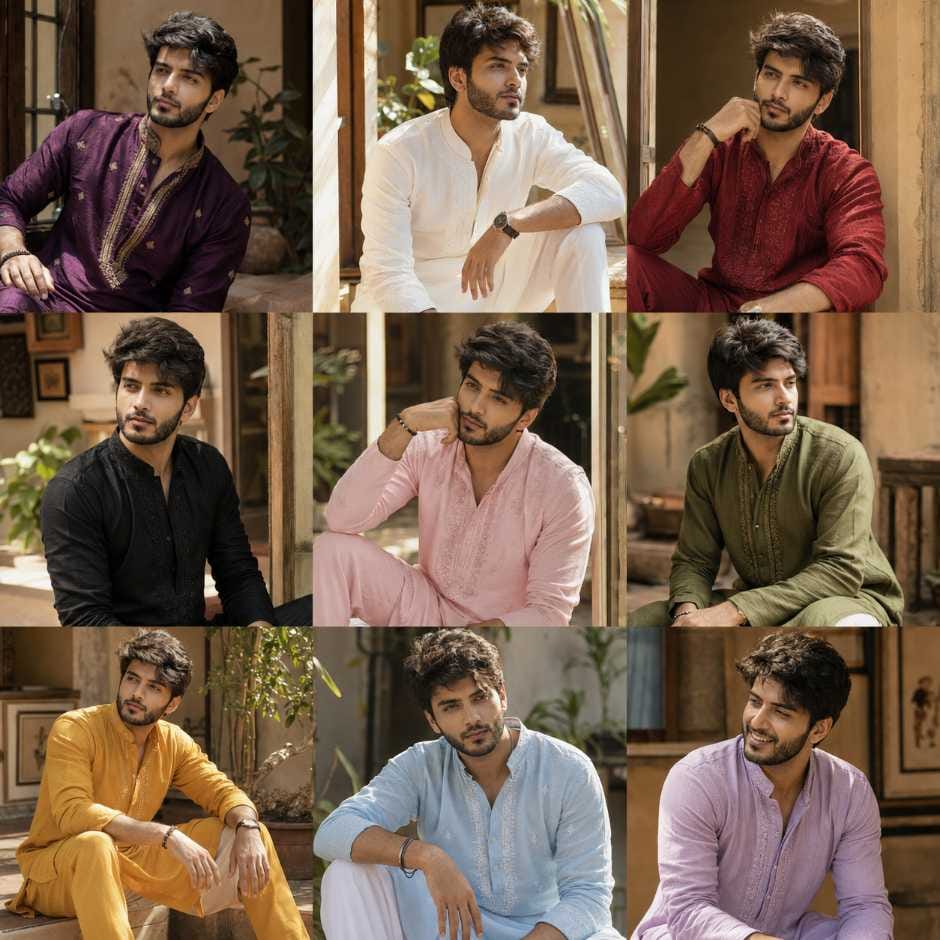
For Boys – Kurta Collage Prompt
- Open ChatGPT and start a new chat.
- Upload a clear front-facing photo of yourself. Good lighting will always give better results.
- Copy the kurta collage prompt (you will find it in the prompt box on this page) and paste it in the chat.
- Send the message and wait for ChatGPT to generate your 9-panel kurta collage.
- If the result looks slightly off, you can ask ChatGPT to regenerate the image.
For Girls – Saree Collage Prompt
- Open ChatGPT and start a new chat.
- Upload a clear, well-lit photo of yourself, preferably a close-up or half-body shot.
- Copy the saree collage prompt from the prompt box and paste it into the chat.
- Send it and let ChatGPT create your 9-outfit saree grid collage.
- You can regenerate the image if any panel does not look natural.
Tips Before Using This Photo Collage Prompt
- Always use a clear, high-quality photo. Blurry or dark photos will give a messy grid collage.
- A front-facing photo with visible face features works best for this AI photo collage prompt.
- Avoid photos where you are wearing sunglasses, caps, or heavy filters, as this can confuse the AI.
- If your first result is not perfect, regenerate 2 to 3 times. ChatGPT often improves the collage on the next try.
- This viral Instagram collage prompt looks best when posted as a single square post, since the 3×3 grid fits perfectly on Instagram.
- Keep your original photo saved separately, in case you want to try other RonyTica prompts later.
Best Settings for This Photo Collage Prompt
| Setting | Recommended Option |
|---|---|
| AI Tool | ChatGPT (image generation) |
| Photo Type | Clear, front-facing, good lighting |
| Grid Style | 3×3 (9 panels) |
| Best For | Instagram post, Facebook profile grid |
| Background Style | Warm, cinematic, softly blurred |
| Alternative Tool | Gemini |
Common Mistakes to Avoid With This AI Collage Prompt
- Using a low-resolution or pixelated photo, which makes the whole grid collage look unclear.
- Uploading a group photo instead of a solo photo. This confuses the AI and can mix up faces.
- Not checking if all 9 panels have the same face and hairstyle before sharing. Sometimes AI photo grid prompt results need one regeneration to fix small mismatches.
- Sharing the collage without cropping it properly for Instagram’s square post size.
- Expecting the exact same result every time. AI tools like ChatGPT can give slightly different outputs, even with the same photo collage prompt.
Why You’ll Love This Photo Collage Prompt
This photo collage prompt gives you a premium, editorial-style photoshoot look without spending money on a photographer or studio. In just a few minutes, you get 9 different outfit looks in one aesthetic grid, perfect for Instagram, Facebook, or even as a WhatsApp DP collection.
Both the kurta version for boys and the saree version for girls keep a soft, warm, cinematic feel across all panels, which makes the final collage look natural and not overly artificial. That is exactly why this trend is going viral, and why RonyTica recommends trying it at least once.
Conclusion
This trending photo collage prompt is one of the easiest ways to create a stylish, viral-worthy 9-outfit grid using just ChatGPT and one clear photo. Whether you try the kurta version or the saree version, you get a premium editorial look in minutes.
We hope this RonyTica guide helped you understand how to use this photo collage prompt the right way. Try it out, share your results, and keep visiting RonyTica for more trending AI photo and video prompts.
Frequently Asked Questions
Simply upload your photo, paste the photo collage prompt, and send it. ChatGPT will generate a 9-panel grid collage automatically.
The best prompt is one that clearly describes keeping the same face, same hairstyle, and same background across all panels, only changing the outfit colour in each one, exactly like the RonyTica kurta and saree prompts above.
Yes, but ChatGPT currently gives more consistent results for this type of AI photo grid prompt, especially for keeping the same face across all 9 panels.
Yes, if you already have access to ChatGPT’s image generation feature, you can use this prompt without any extra cost.
AI tools do not give an identical result every time, even with the same photo collage prompt. Try regenerating with a clearer photo for a closer match.