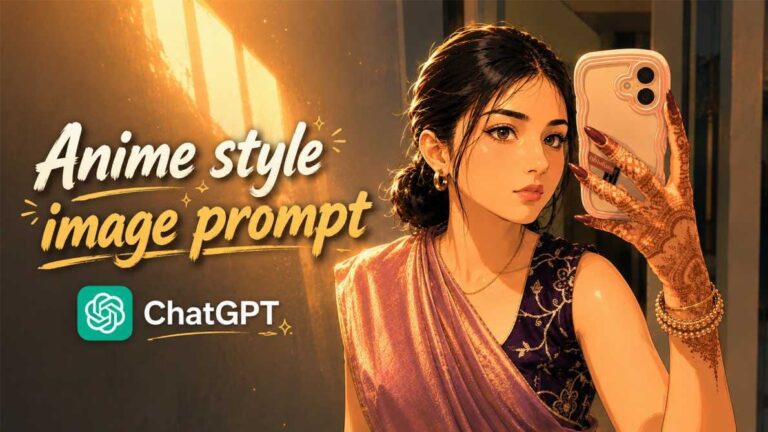
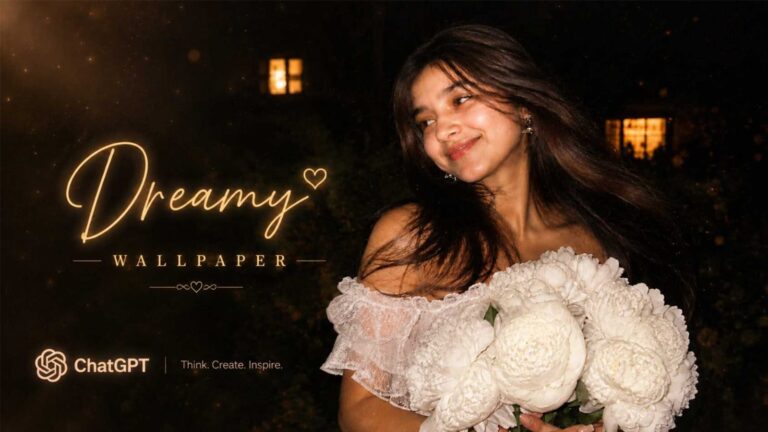
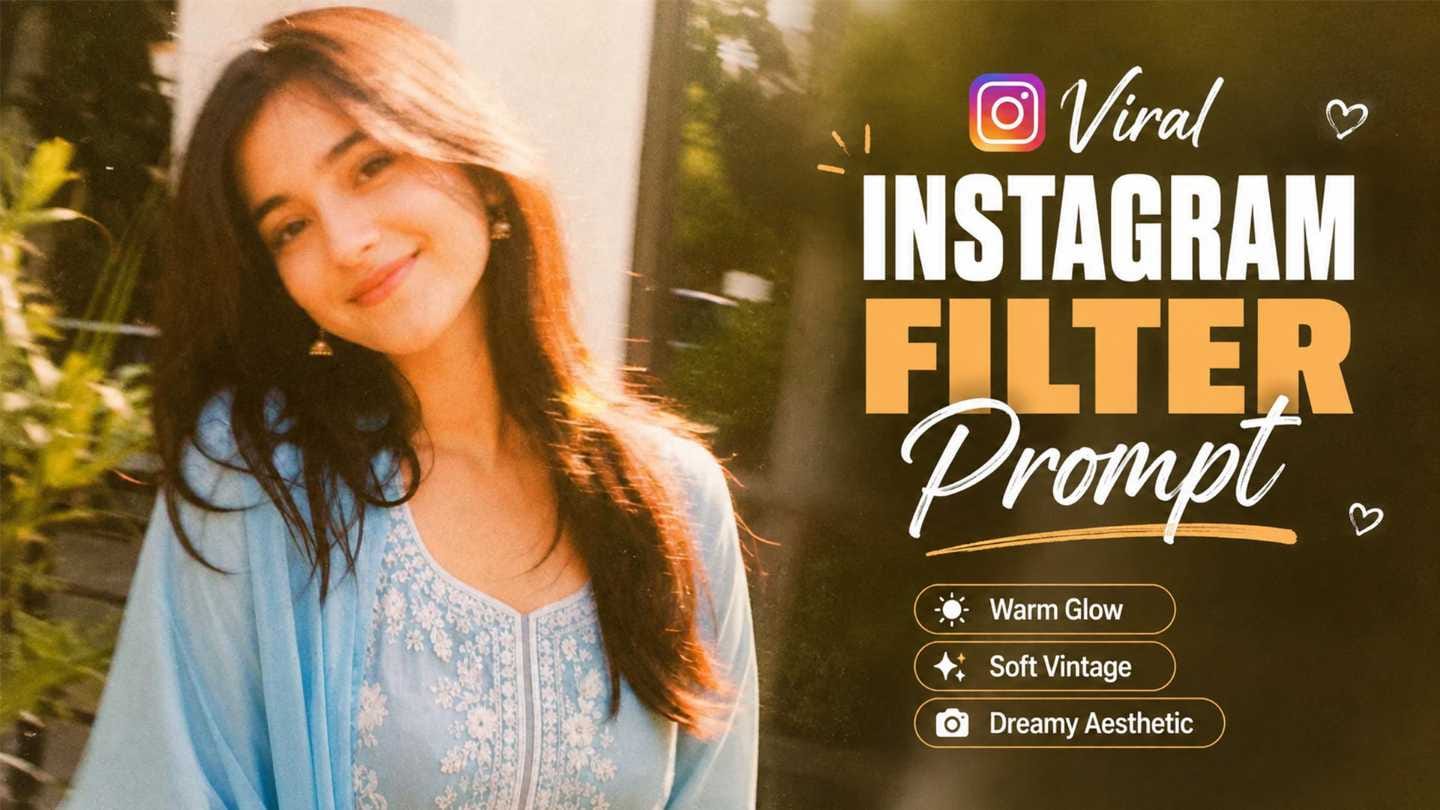
If your Instagram feed is suddenly full of dreamy, blurry-yet-beautiful vintage style photos, you are not alone. This is the new Instagram viral effect that is taking over Stories everywhere, and everyone from influencers to regular users is jumping on it. The photos look like they were shot on an old film camera, with soft motion streaks across the whole picture, warm natural light, and a nostalgic film grain feel, but the face stays clear and untouched.
The best part is that you do not need any fancy editing app or design skill to get this look. Instagram already has this feature built right into the Story section, and RonyTica is here to show you exactly how it works. This particular Instagram viral effect style focuses on a strong long-exposure motion look combined with a vintage film aesthetic, which is exactly why it is going viral across Instagram and Facebook right now. Keep reading and RonyTica will walk you through every step so you can create this trending look on your own photos in just a few minutes.
Which AI Supports This Prompt
This particular Instagram viral effect is not created using a separate AI app or website. It works directly inside the Instagram app itself, through the Story section’s built-in Effect feature, which is powered by Meta AI. Since it is already inside Instagram, you do not need to download anything extra or sign up for any other platform. Just open Instagram on your phone and you already have access to this tool. RonyTica always recommends using the latest updated version of Instagram to make sure this effect option shows up properly for you.
How To Use
Follow these simple steps to recreate this Instagram viral effect on your own photo :
- Open the Instagram app and go to the Story section, the same place where you normally post a story.
- Select or click the photo you want to use for this effect.
- On the story editing screen, look for the Effect option and tap on it.
- Inside the Effect section, scroll down and you will find a text box that says “Change anything about your photo.”
- Tap on that box and paste the prompt given below.
- Wait a few seconds while Instagram processes your photo with the effect.
- Once it is ready, you can post it directly to your story or save it to your gallery first.
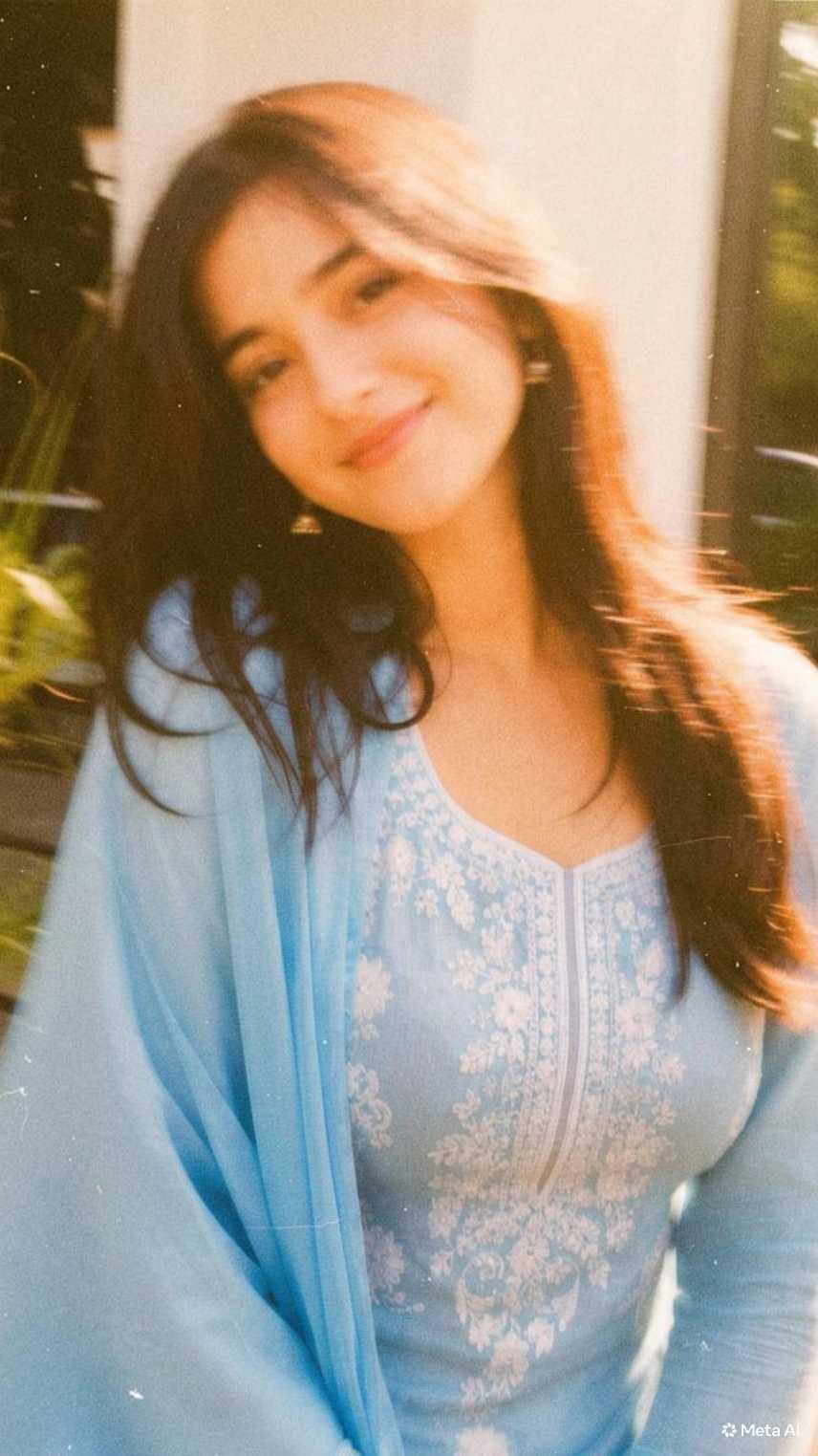
RonyTica has already tested this exact prompt, and it gives a smooth, natural motion blur look while keeping the face details safe and recognizable.
Tips Before Using
- Use a well-lit, high-resolution photo for the best result. Blurry or dark original photos will not give a clean output.
- A photo where you are already looking at the camera works better because the face stays the main focus point.
- Portrait orientation photos work best for this Instagram viral effect since it is designed for the Story format.
- Avoid photos with too many people or a very busy background, as the effect works best on a single subject.
- Try the effect two or three times if needed, since AI results can vary slightly each time.
Best Settings
| Setting | Recommended Option |
|---|---|
| Photo Orientation | Portrait (9:16) |
| Lighting | Natural daylight or golden hour |
| Background | Simple, not too crowded |
| Subject Position | Centered or slightly off-center |
| Outfit | Solid or lightly patterned clothes work best |
| Expression | Natural smile, direct eye contact |
Common Mistakes
- Using a low-quality photo: The AI needs clear detail to work with, so pixelated photos will give a messy result.
- Choosing a photo with heavy shadows on the face: This can make the final output look unnatural.
- Skipping the outdated app version: If your Instagram app is not updated, the Effect option may not appear at all.
- Not waiting for full processing: Closing the app too early can stop the effect from generating properly.
- Copy-pasting the prompt wrong: Make sure the full prompt text is copied without missing any part, or the output will not match the trend.
Why You Will Love This Prompt
This Instagram viral effect gives your ordinary photo a completely new, artistic feel without needing any editing skill. It has that dreamy, old-film camera vibe that looks premium and aesthetic on your Story or feed. Since your facial features stay untouched, you still look like yourself, just with a beautiful cinematic touch added around you. It is quick, free, and works right inside the app you already use every day, which is exactly why it has become such a huge trend. RonyTica brings you this effect early so you can be one of the first to try it before it gets even more common.
FAQ
1. Do I need to download any app for this Instagram viral effect?
No, this effect works directly inside the Instagram Story section. No extra app is needed.
2. Will this effect change my face?
No, the prompt is designed to keep your facial features unchanged while adding the motion and vintage look around you.
3. Can I use this effect on old photos?
Yes, but make sure the photo is clear and good quality for the best result.
4. Is this Instagram viral effect free to use?
Yes, it is completely free since it is built inside the Instagram app itself.
5. Why is my result looking different from others?
AI results can vary slightly based on your photo’s lighting, quality, and background, so results are never exactly identical.
6. Can I save this effect result without posting it?
Yes, you can save the edited photo to your gallery before deciding to post it.
7. Does this work on both Android and iOS?
Yes, as long as your Instagram app is updated to the latest version.
8. Where can I get more prompts like this?
RonyTica regularly shares new trending prompts, so keep visiting the AI Photo Prompt category for more.
Conclusion
This Instagram viral effect is a perfect example of how a simple built-in Instagram tool can create such a stunning, professional looking photo in seconds. With its dreamy long-exposure motion and vintage film touch, it is easy to see why it is spreading so fast across Stories right now. Just follow the steps shared by RonyTica above, paste the prompt in the right place, and your photo will be ready to turn heads. Keep following RonyTica for more such trending and viral prompts before everyone else catches on.