

Meet the Viral Girls Fashion Portrait Prompt Everyone Is Trying
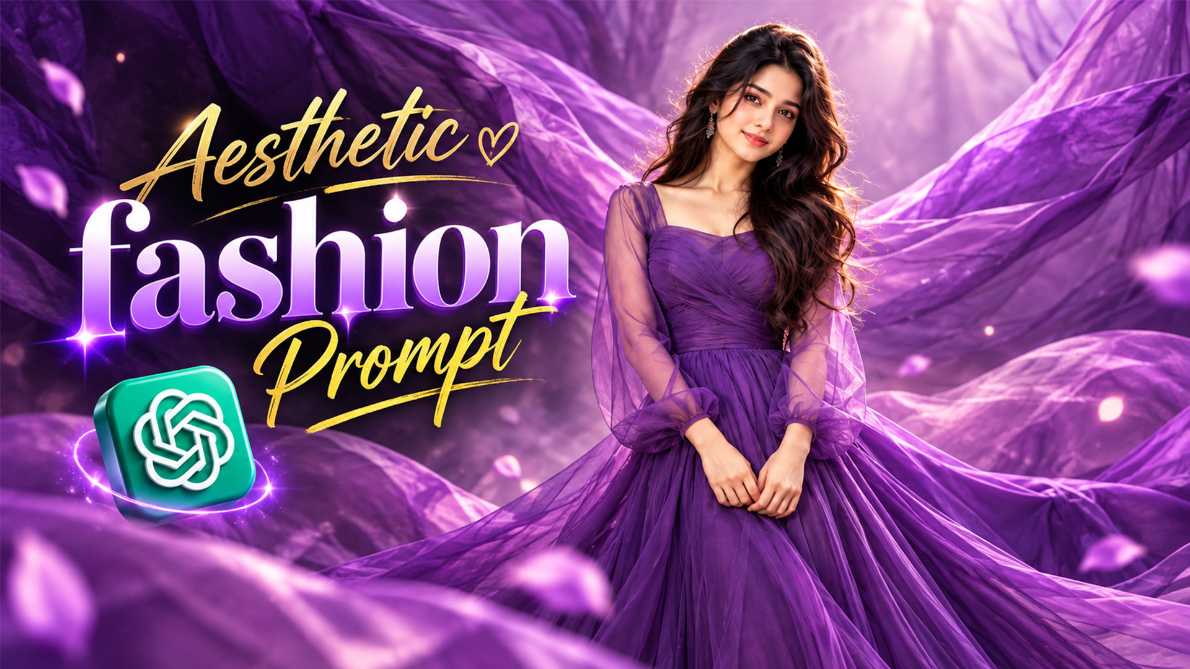
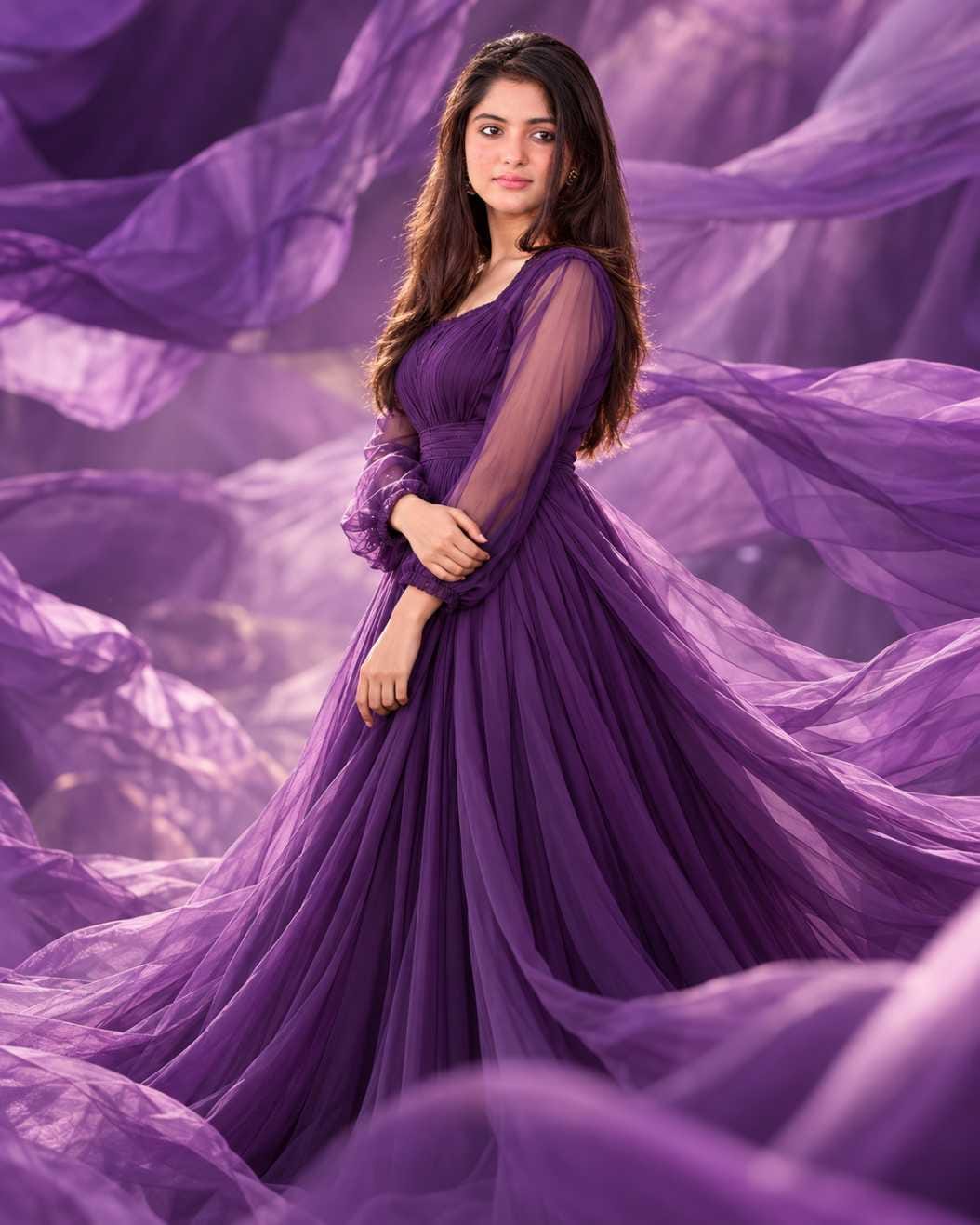
Have you seen those dreamy purple photos where a girl stands in a long, flowing gown, and soft waves of purple cloth float all around her? They look like they were shot in a big photo studio by a top fashion photographer. The good news is that you do not need a camera, a studio, or an expensive dress to get this look. You only need your own photo and the right Girls Fashion Portrait Prompt.
This prompt is going viral because it turns a simple selfie into a rich, cinematic fashion portrait in a few minutes. The gown looks light and airy, the background feels like a dream, and the face stays clear and natural. At RonyTica, we have tested this style carefully, and we are sharing everything you need to know in simple words so that anyone can try it. Below you will find the complete guide: which AI tools work, how to use the prompt, some easy tips, the best settings, common mistakes, and answers to the questions people ask most.
Which AI Tools Can Create This Fashion Portrait?
ChatGPT is the best choice for this Girls Fashion Portrait Prompt. Its image tool understands your photo well, keeps your face looking like you, and follows long instructions closely. That is why the results look clean and natural, and why most people who share this trend are using ChatGPT.
Gemini can also work if you want to try something different. Many users like to run the same ChatGPT fashion portrait prompt in Gemini and compare both results. The look may change a little from tool to tool, so it is a good idea to test both and keep the one you like more. For the most reliable result, though, start with ChatGPT.
How to Use This Girls Fashion Portrait Prompt Step by Step
Follow these simple steps and you will get your own purple fashion portrait in just a few minutes.
- Open ChatGPT on your phone or computer and make sure the image feature is available in your account.
- Choose one clear, front-facing photo of yourself. A photo with good light and a visible face works best.
- Upload your photo in the chat first.
- Copy the full prompt from the RonyTica prompt box given above.
- Paste the prompt in the same chat, along with your photo, and send it.
- Wait a few moments while ChatGPT creates your fashion portrait.
- Check the result. If the face or the gown does not look right, send the same prompt once more or ask for a small change in simple words.
- Download the image you like the most and share it with your friends.
Easy Tips to Follow Before You Start
A good result begins with a good photo. Use a picture where your face is clearly visible and not covered by hair, a hand, or sunglasses. Soft daylight near a window is better than a dark room or harsh sunlight, because even light helps the AI read your face properly.
Try to pick a photo where you are looking straight at the camera with a calm, natural look. A very tilted head or a strong side angle can change how the final portrait turns out. It also helps to wear something simple in the original photo, so that the AI can change the outfit into the flowing gown without any confusion.
Do not rush after the first image. Every time you generate, the result changes a little. Many people get their best picture on the second or third try, so keep a little patience. And remember that this Girls Fashion Portrait Prompt is made for a vertical photo, so it fits well on Instagram and Pinterest.
Best Settings for a Perfect Result
| Setting | What to Choose |
|---|---|
| AI Tool | ChatGPT (Gemini as a second option) |
| Photo Type | Clear, front-facing photo of one person |
| Photo Lighting | Soft daylight or an evenly lit room |
| Image Shape | Vertical portrait, 4:5 ratio |
| Image Quality | Highest quality available in your tool |
| Face Visibility | Full face, no sunglasses or heavy shadows |
| Number of Tries | Two to four tries for the best result |
| Best Use | Instagram posts, profile pictures, Pinterest |
Common Mistakes You Should Avoid
The biggest mistake is using a blurry or very dark photo. If the AI cannot see your face clearly, the final portrait may not look like you. Always start with a sharp and bright picture. Another common mistake is changing the prompt too much. This prompt has been written with care, so removing lines or adding too many new ideas can spoil the dreamy purple look. If you want a change, make only one small edit at a time.
Many people also forget to upload their photo before pasting the prompt. Without your photo, ChatGPT will create a completely new face instead of your own. Finally, do not use group photos. Use a picture of only one person, so the AI knows exactly whom to turn into the fashion portrait.
Why Everyone Loves This Girls Fashion Portrait Prompt
People love this prompt because the results look rich and expensive, yet the whole process is free and easy. The purple colour feels calm and royal, and the flowing gown adds a soft, dreamy touch that suits every skin tone. It gives you a studio-style photo without spending money on a photographer. The portraits also work in many places. They look great as a profile picture, an Instagram post, a birthday post, or a Pinterest board idea. And since the prompt keeps your face natural, friends and family can still recognise you in the final image. That mix of beauty and realism is what makes this one of the most loved AI portrait prompts for girls right now.
Final Thoughts on This Viral Fashion Portrait Trend
The Girls Fashion Portrait Prompt is one of the easiest ways to get a dreamy, studio-quality photo without leaving your home. With one clear selfie, the right prompt, and ChatGPT, you can create a royal purple portrait that looks truly special. Keep your photo sharp, follow the steps, and try a few times for the best result. We hope this guide from RonyTica helped you. Try the prompt today, share your result with friends, and keep visiting RonyTica for more viral AI photo prompts, video prompts, and easy tutorials.
Frequently Asked Questions
It is a ready-made text prompt that turns your normal photo into a cinematic fashion portrait. You wear a flowing gown, and the background has soft waves of cloth, all created by AI.
ChatGPT is the best choice because it follows long prompts well and keeps your face natural. You can also try Gemini and compare the results.
Yes. First upload a clear photo of yourself, then paste the prompt in the same chat. This is how the AI creates the portrait using your face.
Yes. It works on both phone and computer, as long as the image feature is available in your ChatGPT account.
This prompt is made for girls and the gown style. For other styles, you can look for different prompts on RonyTica.
Every AI result changes a little each time. Try a clearer photo, send the prompt again, and do not change the wording too much.
The prompt is free on RonyTica. Whether you can generate images for free depends on the limits of your ChatGPT or Gemini plan.
Yes. You can share it on Instagram, Facebook, WhatsApp, and Pinterest. Just make sure it is your own photo that you used.


Wow😘🥰🥰
Tufajul Hqoue