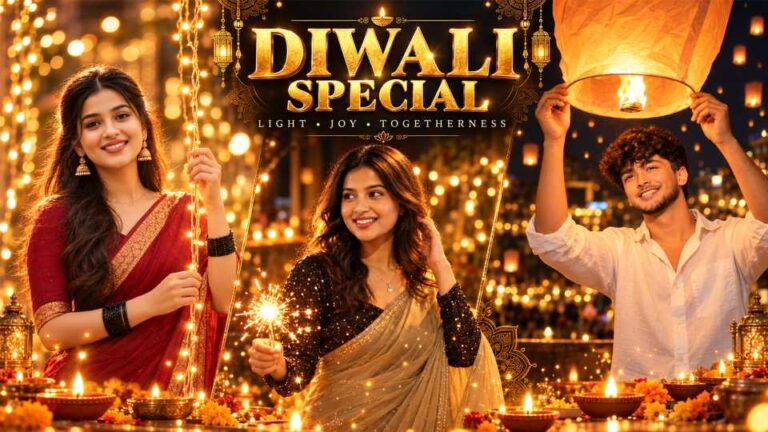
Diwali is the time when many people want a nice photo with their partner. Lights, new clothes, diyas, the whole mood. But a real photoshoot is hard. You need time, a photographer and money. Crowds, weather and travel make it worse. And getting the outfit and makeup right on the same day? Not easy.
So let AI do it from home. You upload your own photo and get a warm, glowing festival picture. Think sparklers, lanterns, fairy lights and golden light on happy faces. These Couple Diwali AI Photo Prompts work in ChatGPT. Pick one from below.
Copy the Prompt
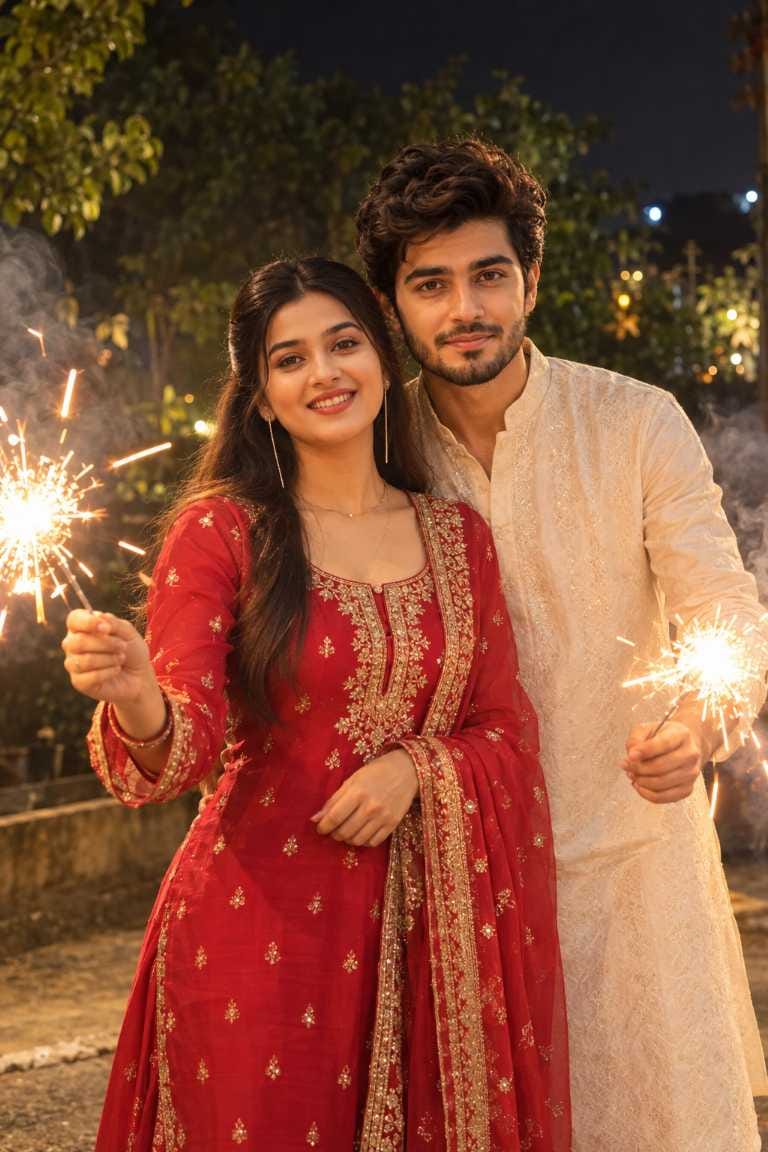
Prompt 1 is a candid night look. The woman stands in front, the man behind her, and both hold sparklers with smoke around them.
IMAGE 1: Smiling woman in a red and gold salwar suit with a bearded man in an ivory kurta behind her, both holding lit sparklers, warm light, white smoke, dark trees behind
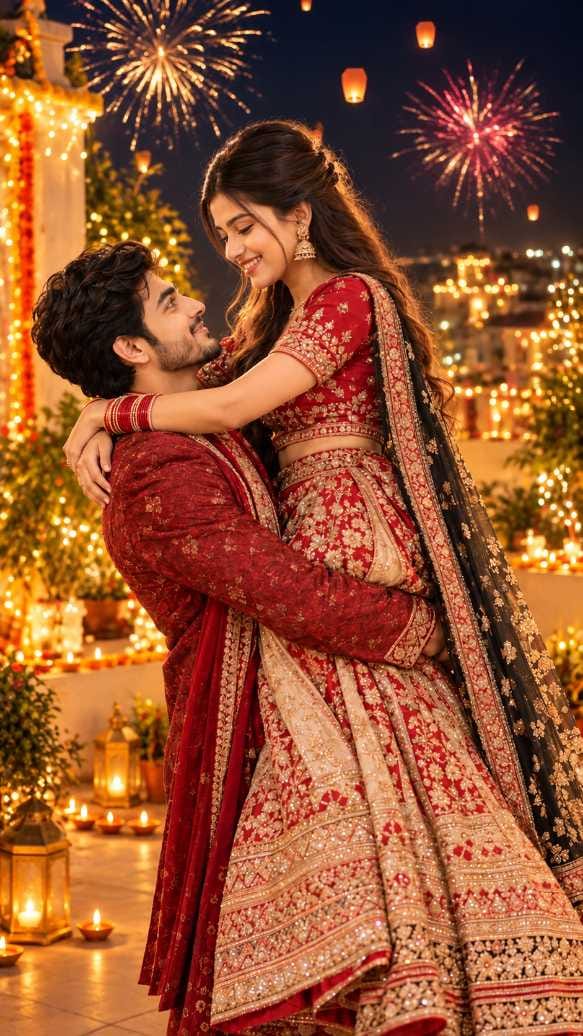
Prompt 2 is the romantic one. It has a lifting pose on a decorated rooftop, with fireworks and sky lanterns. It also makes a tall 9:16 image, so it suits Stories and Reels.
IMAGE 2: Man in a maroon sherwani lifting a smiling woman in a red and gold lehenga on a rooftop with fairy lights, diyas, marigolds and lanterns, fireworks in the sky
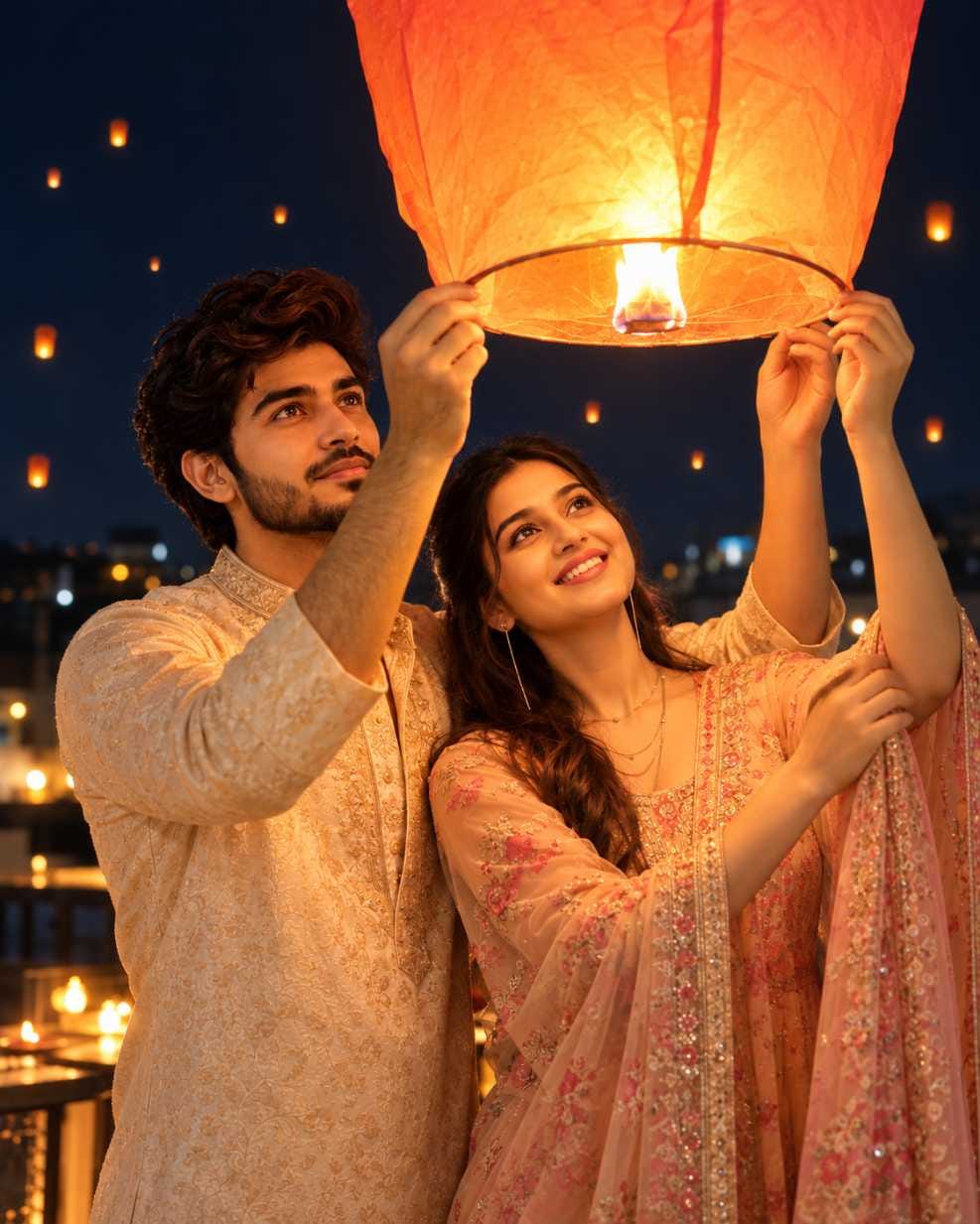
Prompt 3 is the softest. Both of you hold one big glowing lantern above your heads. The shape is 4:5 vertical.
IMAGE 3: Bearded man in a cream-gold kurta and smiling woman in a peach outfit holding a large orange sky lantern under a navy night sky
My advice : if you have only one try, pick Prompt 1. It needs only one pose and no tight hug, so it has the fewest things that can go wrong. Prompt 2 is the prettiest, but the lifting pose is the hardest for AI to get right.
Upload and Generate
- Open ChatGPT and start a new chat.
- Attach your couple photo. Use two photos if you only have separate ones.
- Paste the prompt and send it.
- Wait for the image. If it looks off, ask for one small fix and try again.
One Swap to Try First
Change the outfit colour. Red to green or blue is the easiest change and it makes the photo feel like yours. Do just this one thing before touching the pose or the place.
Here’s what other changes usually do :
| Change this | What you usually get |
|---|---|
| Outfit colour | A new mood, like royal blue and gold or pastel and white |
| Sparklers to diyas or rangoli | A calmer, more traditional scene |
| Background (balcony, courtyard, street) | A different feel for the whole place |
| Pose (side by side, holding hands) | Safer hands and arms, often better faces |
| Light (softer or more golden) | Dimmer and cosier, or brighter and warmer |
| Time of day (dusk, purple sky) | A fresh sky colour behind you |
Which Photo to Upload
Use a clear, well-lit photo. Both faces should be fully visible and looking at the camera. A plain background helps. Skip heavy filters and tiny, blurry images. A bigger, sharper photo gives better faces.
Quick Check Before Saving
Zoom in and look at these things before you post.
Faces don’t match you. Upload a clearer photo, or send it again and ask the faces to stay like the original.
Hands look odd or blurry (Prompts 1 and 3). Check the fingers. Ask for a regenerate, or change the pose so hands are less visible.
Arms look bent or merged (Prompt 2). Choose a simpler pose, like a forehead touch or holding hands.
Faces look washed out by the orange glow (Prompt 3). Ask for a softer lantern light.
Faces don’t match with two photos. Try one photo where you are both together.
Frequently Asked Questions (FAQ)
Yes, copy and use them as you like.
Yes, but the result may look better with a photo of both of you together
Prompt 2 is 9:16, good for Stories and Reels. Prompt 3 is 4:5, good for the feed.
It’s a good habit. A short note in the caption is enough.