


What Is the Anime Clone Flashlight Photo Trend?
Have you seen those photos where a small anime version of a person stands behind them and shines a bright flashlight on their back? That is the Anime Clone Flashlight Photo Prompt trend, and it is going viral on Instagram and Reels right now.
Some people also call it the anime twin trend. The idea is simple. You upload your own photo, and the AI adds a cute anime clone of you in the same outfit. The clone holds a flashlight, and a strong white beam falls on the real you. The result looks like a scene from a movie.
At RonyTica, we love this trend because it is easy and it looks great. You do not need any editing skill. You only need one clear photo of yourself and the right Anime Clone Flashlight Photo Prompt. This trending AI photo prompt works for boys, girls and couples, and it gives many different styles and moods.
Which AI Tools Work Best With This Prompt?
ChatGPT is the best choice for this Anime Clone Flashlight Photo Prompt. It understands long instructions well, and it keeps your face, hair and clothes close to your original photo. That is very important for an anime twin photo, because the clone must look like you.
Gemini is a good second option. Many people use the Gemini photo prompt style with the Nano Banana image tool, and it can also give nice results. If one tool does not give you the look you want, you can try the same prompt in the other one. Remember one thing. Every prompt on this page needs your own photo. So the AI tool you choose must allow photo upload. Both ChatGPT and Gemini allow it.
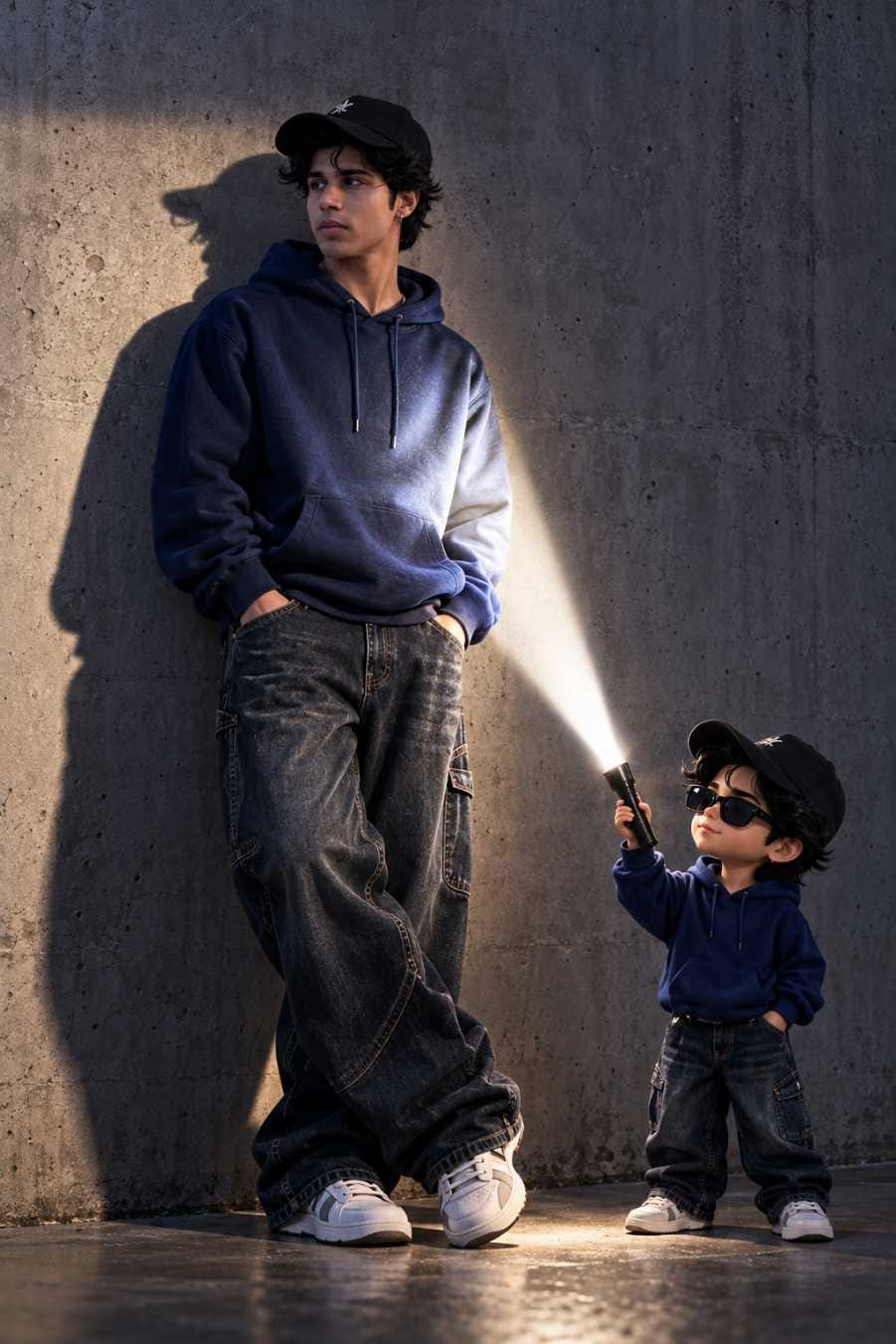
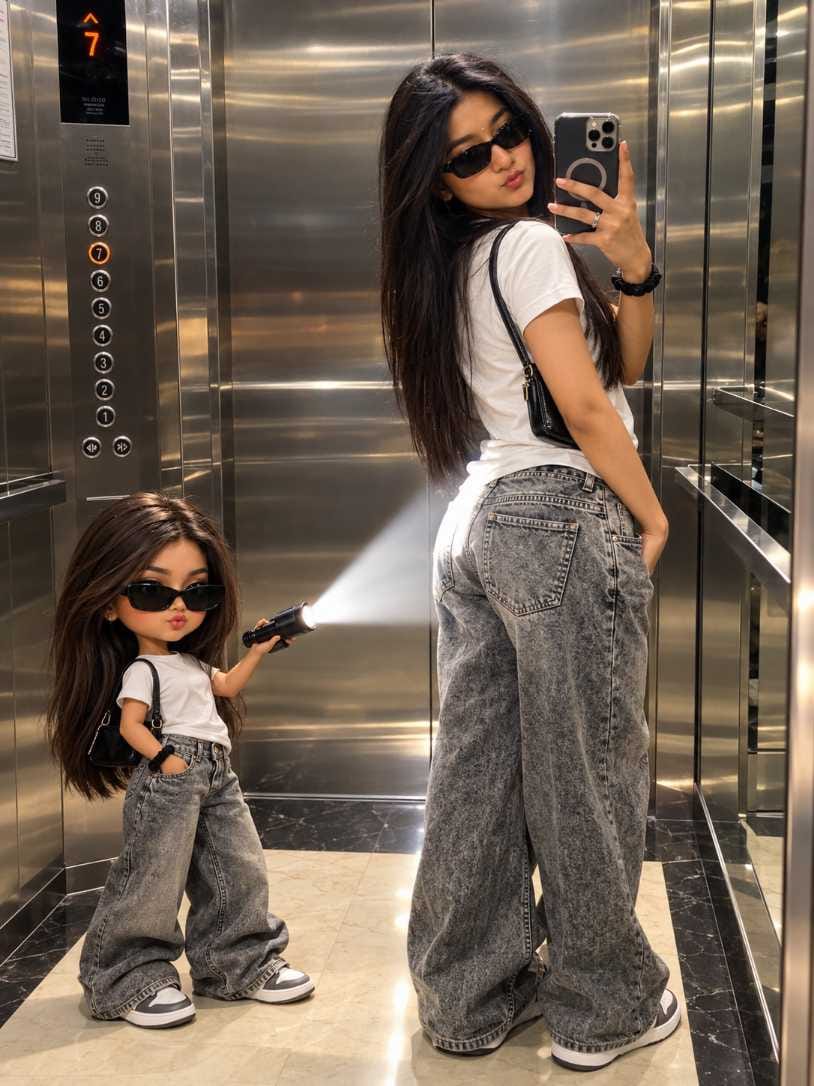
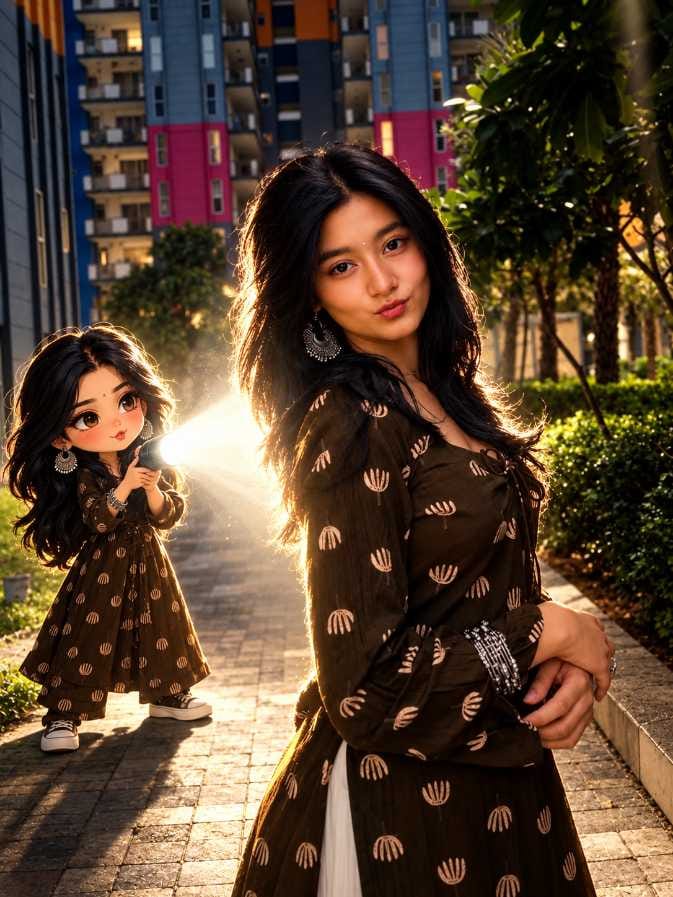
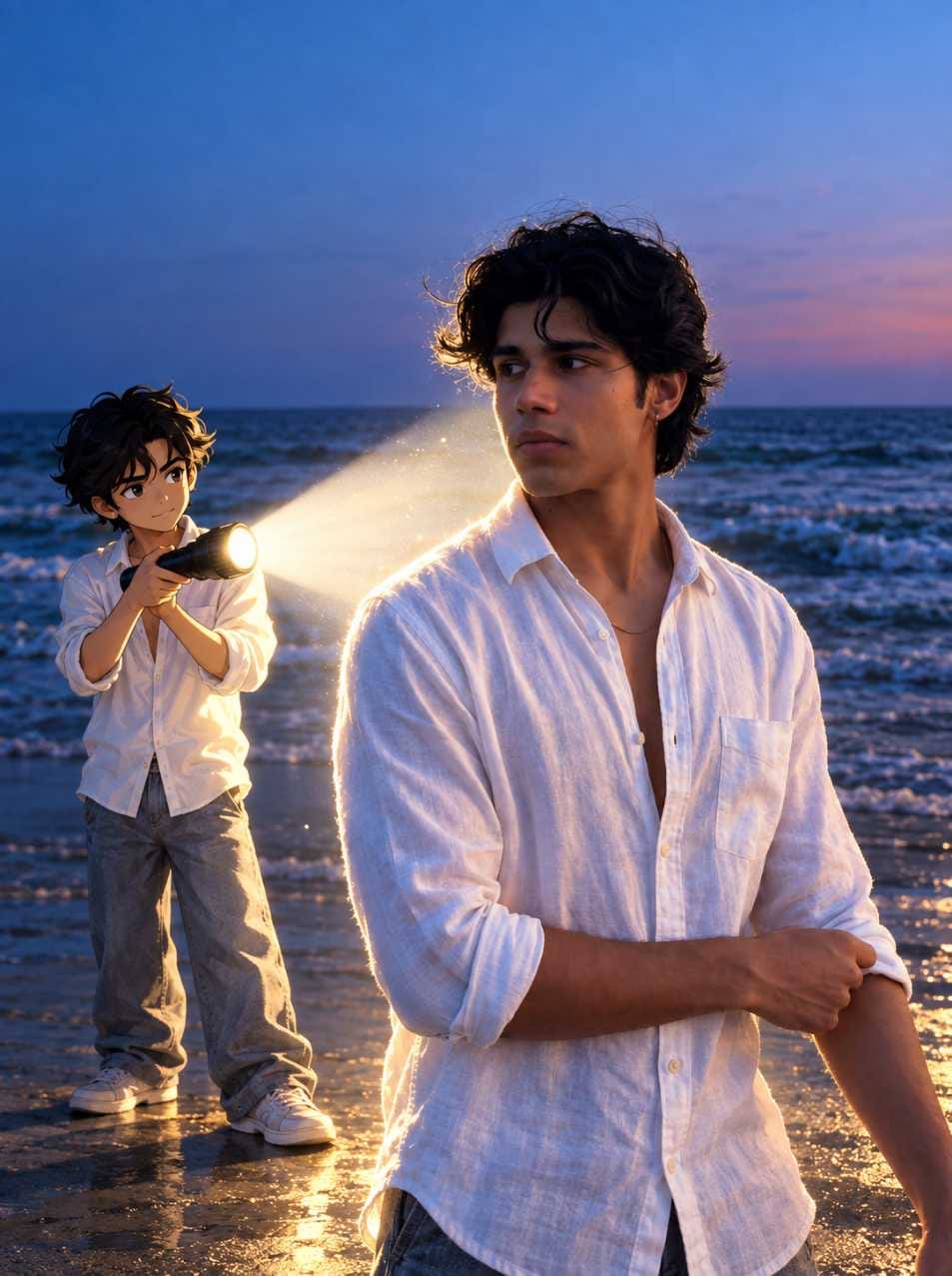
How to Make Your Anime Clone Flashlight Photo Step by Step
Follow these easy steps. Using this AI photo editing prompt is very simple.
- Pick one clear photo of yourself. A full-body photo is best, because the anime clone will copy your full outfit.
- Open ChatGPT on your phone or computer. You can also open Gemini if you want to try it there.
- Upload your photo using the plus or attachment button.
- Copy the Anime Clone Flashlight Photo Prompt from the prompt box on RonyTica.
- Paste the prompt in the chat box, just below your uploaded photo.
- Press send and wait a few seconds for the AI to make your image.
- If you like the result, save it. If not, ask the AI to change small things, like a brighter light or a smaller clone, and try again.
That is all. Within a minute, your own anime clone flashlight photo is ready to post.
Simple Tips to Get a Better Result Before You Start
Your photo matters the most. Use a sharp photo where your face and clothes are easy to see. Blurry or dark photos make the AI guess, and the anime clone may not look like you. Stand in a simple place if you can. A plain wall, a road, a park or a beach works well. A very crowded background can confuse the AI and spoil the real and anime photo edit. Choose an outfit with clear colours. Bright or dark solid colours help the anime clone match your dress in a clean way. Also, keep your pose natural. When you stand straight or look to the side, the flashlight beam looks more real on your back. Lastly, always keep your original photo safe. You can use it again and again with different prompts from RonyTica.
Best Settings for a Clean and Realistic Result
Use the table below as a quick guide. These small choices make your flashlight AI photo look much better.
| Setting | What to Choose | Why It Helps |
|---|---|---|
| Your photo | Clear, full-body, good light | The anime clone copies your outfit and look |
| Photo shape | Vertical (portrait) | Fits well on Instagram and Reels |
| AI tool | ChatGPT first, Gemini as backup | ChatGPT follows long prompts well |
| Anime style | Clean modern anime with sharp lines | Looks neat and matches the real photo |
| Flashlight beam | Bright white light | Gives a strong glow on your back |
| Background | Keep your original background | The photo stays natural |
| Surrounding light | Slightly dim | Makes the beam stand out more |
| Retry | Change one small thing at a time | Helps you fix the result faster |
Common Mistakes That Spoil Your Anime Clone Photo
The first mistake is using a low quality photo. If your photo is small or blurry, the AI cannot copy your face and clothes properly. Always upload the best photo you have. The second mistake is changing the prompt too much. This Anime Clone Flashlight Photo Prompt is already made to give a good result. If you add too many new ideas, the AI can get confused. Change only one or two things at a time.
Another common mistake is choosing a photo with a very busy background. The flashlight beam and the anime clone need some clean space. Also, many people forget to ask the AI to keep their face the same. If your face looks different in the result, ask the AI again and tell it to keep your face and outfit exactly like the photo. Finally, do not give up after one try. AI images can look a little different every time. A second or third try often gives the best chibi clone AI photo.
Why This Prompt Is Loved by So Many People
There are many reasons why this viral AI photo prompt for boys and girls is so popular. First, it looks very creative. A tiny anime version of you, holding a glowing flashlight, is something people stop and look at while scrolling. Second, it is easy. You do not need any app to edit the photo. One photo and one copy paste AI photo prompt are enough. Third, it feels personal. The clone wears your outfit and copies your style, so every photo is different and made just for you. It is also great for social media. Photos with strong light and deep shadows get attention fast. Many creators use this trending AI photo prompt to get more likes and shares on their posts. And since the prompt works with different photos, you can make a fresh one every day.
Final Words
The Anime Clone Flashlight Photo Prompt is one of the most fun and viral AI photo trends right now. With one clear photo, ChatGPT and the right prompt, you can make a stunning anime twin photo in just a few minutes. And you can do it again and again with new outfits and places.
Try the prompts from the prompt box, follow the simple steps and tips above, and share your result with your friends. Visit RonyTica often for more trending AI photo prompts, ChatGPT photo prompts and Gemini photo prompts. Happy creating.
Frequently Asked Questions
It is an AI prompt that adds a small anime version of you to your own photo. The anime clone holds a flashlight and shines a bright white light on you.
Yes, they are very close. Both put an anime version of you next to or behind the real you. The flashlight is the special part of this one.
Yes. Every prompt on RonyTica for this trend needs your own photo. The AI uses it to make the anime clone look like you.
Yes. You can use it in Gemini with the Nano Banana image tool. But ChatGPT is our first choice for this ChatGPT anime photo prompt.
The prompts on our website are free to copy. The AI tool may have its own free or paid plan, so please check that inside the app.
This usually happens when the photo is not clear. Try a sharper, well lit photo. You can also ask the AI to match your hair, outfit and colours more closely.
Yes, many people try it with couples. Just make sure everyone is clearly visible in your photo.



Photo editor
Rajit Kumar majhi 10K