The Cinematic Foggy Effect prompt helps you create a professional-looking photo with the help of AI. Instead of spending hours editing your picture, you can simply use this prompt and generate a stunning image in just a few seconds. The effect adds soft fog, cinematic colors, natural lighting, and a realistic atmosphere that makes your photo look like it was taken with a high-end camera.
This prompt is perfect for portraits, social media posts, wallpapers, creative projects, and personal photography. You can use it with different AI image generators by uploading your photo and pasting the prompt. If you want a stylish and realistic cinematic look without learning complex photo editing, this prompt is a simple and effective solution. Just copy the prompt, follow the steps below, and enjoy high-quality AI-generated results.
Which AI Supports This Prompt?
This Cinematic Foggy Effect Prompt works with AI tools that support image editing using text prompts.
Supported AI Tools
- ChatGPT (GPT-4o Image Generation)
- Google Gemini (Image Editing)
- Grok AI (Image Editing)
- Qwen AI (Image Editing)
- Other AI models that allow image editing with prompts
Best Result : ChatGPT gives the most consistent and realistic cinematic foggy effect with this prompt.
How to Use
Using this Cinematic Foggy Effect ChatGPT Prompt is very easy
Step-by-Step Guide
- Open ChatGPT or another supported AI tool.
- Upload your original photo.
- Copy the prompt from this page.
- Paste the prompt into the chat.
- Send the message and wait for AI to generate the image.
- Download your new cinematic foggy photo.
For the best result, use a clear and high-quality image with good lighting.
Tips Before Using
Before using this Cinematic Foggy Effect Prompt, keep these simple tips in mind.
Get Better Results
- Use a high-resolution photo.
- Choose an outdoor or nature background if possible.
- Make sure the face is clear and not blurry.
- Do not crop the image before uploading.
- Keep the original image ratio if you want the best composition.
- If the first result is not perfect, generate the image again. AI can create a slightly different result each time.
Following these tips will help you get a more realistic cinematic look with natural fog, better color grading, and professional-quality results.
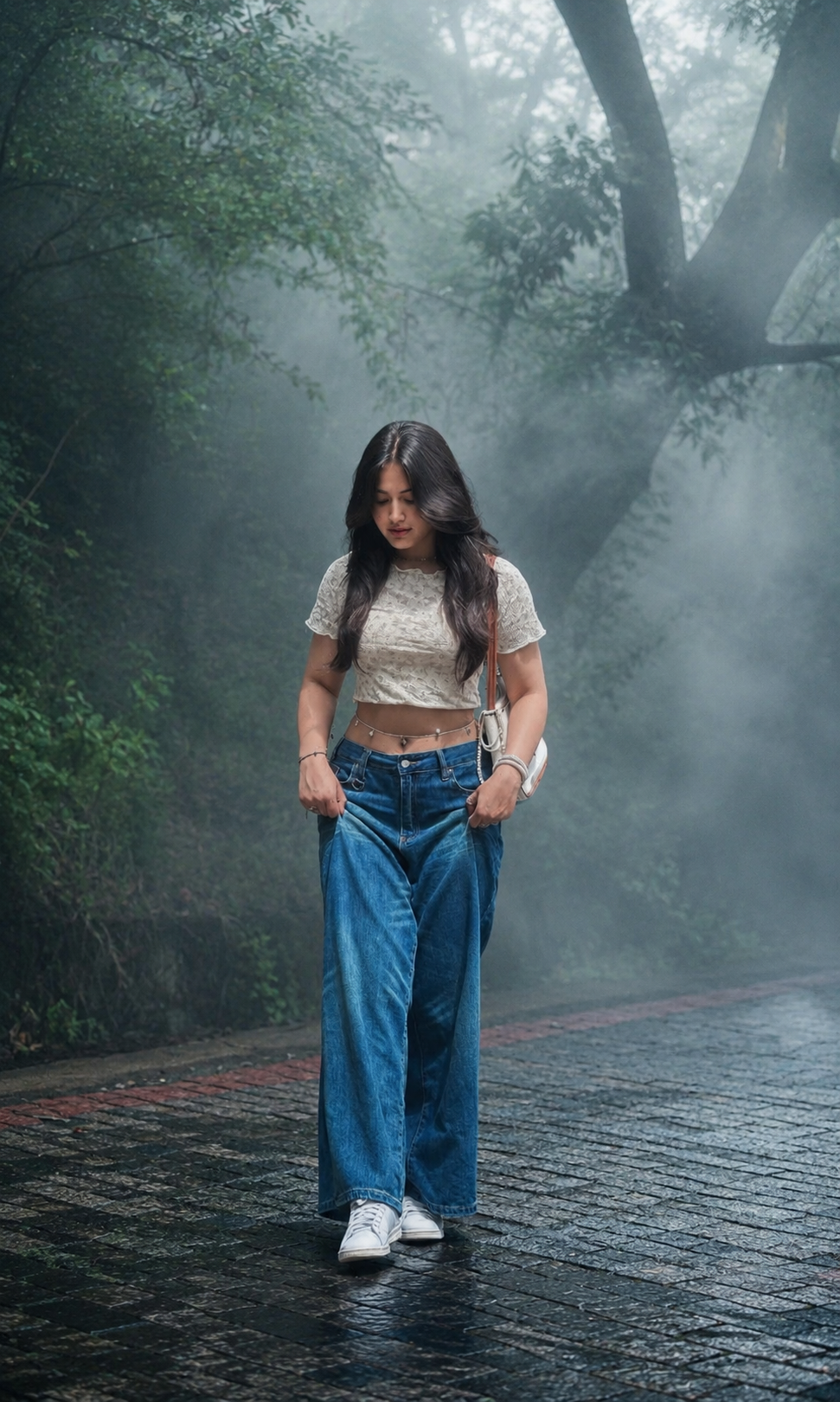
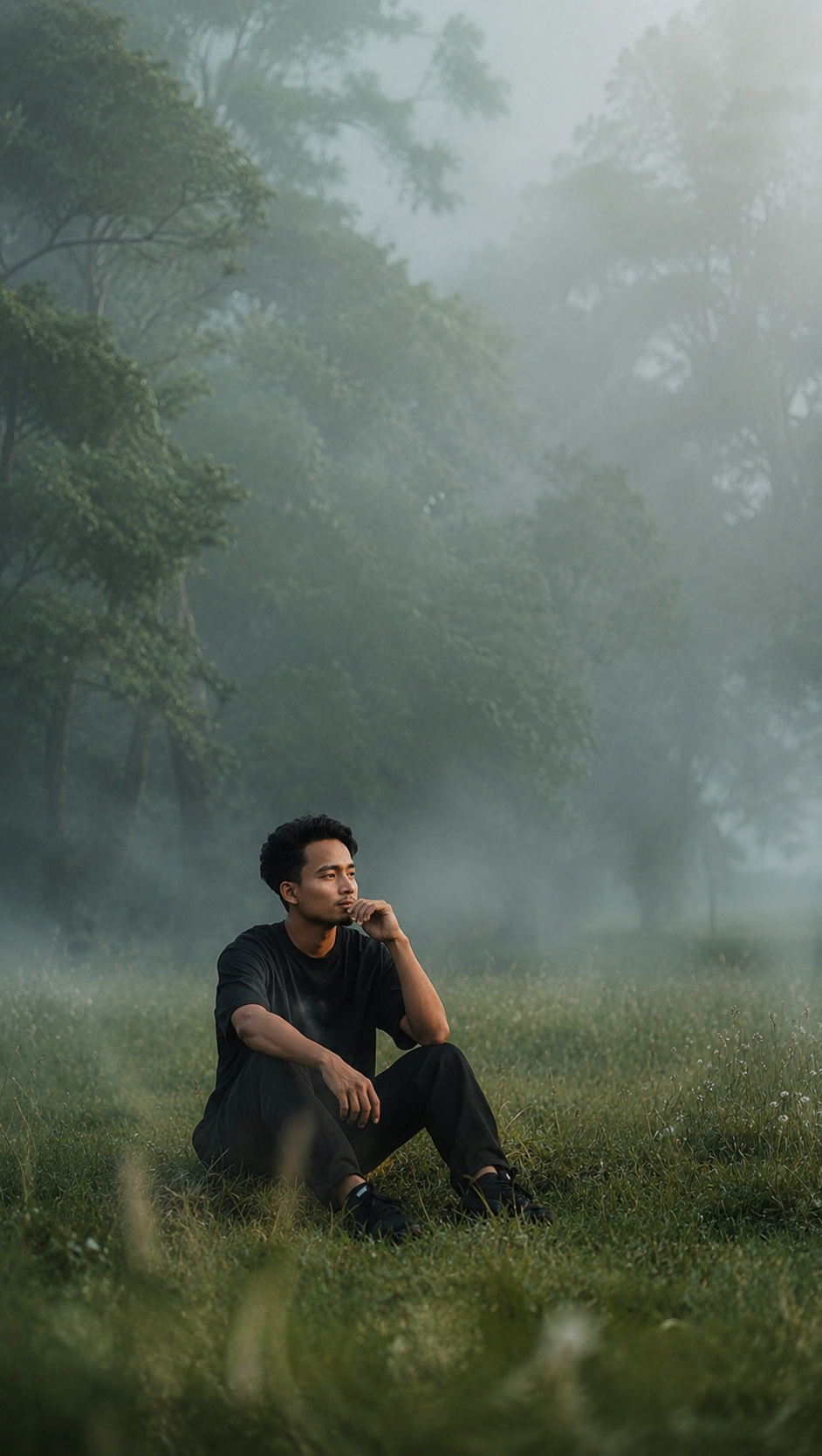
Best Results Settings
To get the best Cinematic Foggy Effect, use the right settings before generating your image. These settings help AI create a more realistic and professional result.
Recommended Settings
| Settings | Recommended Value |
|---|---|
| Aspect Ratio | 9:16 (Best for Instagram Reels & Stories) |
| Style | Cinematic, Realistic |
| Lighting | Soft Morning Light |
| Camera Angle | Eye Level or Slight Low Angle |
| Quality | High Quality / 4K |
| Background | Nature, Forest, Park, Outdoo |
| Image Type | Clear Portrait Photo |
Common Mistakes
Many users do not get good results because of small mistakes. Follow these simple tips before using the Cinematic Foggy Effect ChatGPT Prompt.
Avoid These Mistakes
- Do not use blurry photos.
- Do not upload low-quality images.
- Avoid photos with multiple people.
- Make sure the face is clearly visible.
- Do not heavily edit your photo before uploading.
- Use a bright and clear image instead of a very dark one.
- Keep the original image ratio whenever possible.
- Do not crop important parts of the subject.
A good input photo always gives a better AI-generated result.
Why You’ll Love This Prompt
The Cinematic Foggy Effect ChatGPT Prompt is a simple way to turn an ordinary photo into a beautiful cinematic image with realistic fog and professional color grading. You do not need advanced editing skills or expensive software. Just upload your image, copy the prompt, and let ChatGPT create the effect for you.
For the best quality, we recommend using ChatGPT, as it produces the most realistic fog, natural lighting, and detailed cinematic results. You can also try other supported AI tools, but the output may be slightly different. If you use a clear, high-quality photo and follow the recommended settings, you can create amazing images that look perfect for Instagram, Facebook, or your personal portfolio with just a few clicks.