


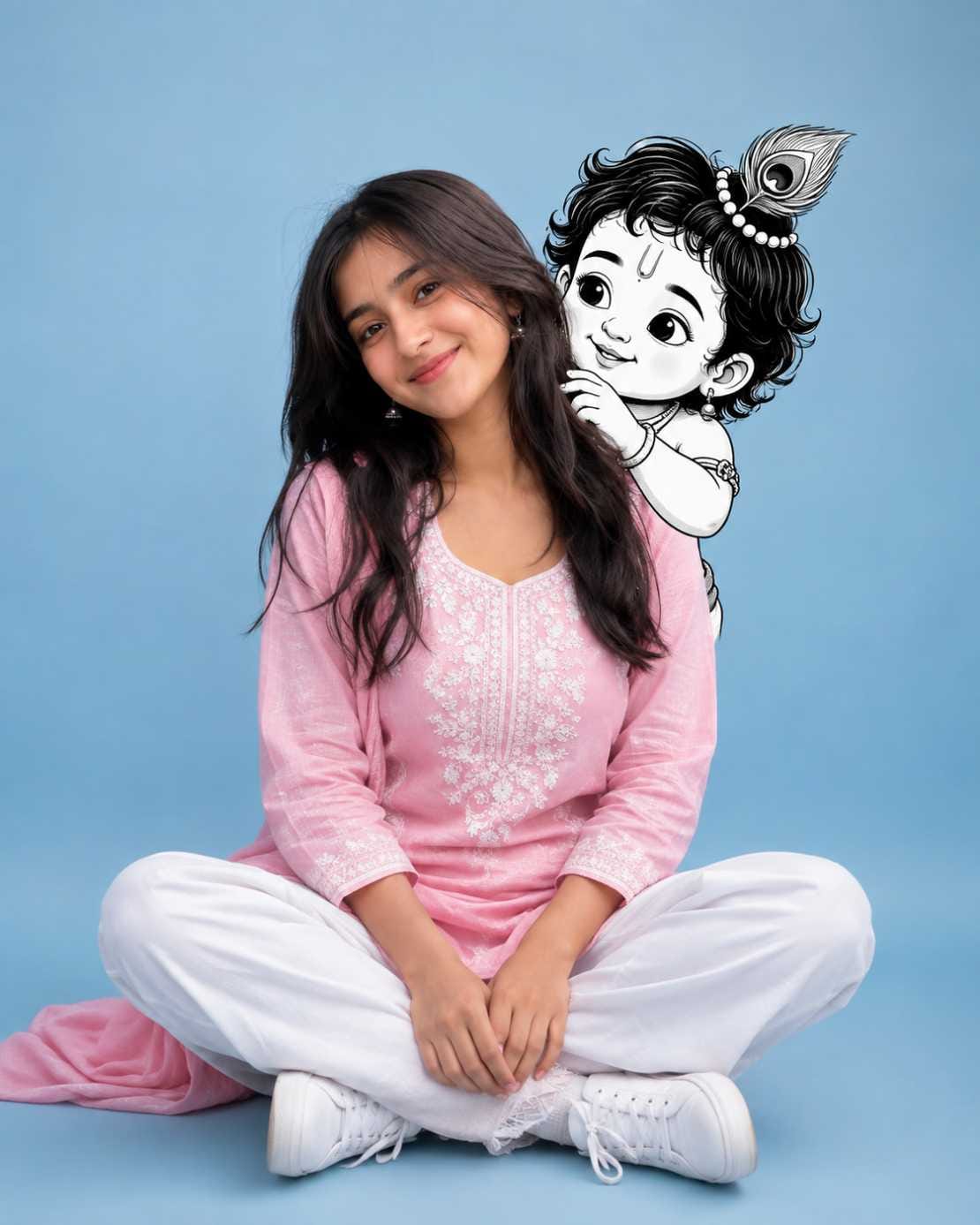
Have you seen those cute pictures on Instagram where a small Baby Krishna is sitting on someone’s shoulder, smiling like a real little friend? That is the cute Krishna image prompt trend, and it is going viral fast on Instagram, Facebook, and WhatsApp status. People from every age group are trying this look, sharing it as DP, status, and reels. It is not only for Janmashtami this cute Krishna AI photo idea works the whole year round because it feels warm, fun, and full of devotion at the same time.
The best part is you do not need any editing skill or fancy camera. With the right Krishna AI photo prompt, tools like ChatGPT can turn your normal photo into a beautiful portrait where Baby Krishna is playfully peeking from behind your shoulder. Boys and girls both are trying this, and every version looks unique and adorable.
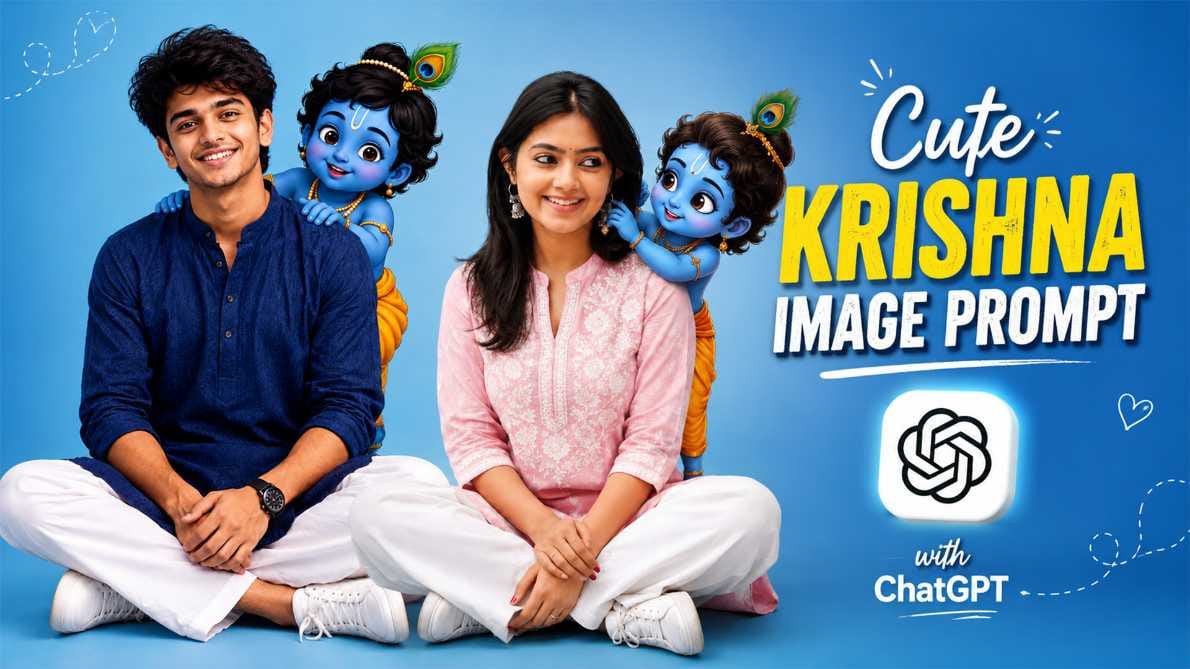
In this article, RonyTica brings you a full guide on this Baby Krishna AI photo prompt trend which AI tool works best, how to use it step by step, and all the tips you need before you try it. Whether you want it for Janmashtami AI photo posts or just a cute everyday profile picture, this guide has you covered.
Which AI Tool Supports This Prompt
For this cute Krishna image prompt, ChatGPT gives the most natural and realistic result. It understands details like clothing texture, facial expression, and how the cartoon Krishna character should blend with a real photo. That is why RonyTica recommends ChatGPT as the first choice for this Krishna AI photo prompt.
If you do not have access to ChatGPT, you can also try Google Gemini. Gemini is also good with photo-based prompts, though results can slightly differ in style. Both are easy to use directly from your phone or laptop, no extra software needed.
How To Use
Using this Krishna AI photo prompt is very simple, even for beginners:
- Open ChatGPT (or Gemini) on your phone or computer.
- Upload a clear, front-facing photo of yourself. Good lighting gives a better result.
- Copy the prompt from the box given below in this article (RonyTica has kept a separate box for boys and a separate one for girls).
- Paste the prompt along with your photo and send it.
- Wait a few seconds while the AI processes your Baby Krishna AI photo.
- Once ready, download your cute Krishna image and share it on Instagram, Facebook, or WhatsApp status.
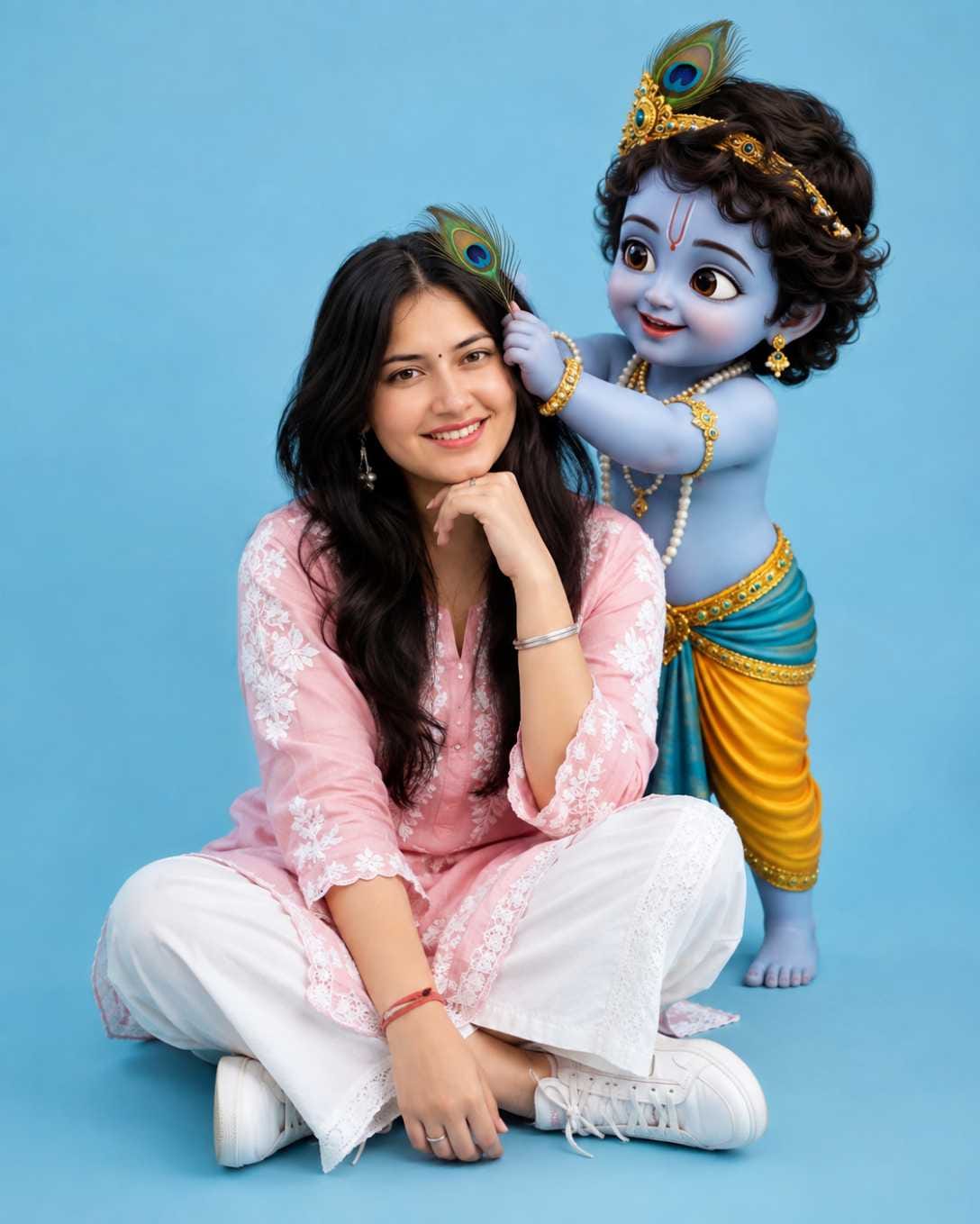
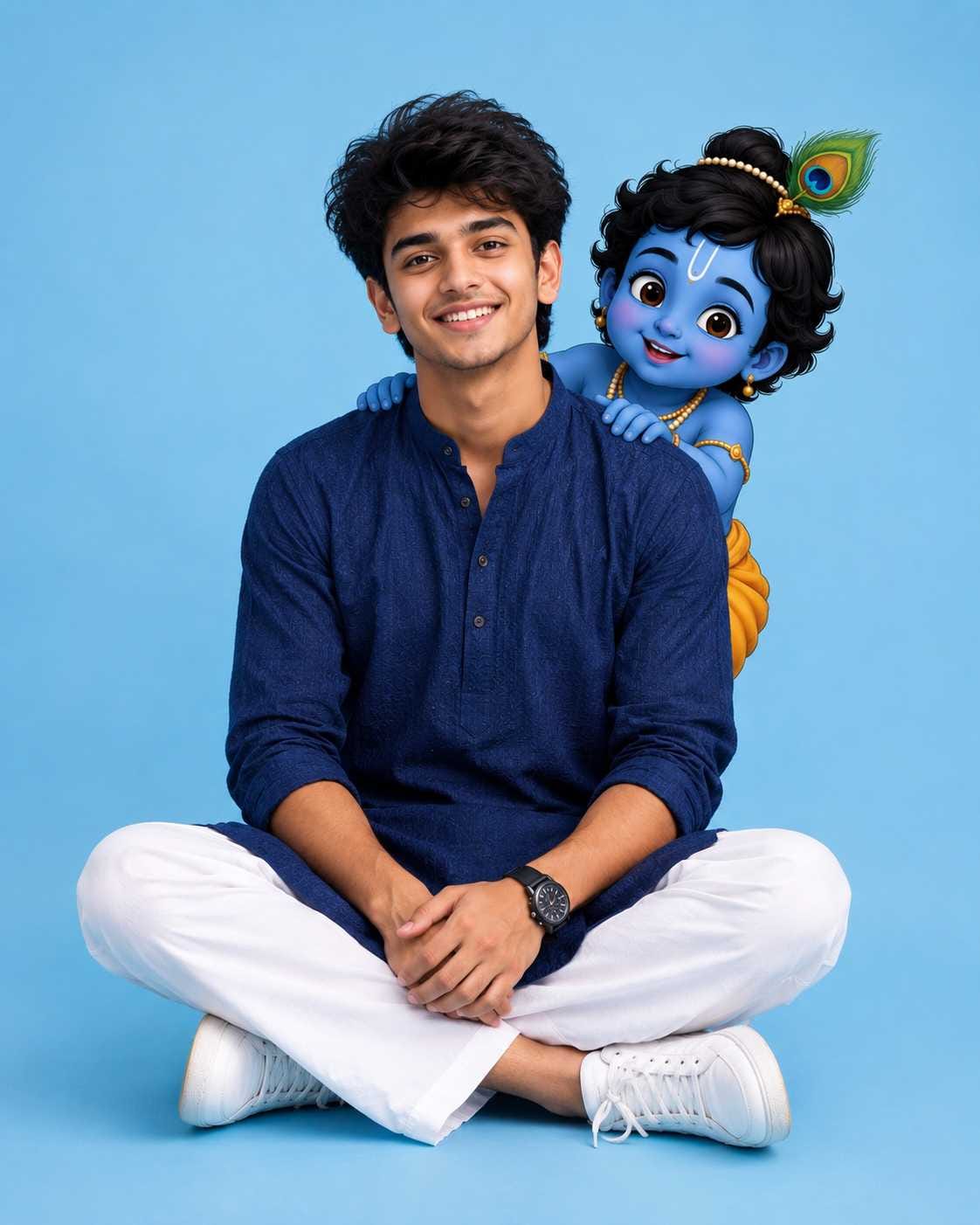
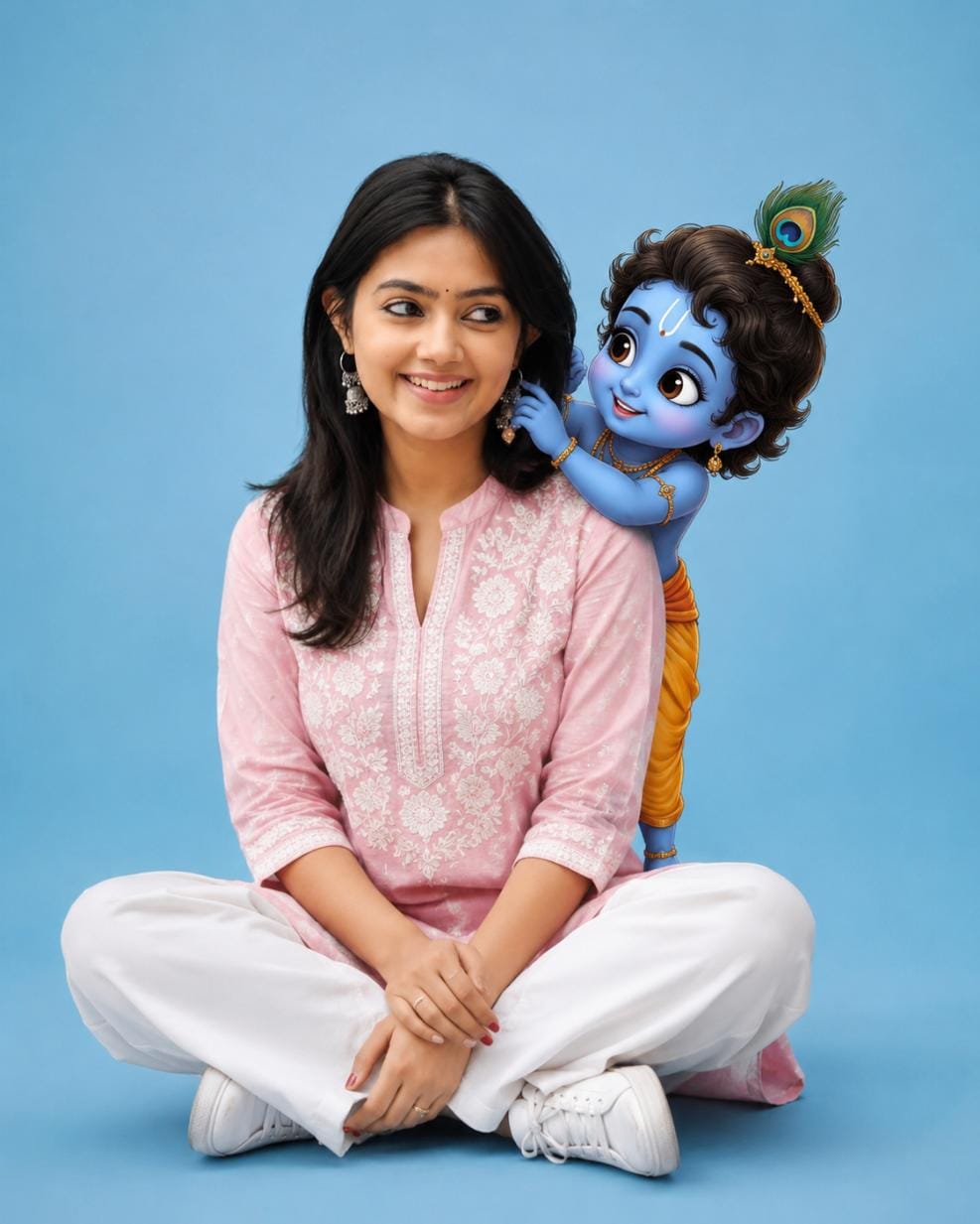
That’s it. No app installation, no paid tool required for a basic try.
Tips Before Using
- Always use a clear, well-lit photo where your face is fully visible.
- A front-facing photo gives the most accurate result compared to a side angle.
- Avoid photos with sunglasses, caps, or heavy filters already applied.
- If the first result does not look right, simply regenerate AI tools often give a better version on the second try.
- Keep your background simple in the original photo; it helps the AI focus on your face and body correctly.
- Try both prompt styles (boy version and girl version) to see which one matches your vibe better.
Best Settings
| Setting | Recommended Value |
|---|---|
| Aspect Ratio | 4:5 (vertical, best for Instagram post) |
| Background | Solid pastel/sky-blue studio style |
| Lighting | Soft studio lighting, no harsh shadow |
| Style | Photorealistic subject + cute cartoon Krishna |
| Best AI Tool | ChatGPT (Gemini as alternate) |
| Output Quality | High resolution / 8K if tool allows |
Common Mistakes
- Using a blurry or dark photo – this often gives a distorted face in the final AI Krishna photo.
- Not mentioning aspect ratio – many users forget this, and the image comes out in the wrong size for Instagram.
- Skipping outfit details – if you want a specific outfit, describe it clearly, or the AI may generate something random.
- Uploading a group photo – always use a solo photo for best accuracy.
- Expecting an identical face copy – AI tools try their best, but small differences can happen. Try regenerating if needed.
Why You Will Love This Prompt
This cute Krishna image prompt is not just another AI trend it mixes real emotion with adorable cartoon charm. The cross-legged sitting pose, the playful Baby Krishna peeking from behind, and the soft studio background together create a picture that feels both devotional and Instagram-perfect. It works for Janmashtami posts, but also for a normal profile picture update any day of the year. Plus, RonyTica keeps updating this article with more styles, so you always get fresh cute Krishna AI photo ideas in one place.
FAQ
1. Which is the best AI tool for a Krishna AI photo prompt?
ChatGPT gives the most natural and detailed result for this cute Krishna image prompt. Gemini is a good second option.
2. Is this Baby Krishna AI photo prompt free to use?
Yes, if your ChatGPT or Gemini account has free image generation available, you can try this prompt at no extra cost.
3. Can I use this Krishna AI photo prompt for Janmashtami?
Absolutely. This is one of the most popular Janmashtami AI photo prompt ideas, but it also works great as a regular profile picture.
4. Do I need a professional photo to try this?
No. A simple, clear, front-facing photo taken on your phone is enough for a good result.
5. Can boys and girls both try this trend?
Yes, RonyTica has given separate prompt styles for both boys and girls in this article, so everyone can enjoy this cute Krishna image prompt trend.
6. Why does my AI Krishna photo look different from the example?
AI tools generate slightly different results every time. You can regenerate a few times until you get the look you want.
7. What aspect ratio should I use for Instagram?
4:5 vertical ratio works best for Instagram feed posts and gives a clean, full-body look.
8. Where can I get the exact prompt used in this article?
Scroll down to the prompt box in this article, RonyTica has kept it ready for you to copy and use directly.
Conclusion
The cute Krishna image prompt trend is a perfect mix of devotion, cuteness, and creativity, and that is exactly why it is spreading so fast across social media. With just one photo and the right Krishna AI photo prompt, you can create a picture that feels personal and shareable at the same time. RonyTica will keep bringing more such viral AI photo prompt ideas, so keep visiting for fresh styles you can try anytime. Go ahead, try this trend today, and let Baby Krishna add a little extra cuteness to your profile picture.




Radha
A full-length, front-facing studio portrait of a young South Asian woman sitting cross-legged on a clean, solid light blue backdrop. She is smiling gently at the camera, wearing a light pink embroidered tunic (kurti) with delicate white floral patterns, relaxed white wide-leg trousers, and white sneakers. > Interacting with her from behind is a cute, 2D cartoon illustration of baby Krishna (Little Krishna). 4:5 Ratio.