


Have you seen those dreamy sunset photos all over Instagram and Pinterest? That soft golden light on the face, the warm glow around the hair, and that peaceful beach feeling this is the golden hour image prompt trend, and it has become one of the most loved AI photo styles this year.
At RonyTica, we keep finding new viral AI photo prompts so that you don’t have to search everywhere. This golden hour image prompt is one of the easiest ways to turn a normal photo into a soft, cinematic, magazine-style picture. You don’t need a camera, a photographer, or even good lighting at home. You just need the right prompt and a good AI photo tool.
In this article, we will show you how this prompt works, which AI app gives the best result, and how you can use it the right way. This prompt works well for both boys and girls, so anyone can try it.
Best AI Apps for This Golden Hour Photo Prompt
Many people ask which app is best for this kind of AI photo prompt. Based on our testing at RonyTica, here are the top choices:
ChatGPT (Image Generation) – This is the best tool for the golden hour photo prompt. It understands lighting, mood, and soft color tones very well. Most viral golden hour photos you see online are made using ChatGPT.
Gemini – Gemini is also a good option if you want a slightly different color style. It can also create a nice warm, sunset-style photo, but the softness and glow are usually stronger in ChatGPT results. You can try this prompt on both apps and compare which style you like more.
Step by Step Guide to Use This Prompt
Using this golden hour image prompt is very simple. Just follow these steps :
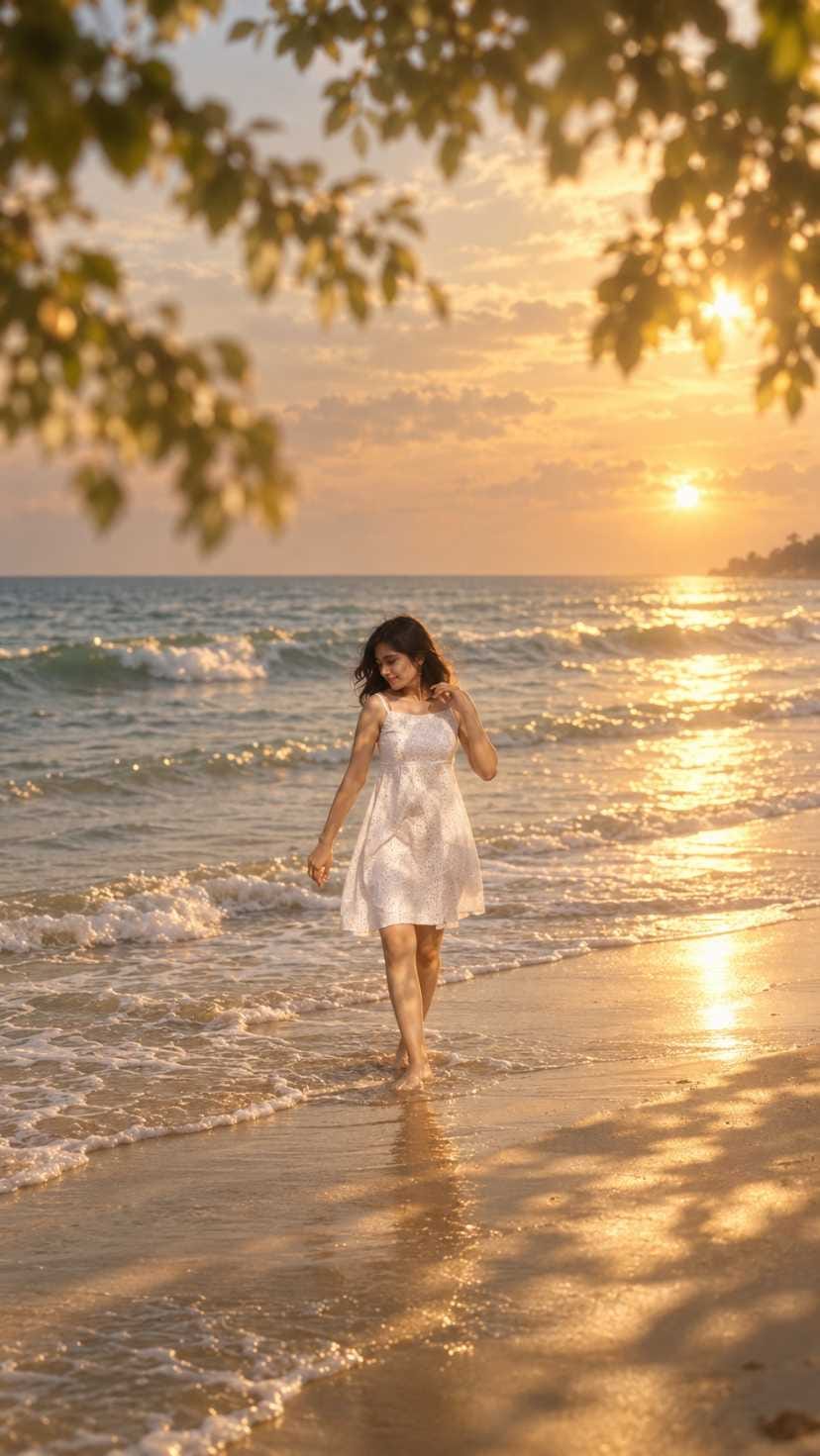
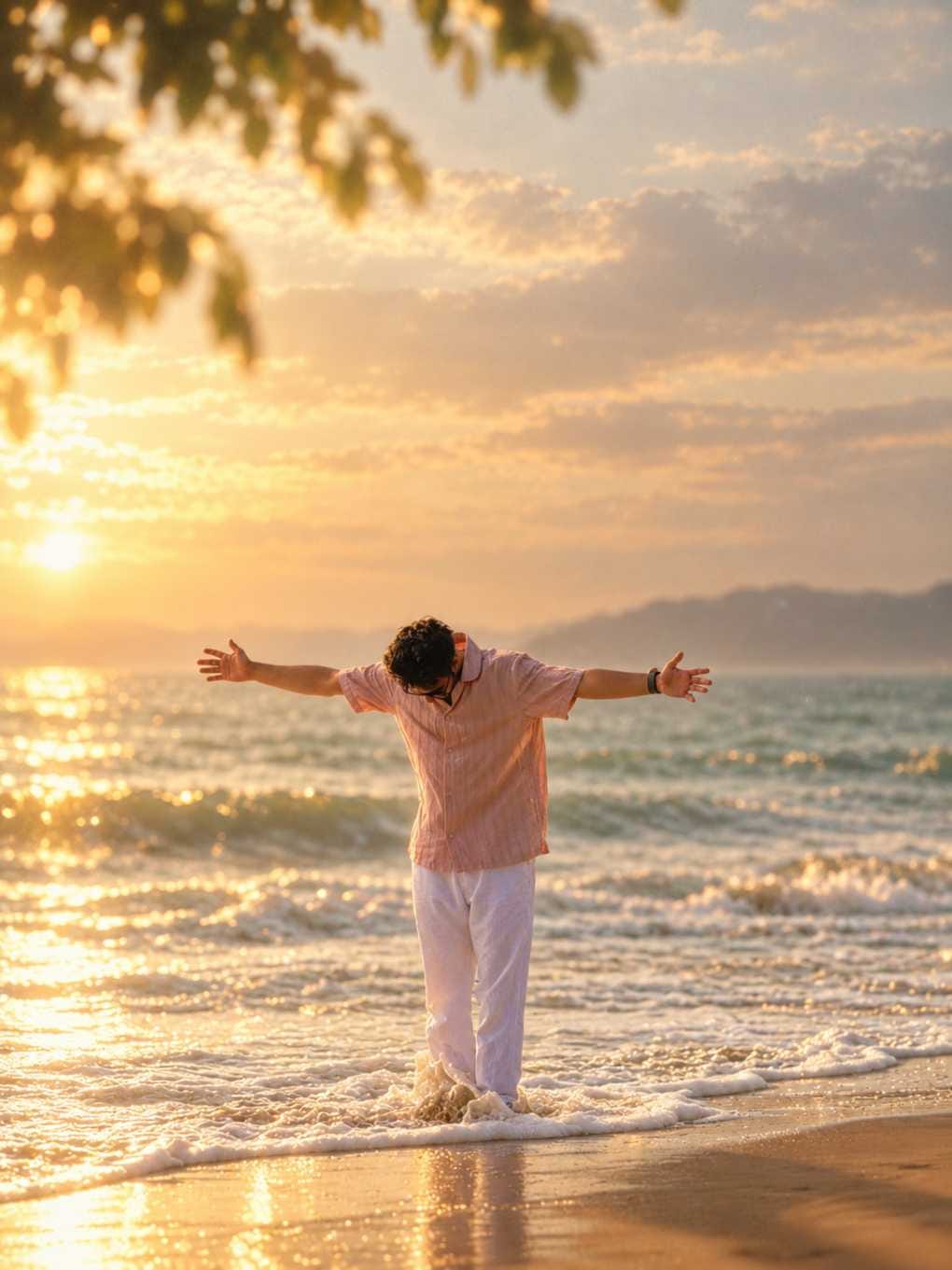
- Open ChatGPT or Gemini on your phone or laptop.
- Upload a clear photo of yourself. A front-facing photo with good visibility works best.
- Copy the golden hour image prompt given below in the prompt box.
- Paste the prompt and send it to the AI tool.
- Wait a few seconds while the AI creates your photo.
- Once the image is ready, download it and save it to your gallery.
- Share your new golden hour photo on Instagram, WhatsApp Status, or Snapchat.
Things to Check Before You Start
Before you use this golden hour image prompt, keep these small tips in mind:
- Choose a photo where your face is clearly visible and not blurry.
- Natural daylight photos give a better final result than dark indoor photos.
- Avoid photos with sunglasses or objects covering your face.
- A simple background works better, since the AI will replace it with a beach and sunset scene anyway.
- If you are not happy with the first result, you can generate it again. AI tools often give a different result each time.
Best Settings for Perfect Results
To get the most beautiful output from this AI photo prompt, follow these small settings:
- Always choose a vertical or portrait photo, since most social media platforms use this format.
- If your AI tool allows you to choose image quality, always select the highest option.
- Keep the aspect ratio close to 9:16 if you plan to use the photo as an Instagram Story or WhatsApp Status.
- If the app gives multiple style options, choose the one closest to “cinematic” or “film” style for the best golden hour feel.
Common Mistakes to Avoid
Many users make small mistakes while trying this golden hour photo prompt. Avoid these:
- Do not use a very low-quality or pixelated photo, as the AI output will also look unclear.
- Do not change the prompt wording too much, as it may remove the soft golden hour effect.
- Do not skip the “avoid harsh contrast” part of the prompt, or your photo may look too sharp and unnatural.
- Do not forget to check the final image properly before posting, since sometimes small AI errors can appear.
Why This Prompt Will Become Your Favorite
This golden hour image prompt is not just another AI photo trend it gives your photo a real cinematic and emotional feeling. Here is why people love it so much:
It gives a soft, warm, and peaceful mood to any normal photo. It makes your picture look like it was taken by a professional photographer during a real sunset. It works for both boys and girls, so everyone can use the same style. It is completely free if you are already using ChatGPT or Gemini. And most importantly, it takes only a few seconds to create, but the result looks like hours of editing work.
This is exactly why this prompt is going viral across Instagram Reels, WhatsApp Status, and Pinterest boards.
Final Words
The golden hour image prompt is one of the simplest ways to get a beautiful, dreamy, sunset-style AI photo without any editing skills. Whether you use ChatGPT or Gemini, the result feels warm, cinematic, and completely natural.
Keep visiting RonyTica for more viral and trending AI photo prompts, video prompts, and template ideas. We keep testing new trends so that you always get the best and latest prompts in one place.
Frequently Asked Questions
It is an AI text prompt that turns your normal photo into a soft, warm, sunset-style cinematic photo, just like the golden hour lighting in real photography.
ChatGPT usually gives the most natural and dreamy result for this prompt. Gemini is also a good backup option.
Yes, if you already have access to ChatGPT or Gemini, you can use this prompt without any extra cost.
Yes, this prompt is made to work for both boys and girls equally well.
No, even a simple phone photo works fine, as long as your face is clear.




New pic