


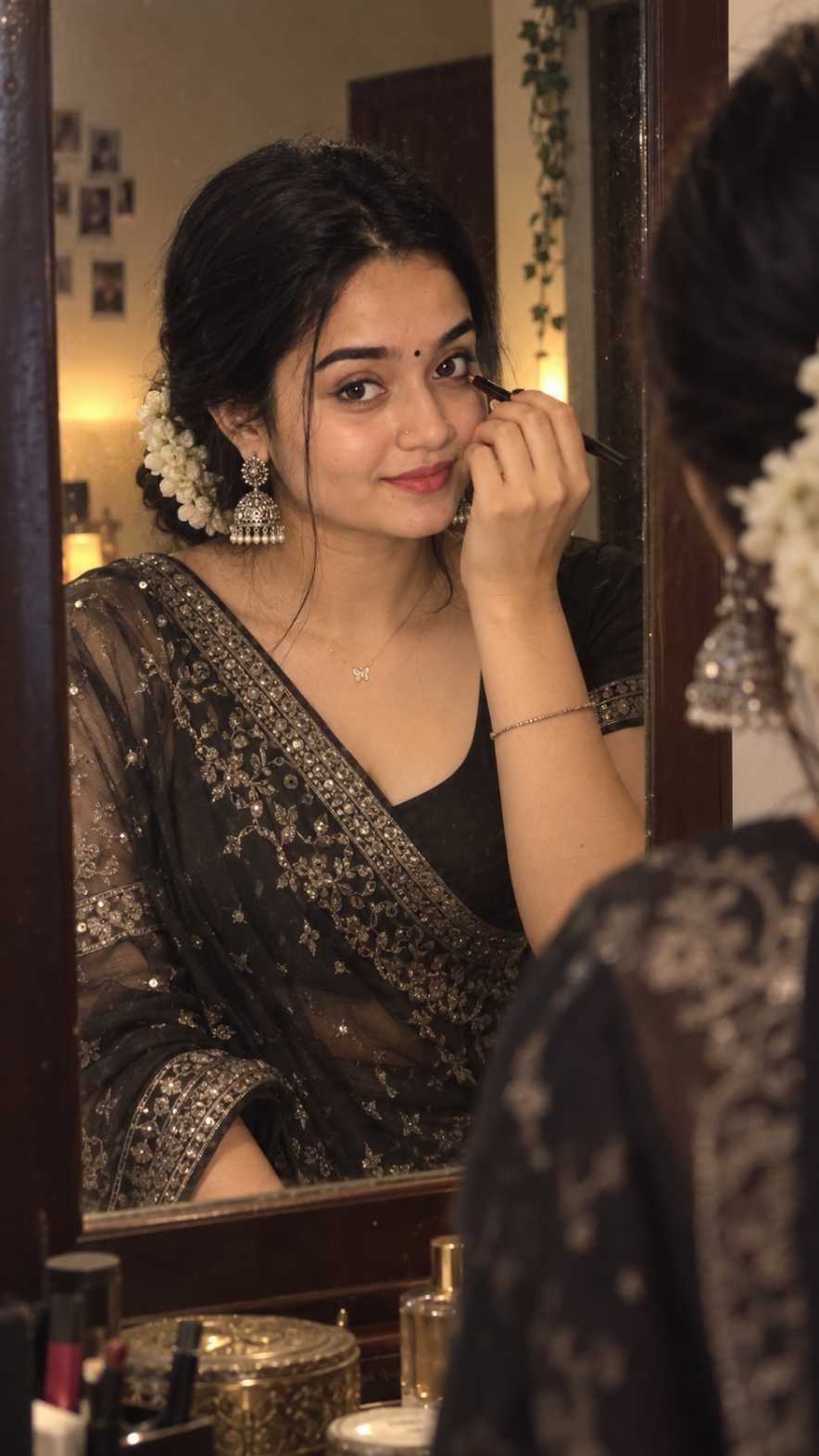
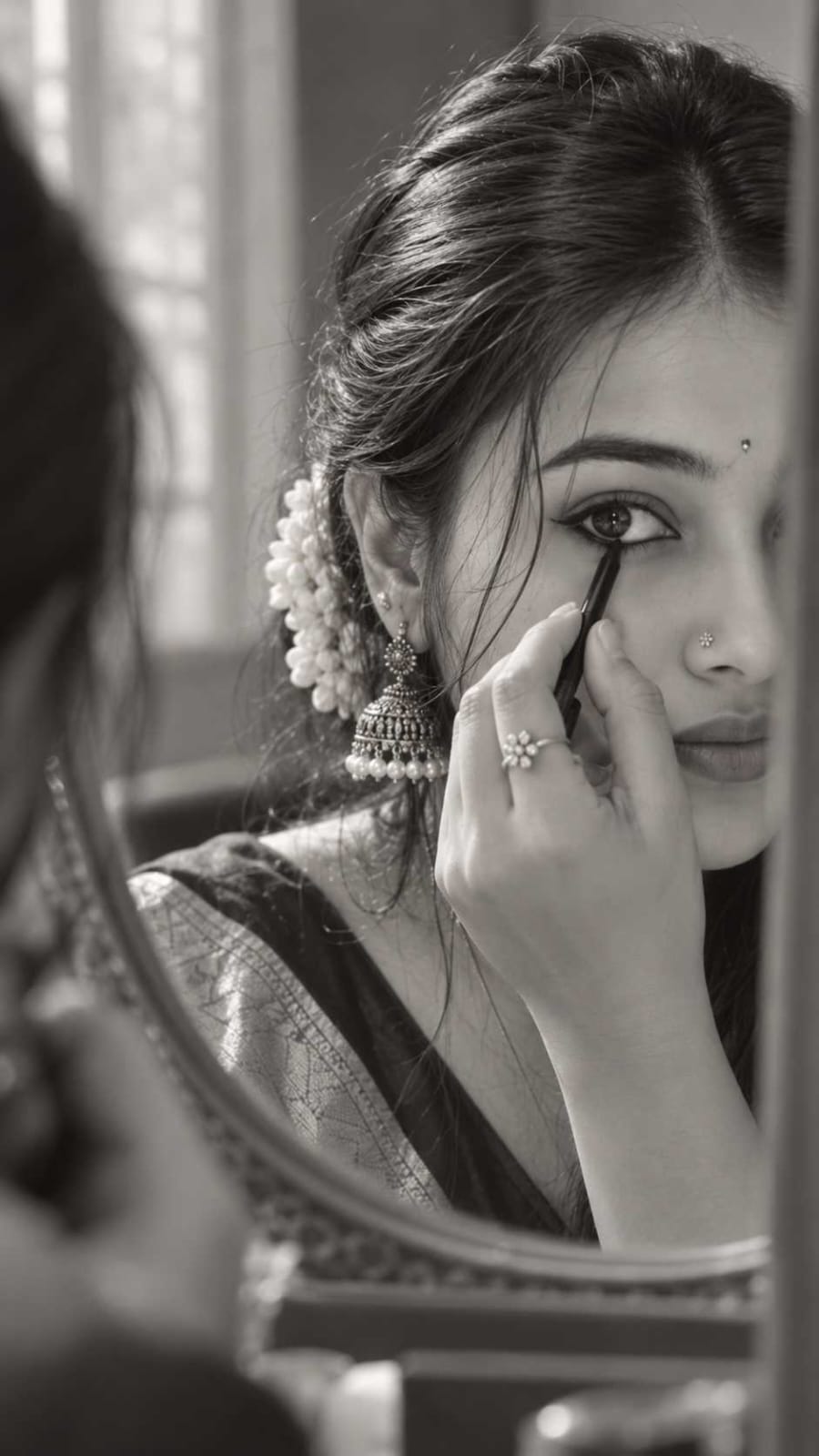
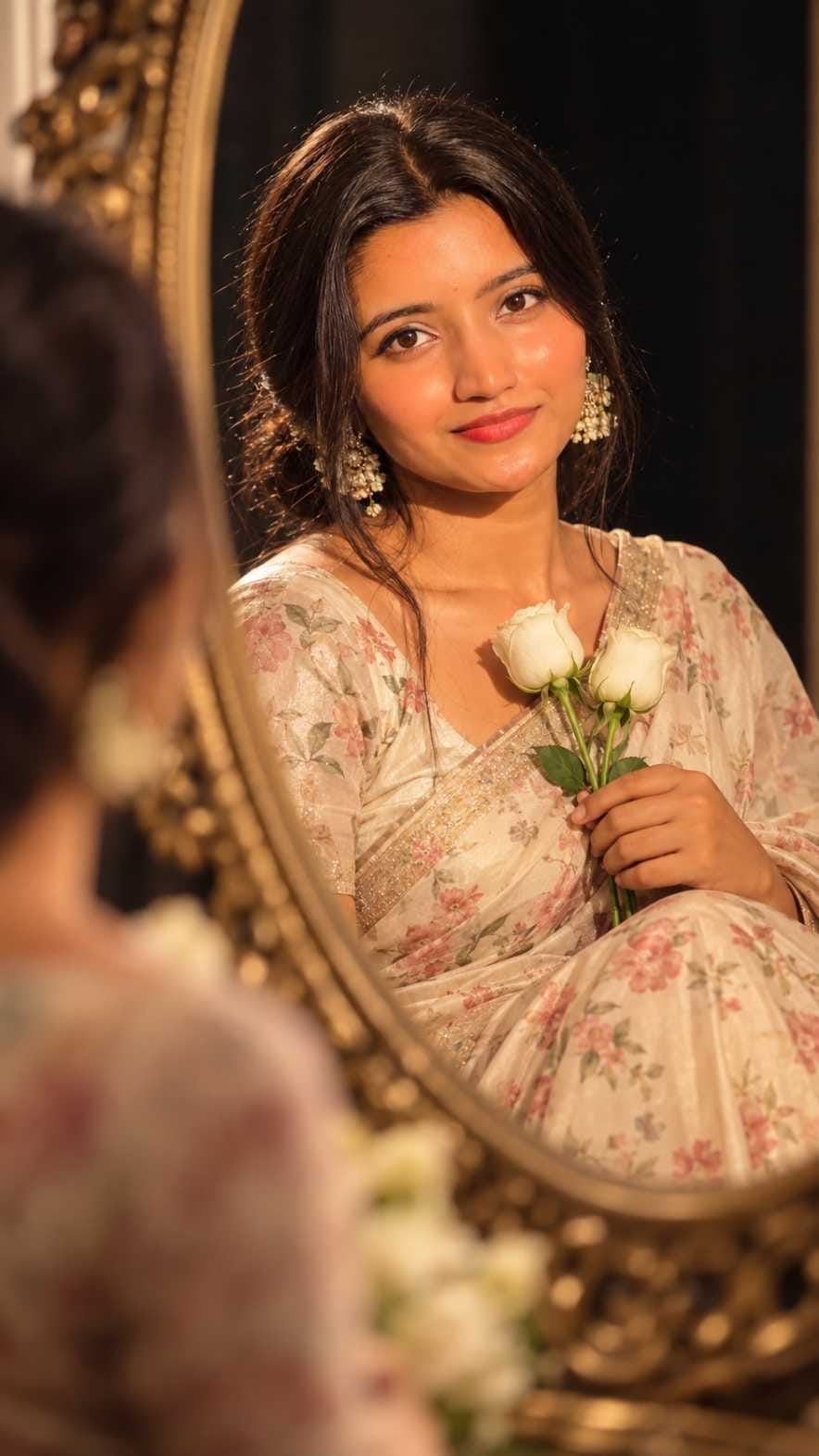
Right now, a new photo trend is going viral on Instagram and Pinterest, and it is called the mirror kajal AI photo prompt. In this trend, a girl is shown standing in front of a mirror while applying kajal to her eyes, wearing a beautiful saree with jhumka earrings and jasmine flowers in her hair.
The look feels soft, candid, and very real, like someone took the photo without any planning.
On RonyTica, we bring you easy AI photo prompts that anyone can use, and this mirror kajal style is one of the most loved trends this season. If you also want to turn your own photo into this dreamy mirror portrait, this guide will help you do it step by step.
Which AI Supports This Prompt
This mirror kajal AI photo prompt works best with ChatGPT. ChatGPT can understand small details like saree texture, jewellery, hair style, and lighting, and it gives a very realistic, photo-like result.
Gemini AI is also a good option if you want to try a different style or if ChatGPT is not working for you at that moment. Both tools are free to use and do not need any special skill. You just need a clear photo of yourself and a good prompt, and the AI tool takes care of the rest.
How To Use
Follow these simple steps to create your own mirror portrait using this trend :
- Open ChatGPT (or Gemini) on your phone or laptop.
- Upload a clear, well-lit photo of yourself. A front-facing photo works best.
- Copy one of the prompt boxes given below on RonyTica. There are different mirror portrait styles to choose from, so pick the one you like the most.
- Paste the prompt into the chat box, right after your photo.
- Wait a few seconds while the AI tool creates your image.
- If the result does not look right, simply ask the AI to try again, or make small changes like lighting or saree colour.
- Once you are happy with the photo, save it and share it on Instagram, WhatsApp, or Pinterest.
Tips Before Using
Before you try this AI photo prompt, keep a few small things in mind. Always use a photo where your face is clearly visible, without sunglasses, heavy filters, or dark shadows. Good natural light in your original photo helps the AI tool understand your face better and gives a more realistic output. If you are trying the saree mirror look, a photo where your shoulders and upper body are visible will give better results than a tight face close-up. Also, do not rush the process. Sometimes the first result is not perfect, and trying the prompt two or three times can give you a much better, more natural-looking photo.
Best Settings
| Setting | Recommended Option |
|---|---|
| AI Tool | ChatGPT (primary), Gemini (alternate) |
| Aspect Ratio | 9:16 (vertical, best for Instagram Reels and Stories) |
| Lighting Style | Warm, soft indoor lighting |
| Photo Type | Clear face photo, good natural light |
| Output Style | Realistic, candid, natural skin texture |
| Best Use | Instagram post, story, reel cover, WhatsApp DP |
Common Mistakes
Many people do not get a good result from this prompt because of a few common mistakes. Using a blurry or dark photo is the biggest reason for a bad output, since the AI tool cannot understand facial details properly in such photos. Some people also try to change too many things in one go, like saree colour, background, and pose all together, which confuses the AI tool. It is better to keep the base prompt as it is and change only one small thing at a time. Another mistake is expecting a perfect result in the first try itself. Just like any creative tool, this AI photo prompt also needs a little patience and a few tries to get that perfect viral-style mirror portrait.
Why You Will Love This Prompt
This mirror kajal AI photo prompt is special because it gives a candid, film-like feeling instead of a stiff, posed photo. The soft mirror reflection, warm lighting, and traditional saree styling make the photo look elegant and aesthetic at the same time. It is perfect for anyone who wants a fresh, trending profile photo without visiting a studio or hiring a photographer. Since this prompt keeps your natural face and expression, the final result still feels like you, just captured in a more cinematic and beautiful way. That is exactly why this style is becoming one of the most shared AI photo trends across Instagram and Pinterest right now.
Conclusion
The mirror kajal AI photo prompt is a simple, fun, and completely free way to create a cinematic, saree-style portrait using just your phone and ChatGPT. From soft mirror lighting to traditional jewellery and jasmine flowers, this trend gives your photo a rich, aesthetic look that stands out on social media. Try it out with the prompt boxes shared on RonyTica, and do not forget to experiment with different styles to find the one that suits you best. Keep visiting RonyTica for more trending AI photo prompts, video prompts, and viral template ideas.
Frequently Asked Questions
Yes, you can use this prompt for free with ChatGPT or Gemini, as both tools offer free image generation with some daily limits.
No, a normal smartphone photo with good lighting is enough. The AI tool does all the styling and detailing work for you.
ChatGPT usually gives more realistic and detailed results for saree and jewellery styling, but Gemini is a good backup option if ChatGPT is busy or not working well.
Yes, you can easily ask the AI tool to change the saree colour or style while keeping the rest of the prompt the same.
Yes, if you upload a clear photo, the AI tool tries to keep your face, expression, and features close to the original, only changing the outfit, background, and styling.




Arif jod 09
🥰🥰🥰🥰
Avrat
Aerst
Xrrxtv
5s5s
Instagram