


Sunflower fields have taken over Instagram and Pinterest this season, and everyone wants that same warm, golden-hour look in their own photos. The good news is you do not need to travel to an actual sunflower farm to get this shot. With the right sunflower image prompt, you can turn your own photo into a stunning cinematic portrait, standing or sitting right in the middle of endless yellow blooms.
This trend is trending fast because it feels dreamy, romantic, and perfect for both solo posts and couple pictures. On RonyTica, we bring you ready-to-use AI prompts like this one so you can create these viral looks without any editing skills. Just pick your photo, use the prompt from the box below, and let AI do the rest. This particular sunflower image prompt comes in two beautiful styles.
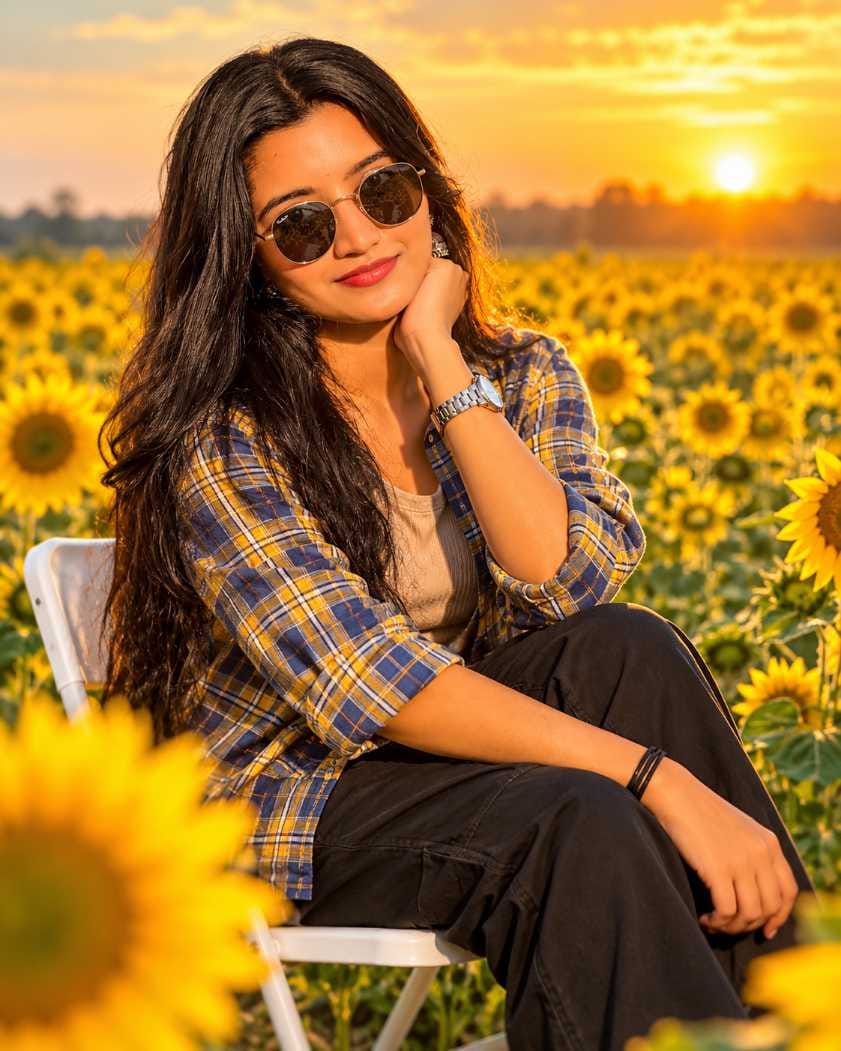
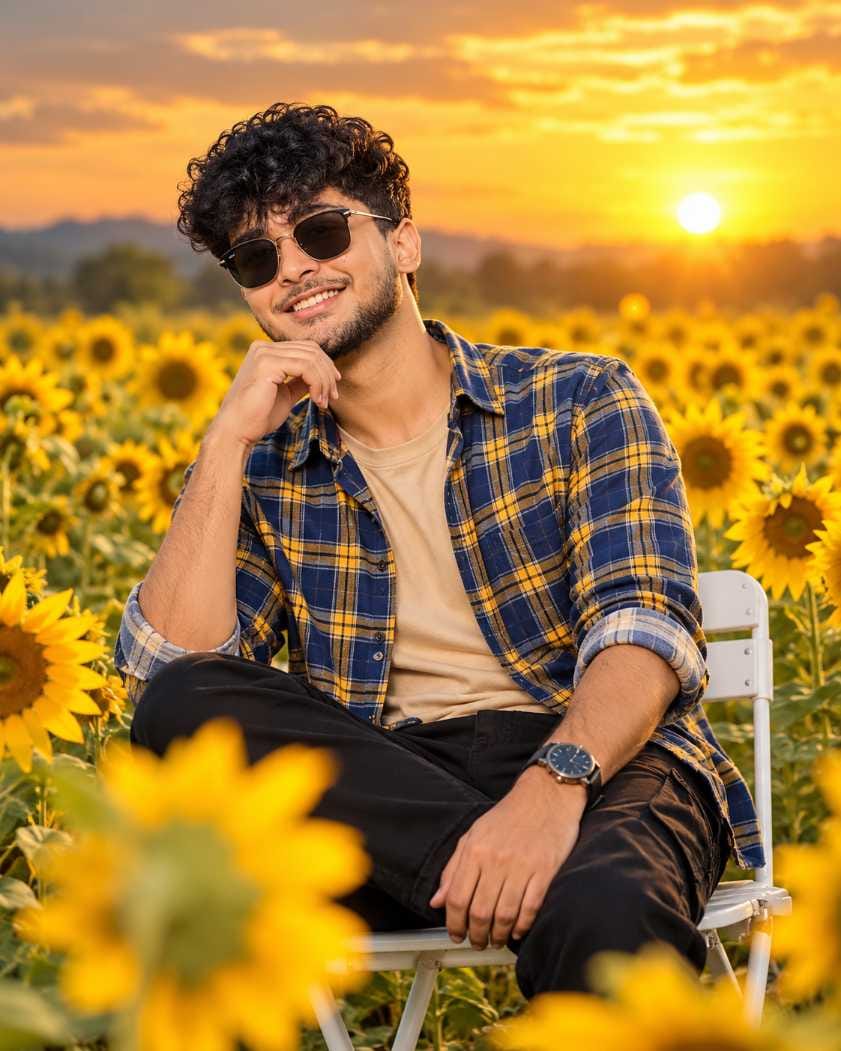
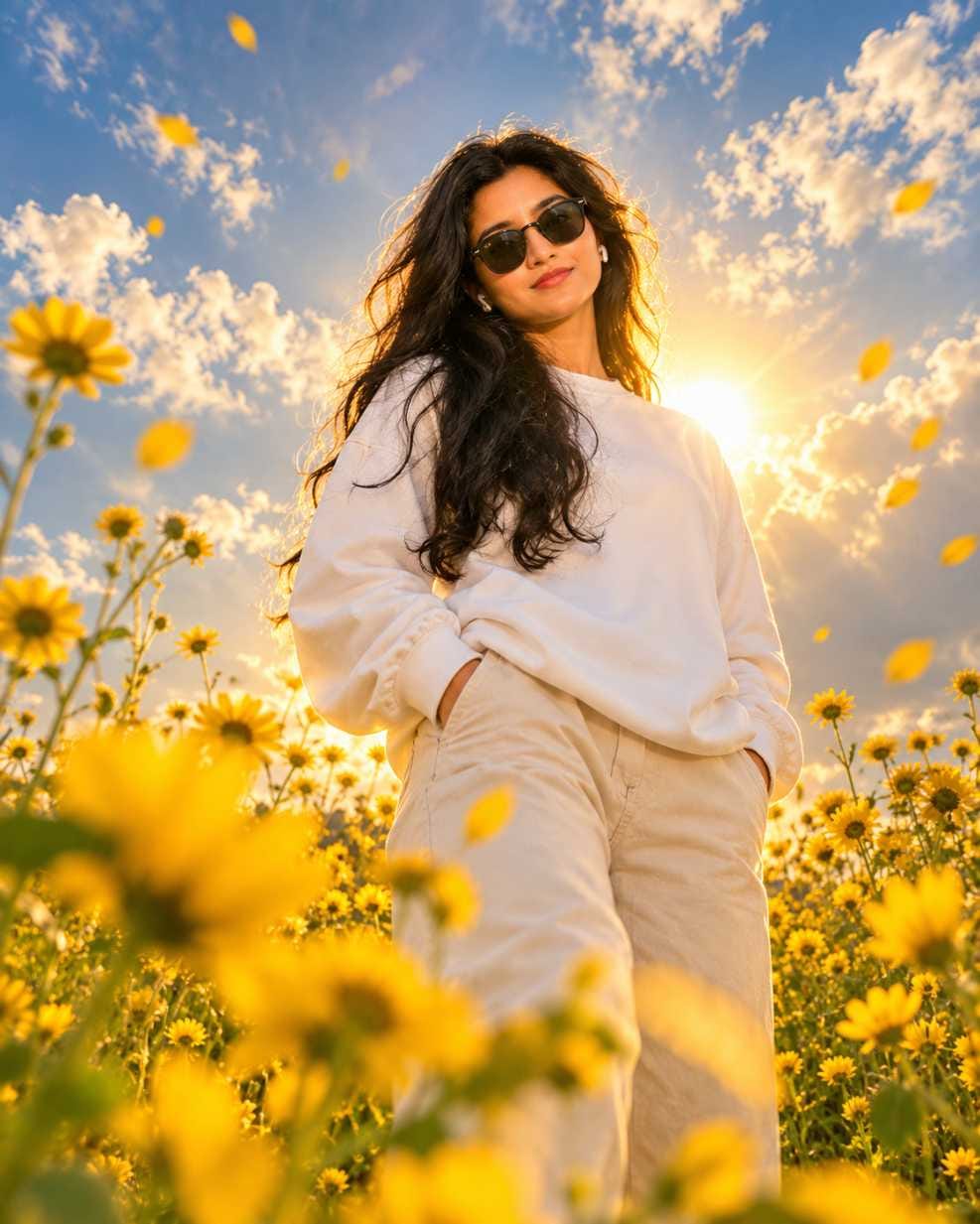
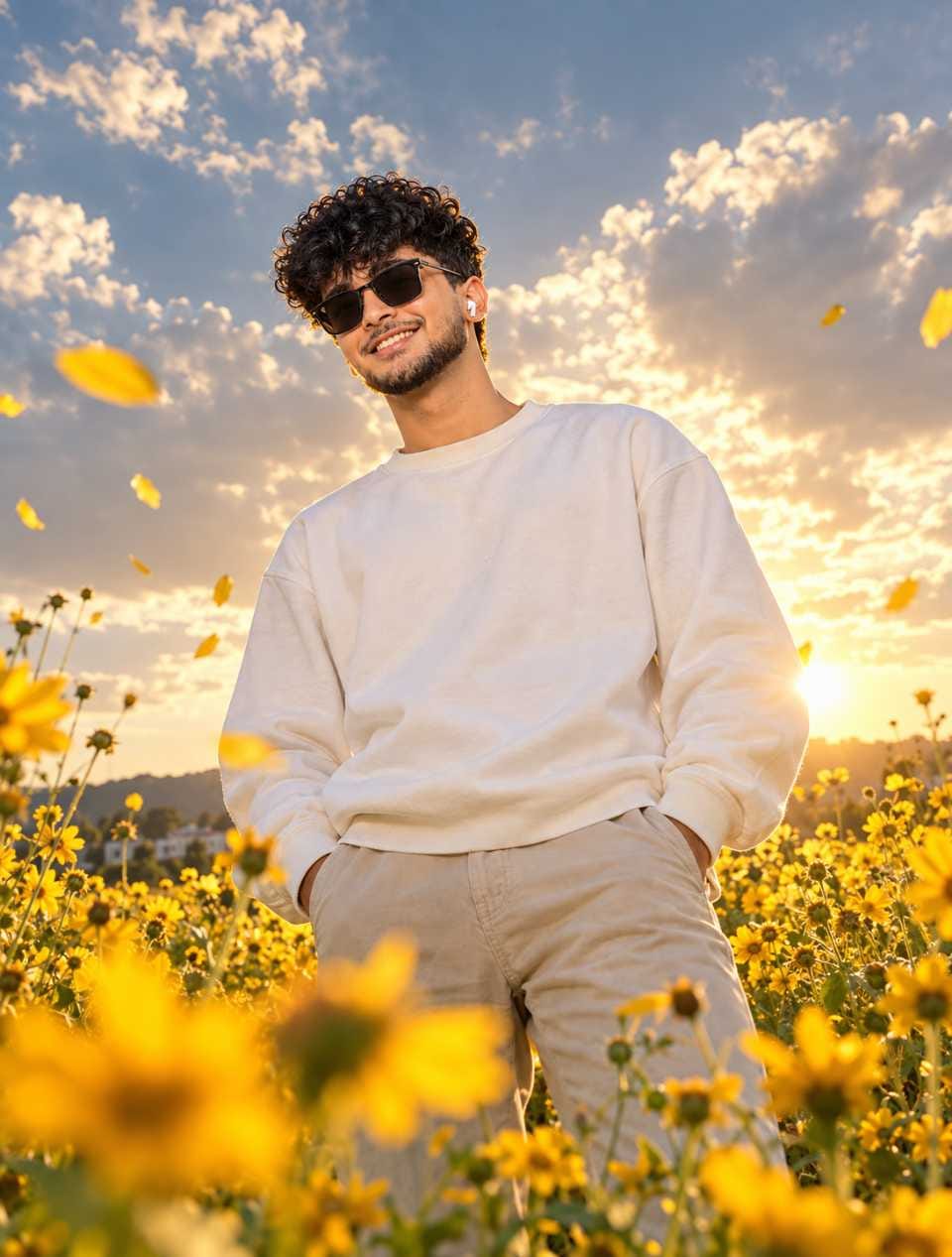
The first one gives you a relaxed, seated pose on a white folding chair with the sunset glowing behind you. The second one is a low-angle standing shot with flower petals floating in the wind and the sun peeking through soft clouds.
Both styles work equally well for men and women, and they also look amazing as a couple post if you and your partner want matching pictures. Keep reading to learn exactly how to use this prompt, what settings work best, and the small mistakes you should avoid.
Which AI Tool Works Best for This Prompt
For this sunflower image prompt, ChatGPT gives the most realistic and consistent results. It understands lighting, skin texture, and clothing details very well, which is exactly what this prompt needs since it depends heavily on golden sunset tones and natural skin rendering. ChatGPT also tends to keep the pose and framing accurate when you ask it to preserve composition, which matters a lot for the standing low-angle style. While other AI tools like Gemini can also generate sunflower field photos, ChatGPT currently gives the most premium, magazine-style output for this specific look. If you are serious about getting that high-end Instagram feel, start with ChatGPT first.
How to Use This Sunflower Image Prompt
Follow these simple steps to generate your own sunflower field photo using this prompt.
- Open ChatGPT and start a new chat where you can upload an image.
- Upload a clear photo of yourself, ideally a half-body or full-body shot with good lighting and a plain background.
- Copy the sunflower image prompt from the prompt box given below this article on RonyTica.
- Paste the prompt into the chat along with your uploaded photo.
- Mention clearly whether you want the seated chair pose or the standing windy pose, since both styles are included in the prompt box.
- Wait for ChatGPT to generate the image, then check if the pose, lighting, and outfit details match what you wanted.
- If something looks off, ask ChatGPT to regenerate with small corrections, like adjusting the sunlight angle or the flower density.
- Download the final image once you are happy with the result, and save it in high resolution for posting.
Tips Before Using This Prompt
Before you generate your sunflower photo, keep a few things in mind so the final result looks natural and polished. Always use a source photo where your face is clearly visible and not covered by shadows, since AI tools rely on facial details to keep the output realistic. Good original lighting on your face also makes it easier for the AI to match the warm golden tone of the sunset. If you are doing the couple version of this sunflower image prompt, try to use photos with similar lighting and photo quality for both people so the final images blend well together as a set. It also helps to mention the exact outfit colors you are wearing if you want the AI to match them closely, since plaid shirts and plain sweatshirts render differently depending on fabric texture. Lastly, always double check the aspect ratio setting before generating, since Instagram portraits look best in a vertical format.
Best Settings for This Prompt
Use the table below as a quick reference for the ideal settings when generating this sunflower image prompt.
| Setting | Recommended Value |
|---|---|
| AI Tool | ChatGPT (image generation) |
| Aspect Ratio | 4:5 (Instagram Portrait) |
| Resolution | 1080 x 1350 or higher |
| Lighting Style | Golden hour, warm sunset tones |
| Best Photo Type | Half-body or full-body, clear face |
| Background | Plain or simple, not too busy |
| Output Format | HD / High Quality |
Common Mistakes to Avoid
Many users get disappointing results with this sunflower image prompt because of a few avoidable mistakes. One common issue is uploading a blurry or low-light source photo, which confuses the AI and leads to distorted facial features. Another mistake is forgetting to specify which style you want, seated or standing, which can result in a mixed or incorrect pose. Some people also skip mentioning the aspect ratio, and end up with a square or landscape image that does not fit well on Instagram. If you are creating the couple version, uploading two very different quality photos, one clear and one blurry, often makes one person look more realistic than the other in the final image. Lastly, avoid using photos with heavy filters already applied, since this makes it harder for the AI to blend natural skin tones with the sunflower field background.
Why You Will Love This Prompt
This sunflower image prompt gives you that dreamy, cinematic look that usually takes a professional photographer and an actual sunflower farm to achieve. Instead, you get the same warm golden lighting, soft floating petals, and endless yellow blooms using just one clear photo and a few minutes of your time. It works beautifully whether you want a solo aesthetic post or a cute matching set with your partner. The pose feels natural and stylish rather than overly posed, which is exactly why this trend has been going viral across social media. Once you try it, you will understand why so many creators are switching to AI-generated sunflower photos instead of planning an actual outdoor shoot.
Conclusion
The sunflower image prompt trend is one of the easiest ways to create a stunning, golden-hour photo without leaving your home. With just one clear photo and the right prompt, you can generate a professional-looking sunset portrait in minutes. Whether you choose the relaxed seated style or the dreamy standing pose with floating petals, this prompt gives you a beautiful result every time. Head to the prompt box below this article on RonyTica to copy the exact prompt and start creating your own viral sunflower photo today.
Frequently Asked Questions
Yes, this prompt is designed to work for both men and women, and both versions are included in the prompt box below this article.
ChatGPT currently gives the most realistic and detailed results for this specific sunflower image prompt.
Yes, this prompt works great as a couple post since both the seated and standing styles look good when paired together.
No, a clear photo with good lighting is enough. You do not need professional photography equipment.
A 4:5 portrait ratio at 1080 x 1350 resolution works best for Instagram posts.



