


Have you seen those cute sticker-style pictures on Instagram? A person standing next to a green train, looking like a clean digital drawing? That is the Vector Art Illustration trend, and right now it is one of the biggest AI photo trends on social media.
People are turning their normal selfies into these flat, colourful, sticker-cut illustrations using simple AI tools. No design skill needed. No expensive software. Just a good ChatGPT photo prompt, and you get a picture that looks like it came straight out of a modern app icon or a travel poster.
In this post, we at RonyTica are sharing everything about this vector art illustration trend. We have three looks ready for you a solo girl look, a solo boy look, and a cute couple look, all set at the same train station. Pick any prompt box on this page, and you are ready to create your own version.
Which AI Supports This Vector Art Illustration Style
The good news is, you do not need any paid or complicated app for this. This vector art illustration style works best with tools that already understand image generation from text and photos.
- ChatGPT – This is our top pick. ChatGPT’s image feature reads your photo and prompt together, and gives clean, sticker-style results almost every time. Most creators making this ChatGPT photo prompt trend viral are using this tool.
- Gemini – Google’s Gemini can also handle this kind of Gemini photo prompt request. Results may look a little different from ChatGPT, but it is a good backup option if ChatGPT is busy or not working for you.
For beginners, we always suggest starting with ChatGPT, since it keeps the vector look, the sticker outline, and the colours very consistent.
How To Use This Vector Art Illustration Prompt
Making your own vector art illustration photo is very easy. Just follow these simple steps :
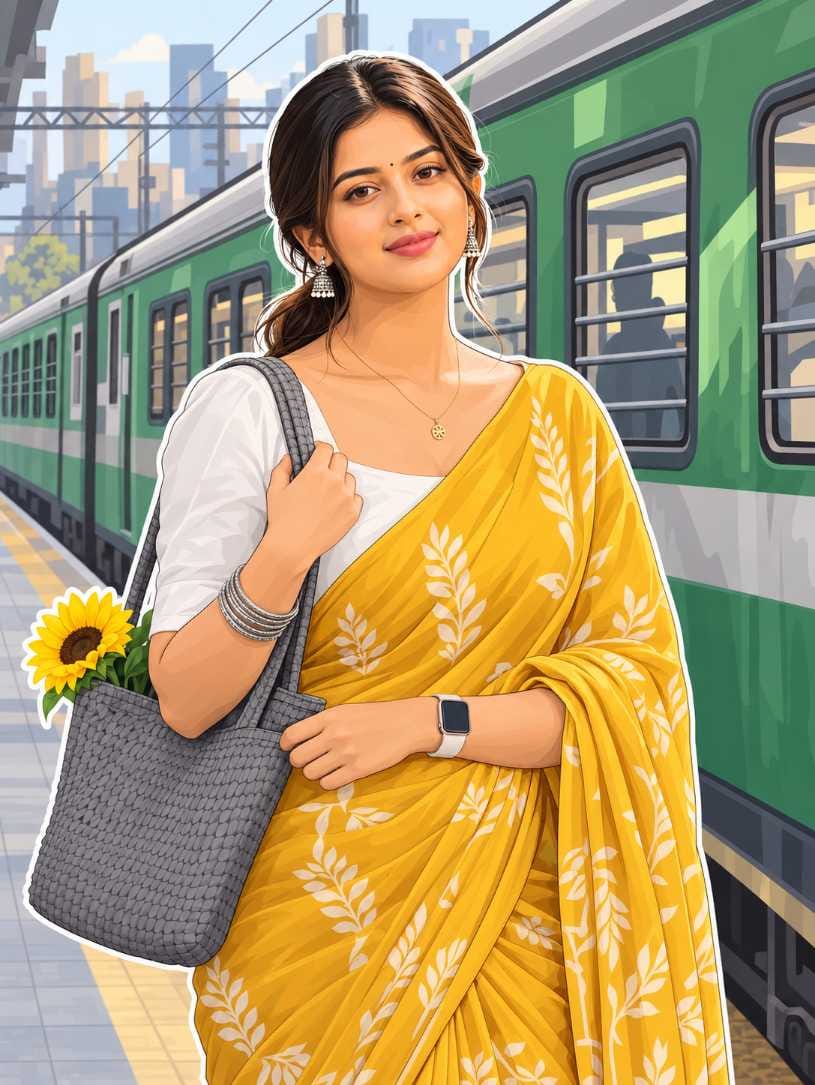
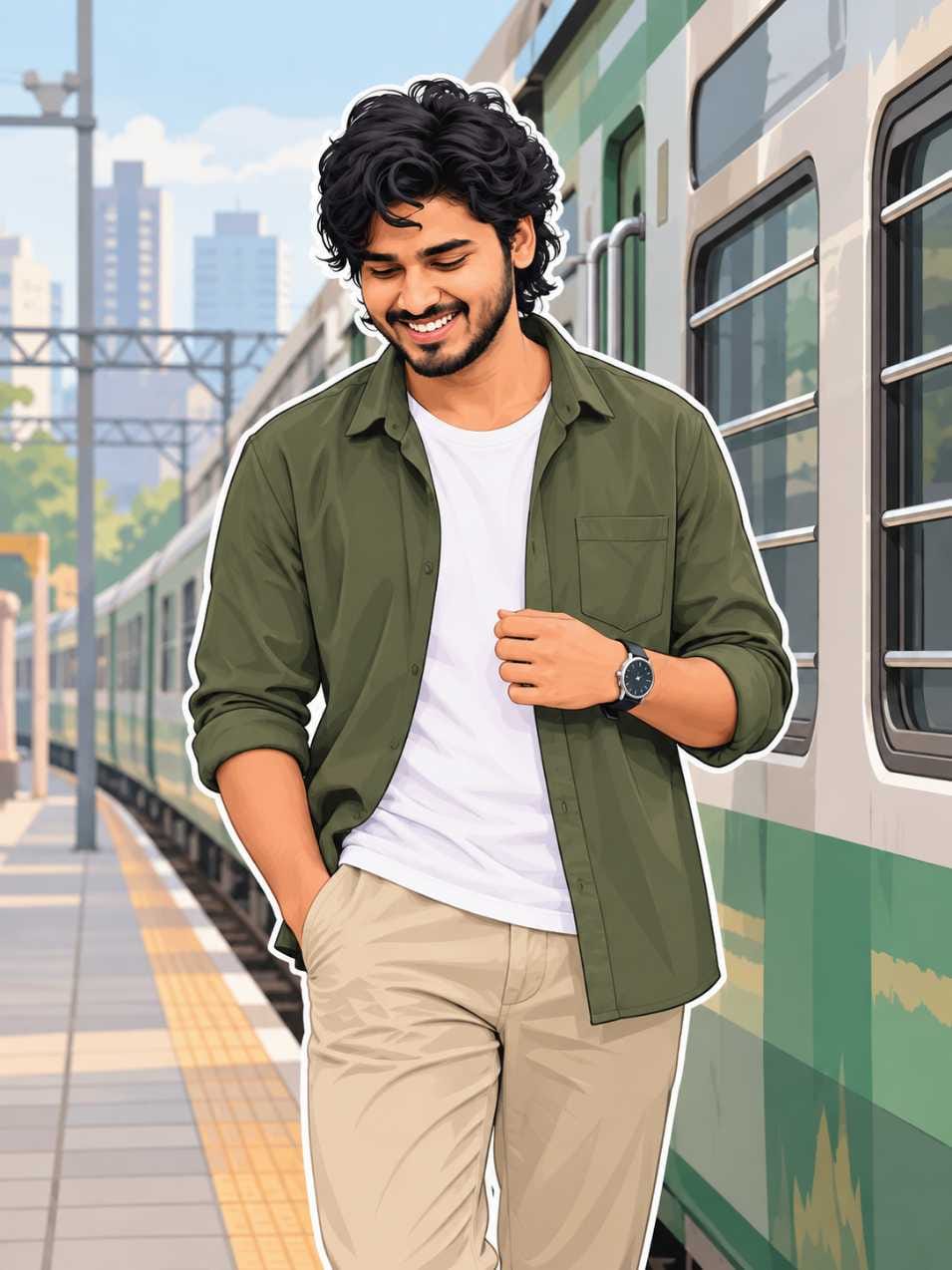
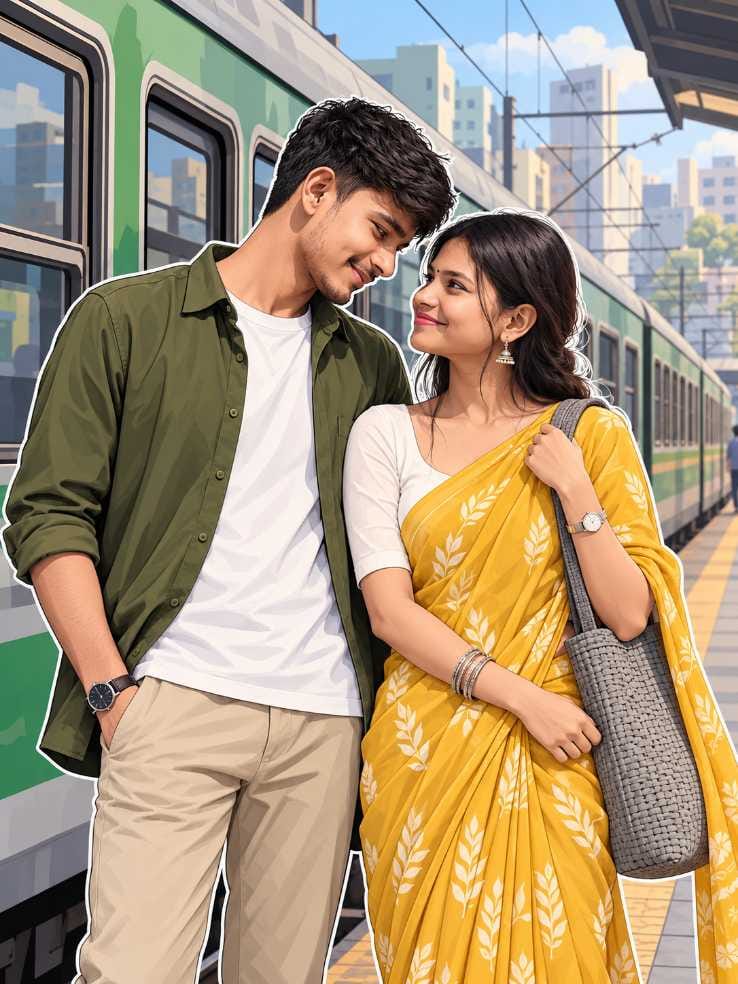
- Open ChatGPT (or Gemini) on your phone or laptop.
- Upload a clear photo of yourself. Front-facing photos with good light work best.
- Scroll down on this RonyTica page and open the prompt box for the look you want solo girl, solo boy, or couple.
- Copy the full prompt from the box.
- Paste the prompt into the chat, along with your uploaded photo.
- Send it, and wait a few seconds. The AI will turn your photo into this vector art illustration style.
- If the first result is not perfect, just ask the AI to try again or adjust small details like colour or pose.
That’s it. No editing app, no filter pack, nothing extra needed.
Tips Before Using This Prompt
Before you jump in, keep these small but important tips in mind for the best vector art illustration result :
- Use a photo where your face is clearly visible, not blurry or too dark.
- A plain background in your original photo works better, since the AI will replace it anyway.
- If you want the couple version, upload one clear photo of each person, or one photo with both people together.
- Do not use group photos with many people in the frame the AI can get confused about who to illustrate.
- Keep your outfit details in mind. If you want the same yellow saree or olive shirt look shown in our sample images, just mention it clearly.
Best Settings For This Vector Art Illustration Prompt
To get that same clean, poster-style output every time, keep these settings in mind :
- Aspect Ratio: 3:4 (vertical) works best. This is the same ratio used in our sample images, and it fits perfectly for Instagram posts and reels covers.
- Style: Ask for flat colours with smooth, subtle shading. Avoid asking for “realistic” or “3D” that will break the vector look.
- Outline: A bold white sticker-style outline around the character is what makes this trend stand out. Do not skip this detail.
- Background Tone: Soft, muted pastel colours (grey, green, light blue) give that premium, modern illustration feel.
Common Mistakes To Avoid
Many people do not get good results simply because of small mistakes. Watch out for these :
- Skipping the outline detail – Without the bold white sticker outline, the image looks like a normal illustration, not this specific viral style.
- Using low-quality photos – A blurry or dark photo confuses the AI, and your face may not come out clear in the final vector art illustration.
- Changing too many details at once – If you are trying the couple version, do not change the background, train, or colour palette. Keep those same, and only change the people.
- Forgetting the aspect ratio – Many people forget to mention 3:4, and end up with a square or landscape image that does not match the trend.
- Mixing prompt styles – Do not combine the solo prompt and the couple prompt together. Use the exact box made for the look you want.
Why You’ll Love This Vector Art Illustration Prompt
This trend has become so popular for good reason:
- It gives you a premium, poster-like picture without hiring any designer.
- The train station background gives a cool, cinematic, travel-vibe feeling.
- You get three different looks in one trend solo girl, solo boy, and couple so friends, couples, and solo creators can all join in.
- It works great as an Instagram post, WhatsApp DP, or Facebook cover photo.
- The soft pastel colours and clean lines make it look like official app artwork, which is why it is spreading so fast on social media right now.
Whether you are single and want a solo poster-style picture, or you want a sweet couple illustration with your partner, this vector art illustration prompt covers it all.
Conclusion
The Vector Art Illustration trend is one of the most fun and easy ways to turn your normal photo into a poster-worthy picture. With just one ChatGPT photo prompt, you can create a solo look, a couple look, or gift your partner a cute matching illustration.
Try it today using the prompt boxes on this page, and don’t forget to explore more trending AI photo prompts and Gemini photo prompts on RonyTica. New viral prompts are added regularly, so keep visiting for fresh ideas.
Frequently Asked Questions (FAQ)
1. What is Vector Art Illustration in AI photos?
It is a flat, clean, sticker-style digital drawing made from your normal photo using AI tools like ChatGPT.
2. Which app is best for this vector art illustration trend?
ChatGPT gives the most consistent results. Gemini also works as a good option.
3. Do I need a paid ChatGPT plan for this?
No, you can try this on the free version too, though results may sometimes take a bit longer to generate.
4. Can I make a couple photo with my partner in this style?
Yes, we have a separate prompt box for the couple version. Just upload one photo of each person, or a photo of both together.
5. Why does my picture not look like the sample image?
Usually this happens due to blurry photos, missing the aspect ratio setting, or asking for too many changes in one go. Follow our tips section above for best results.
6. Is this vector art illustration prompt free to use?
Yes, every prompt on RonyTica is completely free. Just copy from the prompt box and use it directly.



