


Have you seen those videos where a blurry, low quality clip suddenly turns super clear and sharp in just few seconds? That is the new 144p to 1080p trend and it is everywhere on Instagram and YouTube right now. People are loving this effect because it looks so cool and it is very easy to make too.
If you also want to try this trend, you are at the right place. On RonyTica, we bring you the easiest way to get this viral effect using VN app. You just need your own normal video, and this template will do all the magic for you. Your video will slowly change from a blurry 140p look to a full clear 1080p look, with a nice slow motion and music added on top.
No editing skills needed. No long tutorial to follow. Just save the code, open VN, add your clip, and you are done. In this RonyTica guide, we will show you step by step how to use this template so that even a beginner can make it in few minutes. So let’s get started with this trending 144p to 1080p VN template.
What Exactly Is This VN Template
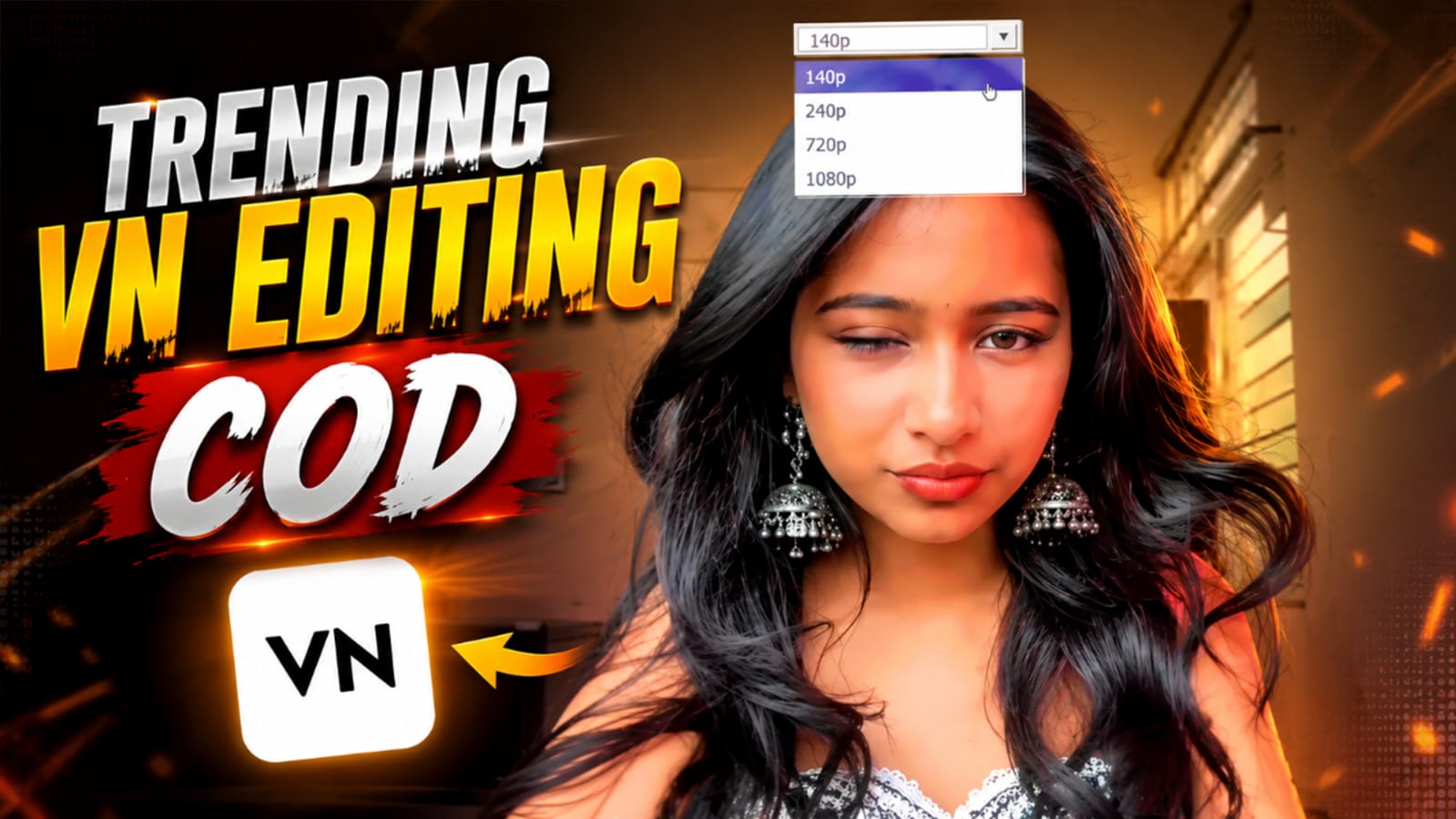
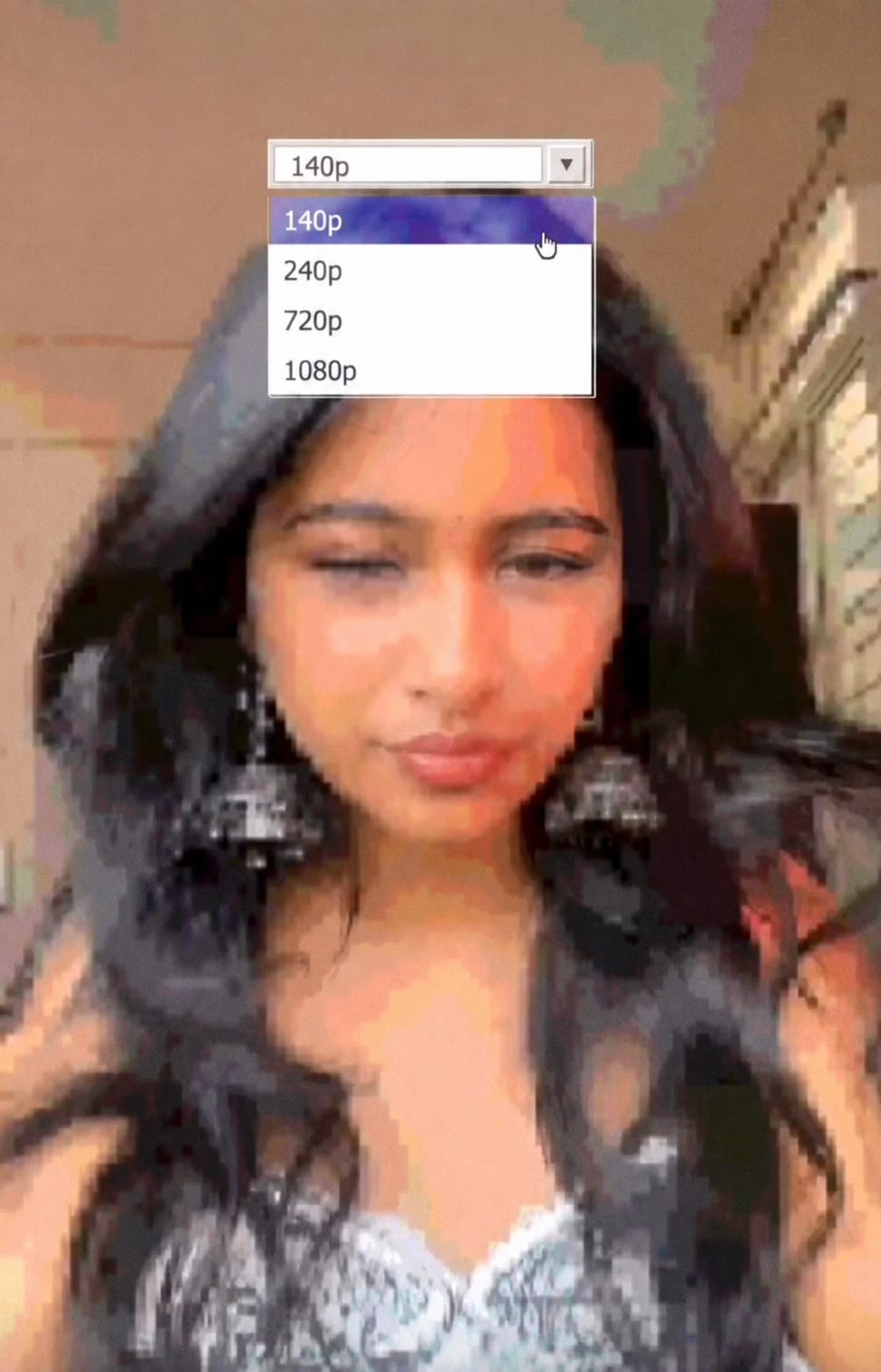
This VN template is made for the 144p to 1080p trend. In simple words, it takes your normal video and shows it first in a low quality look, almost like an old blurry video from many years ago. Then slowly, in slow motion, the quality keeps changing – from 140p, then 240p, then 720p, and finally it becomes crystal clear at 1080p.
On top of your video, a small quality box also appears, just like the one you see on YouTube when you change video quality. This makes the effect look even more real and fun. A nice background song is also added with the template, so your final video feels complete and ready to post. This is why so many people on RonyTica and social media are trying this 144p to 1080p template these days.
Why This 144p Vs 1080p Trend Is Going Viral
Everyone loves a good “before and after” video, and that is exactly what this trend gives. When people see a blurry video slowly turning into a super clear video, it feels satisfying to watch. That is the main reason this 144p to 1080p trend is going viral on Instagram Reels and YouTube Shorts.
Also, this trend works with any kind of video. Selfie video, dance video, outfit video, or just a normal daily video – all look nice with this effect. People also like it because it does not need any hard editing. Just one template code and your video is ready. Because it is so simple and result looks so good, more and more people are trying this trend every day, which is why it keeps trending again and again.
What You Will Need Before Starting
- VN video editor app (free to download from Play Store or App Store)
- Your own video clip, any normal video works fine
- A good clear video works best for the final 1080p part
- Few minutes of free time
- Internet connection to save the template code
Get The Template Code Here
To use this trend, you need the special VN template code. Just follow the two simple steps given below.
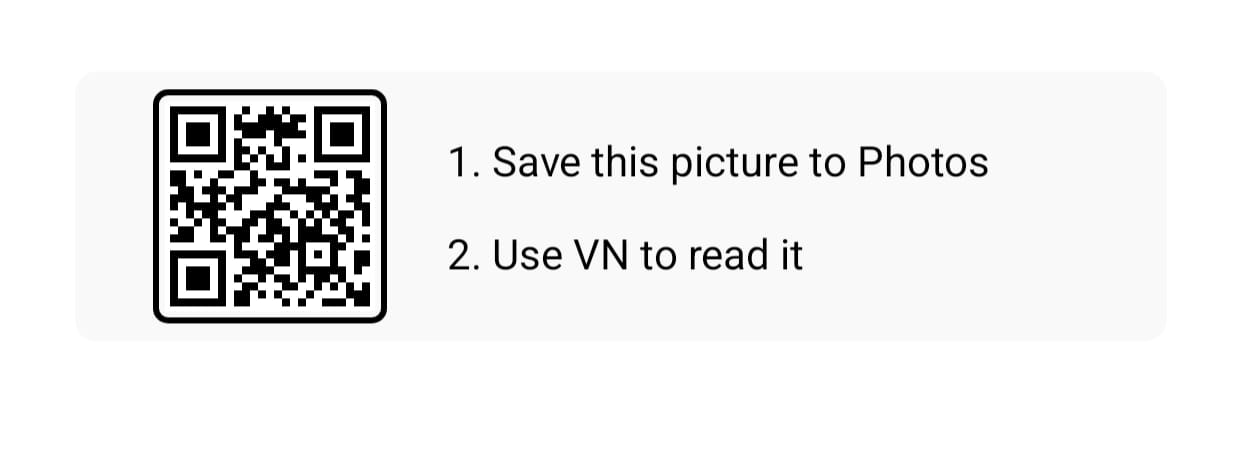
- Save this QR code picture to your phone gallery
- Open VN app and use this picture to read the code
Once you scan it, the template will open directly inside your VN app, ready for you to add your own video.
Step By Step Guide To Use This VN Template
Follow these easy steps and your viral video will be ready in no time.
Step 1: Save the template code
First, save the QR code picture given above to your phone’s photo gallery. Make sure the full picture is saved clearly.
Step 2: Open VN app
Now open your VN app. If you don’t have it, download it for free from Play Store or App Store.
Step 3: Scan the code
Inside VN app, find the option to scan or read a template code from gallery. Select the QR code picture you saved. The template will load automatically with all effects and music already set.
Step 4: Add your video
Now the app will ask you to add your own clip. Choose any video from your gallery. A simple face video or a normal daily clip works great for this trend.
Step 5: Check the preview
Once your video is added, play the preview. You will see your video changing from blurry to clear, with the quality box moving from 140p to 1080p.
Step 6: Export and save
If everything looks good, tap on export. Choose 1080p quality option so your final video looks sharp and clean. Save it to your gallery.
Step 7: Post it
Your viral 144p to 1080p video is now ready. Post it on Instagram Reels, YouTube Shorts, or Facebook and watch the likes come in.
Which Type Of Clips You Need
You don’t need many clips for this template, just one good video is enough. A front facing video works best, like a selfie style clip where your face is clearly visible. Try to pick a video where you are looking at the camera, since the quality change effect looks best on face and close up shots. Vertical video (9:16) will fit the template perfectly, so always shoot or choose a video in vertical mode for best result.
Common Mistakes To Avoid
- Don’t use a very short video, keep it at least few seconds long so the quality change effect shows properly
- Don’t skip saving the QR code clearly, a blurry saved code may not scan properly in VN
- Don’t forget to choose 1080p while exporting, or your final clear part may not look sharp
- Don’t use a horizontal video, always use vertical video for this template
- Don’t add too much extra editing on top, the template already has effects and music set
Helpful Tips For Best Result
Always pick a video with good lighting for the last (clear) part, since that part is the highlight of your whole video. A simple smile or small movement in your clip also makes the video feel more natural and fun to watch. Watch the preview twice before exporting, just to make sure the quality change is matching nicely with the music beat. And always keep checking RonyTica for more such trending VN templates, so you never miss a new viral trend.
Why You Will Love This Template
This template is perfect for beginners because there is nothing hard to learn here. You don’t need to add filters, cut clips, or add music separately, everything already comes ready inside the template code. It saves your time and still gives a very professional and trending result. Whether you are new to video editing or have been using VN for long time, this 144p to 1080p template is something everyone can enjoy making.
Frequently Asked Questions
1. What app do I need for this 144p to 1080p trend?
You need the VN video editor app, which is free to download on both Android and iPhone.
2. Is this template free to use?
Yes, this VN template code shared on RonyTica is completely free to use.
3. Can I use any video for this template?
Yes, any normal video works, but a clear front facing video gives the best result.
4. Why is my QR code not scanning in VN?
Make sure you have saved the full QR code picture clearly to your gallery before scanning it inside VN.
5. Do I need to add music separately?
No, the background music already comes added inside the template code.
6. What video quality should I export in?
Always export in 1080p so that the final clear part of your video looks sharp.
7. Can I use this template on iPhone?
Yes, VN app works on both Android and iPhone, so you can use this template on any phone.
8. Where can I find more trending VN templates?
RonyTica keeps sharing new viral VN and CapCut templates regularly, so keep visiting RonyTica for more.
Conclusion
This 144p to 1080p trend is one of the easiest and most fun trends to try right now, and with this VN template from RonyTica, you can make it in just few minutes. No hard editing, no long steps, just scan the code, add your video, and you are ready to post. So go ahead, try this template today, and don’t forget to check RonyTica again soon for more such trending and viral templates like this one.
mujhe ek video chahie
gjtn
Main use Rani ka gulam hun jise duniya man kahati hai Jay Shri Ram Dharm Ishan hai
Vn
Tgfhbxset y
Qwertyuuiii9