


Have you seen those dark, sad Instagram photos where someone is shown as “Instagram User” with a broken profile picture? This is the new Instagram User photo prompt trend, and it is going viral on Instagram Reels, YouTube Shorts and Facebook right now.
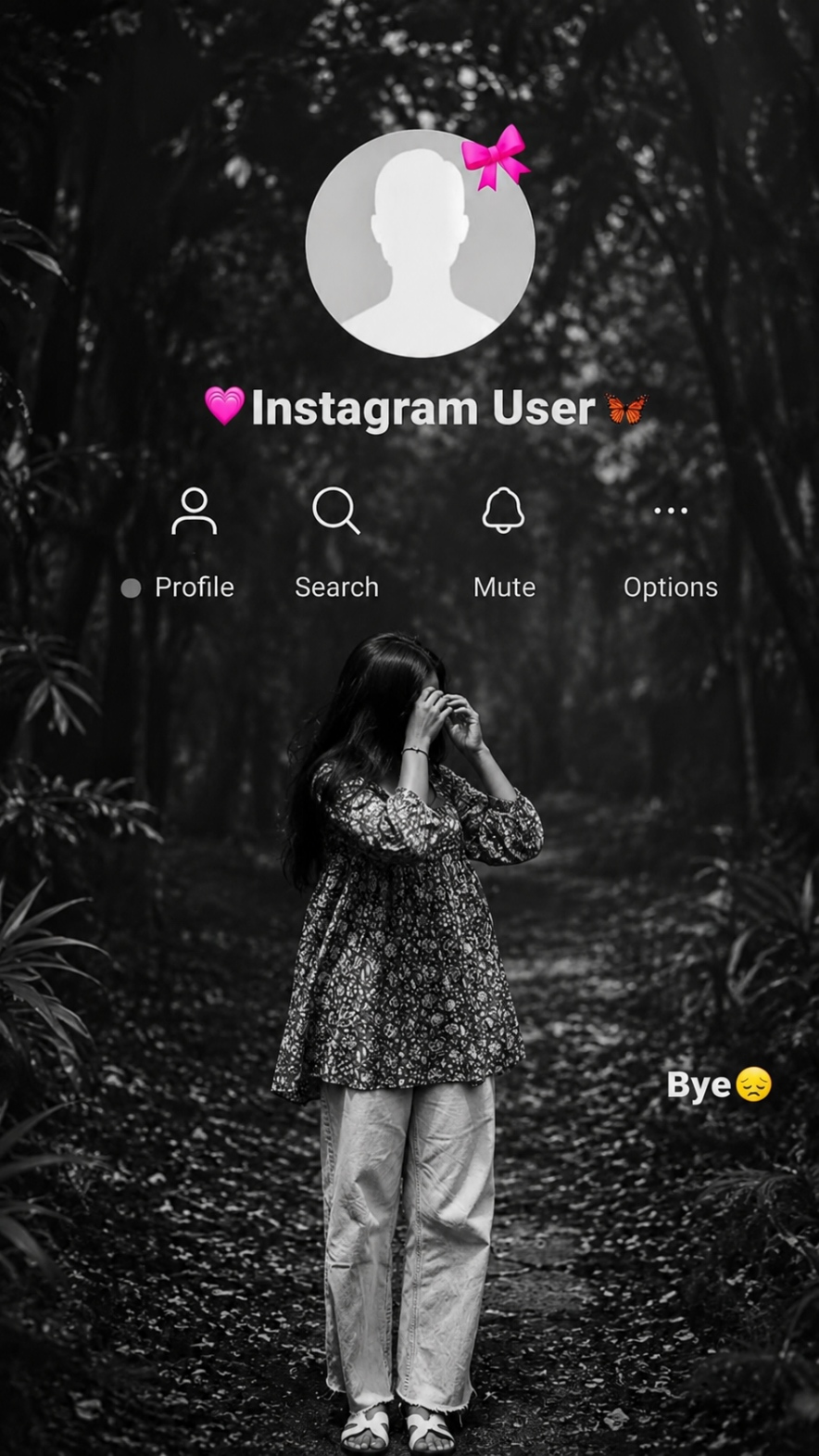
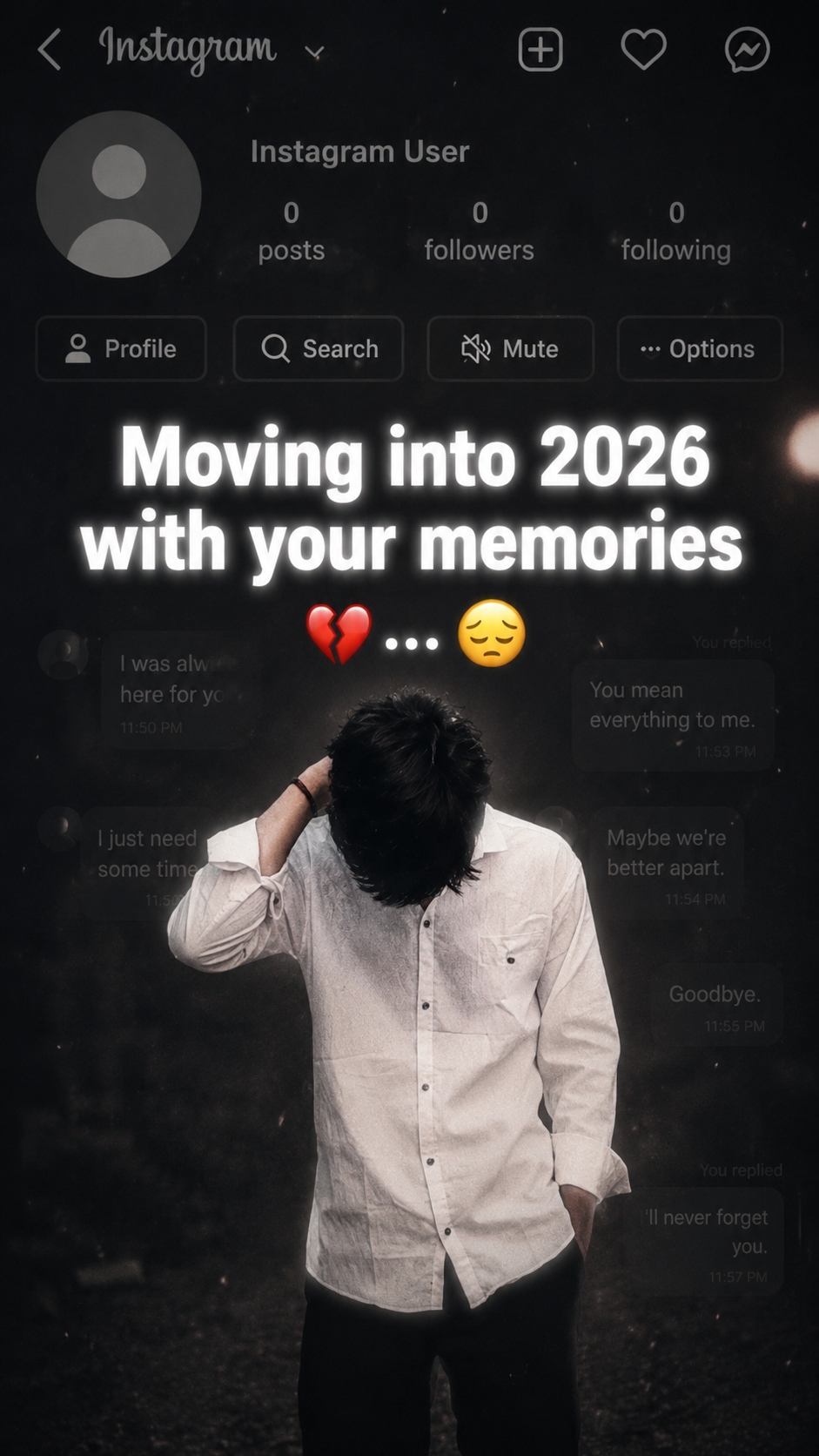
In this trend, people use AI tools to create a moody, cinematic photo. It looks like your favourite person has blocked you on Instagram. The background shows a dark forest or a faded chat screen, and your own photo is placed in front of it. It looks sad, but it looks super stylish too.
On RonyTica, we keep bringing you these trending AI photo prompts so that you never miss out on what is going viral. This time, we found two amazing versions of the Instagram User trend, and we will show you exactly how to create them. So if you also want to make your friends stop scrolling and say “wait, what happened to you?”, stay with us till the end.
Which AI Supports This Prompt?
For this Instagram User photo prompt, ChatGPT works the best. ChatGPT is very good at understanding photo editing instructions and keeping your face and body exactly the same while changing the background and style.
You can also try this prompt on Gemini, but the results may not always match your original photo properly. So our suggestion from RonyTica is simple: always start with ChatGPT for the most accurate and clean result.
How To Use
Making this trending photo is very easy. Just follow these small steps :
- Open ChatGPT on your phone or laptop.
- Upload your own clear photo (front-facing photo works best).
- Copy the prompt given in the prompt box below (you will find two prompt options).
- Paste the prompt in ChatGPT along with your photo.
- Wait a few seconds and let the AI generate your image.
- Download the photo once it is ready.
That’s it. In just one try, you will get your own viral Instagram User photo.
Tips Before Using
Before you generate this photo, keep these small things in mind :
- Always use a clear and bright photo of yourself. Blurry photos give bad results.
- Your face should be fully visible in the photo, not covered by hair or hand.
- Use a photo where your full body or half body is clearly seen, depending on which prompt you pick.
- Try to use a plain background in your original photo. It helps the AI understand your body shape better.
- If the first result is not perfect, just try generating it one more time.
Best Settings
| Setting | Recommended Value |
|---|---|
| Image Ratio | 9:16 (best for Reels and Stories) |
| Style | Cinematic Black & White / Dark Moody |
| Resolution | Full HD or 4K |
| Face Visibility | Clear and front-facing |
| Background | Dark forest or faded chat overlay |
| Best AI Tool | ChatGPT |
Common Mistakes
Many people mess up this simple trend because of these small mistakes :
- Uploading a low quality or dark photo, which confuses the AI.
- Not mentioning the correct image ratio, so the photo comes out in the wrong size for Reels.
- Using a photo where the face is not clear, so the AI changes the face slightly.
- Skipping the black and white cinematic style, which makes the photo look flat and normal.
- Not checking the final photo properly before posting it.
Why You Will Love This Prompt
This Instagram User photo prompt is not just another AI trend, it feels real and emotional. It matches perfectly with sad songs, breakup reels, and nostalgic captions. People are using it to talk about lost friendships, breakups, or just to create a dramatic, cinematic post.
The best part is, this photo instantly grabs attention on your feed. It looks premium, like something from a movie poster, not a normal phone photo. That is exactly why creators are getting huge views and likes using this trend, and RonyTica wanted to make sure you don’t miss out on it.
FAQ
Q1. Which AI is best for this Instagram User photo prompt?
ChatGPT gives the most accurate and realistic result for this prompt.
Q2. Is this prompt free to use?
Yes, you can use this prompt for free on ChatGPT’s free version, though results may be even better with a paid plan.
Q3. Will my face look exactly like me in the final photo?
Yes, if you upload a clear photo, ChatGPT keeps your face, body and clothes almost the same.
Q4. Can I use this prompt for Instagram Reels?
Yes, this prompt is made in 9:16 ratio, which is perfect for Reels, Stories and Shorts.
Q5. Do I need any editing skill to use this prompt?
No, you just need to copy and paste the prompt, along with your photo. No editing skill needed.
Conclusion
This viral Instagram User photo prompt is one of the easiest ways to create a stylish, emotional photo for your Instagram feed. Just follow the steps, use the right settings, and you are ready to post your own trending photo.
Keep visiting RonyTica for more such viral AI photo and video prompts, because we bring you the latest trends before everyone else does.




[…] and don’t forget to share your result. Keep visiting RonyTica for more such trending and viral AI photo prompts every […]
[…] at RonyTica will keep bringing more trending and viral AI prompts like this, so you never miss out on what’s new in the AI photo world. Try both prompts, share […]
a dark, emotional Instagram heartbreak memories edit using the uploaded photo. Keep the person’s face, hairstyle, skin tone, body shape, clothes, and pose 100% unchanged. Do not modify identity. Design: • Background should be dark, faded, and slightly blurred. • Add a large semi-transparent Instagram profile interface behind the subject. • Profile picture should appear removed with a default Instagram avatar. • Username: “Instagram User” • Add Profile, Search, Mute, and Options icons. • Use a black and grey color theme with a soft vignette. • Add subtle film grain, motion blur, dust particles, and cinematic lighting. • Place the subject at the bottom center with a soft shadow. Text (large bold white font): “Moving into 2026 with your memories” Below the text add: … Additional effects: • Broken heart emoji • Sad emoji • Faded chat/message overlays in the background. • Instagram aesthetic, nostalgic breakup vibe. • Moody color grading with low saturation. • High contrast, realistic photo edit. • Soft glow around the subject. • Premium viral Instagram reel thumbnail style. • Ultra HD, photorealistic, 4K quality. • No cartoon, no anime, no AI-looking face. • Keep everything natural and cinematic. Image ratio 9:16
View Full
Download
Share
Prompt
Ifra ke liye one side love