


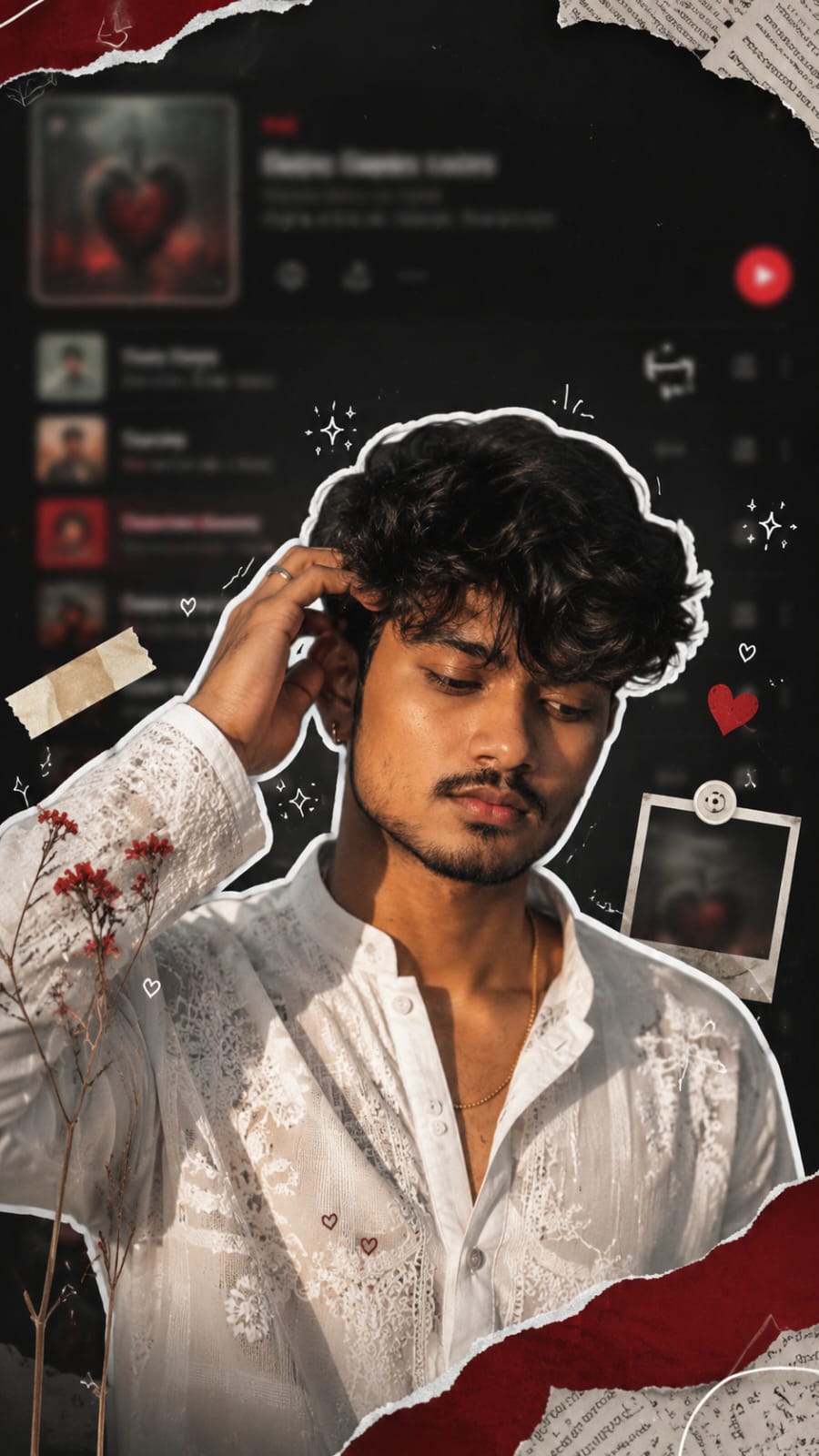
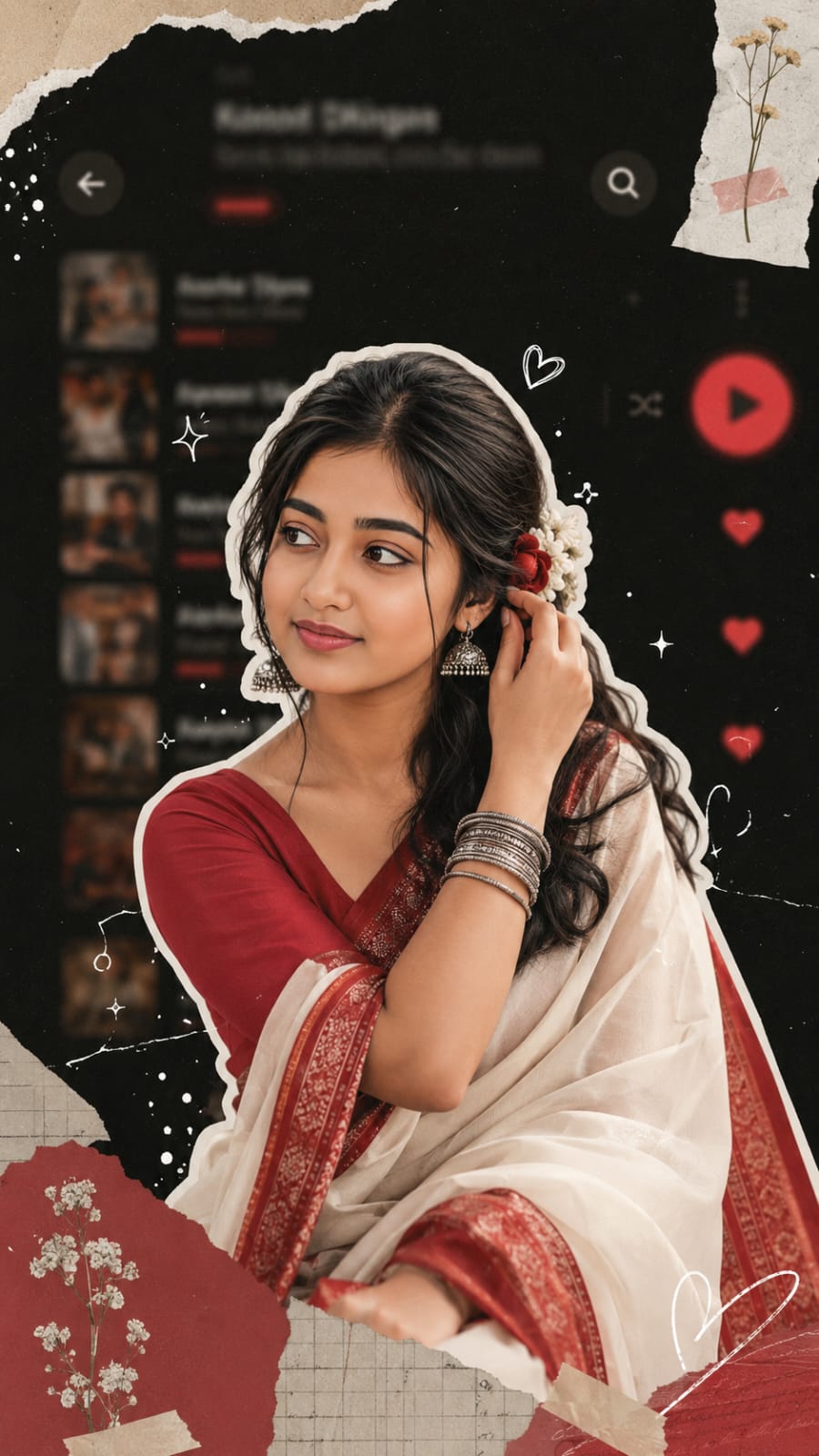
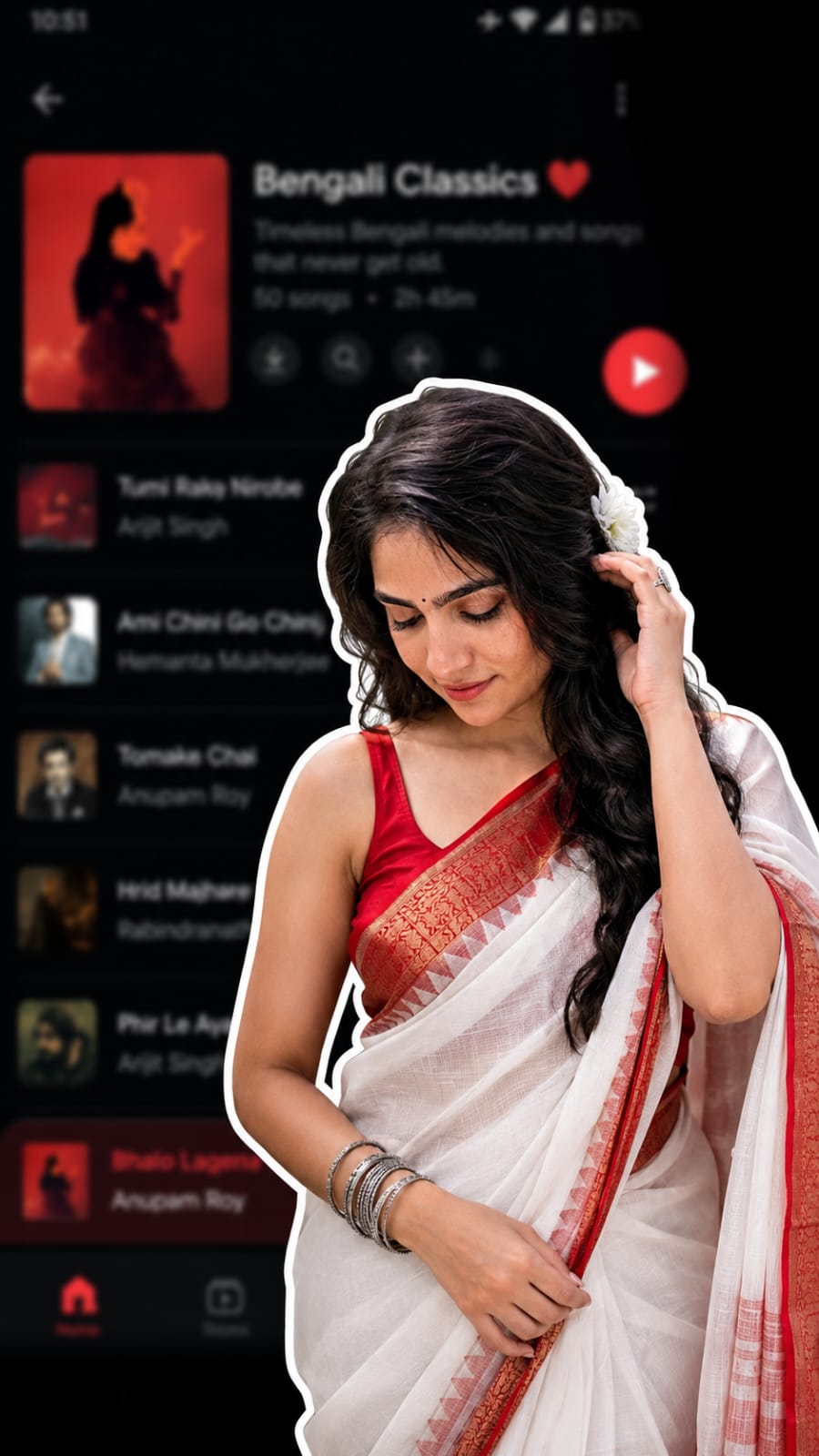
Have you seen those cool collage-style photos on Instagram where a person is cut out like a sticker and placed on top of a blurred Spotify or music app screen? That is the Aesthetic Spotify Background Photo Prompt trend, and right now it is one of the most viral photo styles on the internet. This look mixes a scrapbook feel with a dreamy music app background. You get torn paper edges, small doodles, hearts, sparkles, and soft red-black colours. It looks premium, emotional, and very shareable. That is why so many people are posting it on Instagram reels and stories.
In this RonyTica guide, we will show you how this trending photo style works, which AI tool gives the best result, and how you can create your own version. We have kept everything simple, so even a beginner can follow along and get a perfect Aesthetic Spotify Background photo in just a few minutes.
Which AI Tool Gives The Best Result For This Look?
For the Aesthetic Spotify Background Photo Prompt, ChatGPT (with its image feature) works the best. It understands face details very well and keeps your original face safe while changing the background and style around you. You can also try Gemini as a backup option, but ChatGPT gives more realistic skin tone, better lighting, and a cleaner sticker-cutout effect. So we suggest starting with ChatGPT first.
Steps To Create Your Own Aesthetic Spotify Background Photo
Follow these easy steps to make this trending photo :
- Open ChatGPT and start a new chat.
- Upload a clear photo of your face. Front-facing photos with good light work best.
- Copy the prompt given below and paste it in the chat box.
- Send the message and wait for ChatGPT to generate your image.
- If the result looks a little different from what you wanted, ask ChatGPT to fix small details like hair, lighting, or background blur.
- Download your final photo in HD quality.
Things To Check Before You Try This Prompt
- Use a photo where your face is clear and not blurry.
- Natural daylight photos give the best skin tone result.
- Avoid photos where you are wearing sunglasses or a cap, since AI needs to see your full face.
- Front-facing or slight side-angle photos work better than photos taken from far away.
- If you are using the male prompt, a simple kurta or plain shirt photo works well as reference.
- If you are using the female prompt, a saree or traditional outfit photo gives a more accurate final result.
Best Settings For This Photo Prompt
| Setting | Recommended Value |
|---|---|
| Aspect Ratio | 9:16 (Vertical, best for Instagram Reels and Stories) |
| Image Quality | HD or highest available |
| AI Model | ChatGPT with image generation |
| Face Lock | Always mention “don’t change face” in prompt |
| Background Style | Blurred dark-mode music app interface |
| Colour Tone | Charcoal black, white, and crimson red |
Mistakes Most People Make With This Prompt
Many users get a wrong or odd-looking result because of small mistakes. Here are the common ones to avoid:
- Uploading a low-quality or dark photo, which confuses the AI.
- Forgetting to mention “don’t change face,” which sometimes changes your facial features.
- Not asking for a 9:16 ratio, so the photo does not fit well on Instagram Stories.
- Using a photo where your face is partly covered by hair or hand.
- Expecting the exact same result every time. AI photos can vary a little, so you may need to generate it two or three times.
Why This Trending Style Is So Loved By Everyone
This trend is popular because it feels personal and aesthetic at the same time. The torn paper texture, small hearts, and soft glow give it a nostalgic, diary-like feeling. It looks like a professional edit, but you did not need any editing skill to make it.
It is also perfect for Instagram because the 9:16 size fits Stories and Reels covers perfectly. Many people use it as their new profile picture or Spotify-style playlist cover too. Since it works for both male and female photos, almost anyone can try this trend and get a stunning result.
Common Questions About Aesthetic Spotify Background Photo Prompt
Is this Aesthetic Spotify Background Photo Prompt free to use?
Yes, if you already have a ChatGPT account, you can use this prompt without any extra cost.
Can I use this prompt on Gemini instead of ChatGPT?
Yes, but the face accuracy and background blur may not look as good as ChatGPT.
Will my real face change in the final photo?
No, if you add “don’t change face” in your prompt, the AI keeps your original face safe.
What kind of photo should I upload for the best result?
A clear, well-lit, front-facing photo without sunglasses or filters works the best.
Can I use this photo as my Instagram profile picture?
Yes, this style is perfect for Instagram profile pictures, Stories, and Reels covers.
Why does my photo not look exactly like the example?
AI-generated images are never 100% identical every time. Try generating it two or three times for the closest match.
Is this trend only for a specific age group?
No, this Aesthetic Spotify Background trend works for anyone, teens or adults, male or female.
Do I need any editing app after generating the photo?
Not really, but you can use a simple app like Snapseed to adjust brightness if needed.
Final Words
The Aesthetic Spotify Background Photo Prompt is one of the easiest ways to create a viral, trending look without any editing skill. Just upload your photo, use the correct prompt, and ChatGPT will do the rest for you.
We at RonyTica keep bringing you the latest trending AI photo prompts, so make sure to check our website regularly for more such viral ideas. Try this prompt today and share your Aesthetic Spotify Background photo with your friends.



