


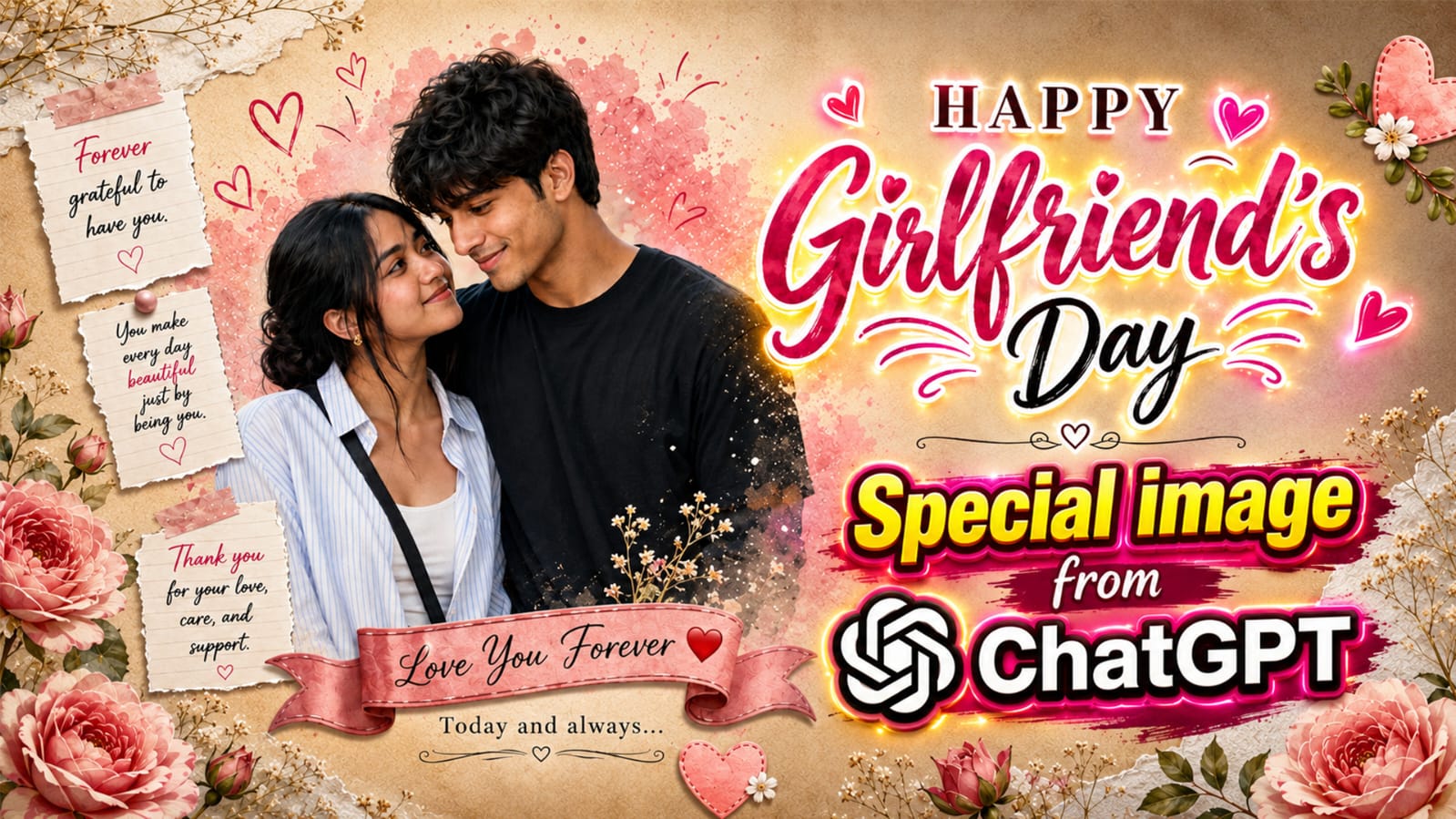
Girlfriend’s Day is that one day when you want to make your girl feel truly special. And what better way to do it than a Girlfriend’s day special image that looks like it came straight from a professional photo studio? Right now, this romantic scrapbook style poster is going viral on Instagram and Pinterest, and everyone wants the same dreamy look for their own couple photo.
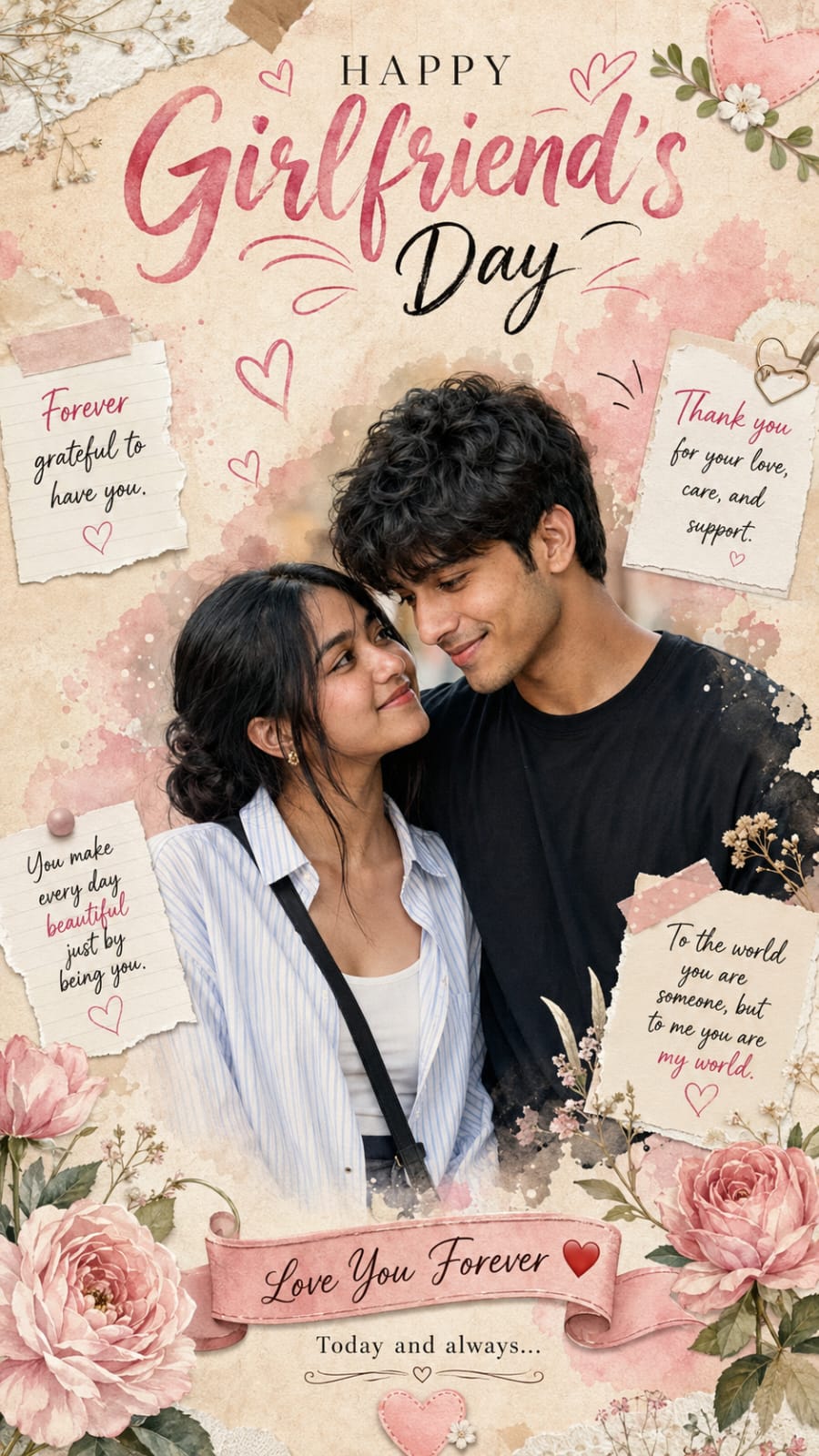
The good part is, you don’t need any big camera or a designer to get this look. With the help of AI, you can turn your own photo into this soft, pink, flower-filled Girlfriend’s Day poster in just a few minutes. It has watercolor colours, torn paper notes, cute hearts, and a big “Happy Girlfriend’s Day” title on top, just like a premium greeting card.
In this post, RonyTica brings you the full guide on how to create this trending Girlfriend’s day special image using AI. We will tell you which AI tool works best, how to use the prompt the right way, and some easy tips so your final photo looks clean and realistic. So keep reading till the end.
Best AI Tool To Create This Look
For this kind of romantic poster style photo, ChatGPT (using its image feature) gives the most realistic and clean result. It understands soft lighting, skin tone, and small details like torn paper and washi tape very well, which makes the photo look premium and not fake.
You can also try other AI tools like Gemini for this same style, but ChatGPT is the one that gives the closest match to this Girlfriend’s day special image trend. If you are new to AI photo prompts, ChatGPT is also very easy to use, even from your mobile phone. Whatever tool you use, always upload a clear, front facing couple photo for the best result. A blurry or dark photo will not give you a nice output, no matter how good the prompt is.
How To Use This Prompt The Right Way
Here is the simple step by step way to use this AI photo prompt on RonyTica :
- First, scroll down to the prompt box given on this page.
- Copy the full prompt from that box.
- Open ChatGPT (or your preferred AI tool) and paste the prompt there.
- Upload a nice, clear photo of you and your partner along with the prompt.
- Wait a few seconds for the AI to generate your image.
- If the first result is not perfect, just ask the AI to regenerate or fix small details.
That’s it. In a few tries, you will get your own Girlfriend’s day special image, ready to share on Instagram, WhatsApp status, or Pinterest.
Things To Check Before You Start
Before you jump in and use the prompt, keep these small things in mind :
- Choose a photo where both faces are clear and visible, not covered by hair or shadow.
- A photo with good natural light always gives a better AI result.
- Try to pick a photo where both of you are close together, since the poster design works best with a couple standing near each other.
- Keep your phone or laptop image quality high before uploading, low quality photos can make the AI output blurry too.
- Have patience. Sometimes AI tools take one or two tries to get the perfect romantic scrapbook feel.
Settings That Give The Best Result
To get this exact viral poster look, keep these settings in mind while generating :
- Aspect Ratio: 9:16, this is perfect for Instagram Story and Pinterest.
- Style: Photorealistic with soft watercolor and vintage scrapbook touch.
- Lighting: Warm and natural, not too bright or too dark.
- Quality: Ask the AI for high detail or HD output so the text and small elements come out sharp.
These settings help yourGirlfriend’s day special image look exactly like the trending design, with clean typography and soft romantic colours.
Mistakes People Usually Make
Many people don’t get a good output because of these small mistakes :
- Uploading a group photo instead of just the couple photo.
- Using a photo where the face angle is turned too much to the side.
- Not mentioning aspect ratio, which makes the poster look cut off or wrongly sized.
- Expecting a perfect result in the very first try without any small correction.
- Using a very old or pixelated photo, which confuses the AI while generating skin tone and details.
Avoid these small errors, and your photo will come out much closer to the original viral design.
Why This Trending Design Is So Loved
This Girlfriend’s Day poster style is winning hearts because it feels personal and full of emotion. The torn paper notes with lines like “You make every day beautiful just by being you” and the soft floral border give it a warm, handmade feeling, even though it is fully AI generated.
It is also super shareable. Couples love posting this on their Instagram story or sending it directly to their partner as a surprise. Since it looks like a premium greeting card, it feels much more special than a normal photo, and that is exactly why this Girlfriend’s day special image is going viral across social media right now.
Frequently Asked Questions
1. Which AI tool is best for this Girlfriend’s Day photo prompt?
ChatGPT gives the most realistic and detailed result for this particular romantic poster style.
2. Is this prompt free to use?
Yes, you can use this prompt for free if your AI tool offers free image generation. Some tools may need a paid plan for higher quality output.
3. Can I use this prompt with any couple photo?
Yes, but a clear, well lit photo with both faces visible will always give a better result.
4. Do I need any editing skill to use this prompt?
No editing skill is needed. Just copy the prompt, upload your photo, and let the AI do the work.
5. What size should my final image be?
The 9:16 vertical size works best, since it matches Instagram Story and Pinterest format perfectly.
6. Where can I get the exact prompt for this design?
You can find the full ready to use prompt in the prompt box given on this RonyTica page.
7. Can I edit the text in the poster, like the names or messages?
Yes, you can simply mention your own names or message inside your instructions to the AI along with the prompt.
Final Thoughts
This Girlfriend’s Day poster trend is a lovely way to surprise your partner with something that feels personal, romantic, and premium, all without spending money on a designer. Just follow the steps above, use the prompt from RonyTica, and you will have your own beautiful Girlfriend’s day special image ready in minutes.
Keep visiting RonyTica for more trending AI photo prompts, editing templates, and easy AI tutorials made simple for everyone.



