


Have you seen those cool black and white photos on Instagram lately? A boy standing next to a Royal Enfield Bullet, or a boy leaning on a Scorpio car in a black suit, looking like a movie hero? This is the Black & White Gangster Photo Prompt trend, and it is everywhere right now.
You do not need a bike, a car, or a photographer for this. You just need one normal selfie. ChatGPT or Gemini will do the rest. On RonyTica, we bring you the exact prompts for this trend so you can try it in minutes.
This gangster photo prompt gives your picture a bold, rich, boss-like look. Black and white color, sharp shadows, and a proud pose make the photo feel like a poster from a movie. That is why so many people are calling it the Bullet & Scorpio gangster trend.
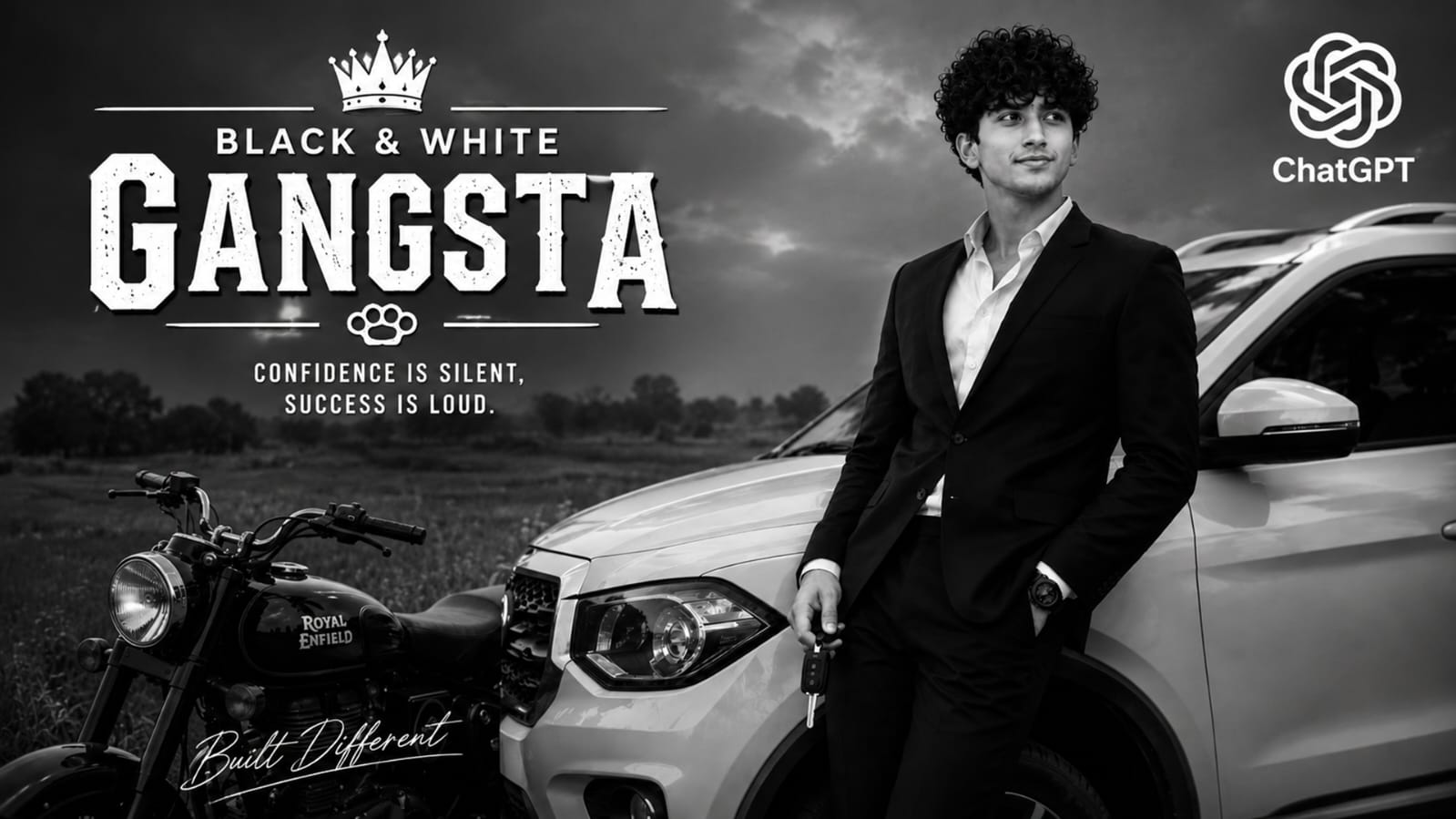
Best AI Tools For This Trending Look
Two AI tools work best for this style right now.
ChatGPT (using image upload) is the top choice. It keeps your face, hair, and skin tone almost exactly the same while changing the background, clothes, and bike or car. Most creators on Instagram and YouTube are using ChatGPT for this exact prompt.
Google Gemini is the second option. It also gives a nice result, and some people even say Gemini keeps facial features a bit more natural in certain photos. You can try both and pick whichever photo looks better to you.
Both tools are free to use for basic photo edits, and you do not need any editing skills. Just upload your photo, paste the prompt, and wait a few seconds.
Step-By-Step Guide To Create This Photo
This trend actually has two different looks inside it. One is the Royal Enfield Bullet village style, and the other is the Scorpio car suit style. Below is how to use each one.
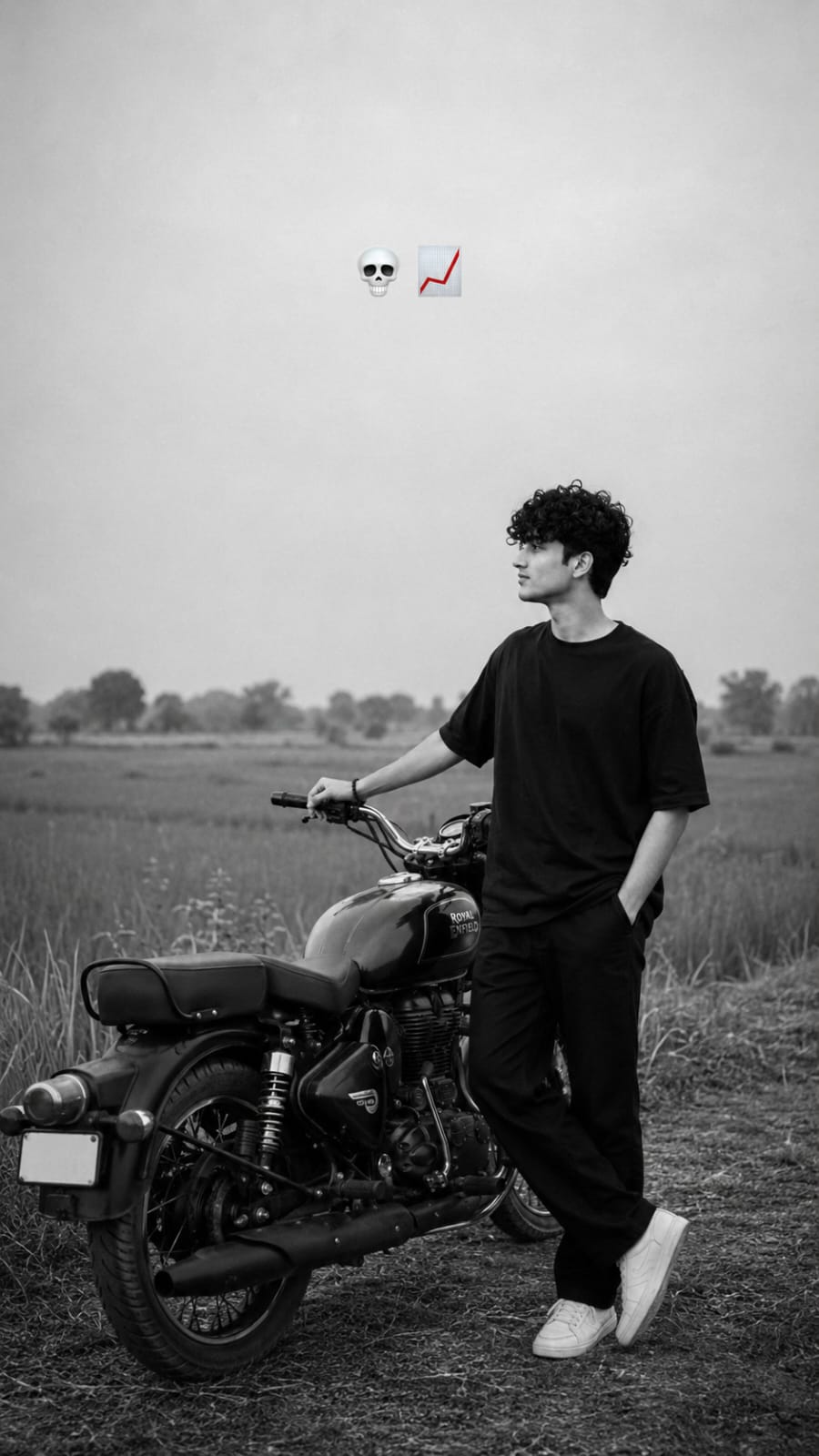
Look 1: Royal Enfield Bullet Village Style
For this look, you will get a black and white photo of yourself standing beside a Royal Enfield Bullet bike in an open field. You will be wearing a simple black t-shirt and pants, looking calm and stylish, just like in the viral Instagram reels.
To use this prompt :
- Pick one clear, front-facing selfie of yourself. Good lighting helps a lot.
- Open ChatGPT or Gemini and upload that photo.
- Copy the Prompt 1 box from this page and paste it after uploading your photo.
- Wait for the AI to process it. This usually takes under a minute.
- Download your new Royal Enfield Bullet black and white photo.
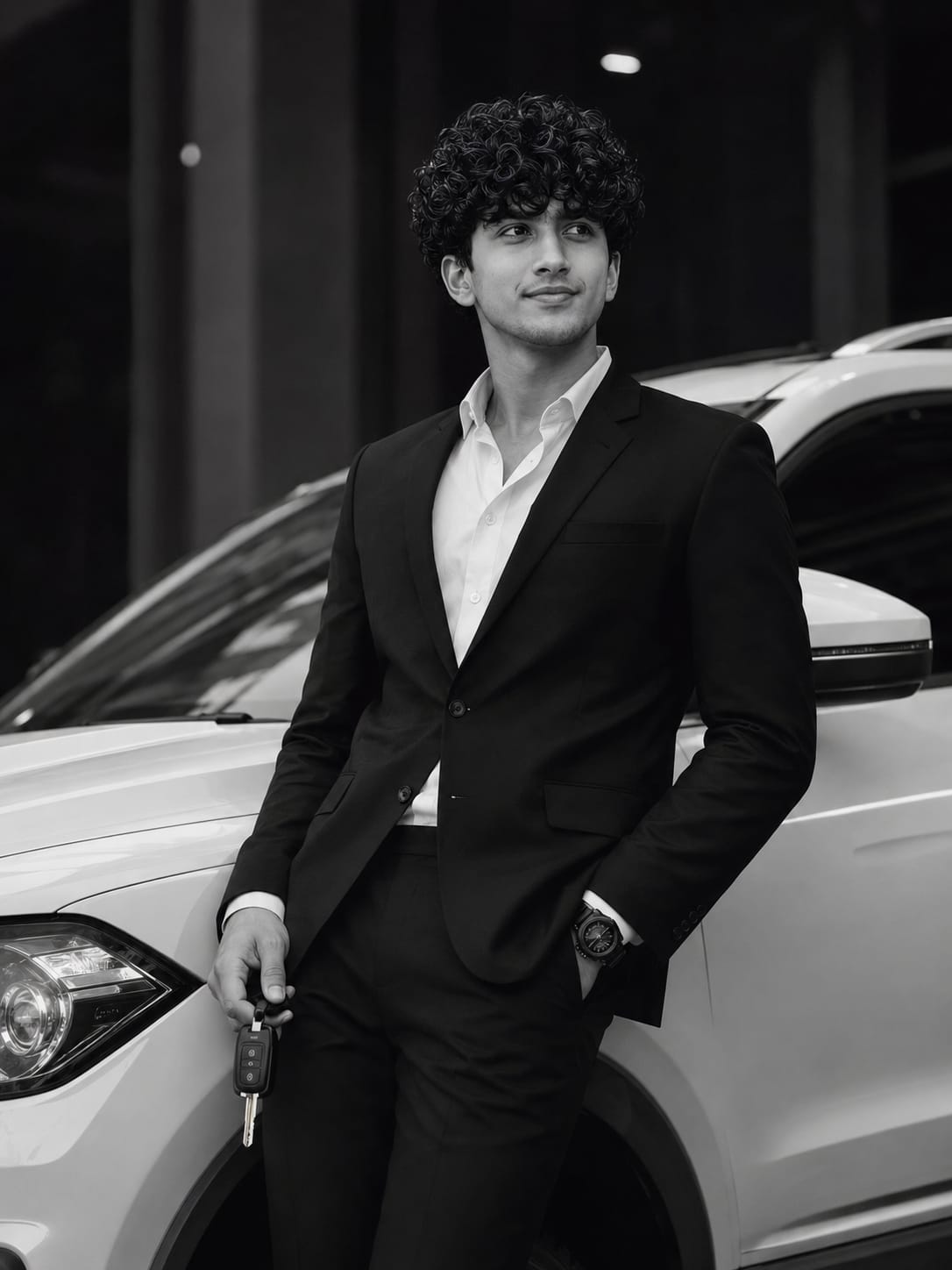
Look 2: Scorpio Car Suit Style
This second look gives you a rich, boss-style photo. You will be shown in a black suit, leaning against a white Scorpio-style SUV, holding a car key, with a moody city background.
To use this prompt :
- Use the same clear selfie, or take a fresh one with good face lighting.
- Upload it in ChatGPT or Gemini.
- Copy the Prompt 2 box given below and paste it in the chat.
- Let the AI generate the image.
- Save your Scorpio suit gangster photo.
You can try both looks with the same selfie and post them together as a before-after or a two-photo carousel post.
Things To Check Before You Try This Prompt
For The Bullet Bike Photo
Use a photo where your face is clearly visible and not covered by sunglasses, cap, or hair falling on your face. A side-angle or straight photo both work, but a straight photo gives a more accurate face match.
For The Scorpio Car Photo
Choose a photo with good, even light on your face. Dark or blurry selfies often give a less sharp result. If your first result does not look right, simply try again with a clearer photo.
For both prompts, plain background selfies (not too crowded) give the AI an easier time and a cleaner final result.
Best Settings For A Perfect Result
| Setting | Royal Enfield Bullet Prompt | Scorpio Car Suit Prompt |
|---|---|---|
| Photo Type | Clear front-facing selfie | Clear, well-lit selfie |
| Best AI Tool | ChatGPT | ChatGPT or Gemini |
| Output Style | Black & white, cinematic | Black & white, high contrast |
| Aspect Ratio | 9:16 (vertical) | Vertical portrait |
| Background | Open field, natural light | Dark urban, city lights |
| Number Of Tries | 1-2 times usually enough | 1-2 times usually enough |
Mistakes People Often Make With This Prompt
Many people skip using a clear face photo and wonder why the result looks different from their real face. Always start with a sharp, well-lit selfie.
Some people also try to change too many details in the prompt at once, like adding a different bike model or extra objects. This can confuse the AI and give a messy result. It is better to keep the prompt as it is for the first try.
Another common mistake is not mentioning that the photo should stay black and white. Without a clear instruction, the AI sometimes adds color by mistake.
Lastly, using a low-quality or pixelated selfie is a big reason many results come out blurry. A good clear photo always gives a better final output.
Why Everyone Is Loving This Gangster Photo Prompt
This Black & White Gangster Photo Prompt trend is popular because it makes anyone look like the hero of a movie poster, without needing an actual bike, car, or studio setup.
The black and white style also hides small skin issues and lighting problems, giving a clean, premium look every time. People love how the same simple selfie can turn into two totally different styles — a calm village Bullet look and a rich city Scorpio look.
It is also completely free to try, fast to generate, and perfect for Instagram, WhatsApp DP, or YouTube thumbnails. That is exactly why this trend is spreading so fast on social media right now, and why we brought it to RonyTica for our readers.
Frequently Asked Questions
Q1. Which AI tool gives the best result for this gangster photo prompt?
ChatGPT is currently giving the most accurate face match for this trend. Gemini also works well and is a good backup option.
Q2. Do I need a Royal Enfield Bullet or a real Scorpio car for this?
No. You only need one selfie. The AI creates the bike and the car in the photo for you.
Q3. Is this Black and White AI photo prompt free to use?
Yes, both ChatGPT and Gemini allow you to generate these photos for free with basic usage limits.
Q4. Can girls also use this Bullet and Scorpio prompt?
Yes, this prompt works for both boys and girls. Just use your own clear selfie in the same way.
Q5. Why did my AI photo not look exactly like me?
This usually happens when the uploaded selfie is blurry, has bad lighting, or your face is partly covered. Try again with a clearer, front-facing photo.
Q6. Where can I find the exact prompt text for this trend?
You can copy the ready-to-use prompt boxes directly from this RonyTica article, above the settings table.
Final Words
The Black & White Gangster Photo Prompt trend is one of the easiest ways to turn a simple selfie into a bold, cinematic photo. Whether you like the calm Royal Enfield Bullet village look or the rich Scorpio car suit style, both are just a few taps away with ChatGPT or Gemini.
Try both prompts from RonyTica, pick your favourite, and share your new gangster-style photo with your friends. Keep visiting RonyTica for more trending AI photo prompts like this one, updated regularly for our readers.




Use the uploaded image only as the face reference. Preserve the person’s exact facial identity, hairstyle, facial structure, skin tone, jawline, nose, lips, eyes, body proportions, and natural expression with maximum accuracy. Do not change the identity in any way.
Create an ultra-realistic black-and-white cinematic portrait of the subject standing beside a black real Royal Enfield Bullet 350 CC bike in the middle of a peaceful rural field. The subject is standing on the right side of the motorcycle in a relaxed pose, one hand inside the pants pocket and the other hand resting naturally on the motorcycle handlebar. The subject is
Use the uploaded image only as the face reference. Preserve the person’s exact facial identity, hairstyle, hairline, facial proportions, skin tone, age, and natural expression with maximum accuracy. Create an ultra-realistic cinematic black-and-white luxury portrait of the subject leaning confidently against a premium white SUV. Dress him in a perfectly tailored black suit with a crisp white shirt, luxury black watch, and hold a realistic car key in one hand. Keep the same body pose, camera angle, composition, and side profile while looking away confidently. Use a dark urban background with dramatic lighting, high contrast, soft shadows, shallow depth of field, DSLR photography, 85mm lens, editorial fashion style, ultra-detailed realistic skin texture, photorealistic, 8K. Remove all screenshot UI, text, icons, watermarks, and overlays.
প্রদীপসাঁতরা
Use the uploaded reference image as the ONLY identity reference. Preserve facial identity exactly. Create an ultra-premium modern Instagram creator DP. Aspect Ratio: 4:5 Portrait Composition: • Strict chest-up portrait • Entire character completely inside circle • Equal margins • Looking slightly upward • One hand gently touching sunglasses • Confident luxury expression Background: Premium matte black. Centered glowing circular frame. Inside circle: • Elegant flowing tricolor ribbon • Semi-transparent Ashoka Chakra • Thin metallic gold ring • Premium dotted graphics • Orange radial glow • Tiny gold particles Lighting: Luxury editorial HDR Golden sunset rim light Outfit: Premium white kurta Accessories: Luxury white rectangular sunglasses Premium metal wristwatch Typography: Everything stays inside circle. Large handwritten luxury name [NAME] Indian tricolor metallic gradient Gold metallic outline Soft glow Thin underline Top Right: Instagram icon Ultra realistic Photorealistic 8K 85mm
Ghoghari mohit