


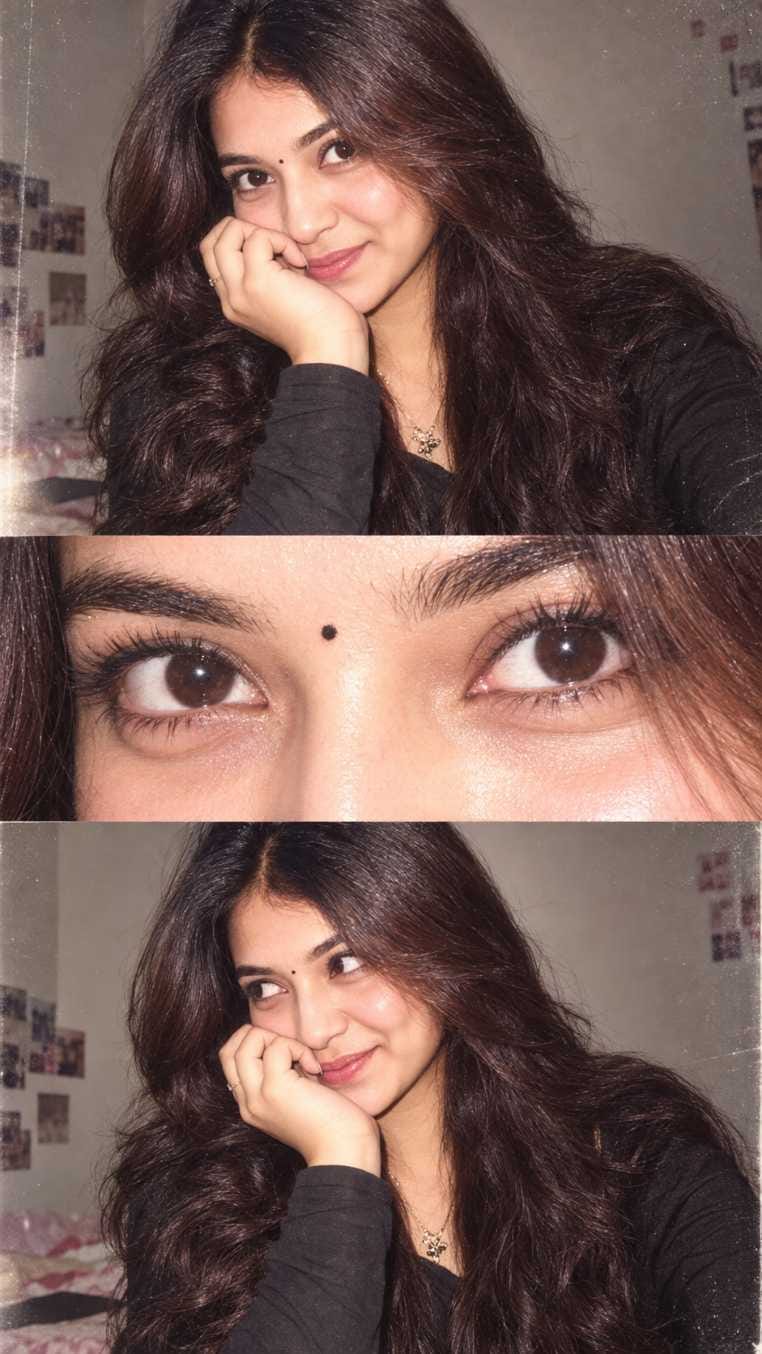
If you are scrolling Instagram these days, you must have seen those beautiful 3 photo collage pictures made with AI. This is the trending 3 layer image prompt, and it is one of the biggest viral trends right now.
People love this style because it turns a normal selfie into a soft, dreamy, magazine-like photo set in just a few seconds. On RonyTica, we bring you fresh AI photo prompts every week, and today we are sharing this trending 3 layer image prompt that is winning hearts on social media.
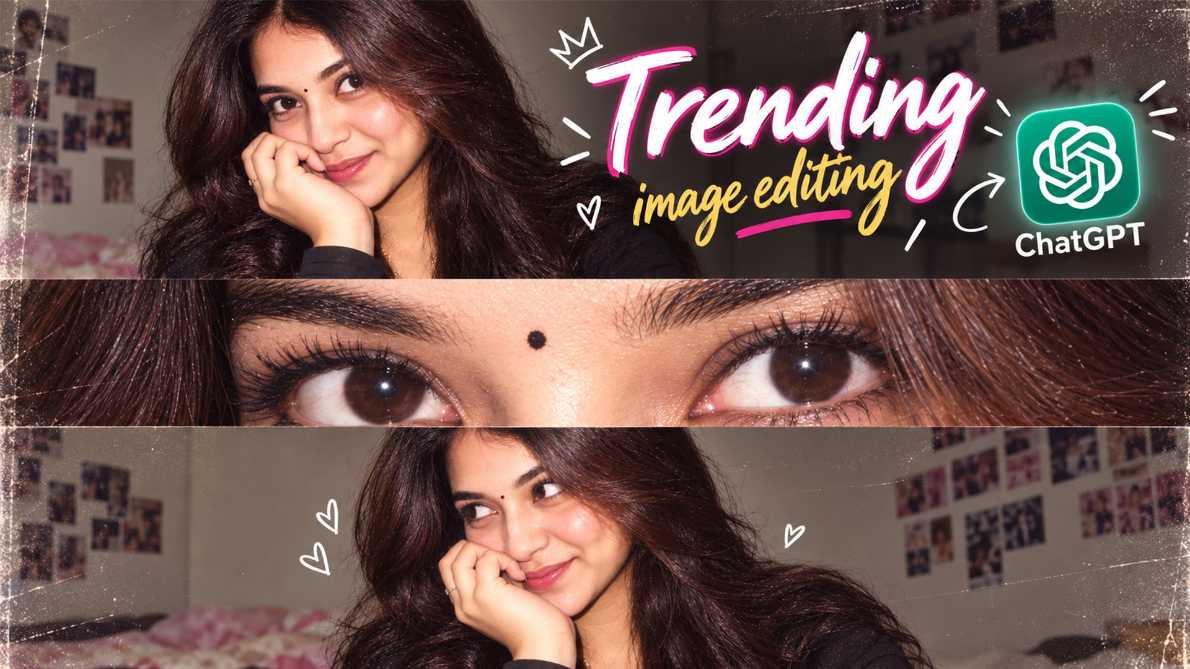
This is not a hard photoshoot. You just need one clear photo of your face, and AI does the rest of the magic for you.
Which AI Tool Can You Use For This Prompt
The trending 3 layer image prompt works best when you use ChatGPT. ChatGPT understands face details very well, so your final photo looks close to your real face, not a random AI face. This is very important for a personal photo prompt like this one. You can also try Gemini for this same style.
Gemini gives a slightly different lighting touch, so if you want to try two versions of the same look, you can test both AI tools and pick your favourite. Both tools are free to try with basic features, so you don’t need to spend any money to test this trending prompt.
How To Use This Prompt
Using this trending 3 layer image prompt is very simple, even if you have never tried AI photo prompts before. Just follow these steps :
- Open ChatGPT (or Gemini) on your phone or laptop.
- Upload one clear, well-lit photo of your face. A front-facing photo works the best.
- Copy the prompt given in the box below this section.
- Paste the prompt into the chat box, right below your uploaded photo.
- Press send and wait for a few seconds while the AI creates your image.
- Once your photo is ready, download it and save it to your gallery.
Tips Before Using This Prompt
Before you try this trending 3 layer image prompt, keep a few small things in mind. First, always upload a photo where your face is clearly visible, with good light falling on it. A blurry or dark photo will confuse the AI and give a poor result. Second, try to use a photo where you are facing the camera directly, since this prompt is built around close face angles. Third, don’t upload a group photo. This prompt is made for a single person, so a solo photo always works best. Lastly, be a little patient. Sometimes AI tools take one or two tries to get the exact look right, so don’t worry if the first result is not perfect.
Best Settings For This Prompt
To get the most realistic result from this trending 3 layer image prompt, a few small settings can help a lot. Always choose a high-quality photo, meaning the original image should not be pixelated or too small in size. If you are using ChatGPT, make sure you are on a stable internet connection, because a weak connection can sometimes cut the image generation halfway. If your AI tool gives you an option to pick image quality (like standard or high), always choose the higher setting for a sharper output. Also, if the tool allows aspect ratio choice, a vertical or portrait ratio works best for this collage style, since it matches how the layers are arranged.
Common Mistakes To Avoid
Many users make small mistakes while trying this trending 3 layer image prompt, and this is why their results don’t look as good as the viral ones. One common mistake is uploading a side-angle photo instead of a front-facing one, which changes how the face collage turns out. Another mistake is uploading a photo with heavy filters already applied, which confuses the AI and gives an unnatural skin texture. Some users also forget to check their photo’s lighting, and a poorly lit photo leads to a dull, flat result. Lastly, many people rush and don’t read the prompt properly before pasting it, which can lead to missing details in the final image. Take your time, and your result will look much closer to the trending style you see online.
Why You Will Love This Prompt
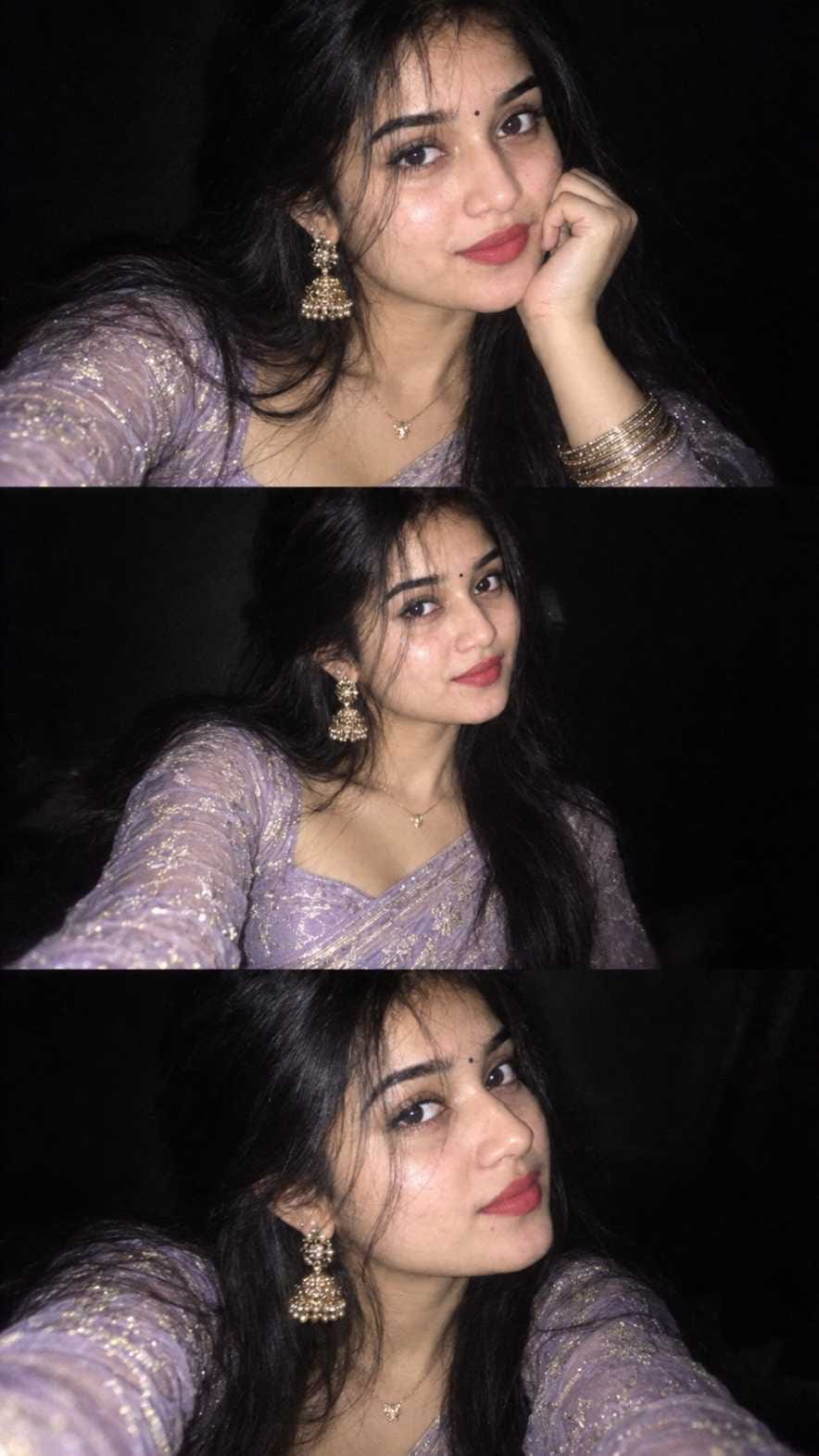
This trending 3 layer image prompt is loved by thousands of users, and there are good reasons for that. It gives you a professional, magazine-style photo set without needing a camera, studio light, or a photographer. The soft flash look, the close eye detail shot, and the dreamy film grain give your photo a very aesthetic, high-quality feel. It is perfect for your Instagram grid, WhatsApp DP, or even your Pinterest board. Since this prompt is trending right now, posting your own version can also get you more likes, comments, and shares. Best part, you can try it as many times as you like, with different outfits and expressions, and each time you will get a fresh new look.
Conclusion
The trending 3 layer image prompt is one of the easiest ways to create a viral, aesthetic photo set using just your phone and an AI tool like ChatGPT. From a soft Y2K flash look to a dreamy low light ethnic photo, this prompt style gives you many creative options to explore. We at RonyTica keep bringing more such trending AI photo prompts, so keep checking back for fresh styles every week. Try this prompt today, save your favourite result, and don’t forget to share your creation with friends. Happy creating with RonyTica.
Frequently Asked Questions
Yes, you can try this prompt for free using the basic version of ChatGPT or Gemini. Some advanced features may need a paid plan, but the basic result works well too.
No, you just need one clear, well-lit selfie or photo where your face is visible properly. You don’t need a studio photo at all.
Yes, this trending prompt style works beautifully with ethnic outfits too, giving a soft, dreamy, festive look to your photo
Both ChatGPT and Gemini give good results, but ChatGPT is usually more accurate with face details for this kind of prompt.
It will look very close, since this prompt is built to keep your original face and features. Small differences can happen each time you generate.




Chand chaur ramnagar Mangal hat samastipur
Ujiyarpur dalsingh sarai
Purb tola
Tanu
Kahshdhudnfuckfhcyd6ttdss6xyeiev njryjsgghdndjd
How i wonldu i looky 80s ear
न्यू न्यू ट्रेंडिंग इमेज यहां पर दो फोटो बनाने के लिए
Confirm bhJsbhskzma jdbdak ishsnskoa
My love
12345
Ertgýhgedhj76