A New Trending Look Is Taking Over Instagram
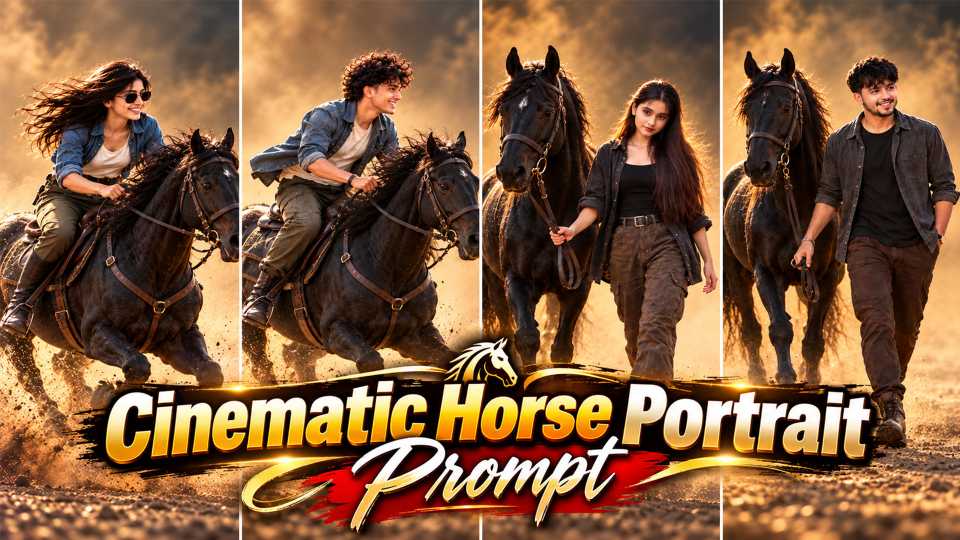
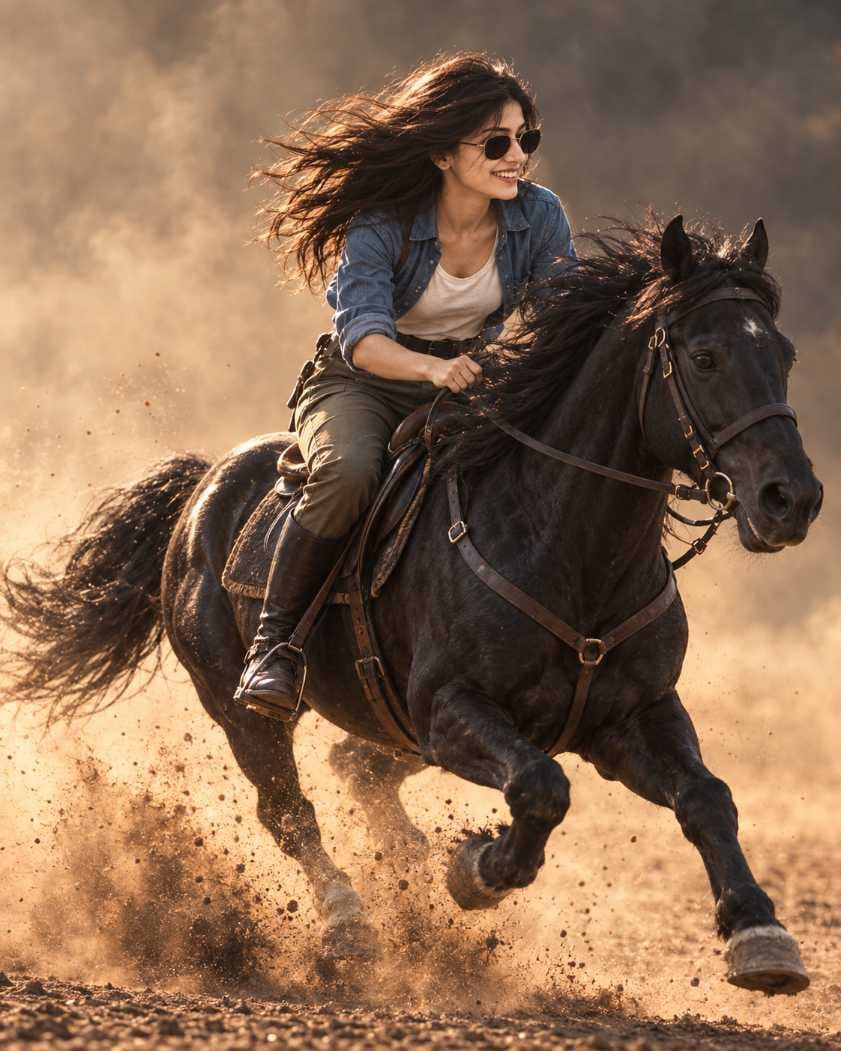
Have you seen those dusty golden-hour photos where a person walks beside a black horse, or rides it at full speed? They look like scenes from a big movie. This look is called a Cinematic Horse Portrait, and right now it is one of the most viral AI photo trends on social media.
The best part is that you do not need a horse, a camera or a studio. You only need one clear photo of yourself and the right prompt. The AI keeps your face the same and places you in a real-looking horse scene. On RonyTica, we have collected viral Cinematic Horse Portrait prompts for both boys and girls, in walking and riding styles. In this article, you will learn how to use them, which AI works best, and how to get a result that looks like a real photograph.
Which AI Tools Can Create a Cinematic Horse Portrait?
ChatGPT is the best choice for a Cinematic Horse Portrait. It understands long prompts well, and it keeps your face close to your original photo. This matters a lot in this trend, because the whole idea is that the final picture should still look like you.
Gemini can also be used for this type of AI horse photo prompt. Some people get good results there too, but the face match and dust details can be different. If you are trying this trend for the first time, start with ChatGPT. If you want to compare, you can run the same prompt in Gemini later and see which result you like more.
How to Use These Cinematic Horse Portrait Prompts Step by Step
It is very simple. Just follow these steps.
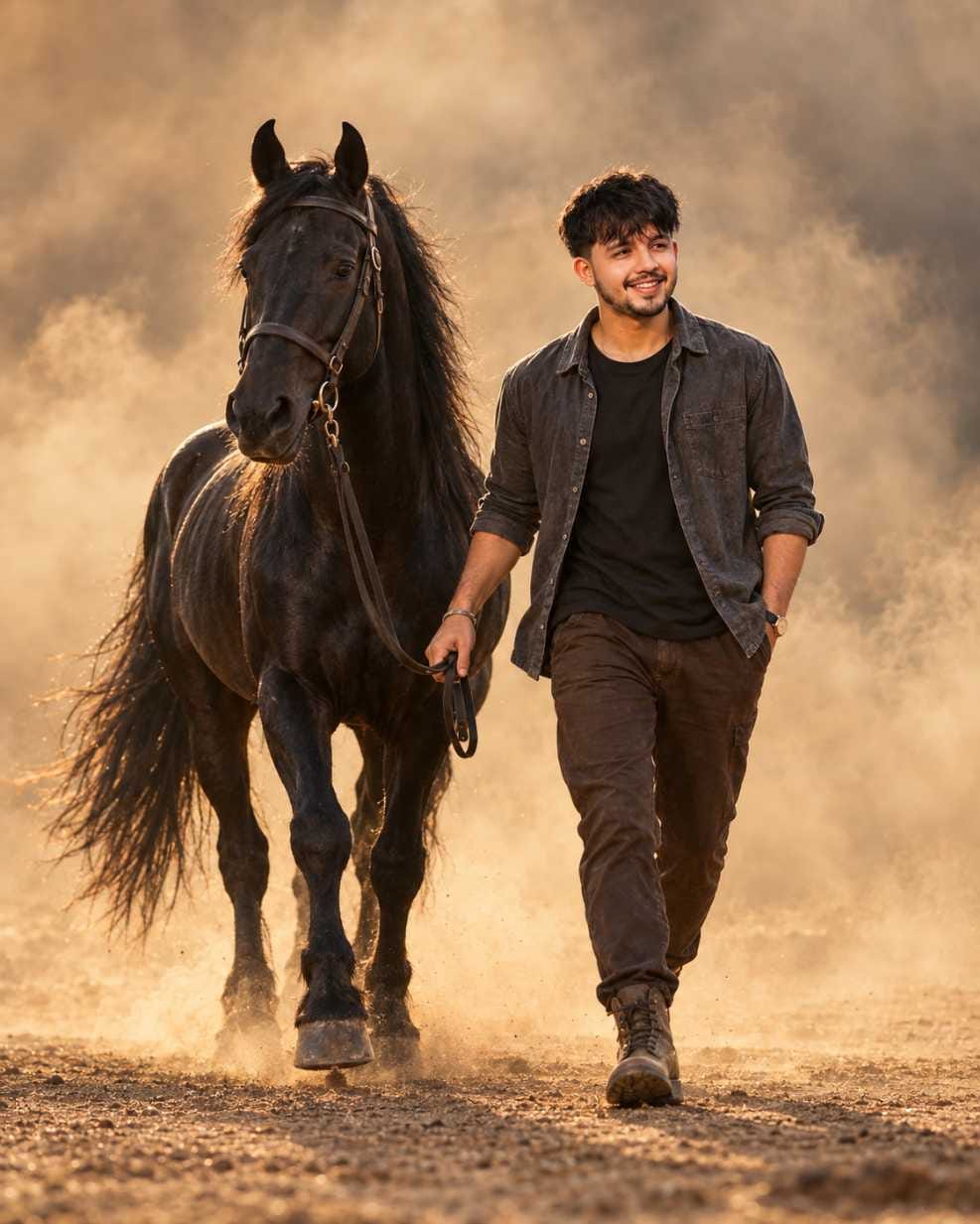
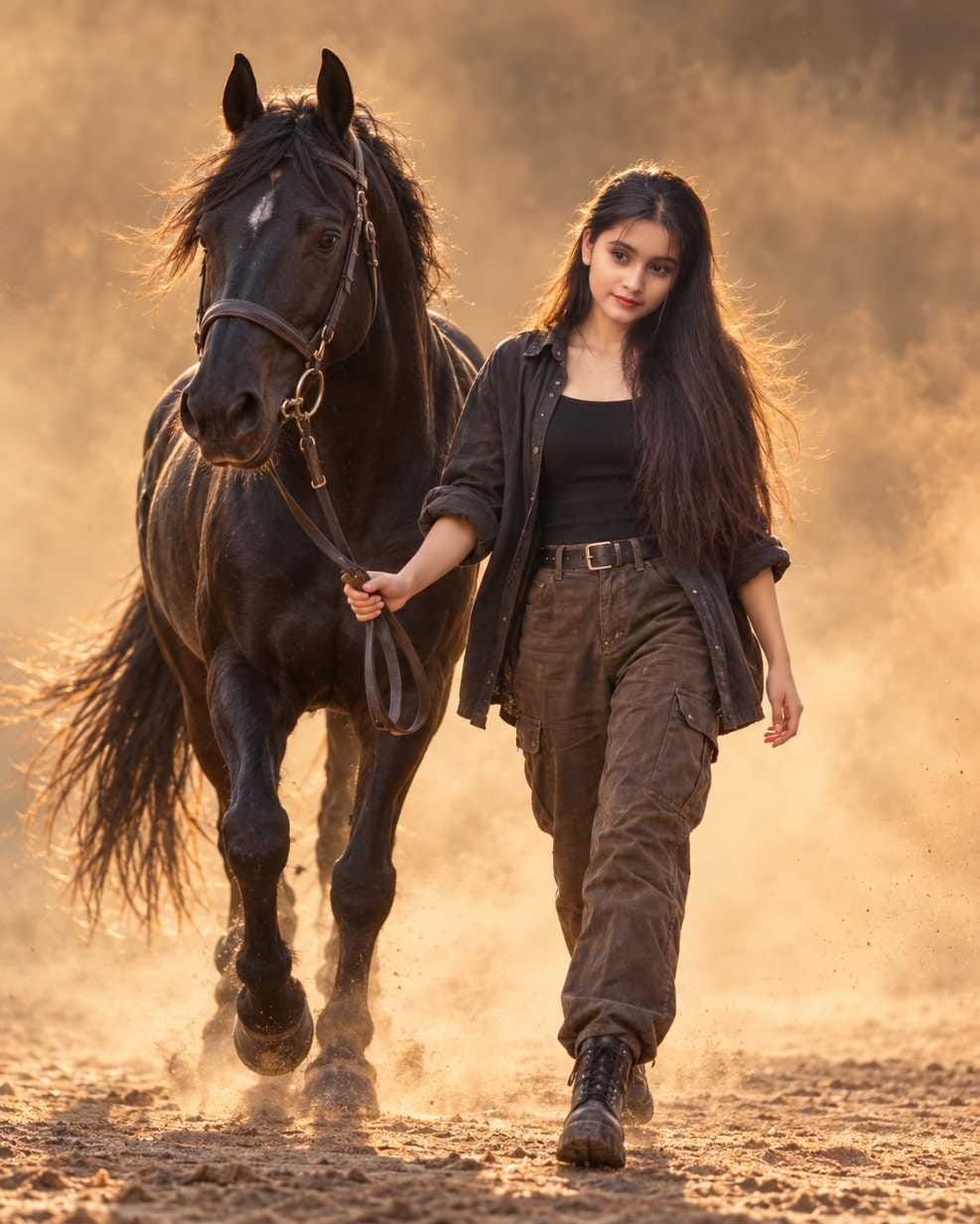
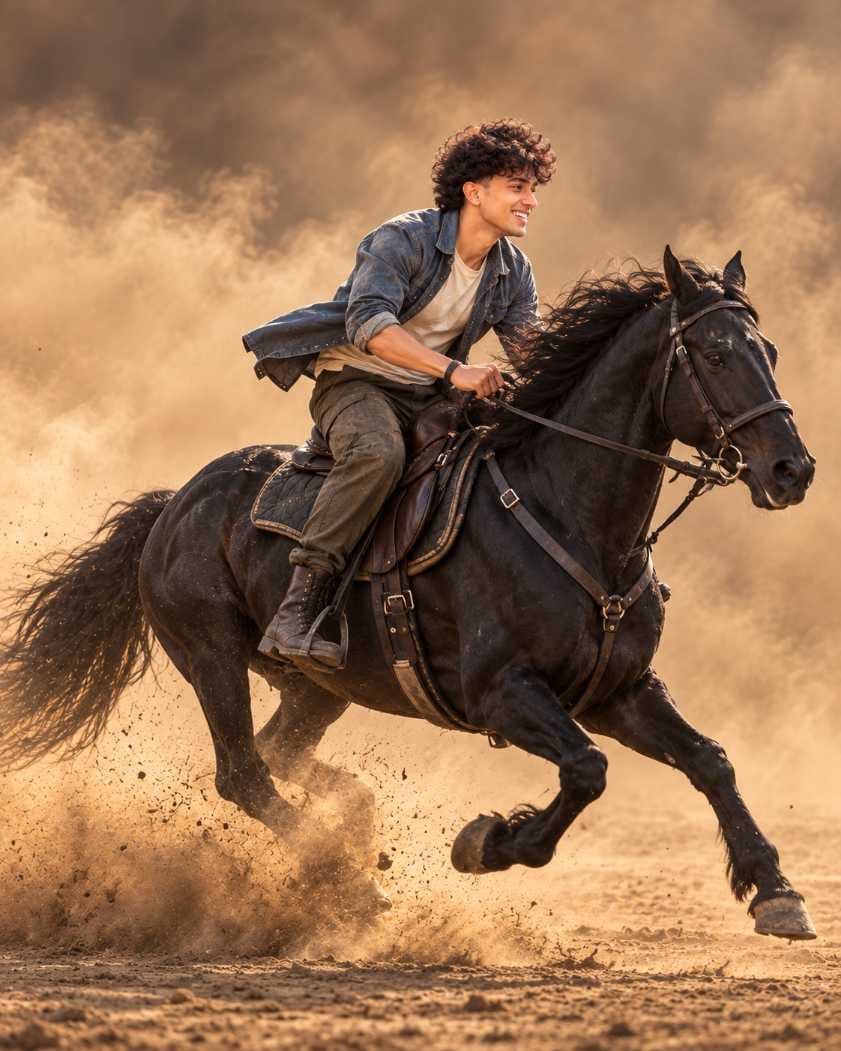
- Open ChatGPT on your phone or computer and make sure image creation is available in your account.
- Choose one clear photo of yourself. Your face should be easy to see, and the light should be good.
- Come back to the prompt section of this page on RonyTica and pick the Cinematic Horse Portrait prompt you like. Choose walking or riding, and choose the boy or girl version.
- Copy the prompt and paste it in ChatGPT. Then upload your photo in the same message.
- Send the message and wait for the image. It may take a little time.
- Check the result. Your face, the full horse and the dusty background should look natural. If something is wrong, try again in the same chat.
- Save the image you like and share it with your friends.
Simple Tips to Follow Before You Start
A good result starts with a good photo. Use a picture where your face is clear and not too dark. Avoid photos with heavy filters, because the AI may copy the filter and not your real face. If you wear sunglasses or a cap in the photo, the AI may not catch your face properly, so a plain photo works better.
Do not change the prompt too much. Every line in a Cinematic Horse Portrait prompt has a job. Some lines protect your face, some control the pose, and some keep the horse fully inside the frame. If you remove lines, the picture can look cropped or fake. Also, keep your phone gallery photo in good quality, not a screenshot or a very small image.
Best Settings for a Realistic Cinematic Horse Portrait
These settings give the most natural result for this AI horse photo prompt.
| Setting | What to Use | Why It Helps |
|---|---|---|
| AI Tool | ChatGPT with image creation | Keeps your face closer to the original photo |
| Reference Photo | Clear, well-lit face photo | Gives the AI a strong base for your face |
| Image Shape | 4:5 vertical | Fits the full person and the full horse |
| Style | Ultra-realistic, cinematic | Makes it look like a real DSLR photo |
| Lighting | Warm golden hour | Gives the soft glow that makes this trend popular |
| Background | Brown dust and haze only | Keeps the focus on you and the horse |
| Tries | A few attempts in the same chat | Small changes in each try can give a better face match |
Common Mistakes That Spoil a Cinematic Horse Portrait
The most common mistake is using a blurry or dark photo. When the AI cannot see your face well, the final image will not look like you. Another mistake is uploading a photo with more than one person. The AI may mix the faces, so always use a solo photo.
Many people also shorten the prompt to save time. This usually cuts the horse, the hands or the feet out of the frame. Some users also keep asking for too many changes, like new outfits, new places and extra items, all at once. A Cinematic Horse Portrait works best when the dusty background stays simple. If you want to change something, change only one thing at a time.
Why You Will Love This Cinematic Horse Portrait Trend
This trend gives you a photo that feels like a movie poster, and it is made in minutes. The warm golden light, the flying dust and the strong black horse make any person look confident and stylish. You can post it as your profile picture, an Instagram post or a story, and it will stand out in the feed.
It also works for everyone. Boys can try the rugged outdoor look, and girls can try the same style with a graceful and natural touch. You can pick a calm walking scene or a fast and exciting riding scene, depending on your mood. And since the prompts are ready to copy on RonyTica, you do not need to write anything yourself.
Create Your Own Cinematic Horse Portrait Today
A Cinematic Horse Portrait is one of the most exciting AI photo trends right now. With one clear photo, a good prompt and ChatGPT, you can make a picture that looks like it came from a real movie shoot. Remember the basics: use a clear photo, keep the prompt as it is, and try a few times for the best result.
Visit RonyTica regularly for more viral and trending AI photo prompts, and share this Cinematic Horse Portrait trend with your friends who love new photo ideas.
Frequently Asked Questions
Many people try ChatGPT image creation on a free account, but daily limits can change from time to time. If you reach the limit, you can wait and try again later.
In most cases, ChatGPT keeps the face and the small details better, so we suggest it first. Still, you can test the same prompt in Gemini and compare.
Yes. You will find versions for boys and for girls. Just pick the version that matches the person in your photo.
This usually happens when the reference photo is not clear. Use a bright, front-facing photo and try again in the same chat. A second or third try often gives a better match.
You can try small changes, but too many changes may reduce the realistic look. Keep the dusty background simple and change only one thing at a time.
No. You only need your own photo. The AI creates the full Cinematic Horse Portrait scene for you.