


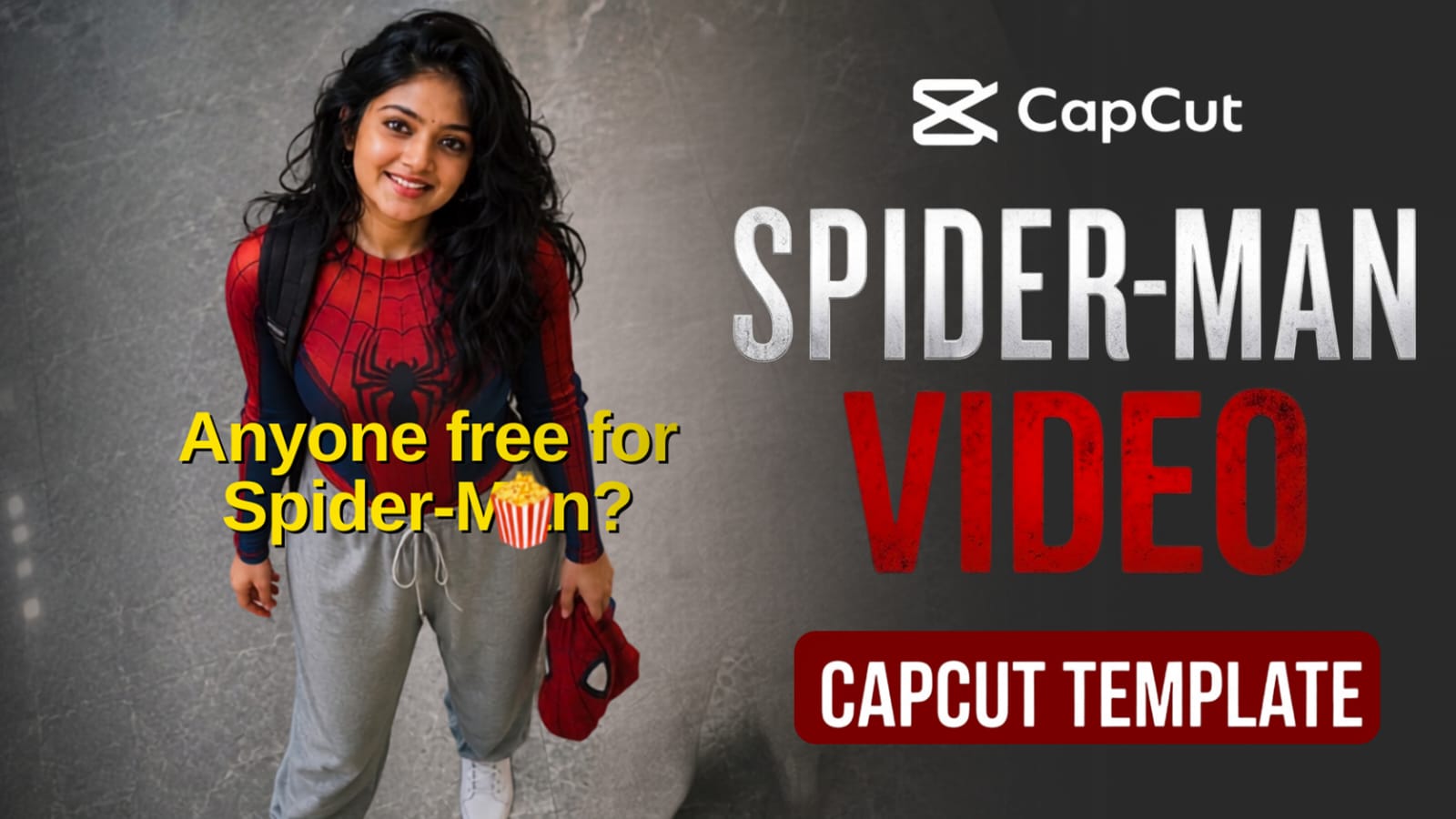
Everyone on Instagram and TikTok is turning into Spider-Man right now, and this CapCut template is the reason behind it. If you have seen reels where a normal person suddenly appears in a full Spider-Man look with cinematic transitions, this is the exact template they are using.
The best part is you do not need any editing skill for this. You just need one AI-generated photo of yourself in Spider-Man style, and the CapCut template does the rest of the work automatically. In this post, we will show you how to create that Spider-Man photo first using a simple AI prompt, and then how to use it inside the trending CapCut template. This trend works for boys and girls both, and it looks great even on a normal phone camera. Let’s get started with RonyTica’s step by step guide.
What Exactly Is This Spider-Man CapCut Video Template
This is a ready-made CapCut template that turns your photo into a short cinematic Spider-Man transformation video. The template already has the transition effects, background music, and text animation set up. You only need to add your own photo in the empty photo slot, and CapCut will generate the full video automatically. But before using the template, you first need a Spider-Man style AI-generated photo of yourself. That is why this post has two parts: first, generating the image using AI, and second, using that image inside the CapCut template.
Why This Spider-Man Trend Is Going Viral
This trend is everywhere right now because it gives a superhero transformation look without any costume, makeup, or professional camera setup. People love seeing themselves as a movie character, and Spider-Man is one of the most loved superheroes across all age groups. Since the whole process takes only a few minutes and both the AI photo tool and the CapCut template are free to use, more and more creators are jumping into this trend every day.
What You Will Need Before Starting
- A clear face photo of yourself (front-facing, good lighting)
- Access to ChatGPT or Gemini (free version works fine)
- CapCut app installed on your phone
- A stable internet connection
- 5 to 10 minutes of free time
Step 1 : Create Your Spider-Man Photo Using AI
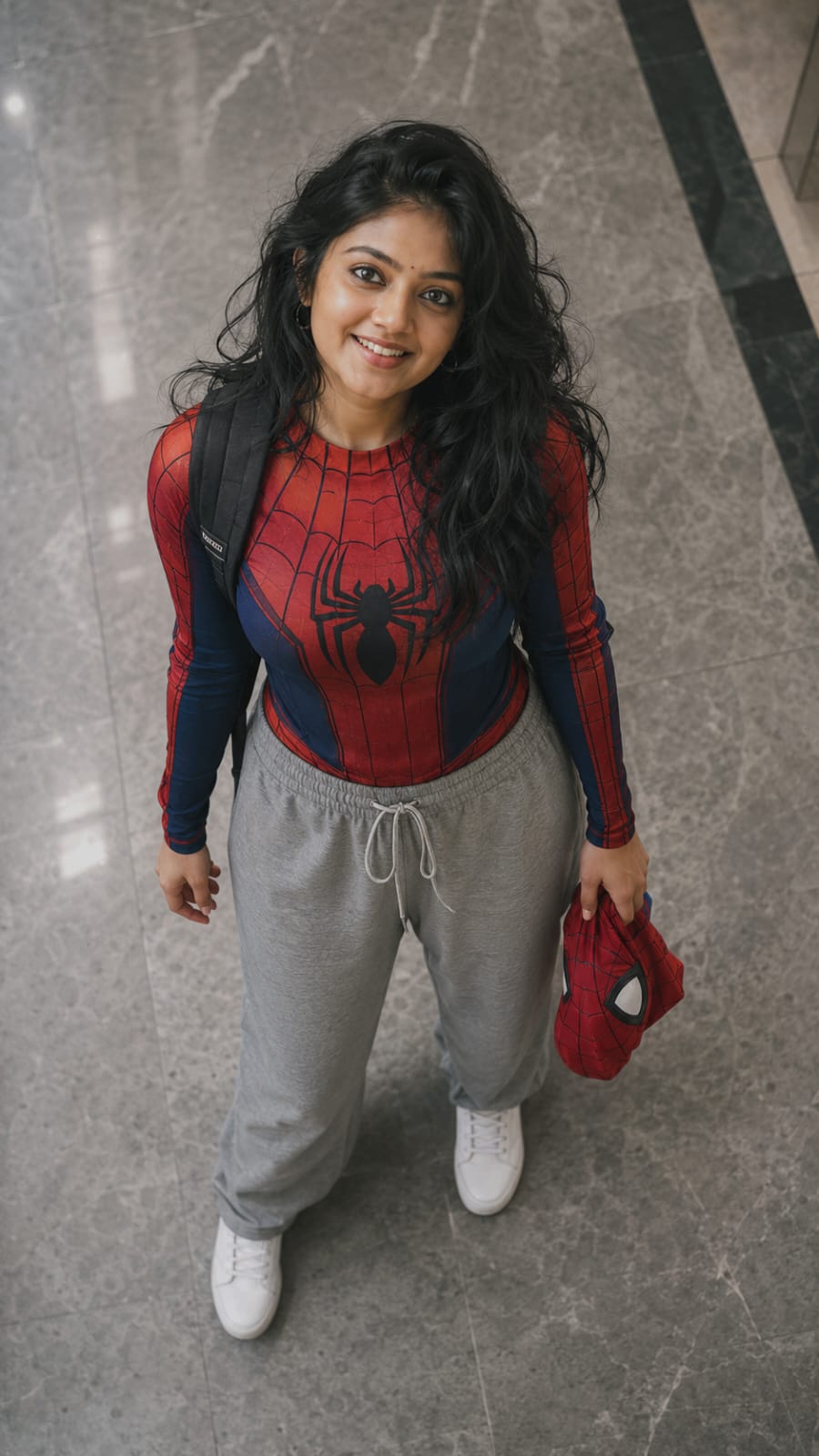
Copy the prompt given below, open ChatGPT or Gemini, upload your own photo, and paste the prompt. The AI will turn your photo into a Spider-Man style image, exactly like the demo shown here.
Step 2 : Generate Your Spider-Man Video Using Capcut Template
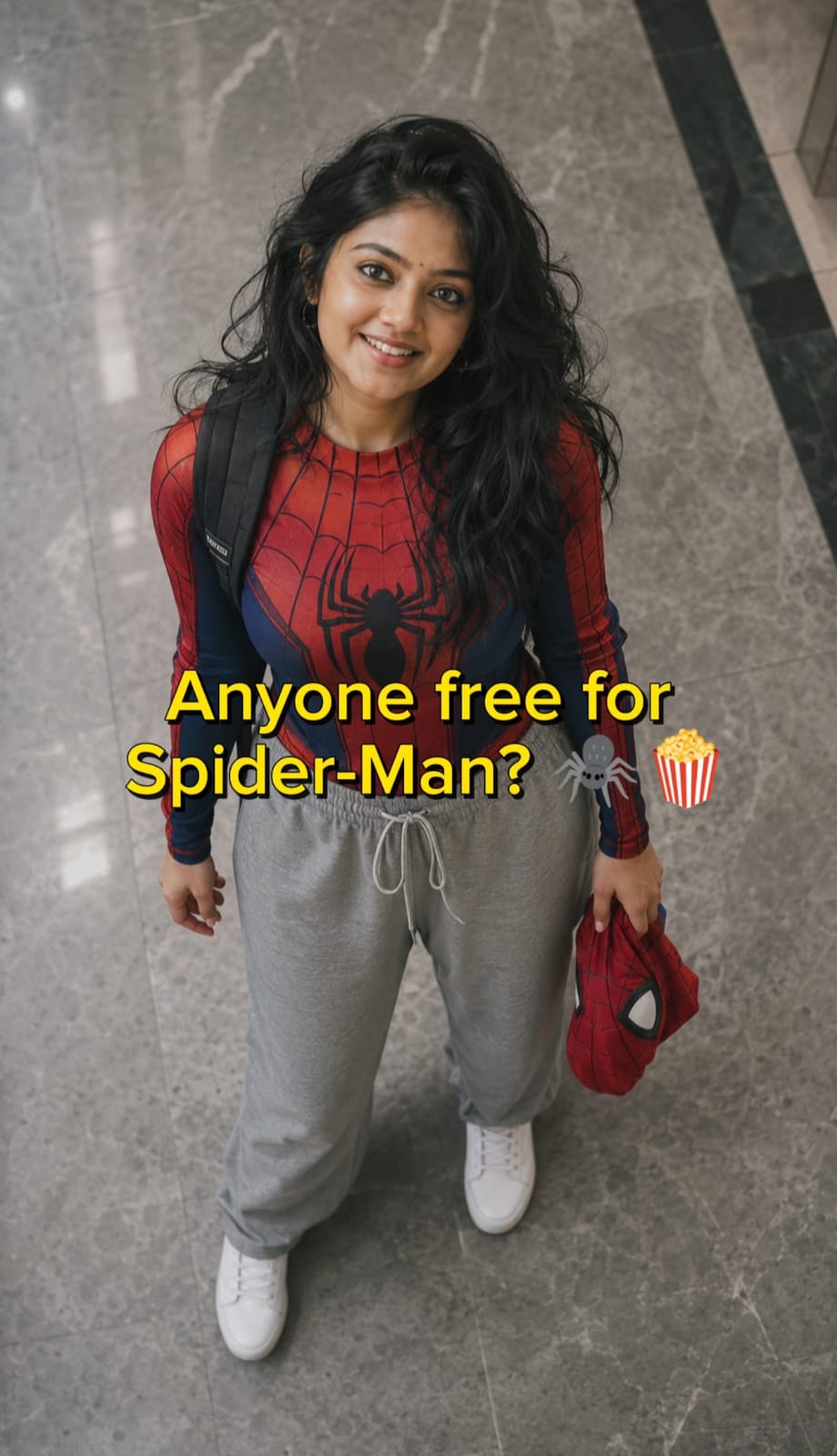
Once your Spider-Man image is ready, download it and save it on your phone. This is the photo you will use in the next step inside CapCut.
▶️
How To Use The CapCut Template Step By Step
- Tap the template button above to open it directly inside the CapCut app.
- CapCut will ask you to select a photo for the empty slot.
- Choose the Spider-Man photo you generated with AI in step 1.
- Let CapCut auto-fit the photo to the template frame.
- Preview the video once to check the transition and text placement.
- Tap Export and save the video in HD quality.
- Share it directly on Instagram Reels or YouTube Shorts.
Photos You Need For This Template
You only need one AI-generated Spider-Man photo for this template. Make sure the photo is clear, well-lit, and shows your face properly, since the AI transformation quality depends a lot on the original photo you upload for generation.
Common Mistakes To Avoid
- Uploading a blurry or dark photo for AI generation, which gives a poor Spider-Man result
- Using a group photo instead of a solo clear photo
- Skipping the prompt box and writing your own short prompt, which changes the final look
- Not checking the preview before exporting, which can crop your face wrongly
- Exporting in low quality, which reduces the video sharpness on Instagram
Pro Tips For Best Results
- Use natural daylight for your original photo before AI generation
- Keep your face centered and looking straight at the camera
- Try 2-3 different photos with the prompt if the first result does not look sharp
- Export the CapCut video in 1080p for the best clarity on reels
- Add trending Spider-Man audio if the template allows sound replacement
Frequently Asked Questions
Is this CapCut template free to use?
Yes, this template is completely free on CapCut.
Do I need a paid ChatGPT or Gemini plan for the photo?
No, the free version works fine for generating this Spider-Man style photo.
Can I use this template on a low-end phone?
Yes, CapCut runs smoothly on most Android and iOS phones.
How long does the whole process take?
Generating the photo takes 1-2 minutes, and creating the video takes another 2-3 minutes.
Will this work with a group photo?
No, this template is designed for a single solo photo only.
Can I change the background music in the template?
Yes, CapCut allows you to replace the audio if you want a different trending sound.
Do I need any editing skill to use this template?
No, everything is pre-set. You only need to add your photo.
Where can I find more templates like this?
You can check the RonyTica Templates section for more trending CapCut and VN templates updated regularly.
Final Thoughts
This Spider-Man CapCut template is one of the easiest ways to create a viral superhero transformation video without any editing knowledge. Just generate your AI photo, drop it into the template, and you are ready to post. Try it today and let your Spider-Man moment go viral on your reels.
For more trending AI photo prompts and video templates, keep checking RonyTica regularly.
Happy
Nice
Gghgf
Hhgxdyuiij