


8 Best 15 August AI Photo Prompts You Can Try This Independence Day (2026)
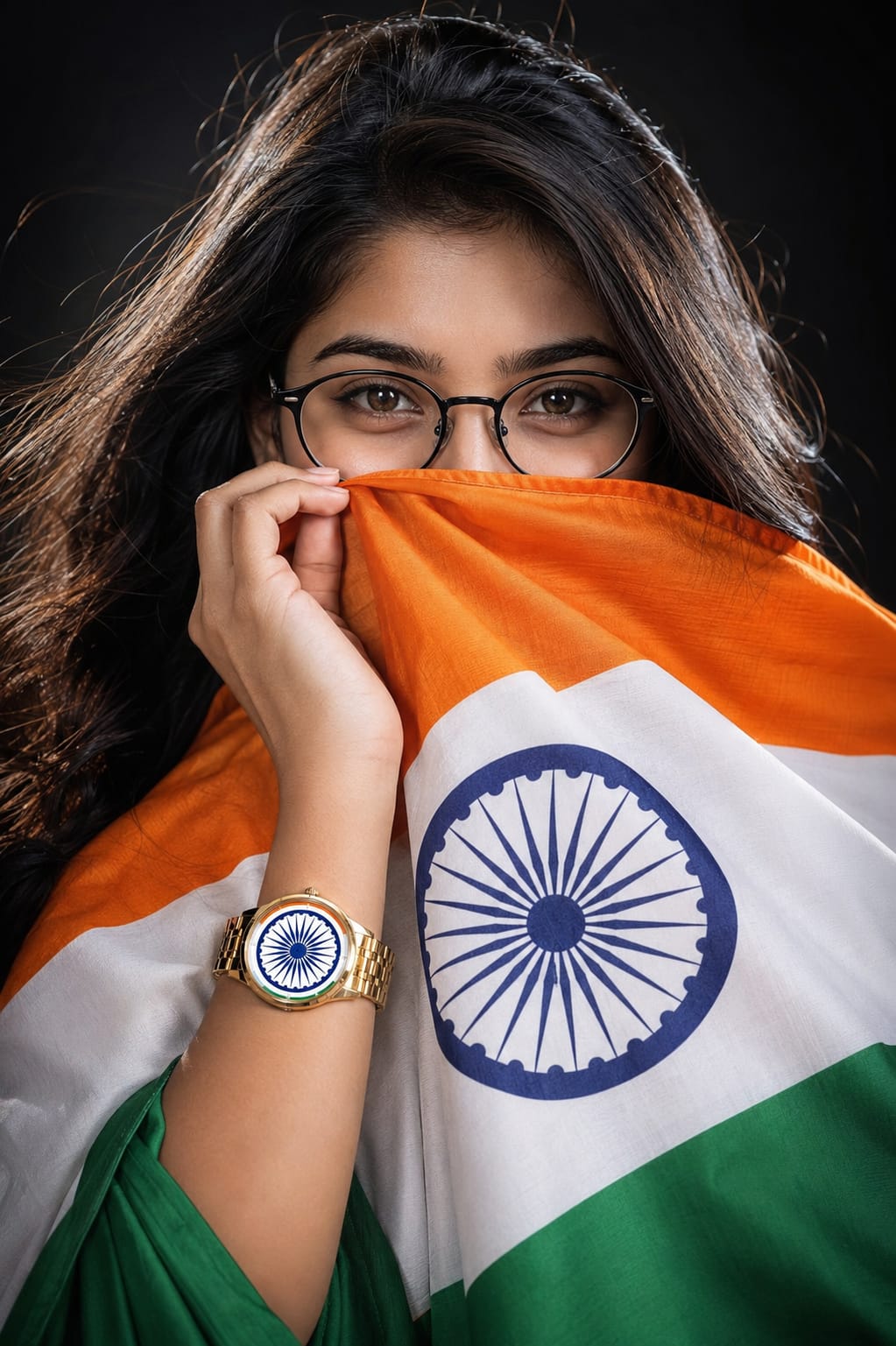
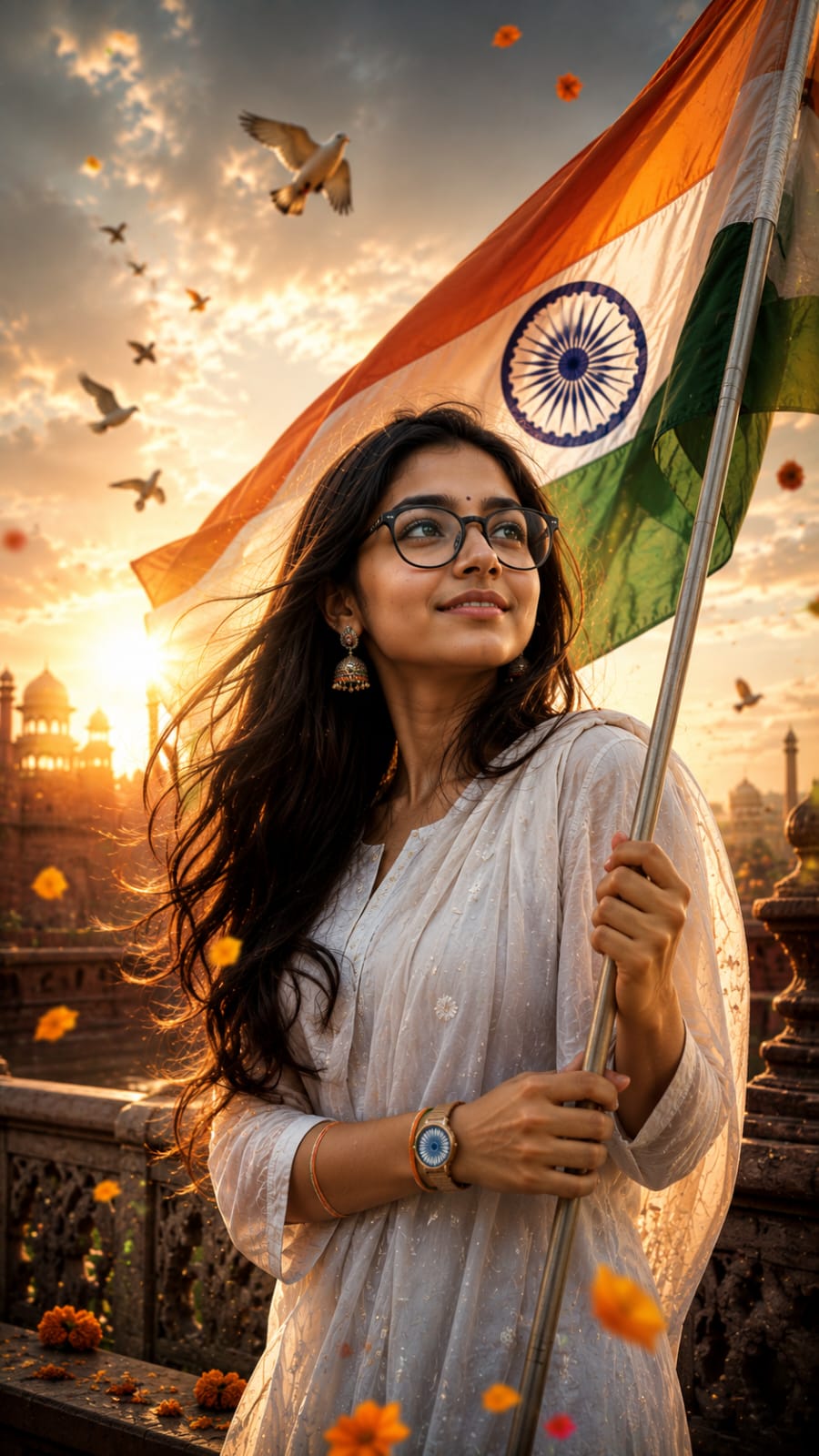
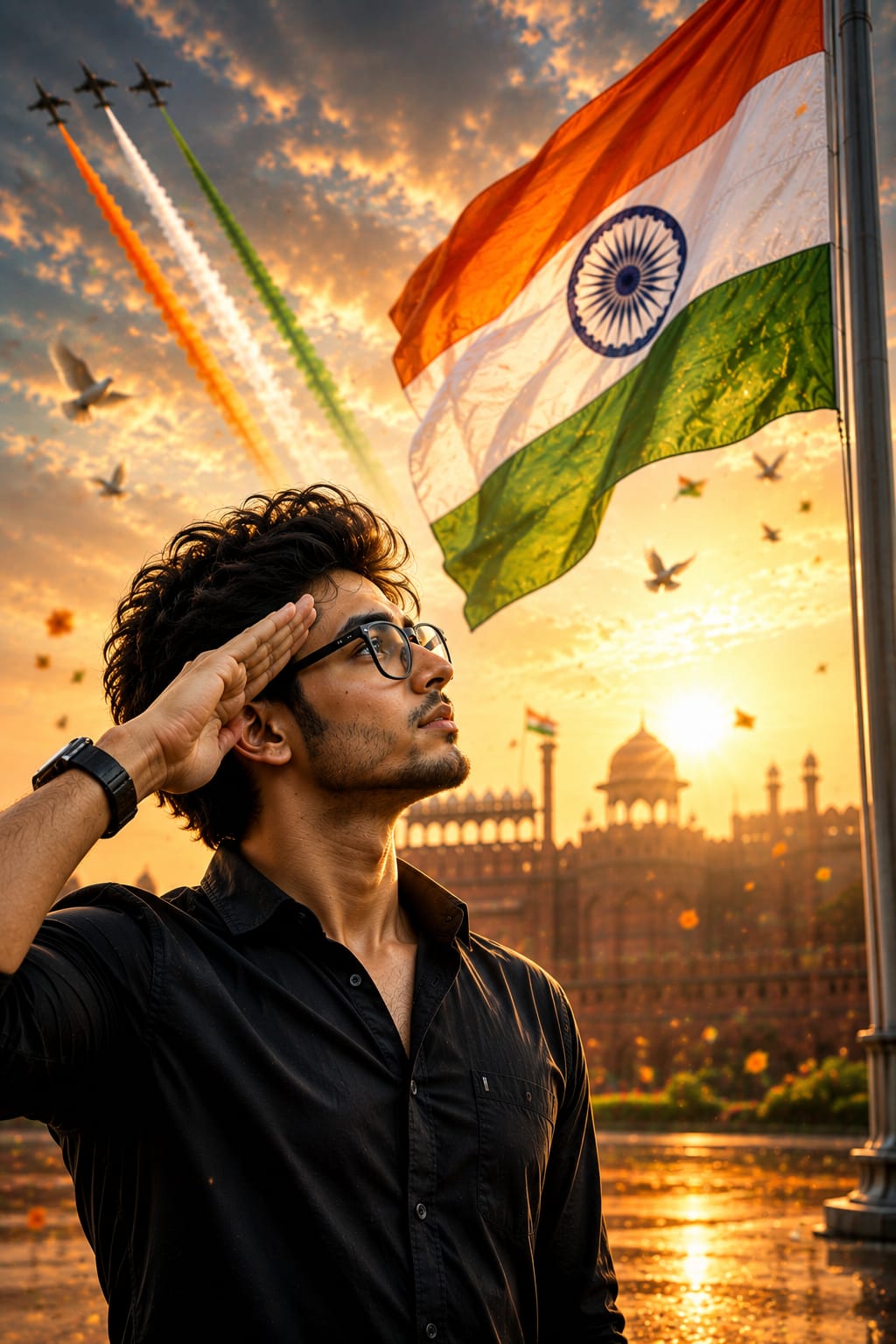
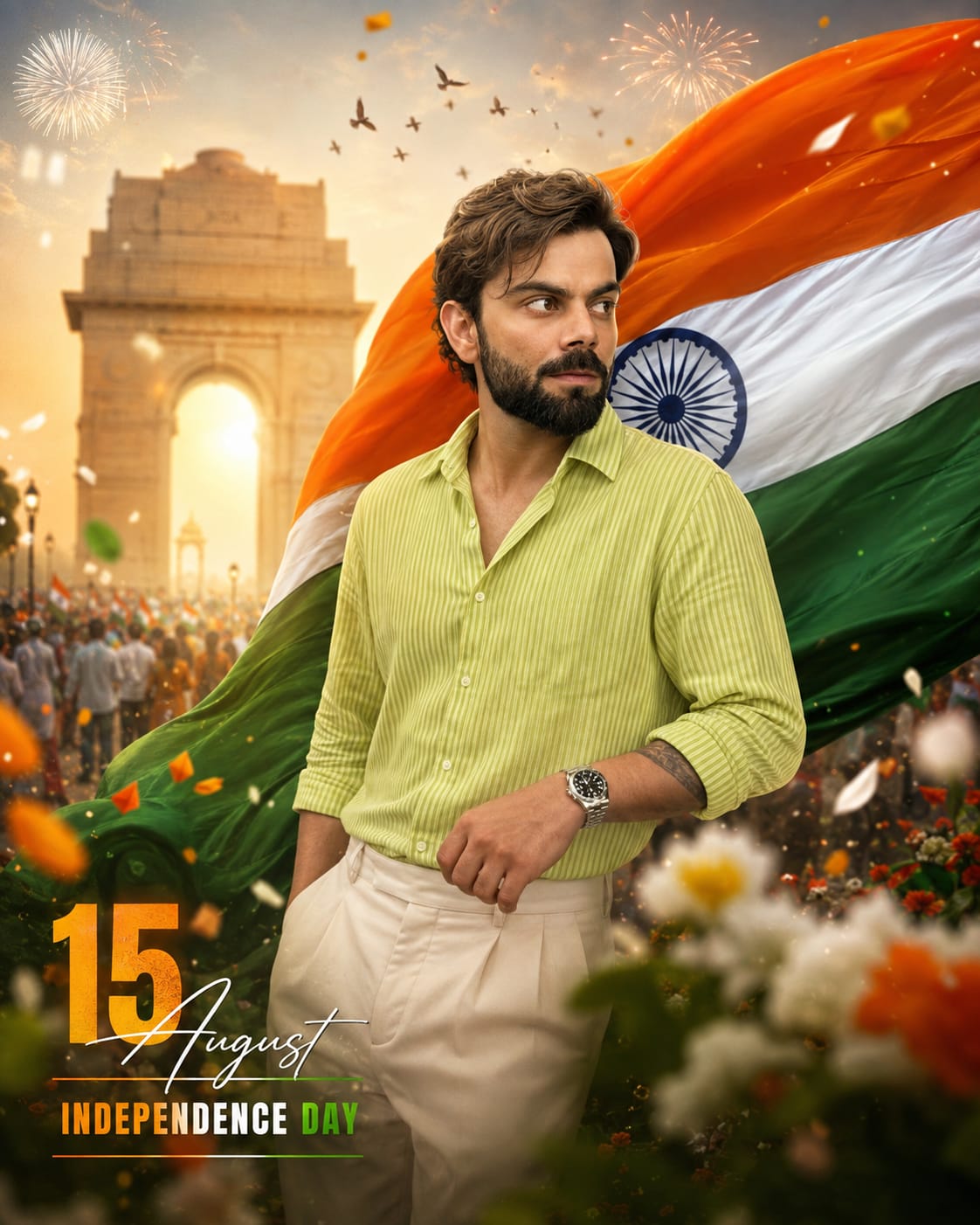
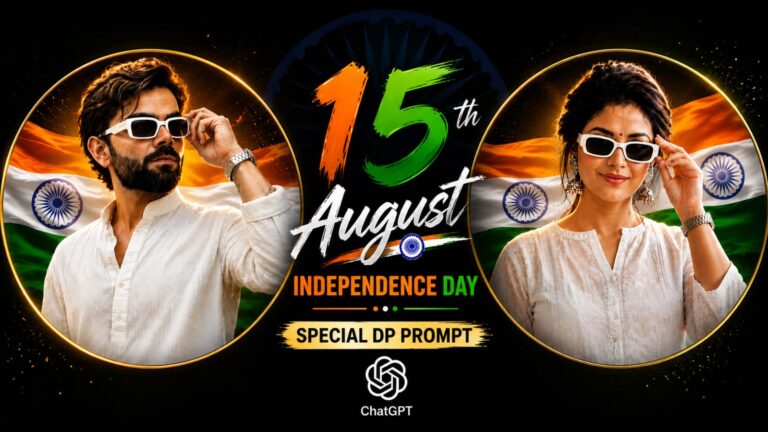
Independence Day is coming soon, and every year the same thing happens. As soon as August starts, phones get full of tricolor photos. Some people wrap the flag around themselves. Some hold the flag near India Gate. Some do a salute pose with the flag flying behind them.
This year, you don’t have to wait for a photographer or a fancy studio. With the help of AI, you can turn your own simple photo into a cinematic, patriotic picture in just a few minutes. All you need is one clear photo of your face and the right prompt.
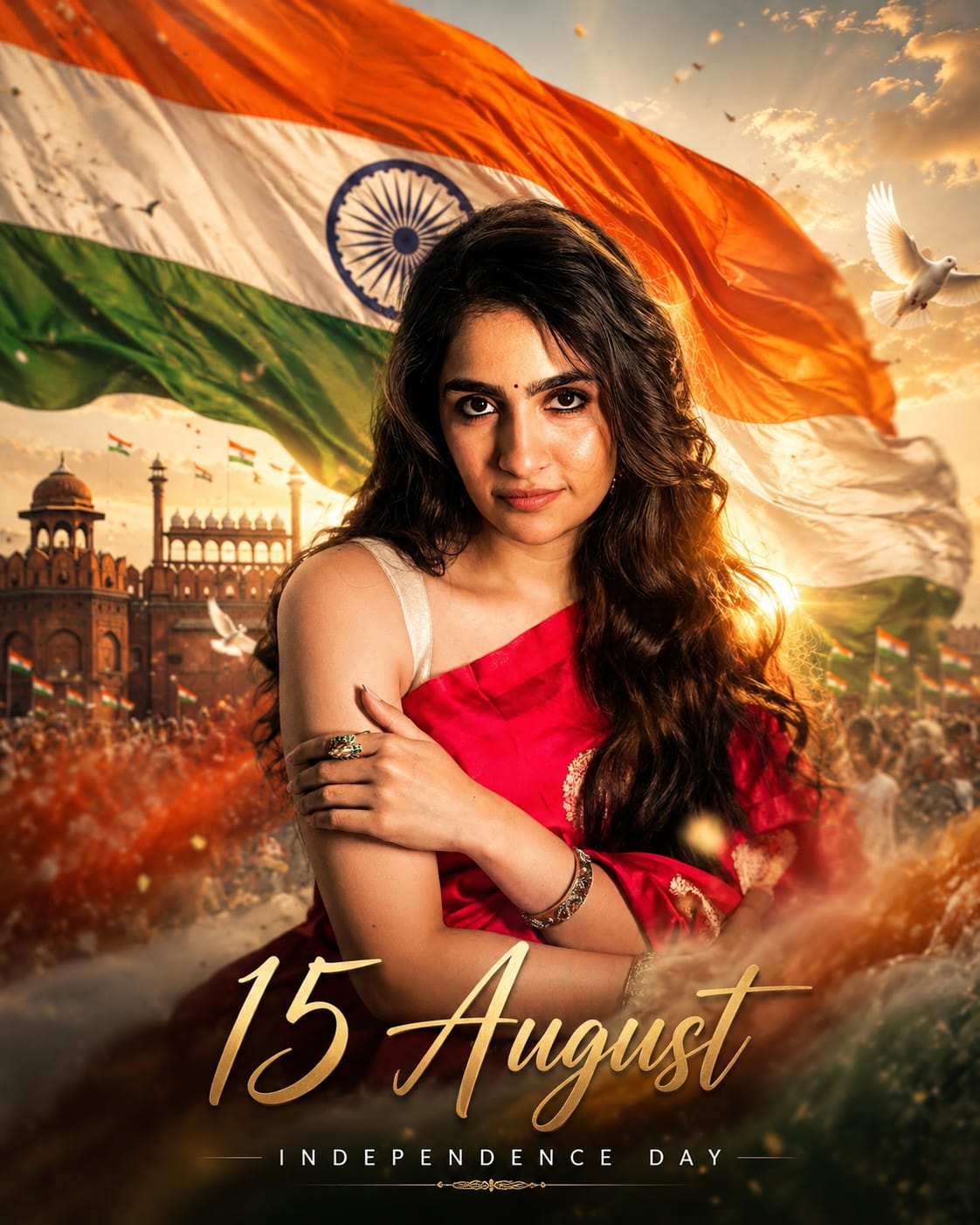
In this post, RonyTica brings you 8 different 15 August AI photo prompt styles. Each one has its own mood some are simple and emotional, some look like a movie poster, and some are perfect for a saree or kurta look. Pick the one you like, use the prompt box given on this page, and create your own Independence Day photo today.
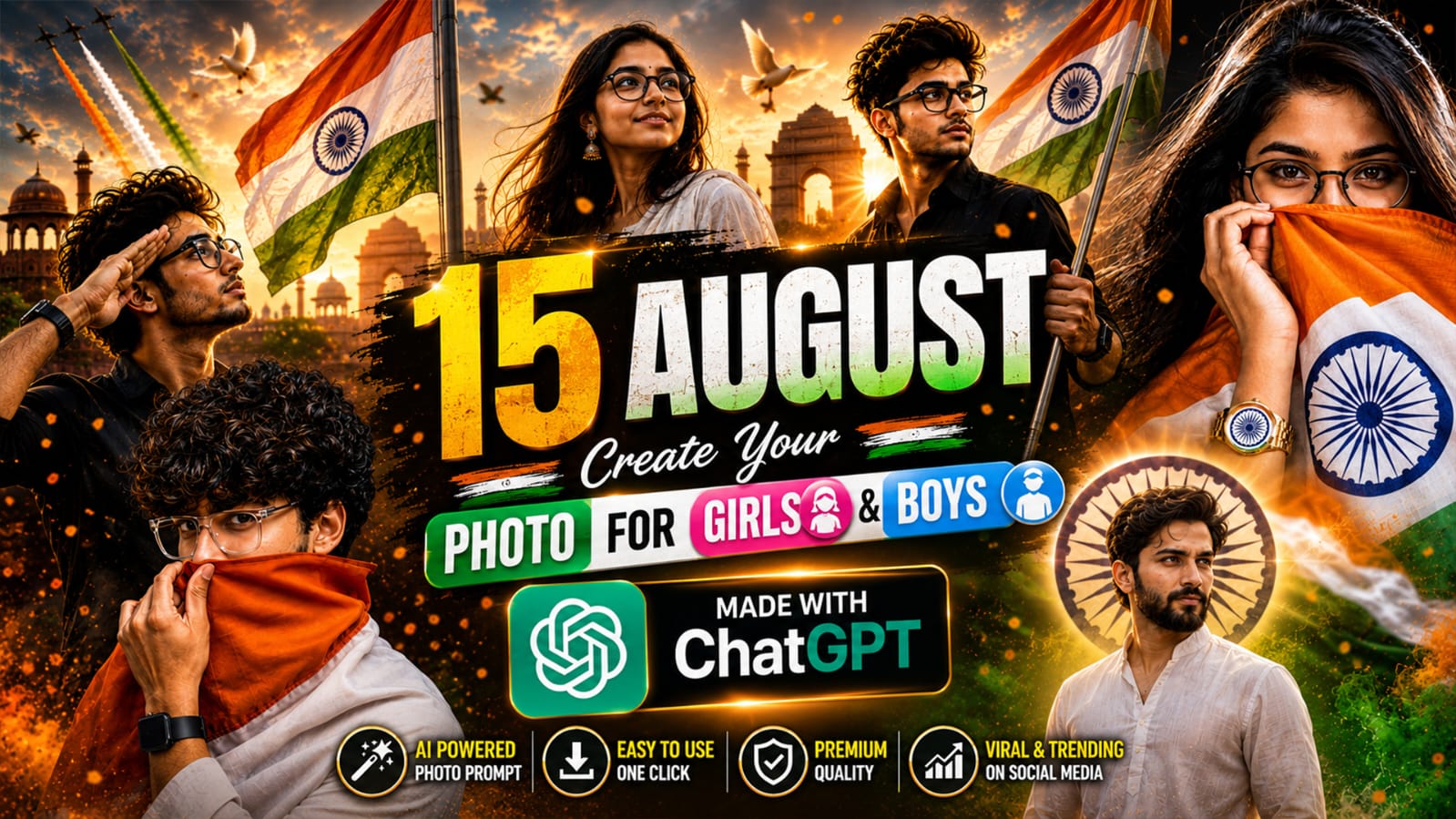
Which AI Tool Works Best for This Prompt
You can use either ChatGPT or Gemini to create these photos. Both tools can understand the prompt and give a good result. But if you want the most realistic and detailed output, ChatGPT usually works better for this type of patriotic photo. The skin texture, lighting, and flag details come out sharper. Gemini also works fine, especially if ChatGPT is busy or not giving a good result on your first try.
How to Use This Prompt
Using this prompt is very simple. Just follow these steps :
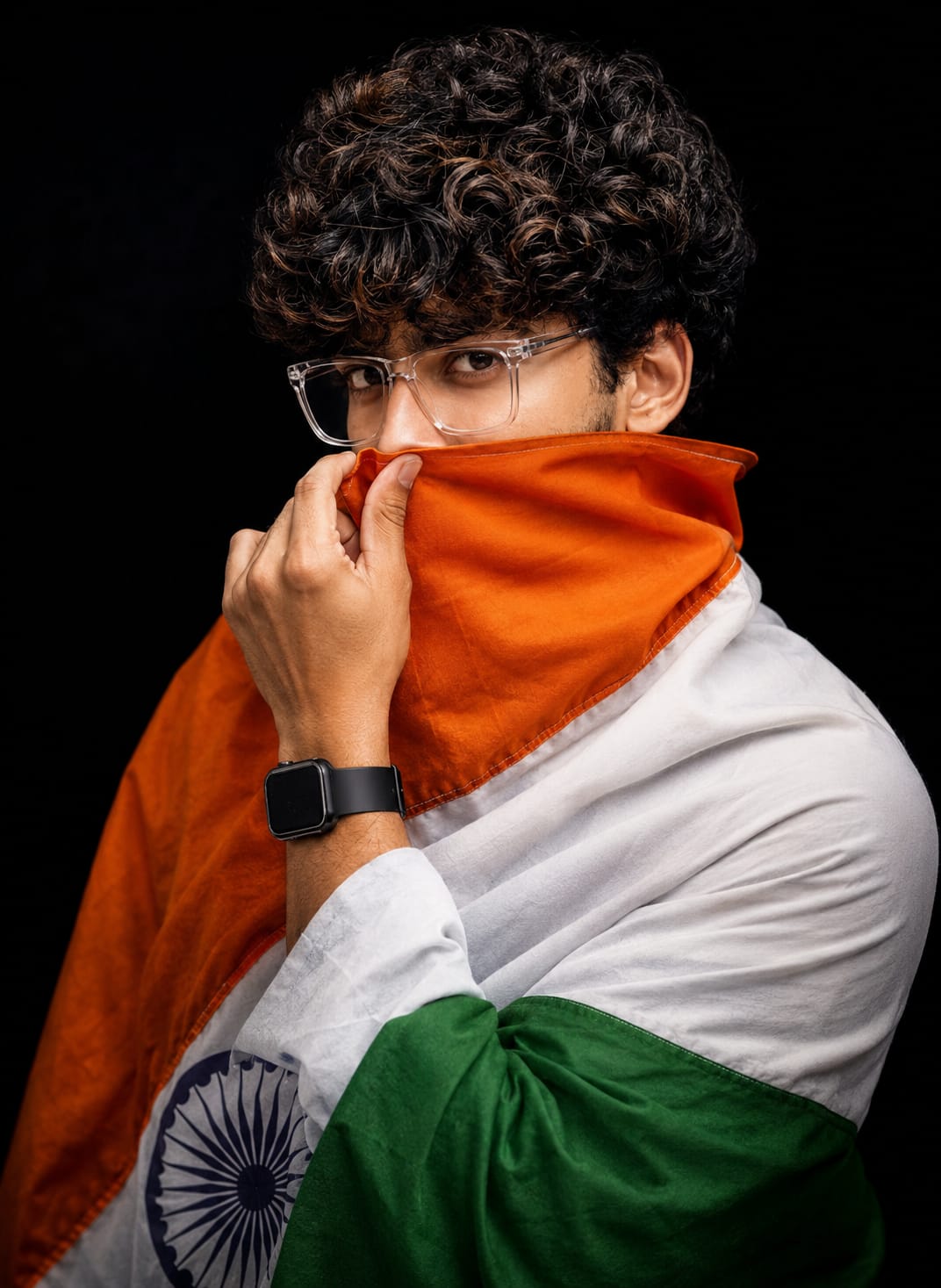
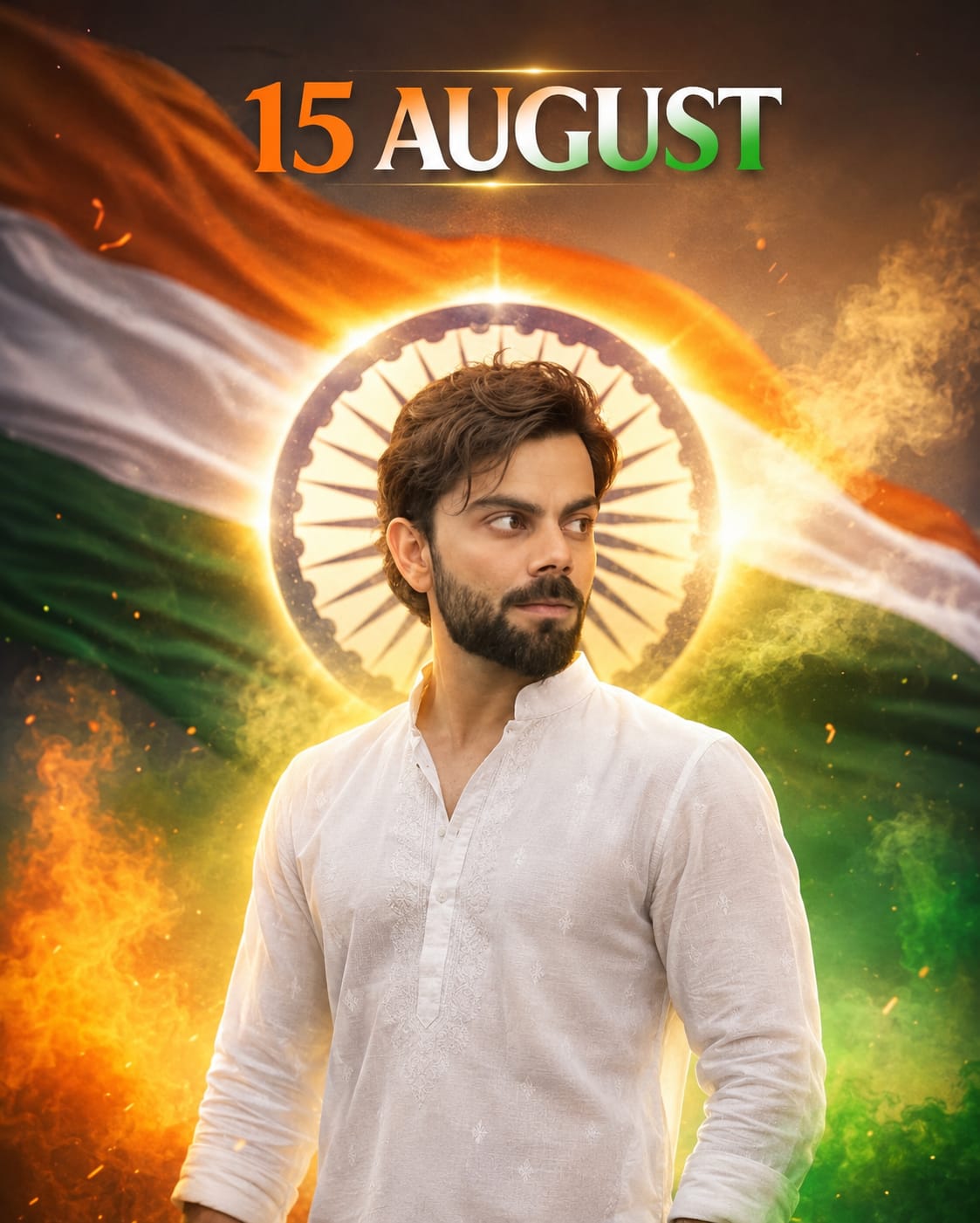
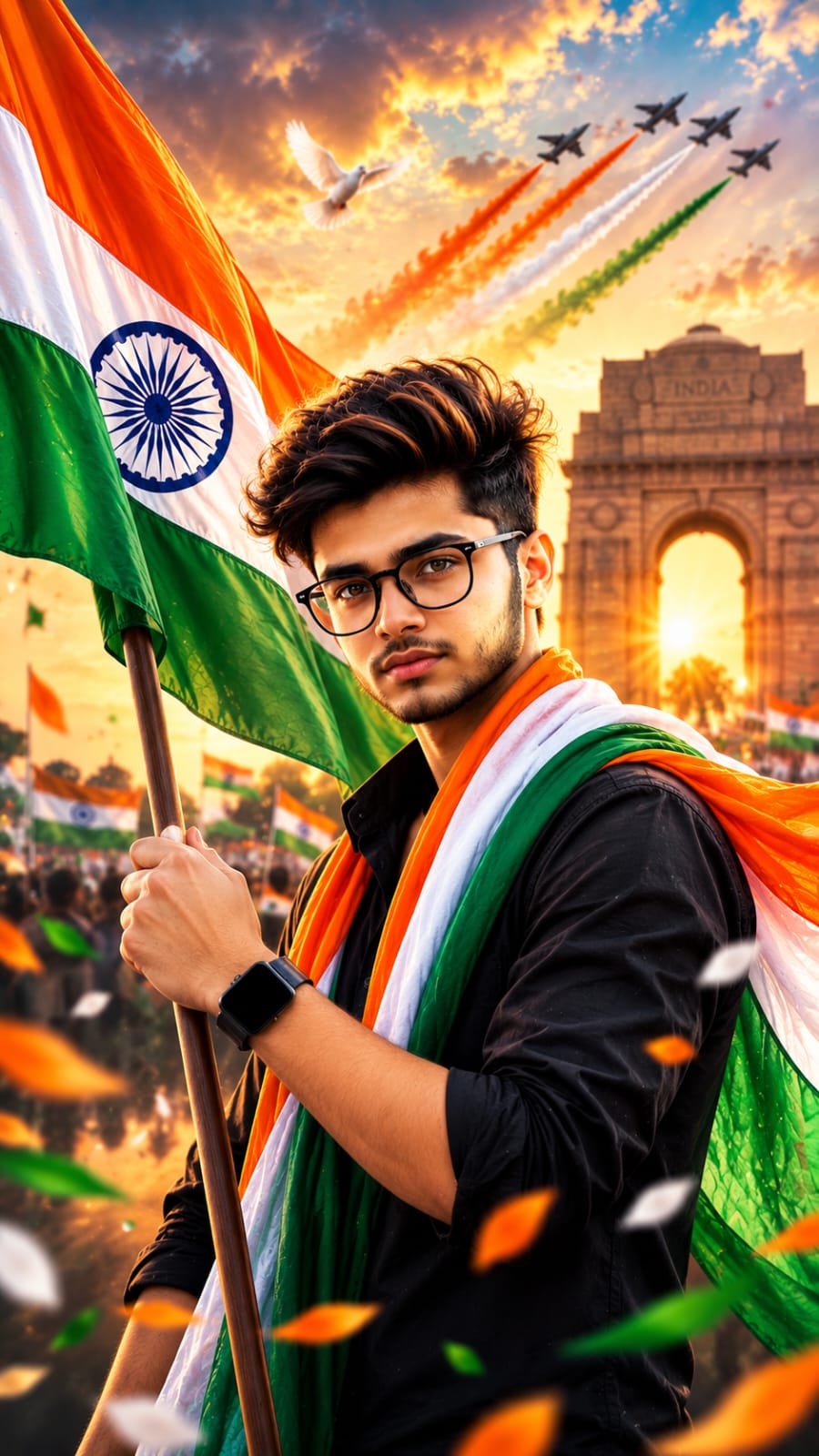
- Open ChatGPT or Gemini on your phone or laptop.
- Upload one clear photo of your face. A front-facing photo with good light works best.
- Copy the prompt from the prompt box on this page.
- Paste the prompt in the chat and send it.
- Wait a few seconds. The AI will create your photo.
- If the result is not perfect, you can regenerate it one or two more times.
That’s it. No editing app, no design skill needed.
Tips Before You Use This Prompt
Before you generate your photo, keep these small things in mind:
- Use a photo where your full face is clearly visible. Do not use a group photo.
- Good lighting on your face gives a much better result.
- If the prompt has “face identity lock” instructions, do not remove them. This part makes sure the AI keeps your real face and does not create a random new face.
- Try one prompt at a time. Do not mix two prompts together.
- If the flag colors or face look wrong, simply generate again. Sometimes the second or third try gives the best photo.
Best Settings for This Prompt
Use the table below to get the best output every time.
| Setting | Recommended Value |
|---|---|
| Aspect Ratio | 9:16 (for reels/status) or 4:5 (for Instagram post) |
| Image Quality | 8K / Ultra HD |
| Lighting Style | Golden hour / cinematic |
| Best AI Tool | ChatGPT (Gemini as backup) |
| Reference Photo | Clear front face, good light |
| Regeneration Tries | 2–3 times for best result |
Common Mistakes to Avoid
Many people get a bad result because of these small mistakes :
- Using a blurry or side-angle photo – This confuses the AI, and your face may come out wrong.
- Skipping the face lock instructions – Without this, the AI may change your face completely.
- Using low light photos – Dark photos give dull and flat results.
- Not checking the flag colors – Sometimes the tricolor order comes out wrong. Always check before you save.
- Downloading the first result only – The first try is not always the best one. Always generate a few times.
Why You Will Love These Prompts
These 8 prompts are not copied from one single style. Each one gives a different feeling :
- Some are simple studio-style shots with the flag wrapped around you.
- Some are big cinematic posters with India Gate or Red Fort in the background.
- Some show a proud salute pose with fighter jets and smoke trails in the sky.
- Some are soft and elegant, perfect for a saree or kurta look.
This means you don’t need to pick just one. You can try 2–3 different styles and post a different photo every day of Independence Day week. It also makes your social media feed look fresh, not repeated like everyone else’s.
Frequently Asked Questions
Is this AI photo prompt free to use?
Yes. Both ChatGPT and Gemini offer free versions that can generate these photos. You may just need to wait a little longer on the free plan.
Which app gives the best result, ChatGPT or Gemini?
ChatGPT usually gives sharper and more realistic results for this type of patriotic photo. But Gemini is a good backup option.
Can I use my own photo for these prompts?
Yes, and you should. Using your own clear face photo gives you a personal, realistic result instead of a random AI face.
Will the AI change my face?
No, if the prompt has face lock instructions and you keep them as they are. This part tells the AI to keep your real face and only change the background and outfit.
Can I create more than one photo from these prompts?
Yes. You can try all 8 prompts and choose your favorite ones. There is no limit on how many times you generate.
Do I need any editing skill to use these prompts?
No. You only need to copy the prompt, paste it in ChatGPT or Gemini, and upload your photo. The AI does the rest.
Conclusion
This Independence Day, you don’t have to use the same old photo everyone else is using. With these 8 AI photo prompts, you can create a fresh, cinematic, and personal tricolor photo in just a few minutes. Try a few styles from this page, pick your favorite, and get ready to share your own 15 August look before everyone else does.
Keep visiting RonyTica for more trending AI photo prompts and easy tutorials.


🌚
amarjyotijiwgejkdg
Hii
Hii
Fzjdhd gourav jaisa eppudu din
Hello
Asraful
Hii
Hii
Please phone send