


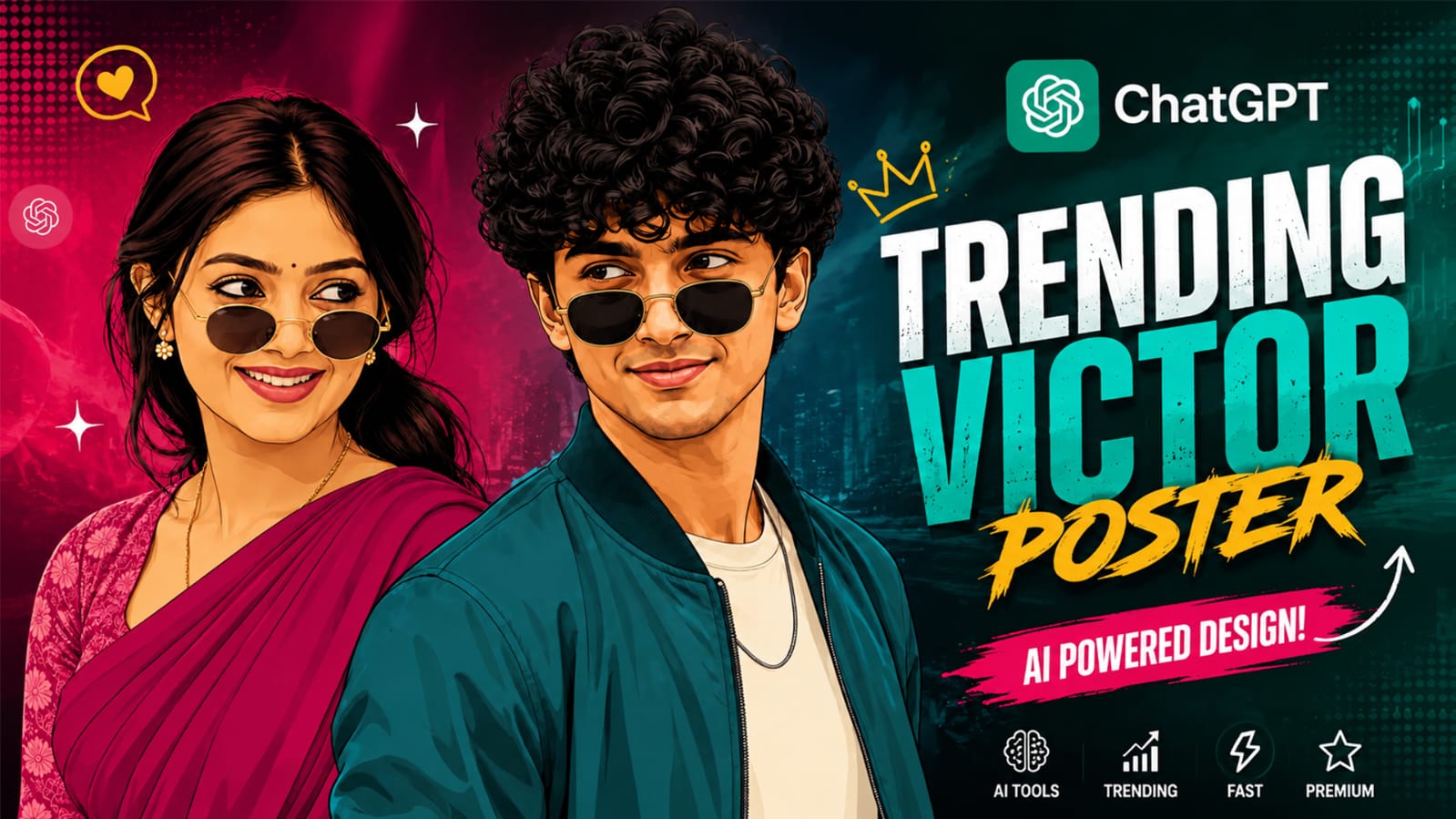
Have you seen those bold, colourful poster style pictures on Instagram? The ones where a person looks like a comic book or poster art character, with sunglasses, bright background, and clean lines? This is called the trending vector poster style, and right now it is everywhere on Instagram, YouTube Shorts, and Facebook reels.
This is not a normal photo edit. This is a full vector art AI photo prompt that changes your simple picture into a poster like artwork. People are using this to make their profile picture (DP) look super stylish, or just to post a cool reel and get more likes.
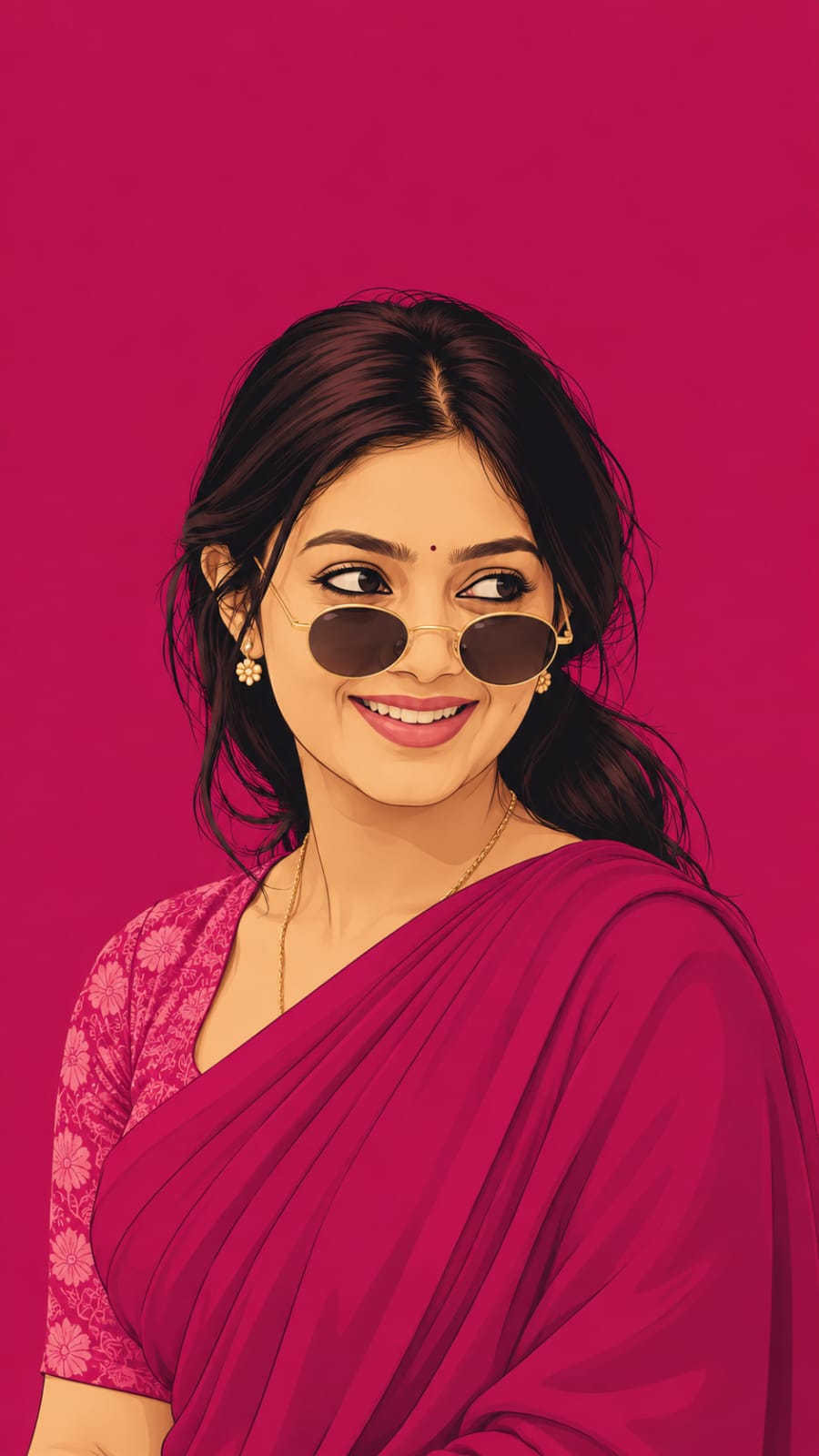
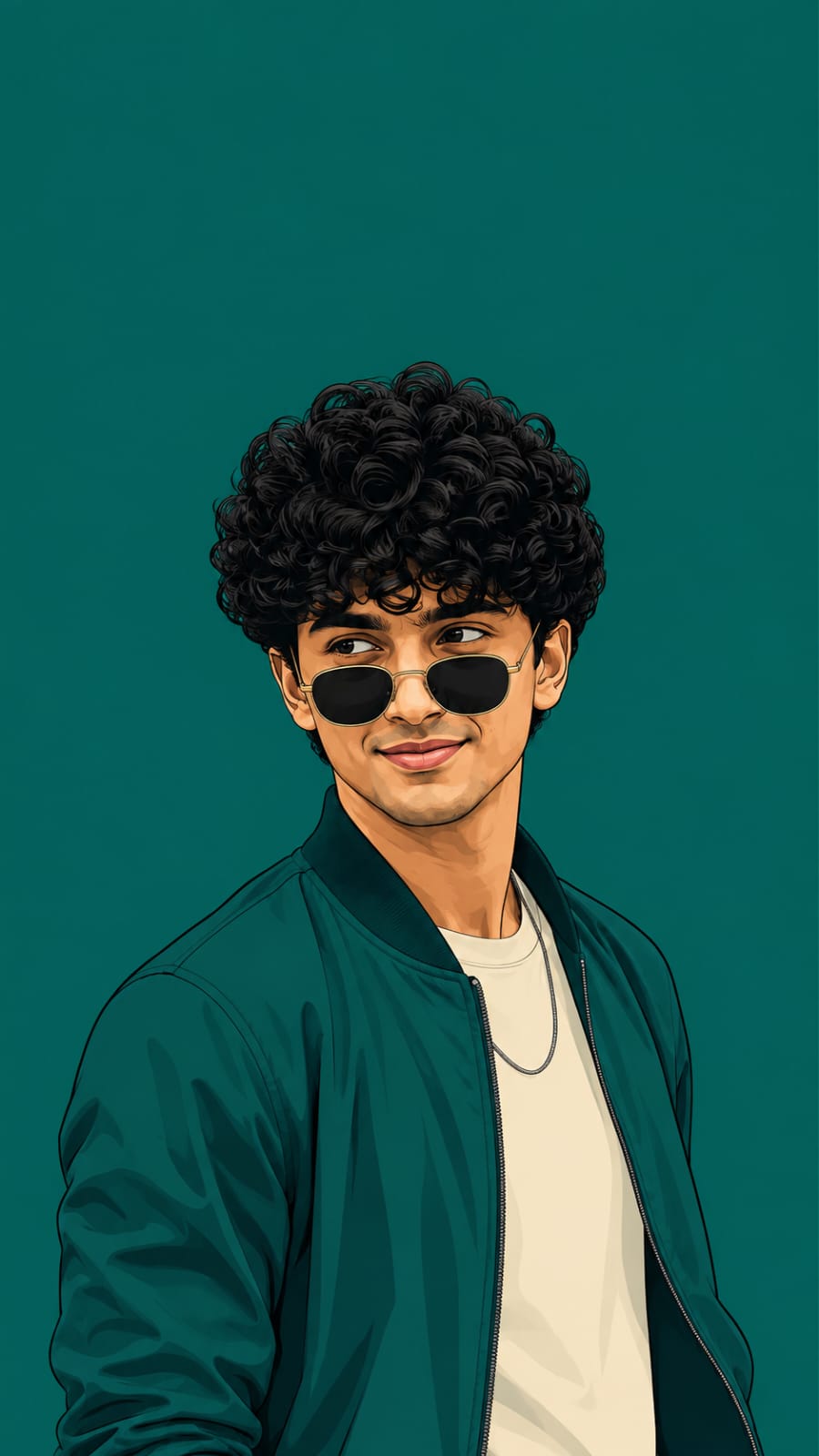
The best part? You do not need any editing skill. You just need a good AI photo prompt and a clear photo of your face. At RonyTica, we test these viral prompts before we share them with you, so you don’t waste your time on prompts that don’t work. In this post, we are giving you two versions of this trending vector poster style one for girls (with a saree look) and one for boys (with a jacket look). Let’s get into it.
Best AI Tool To Use For This Style
For this vector poster AI photo style, ChatGPT works the best. You just need to open ChatGPT, upload your clear photo, and paste the prompt (given below in the prompt box). ChatGPT understands the face details very well and keeps your face looking almost the same as your real photo. You can also try this on Gemini, but many users say ChatGPT gives cleaner and sharper poster style results for this vector art AI photo prompt. So we recommend starting with ChatGPT first.
Step By Step Guide To Create This Photo
Follow these easy steps to make your own trending vector poster:
- Open ChatGPT on your phone or laptop.
- Click on the image or plus icon and upload a clear photo of your face. A front facing or side angle photo works best.
- Copy the full ChatGPT photo prompt from the prompt box below (girl version or boy version, whichever you like).
- Paste the prompt in the chat box, right below your uploaded photo.
- Press send and wait a few seconds. ChatGPT will create your vector poster AI photo for you.
- If you don’t like the first result, just ask ChatGPT to “try again” or “make it more colourful”.
Things To Check Before You Start
Before you jump in and create your own viral AI photo prompt, keep these small points in mind:
- Use a photo where your face is clearly visible, no blur, no dark shadow on your face.
- A front facing photo or a slight side angle photo gives the best result for this saree AI photo prompt or the boy version.
- Do not use a group photo. Only one person should be in the photo.
- Good daylight photos always give better results than photos taken in the dark.
Perfect Settings For Best Result
To get the best output from this 9:16 vertical AI photo prompt, keep these settings in mind:
- Always ask for a 9:16 vertical size, this is perfect for Instagram story, reel cover, and WhatsApp DP.
- Ask ChatGPT for high resolution or HD output so the poster looks sharp.
- Stick to one bold colour for background and outfit, do not mix many colours together, this keeps the poster look clean.
Mistakes You Should Avoid
Many people don’t get a good result because of small mistakes. Avoid these while using this vector art AI photo editing prompt:
- Uploading a blurry or low quality photo.
- Forgetting to mention 9:16 size, which can give you a wrong shaped image.
- Mixing too many colours in outfit and background, this makes the poster look messy instead of clean.
- Not checking if the face matches your real photo, if it doesn’t match, just ask ChatGPT to fix the face again.
Why This Style Is So Special
This trending vector poster style is loved by so many people because :
- It gives a bold, poster like, magazine cover feel to your normal photo.
- It works for both girls and boys, so everyone can try it.
- It is perfect for Instagram DP, story highlight cover, or even a WhatsApp profile picture.
- Since this is a viral AI photo prompt right now, your post has a good chance to get more views and likes.
Your Questions Answered
Q1. Is this trending vector poster prompt free to use?
Yes, if you already have a ChatGPT account, you can use this ChatGPT photo prompt for free, though the free plan may have a limit on how many images you can create in a day.
Q2. Can I use the same prompt for both girls and boys?
No, we have given two separate prompts, one for the saree look (girl version) and one for the jacket look (boy version). Use the one that matches you.
Q3. Which is better, ChatGPT or Gemini, for this style?
Both can work, but ChatGPT usually gives a cleaner and sharper vector art AI photo prompt result compared to Gemini for this poster style.
Q4. What size should I choose for Instagram story?
Always choose 9:16 vertical, this fits perfectly on Instagram story, reel cover, and phone wallpaper too.
Q5. My face does not look exactly like me, what should I do?
Just reply to ChatGPT and ask it to match your face more closely with the uploaded reference photo, and it will try again.
Q6. Can I change the background colour?
Yes, you can ask ChatGPT to change the background to any bold colour you like, just make sure the outfit colour matches the background colour family for the best poster look.
Final Words
That’s it! Now you know everything about the trending vector poster style, how to create it, and how to avoid the common mistakes. This vector art AI photo prompt is simple to use, and the result looks super premium for a DP or story post.
If you liked this, keep visiting RonyTica for more such viral AI photo prompt and ChatGPT photo prompt ideas. We keep testing new trends so you always get fresh, working prompts before they get old.




So hb
Nikhilproja
Inthagram me phao
Ai