

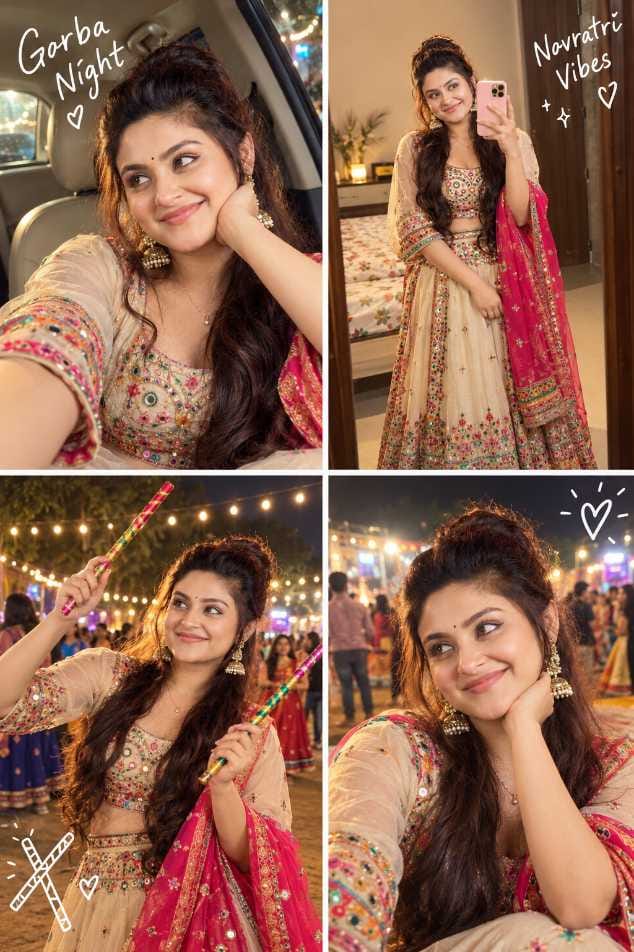
Navratri is here, and your Instagram and WhatsApp feed is already full of colourful Garba photos. Mirror-work outfits, glowing lights, dandiya sticks and happy faces are everywhere. The good news is that you can get the same festive look without going to any studio or spending money on a photoshoot. All you need is one simple photo of yourself and the right Garba AI photo prompt. Upload your photo in ChatGPT or Gemini, paste the prompt, and the AI will turn it into a beautiful Garba night picture. Your face stays the same, and only the outfit, style and background change.
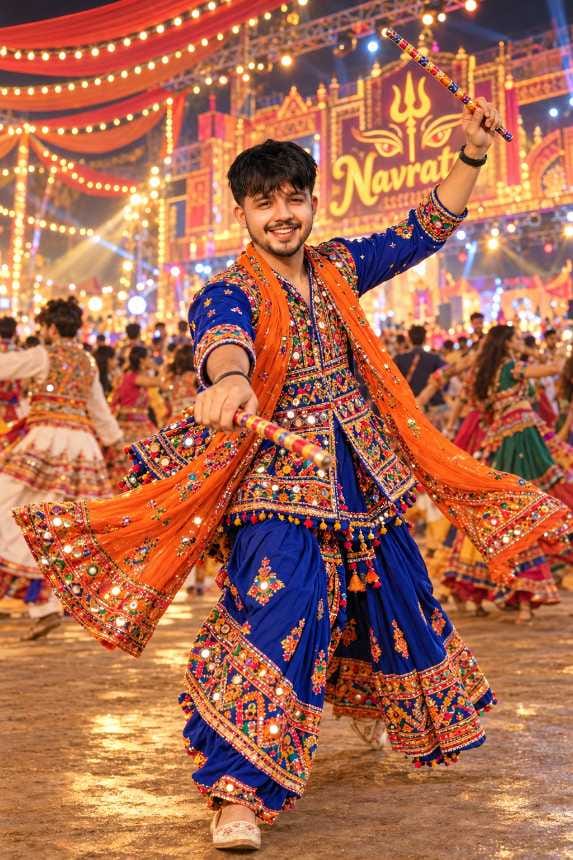
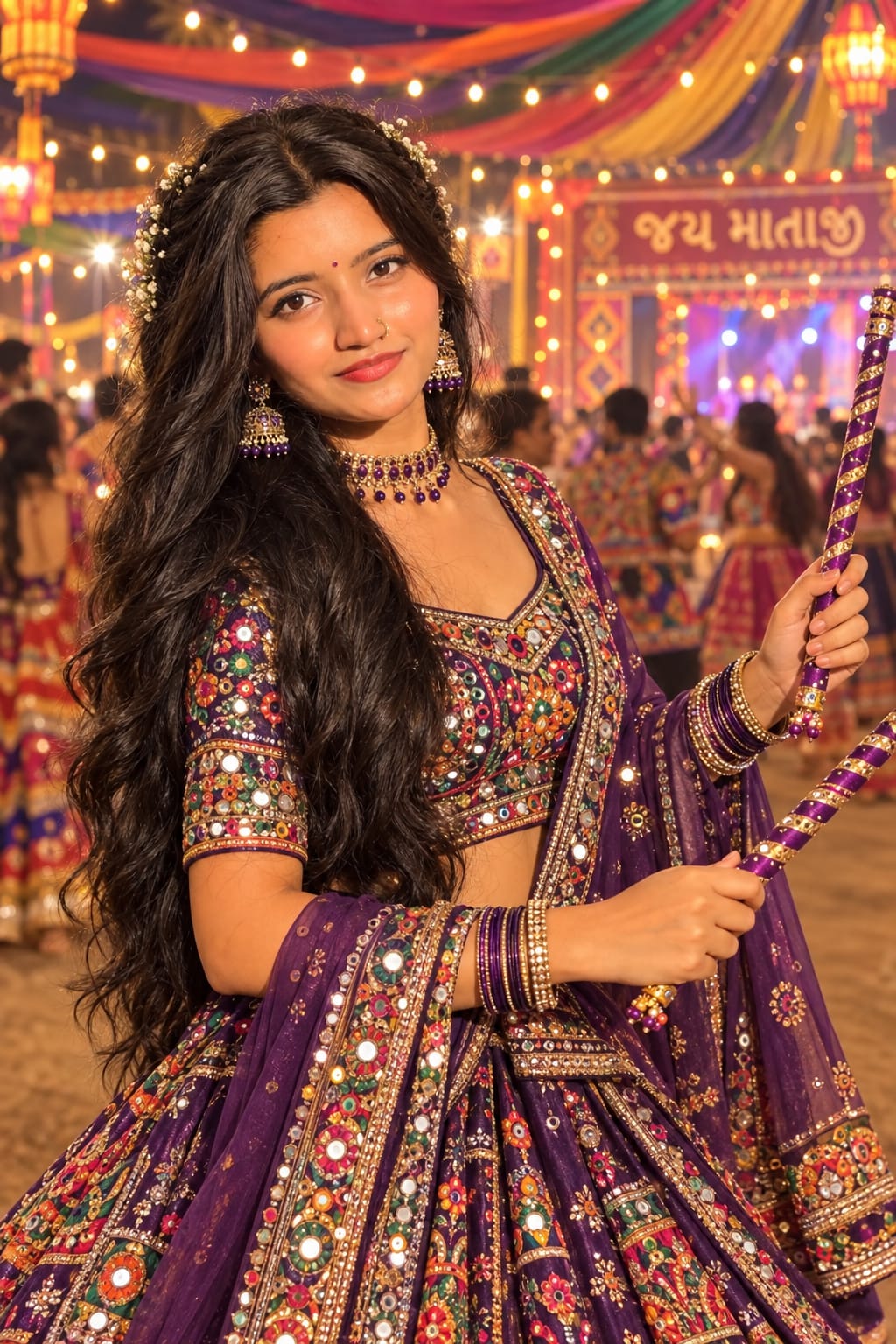
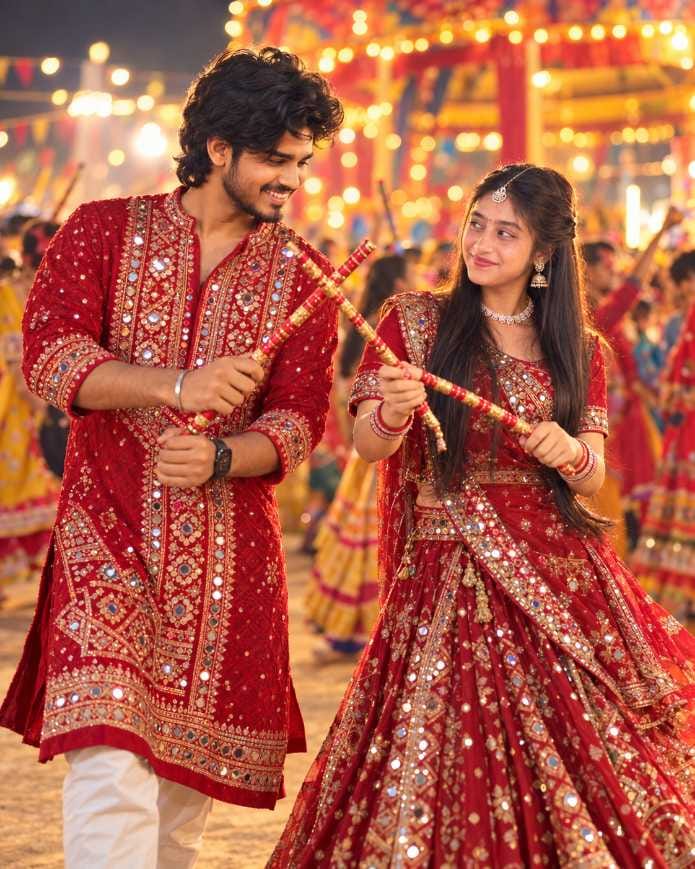
On this page, you will find different Garba photo styles for boys, girls and couples. Each image comes with a ready-to-copy Navratri AI photo prompt right below it. Pick the style you like, copy the prompt, and create your own version in a few minutes. We will keep adding new Garba styles here, so save this page and visit again during Navratri.
Which AI Tools Can You Use for Garba Photos?
These prompts work in AI tools that let you upload a photo and create a new image from it. The two most popular choices right now are ChatGPT and Google Gemini.
ChatGPT gives clean and realistic results, and it is easy to use on both phone and computer. Gemini is also loved by many people for this trend. If you are looking for a simple Garba look Gemini prompt, you will find that Gemini follows outfit, jewellery and background details quite well. Some other AI apps can also work if they allow a reference photo, but the results may look different in each app. If you are a beginner, start with Gemini or ChatGPT.
How to Use These Garba Prompts
Follow these simple steps to create your photo :
- Choose a Garba style from the images on this page.
- Tap the copy button below the image to copy the prompt.
- Open ChatGPT or Gemini on your phone or computer.
- Upload one clear photo of yourself.
- Paste the copied prompt in the message box and send it.
- Wait for a few seconds and check the result.
- Download the picture if you like it, or try again with a small change in colour or background.
Simple Tips to Get a Better Result
A good photo gives a good result, so the photo you upload matters the most. Choose a clear, front-facing picture taken in natural light. Avoid sunglasses, caps and heavy filters, because the AI should be able to see your full face properly. A plain background also helps the AI understand your face and body shape better.
It is also a good idea to try the same prompt two or three times. AI creates a slightly different picture every time, and the second or third try is often the best one. If you want to match your favourite shade, you can change the outfit colour in the prompt. This works well for a chaniya choli AI photo, where colour is the main attraction.
Best Settings for Garba AI Photos
| Setting | Best Choice |
|---|---|
| Photo Type for Upload | Clear front-facing selfie or portrait |
| Light in Your Photo | Natural daylight or bright room light |
| Image Ratio | Vertical (4:5 or 9:16) for Instagram and Reels |
| Quality | High quality / HD, if the tool gives the option |
| Face Instruction | Ask the AI to keep your face the same |
| Number of Tries | 2 to 3 tries for the best result |
| Best AI Tools | ChatGPT, Gemini |
Common Mistakes People Make
The biggest mistake is uploading a blurry or very dark photo. The AI cannot fix a face it cannot see clearly, and the final picture may not look like you. Another common mistake is changing the prompt too much. Small changes like colour are fine, but removing the line about keeping your face the same can spoil the result.
Many people also use the wrong type of photo. If you are using a Garba couple AI prompt, upload a photo that has both people. If the prompt is for one person, a solo photo works best. Finally, do not give up after one try, and always zoom in to check the hands, dandiya sticks and outfit details before you post.
Why Everyone Loves This Garba Photo Trend
This trend is spreading fast for a few simple reasons. It is free, it is quick, and you get a festive photo in just a few minutes. The picture also looks real, with warm lights, colourful outfits and the mood of a real Garba night.
Another big reason is the variety. Whether you want a Garba AI photo for boys with a classic kediyu look, a Garba AI photo for girls in a mirror-work outfit, or a matching couple look, there is something for everyone. Dandiya AI photo prompts are also popular because the stick-dance mood makes the picture feel full of life. These photos are perfect for Instagram posts, WhatsApp DP and Facebook stories, and you do not need any editing skill to make them.
Final Words
Garba is all about joy, colour and togetherness, and now you can bring that feeling to your own photo too. Pick a style you like, copy the prompt, upload your picture and create your Garba look in a few minutes. Try a few styles, share your favourite on social media and enjoy the festival. Come back to this page soon, because new Garba styles will be added for you.
Frequently Asked Questions
Yes, all the prompts on this page are free to copy and use. The AI tool you use may have its own free or paid limits, so please check inside the app.
Yes. Both ChatGPT and Gemini work well on mobile. Just upload your photo, paste the prompt and send it.
The prompts are written to keep your face the same. But AI is not perfect, and small changes can sometimes happen. Use a clear photo and try again if the face does not look right.
Yes, if the prompt is made for couples or groups. For solo prompts, always use a solo photo.
AI creates a new picture every time, so the result can be a little different. Try the prompt again or use a better quality photo.
Yes. You can replace the colour in the prompt with any shade you like.
Yes. We will keep adding fresh Garba styles on this page, so visit again.
[…] words like “Navratri nail art”, “AI photo prompt” and “ChatGPT” in your caption so people […]
[…] is where you make the Durga Puja couple prompt your own. Don’t rewrite the whole thing. Swap one part at a time, so you can […]
[…] favourite is the Navratri one with golden light. It suits the look […]