


Why Everyone Is Making Garba AI Photos This Navratri
Every year during Navratri, our feeds turn into a sea of colour. This year, something new is going viral. People are using a simple garba ai prompt to create shiny, cinematic Navratri photos in just a few minutes. No studio. No costume. No photographer.
At RonyTica, we bring you the most loved Navratri AI photo prompt looks in one place. You will find looks for boys and girls, royal outfits, retro styles and full dandiya night moods. Every prompt is ready to copy and paste from the prompt boxes on this page.
Sharada Navratri 2026 starts on 11 October, so this is the right time to get your photos ready. If you post a little early, your Reels and posts will be ready when the festival trend is at its peak. Whether you want a dandiya ai photo prompt for a royal look or a chaniya choli ai prompt for a twirling look, this guide will help you get it right.
If you are searching for a simple garba ai photo editing prompt, you are in the right place. Think of this page as your Navratri AI photo editing prompt 2026 guide. It shows you how to turn a plain selfie, or just a few words, into a stunning garba night ai photo.
Which AI Tools Work Best for These Prompts
ChatGPT is the best tool for these prompts. It understands long and detailed descriptions well, and it follows instructions like “keep the face same” quite nicely. If you are looking for a working chatgpt garba prompt or any chatgpt navratri prompt, you can paste any prompt from this page in ChatGPT and usually get a good result in one or two tries.
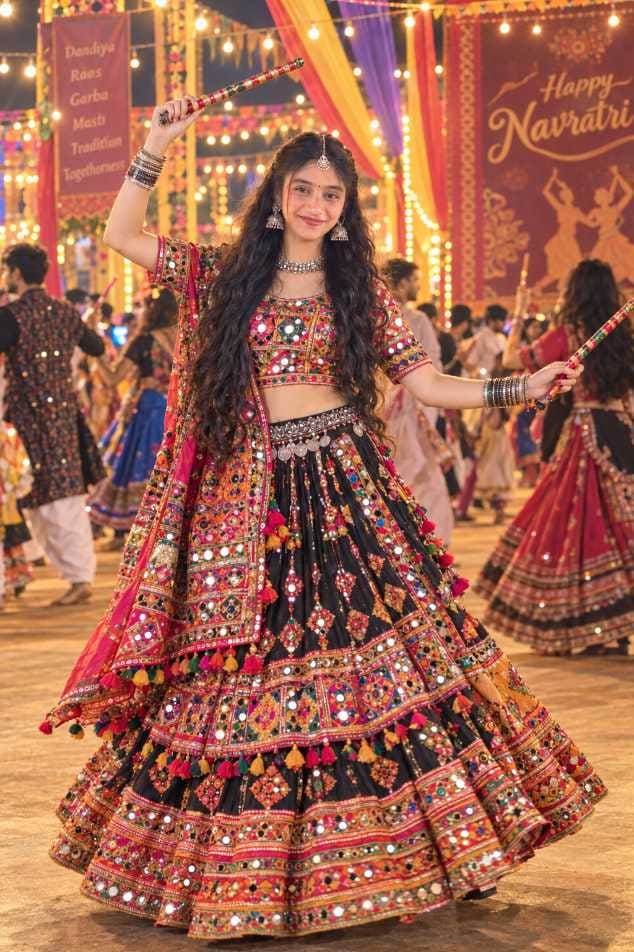
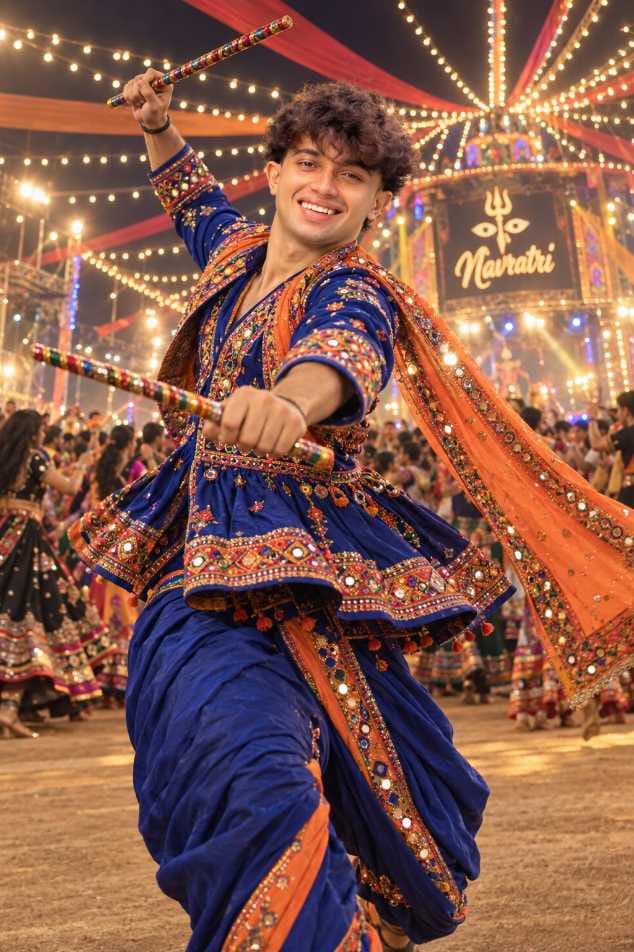
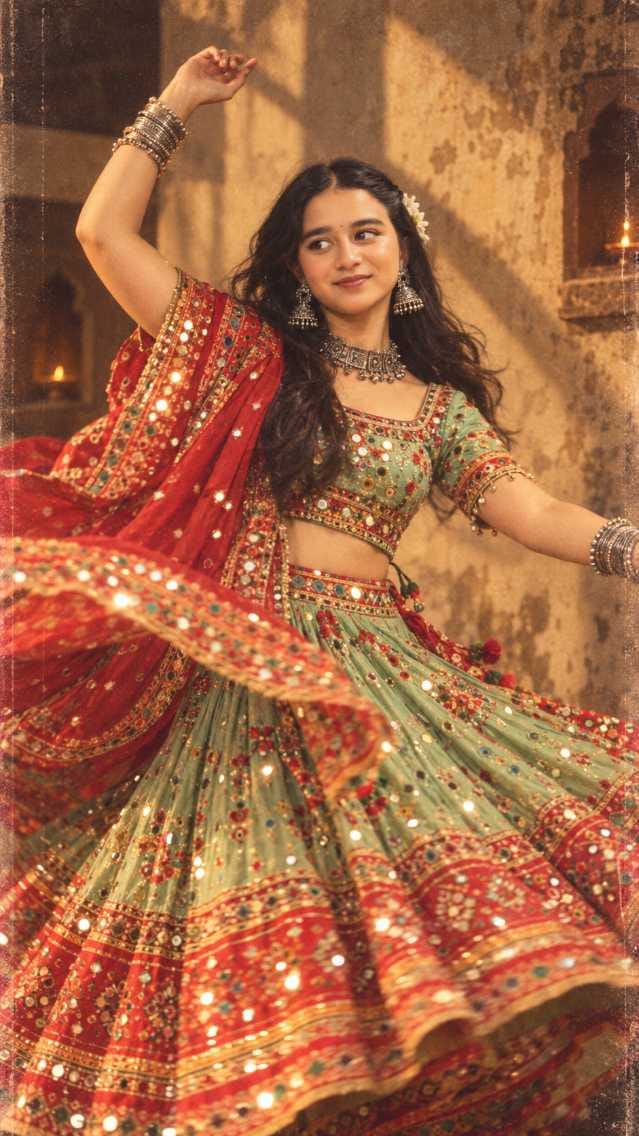
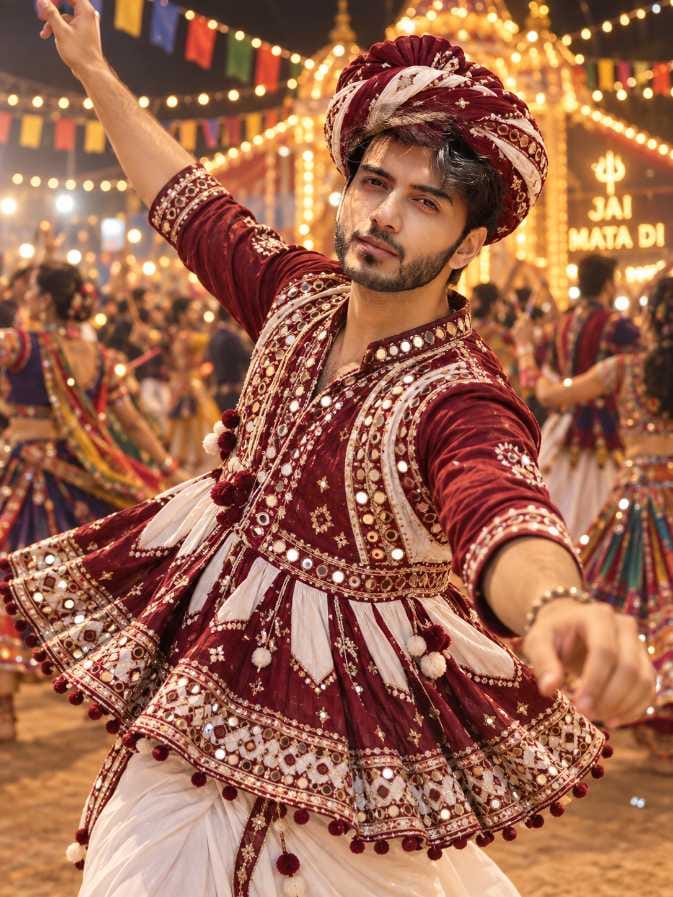
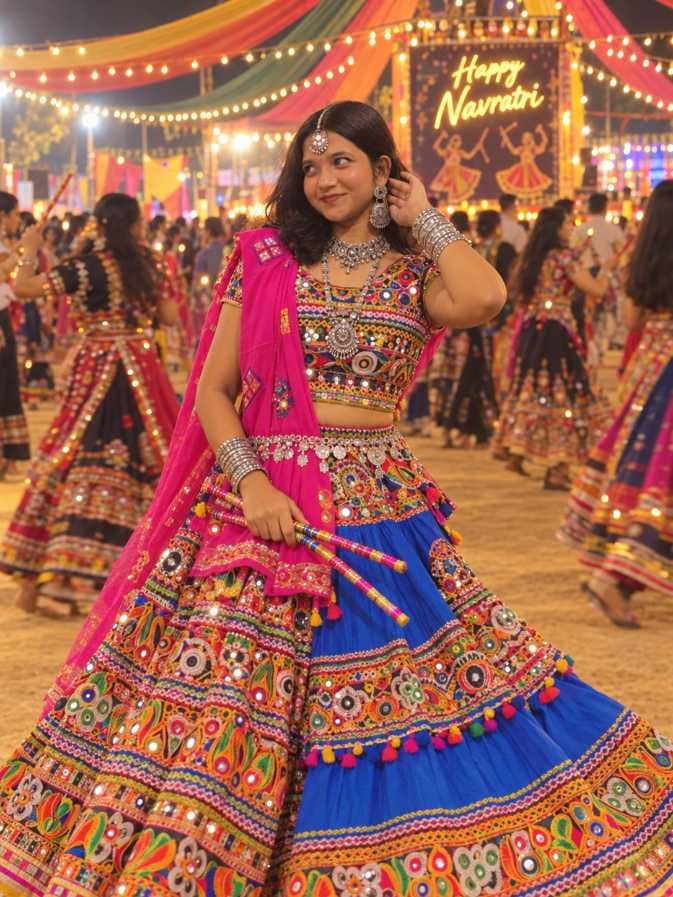
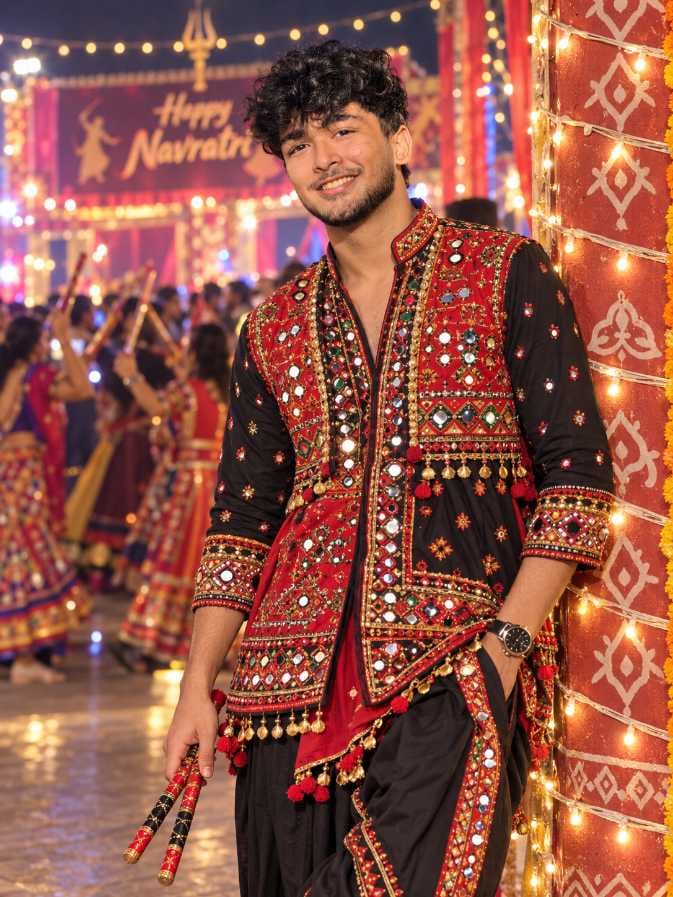
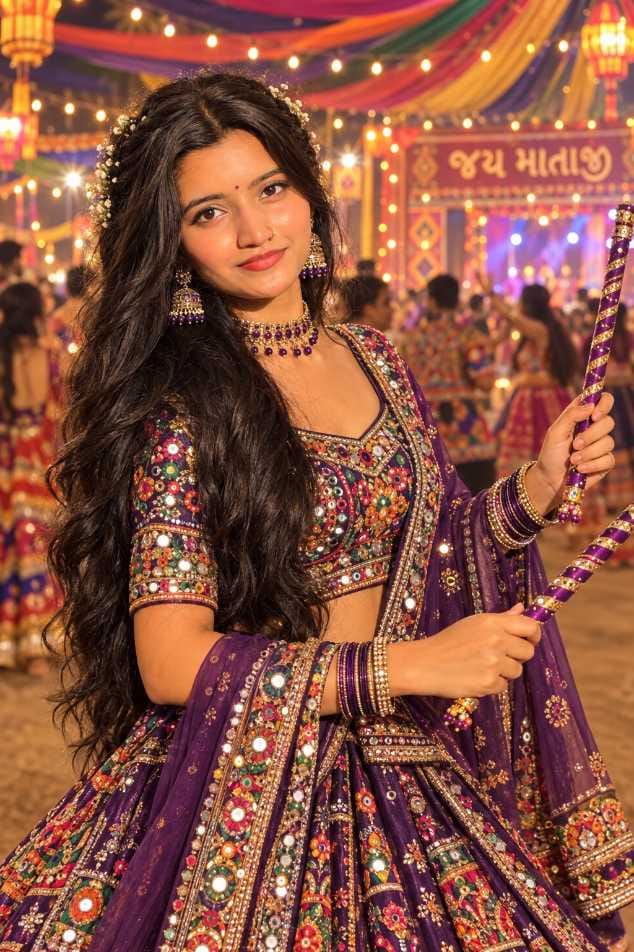
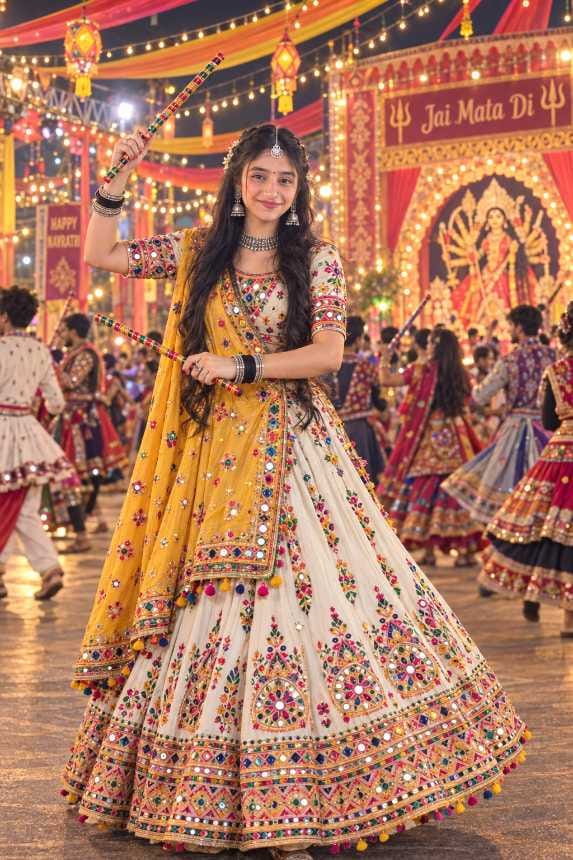
Google Gemini is a great second choice. A gemini garba prompt or a gemini navratri ai prompt works well when you want bright colours and quick edits. Many creators also like Gemini because it is easy to open on a phone. If ChatGPT shows a daily limit message, just paste the same prompt in Gemini and continue. You can use these prompts like any other chatgpt photo prompt or gemini photo prompt. The idea is the same in both tools. You describe the outfit, the dance pose, the light and the background, and the AI creates the picture. Some prompts on this page create a brand new person from text only, so you do not need to upload anything. Other prompts transform your own photo into a garba look, so you need to upload a clear photo of yourself first. The prompt itself makes this clear, so just read the first line before you start.
How to Make Your Garba AI Photo, Step by Step
If you are wondering how to make a garba ai photo in ChatGPT, the steps below are very simple. They work for every prompt on this page.
- Open ChatGPT or Gemini and start a fresh chat.
- Read the prompt first. If it says to transform or use your photo, upload a clear front-facing picture of yourself.
- Copy the prompt from the prompt box and paste it in the chat.
- Send the message and wait for the first result.
- If something looks wrong, ask the AI to fix only that one part and try again.
Simple Tips to Get a Better Garba Photo
Your starting photo matters a lot for prompts that transform your picture. Use a sharp, bright photo with no filter and no heavy shadow on the face. A photo taken in daylight usually gives the best face match. Avoid sunglasses, because the AI cannot copy your eyes properly. If the result does not look like you, add a small keep face same ai prompt line at the end. Something like “keep my exact face and skin tone” is enough. It is a tiny change, but it saves a lot of time.
For a navratri ai prompt for boys, the pose is what makes the picture. A garba boy ai photo should feel full of energy, so ask for a more dynamic step if the first result looks stiff. A good kediyu ai prompt also shows the embroidery, the dhoti and the dupatta clearly. For a navratri ai prompt for girls, the outfit is usually the hero. A garba girl ai photo looks best when the mirror work, embroidery and jewellery are clearly visible. Do not ask for extra smoothing or a super shiny finish. Garba photos look best when the skin looks natural and the lights look warm. This is especially true for retro styles, where a little film grain is what gives the picture its charm. You can also change the outfit colour to match the colour of your Navratri day. Just add one short line at the end of the prompt and keep everything else the same.
Best Settings for a Clean Result
The settings below will help you get a neat result in fewer tries. The garba ai photo 3:4 ratio is a very popular choice because it fits Instagram posts and Reels covers so well.
| Setting | Recommended |
|---|---|
| Best Tool | ChatGPT |
| Alternate Tool | Google Gemini |
| Photo Upload | Only for prompts that transform your own photo |
| Aspect Ratio | Vertical, 3:4 works best |
| Look | Realistic, cinematic, natural skin texture |
| Lighting | Warm golden glow with festive fairy lights |
| Face Match | Add a “keep face same” line if needed |
| Number of Tries | Two or three tries is normal |
Mistakes That Spoil Your Garba AI Photo
The biggest mistake is uploading a blurry or dark photo. When the AI cannot see your face properly, it starts guessing, and the result will not look like you. Always start with a bright and clear picture.
Many people also change the prompt too much. These prompts are already balanced, so if you delete lines from the middle, the outfit or the background can go wrong. If you want to change something, add one small line at the end instead. Keep it to one change at a time.
Another common mistake is pasting a photo transform prompt without uploading a photo. The AI then creates a random face, and the result feels wrong. Always check the prompt before sending it.
A dandiya ai photo prompt can also go wrong when the dandiya sticks look bent or float in the air. If that happens, do not start again. Just ask the AI to fix the sticks and hold them properly. Lastly, do not expect a perfect result on the very first try.
Why RonyTica Readers Love These Garba Looks
These prompts feel like a real Navratri night. You get royal kediyu looks, heavy mirror-work chaniya choli looks, retro vibes and full dandiya night moods, all in one place. That is why this garba ai prompt collection is so easy to fall in love with. At RonyTica, we try to keep every prompt beginner friendly. You do not need any editing skill. You only copy, paste and send. Even if it is your first time using AI, you can make a good-looking garba photo in a few minutes. The best part is the variety. There is something here for every mood, every outfit colour and every festival post. And we keep adding new looks, so this page keeps growing along with the season.
Final Words Before You Start Dancing
Navratri is about joy, colour and dancing, and now you can add some AI magic to it too. With these prompts, you can create royal, retro, bold and elegant looks for the festival. Whichever garba ai prompt you pick, keep your photo clear and your changes small, and you will get a great picture.
Try a few looks and see which one suits you the best. Then post it on your Instagram or Reels and enjoy the Navratri mood. RonyTica will keep adding more easy AI prompts, so keep visiting for the next festive collection. Happy Navratri.
Questions People Ask About Garba AI Prompts
A garba ai prompt is a short piece of text that you give to an AI tool like ChatGPT or Gemini. It tells the AI to create a garba or dandiya night photo, with traditional clothes, dance poses and festive lights.
For these prompts, ChatGPT gives the best result in most cases, and it follows long prompts well. Gemini is a good alternate, especially when you want bright colours or when ChatGPT shows a daily limit.
It depends on the prompt. Some prompts create a new person from text, so no photo is needed. Others transform your own photo, so you must upload a clear one along with the prompt.
Upload a clear front-facing photo and add a line asking the AI to keep your exact face and skin tone. If the face still changes, send one more message with the same request
Yes, you can try them on the free plans of ChatGPT and Gemini. But free plans may have a daily limit on images, so you may have to wait or switch tools.
A vertical 3:4 ratio is a great choice for most looks. It fits Instagram posts, profile pictures and Reels covers very well.
Yes. Just follow the style of the prompts on this page and change the outfit colour, the background or the pose. Keep the description clear and simple, and you will get a good result.




Barsha
Nice pic 😊😊😊